
The Best AI Music Video Generator Is One That Uses Your Own Images
Search this phrase and most roundups hand you the same list, without saying that the tools on it do three different jobs. Some read your song and animate to the beat. Some build a whole video in one click. Others, including DreamUtopia, turn still images you already own into short moving shots that you cut to the track yourself. Knowing which one you need takes about a minute.
Start with a real example
These are the prompts paired with this page’s examples. Open the generator, choose an example, then adjust one detail at a time.
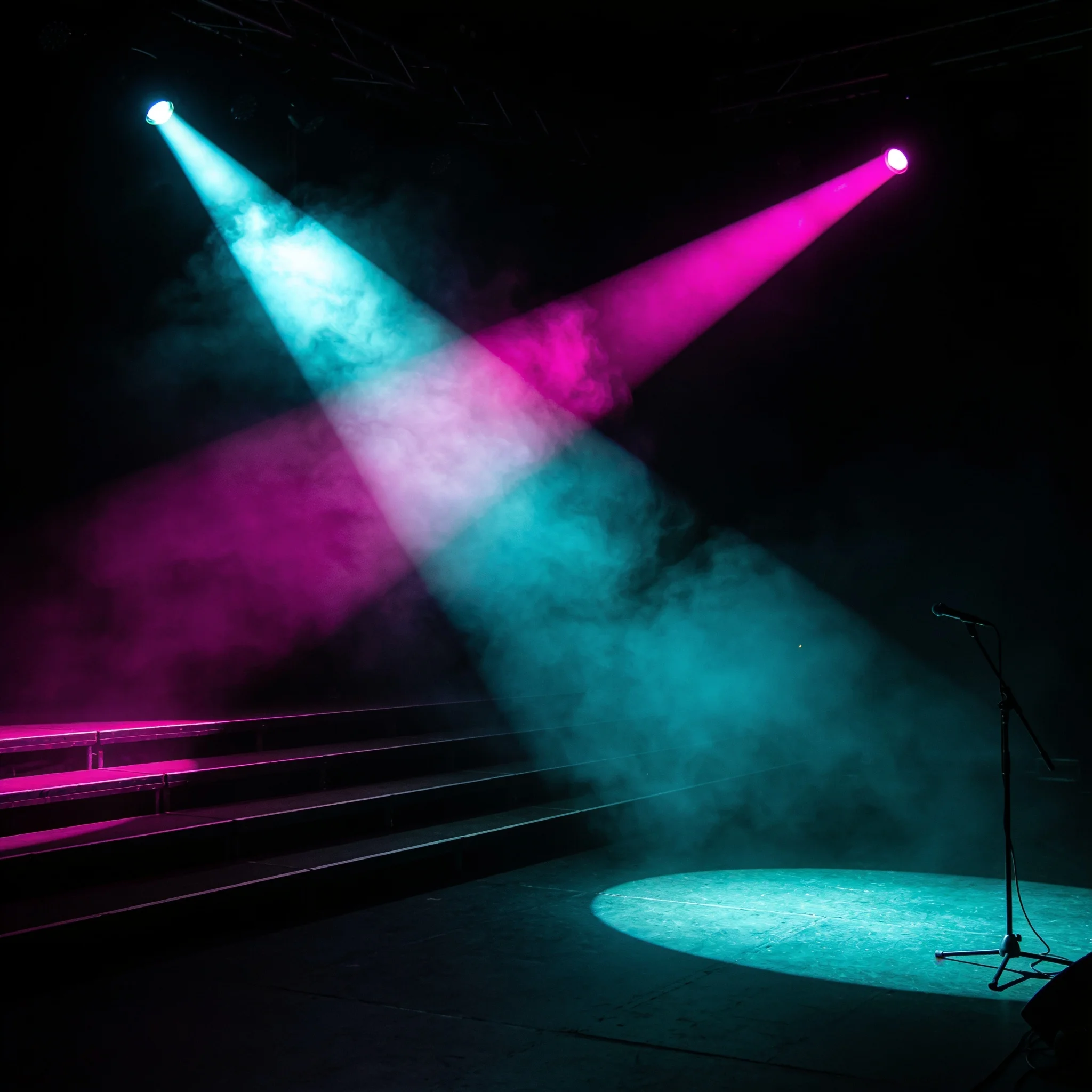
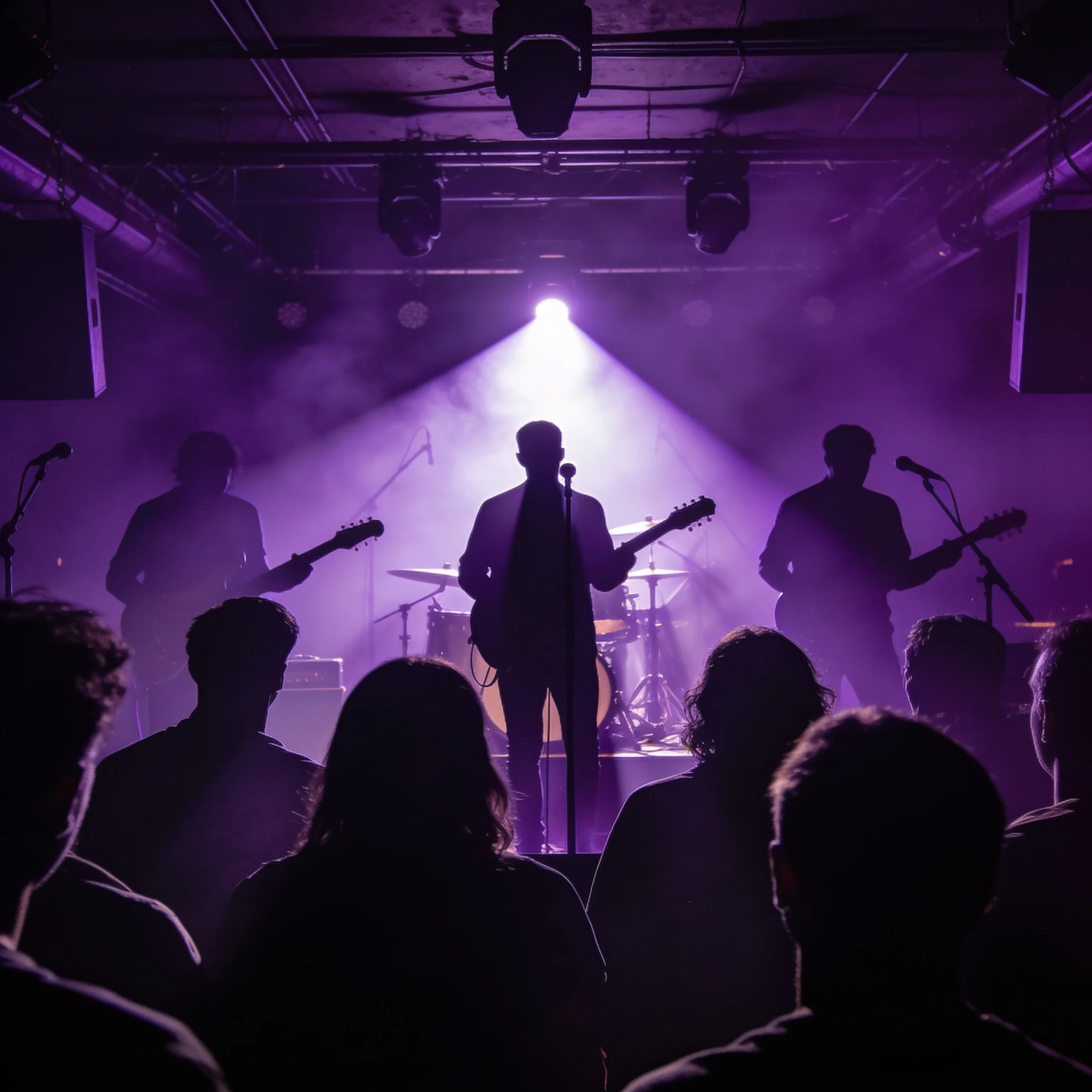
Example prompt 01
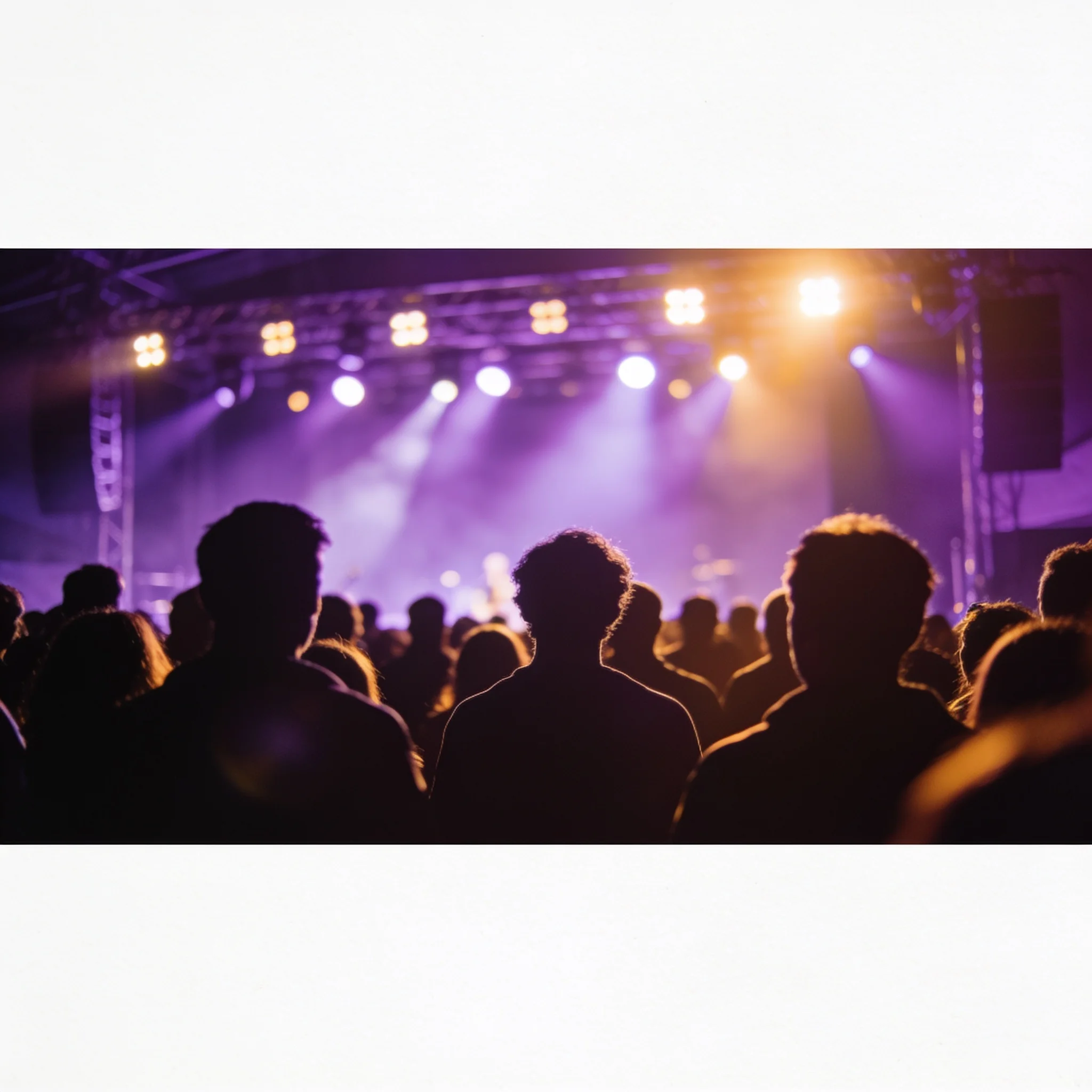
Slow forward push toward the stage, the haze drifting across the beams, the light slowly sweeping left to right
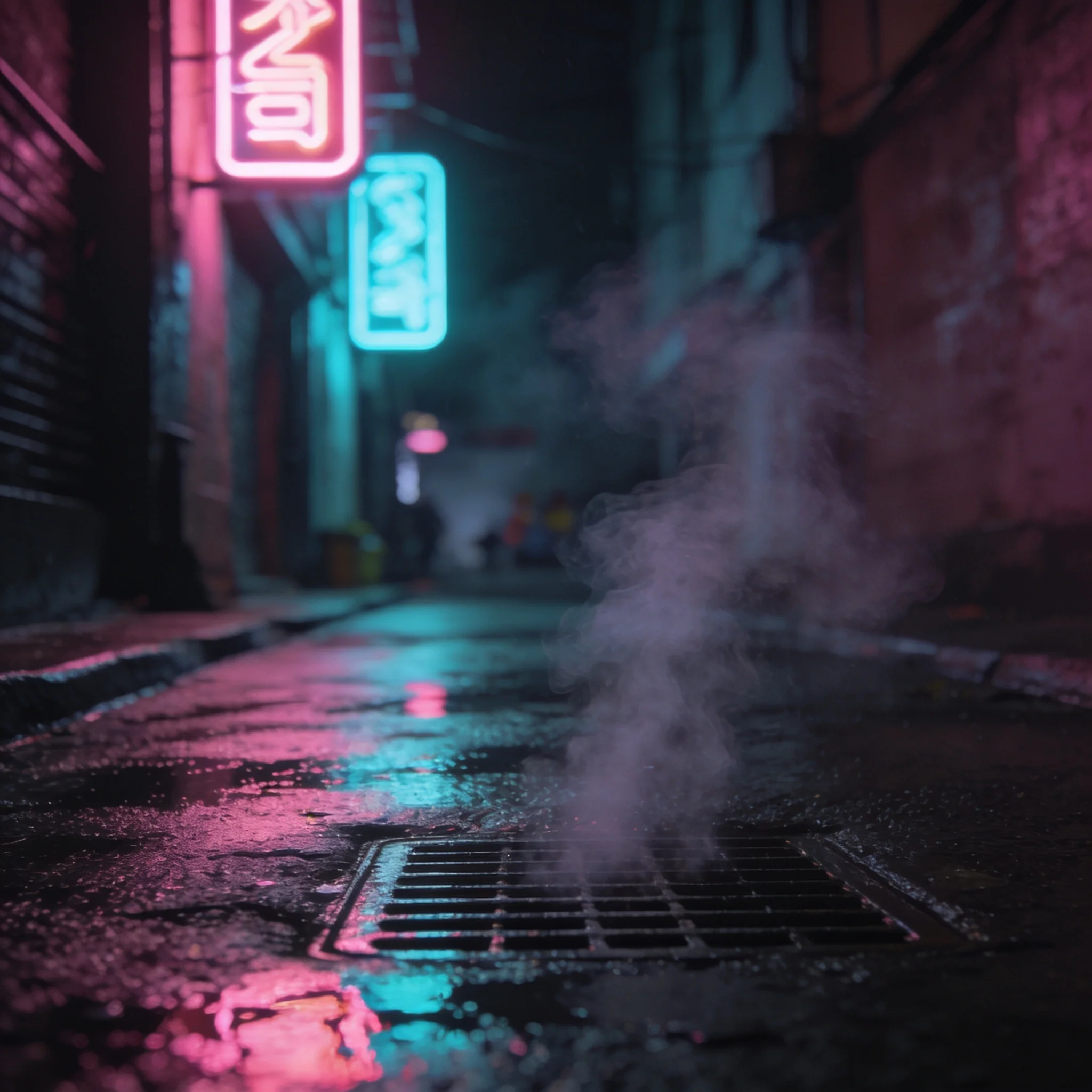
Example prompt 02
Slow dolly forward down the alley, rain falling in visible streaks, reflections rippling on the wet ground
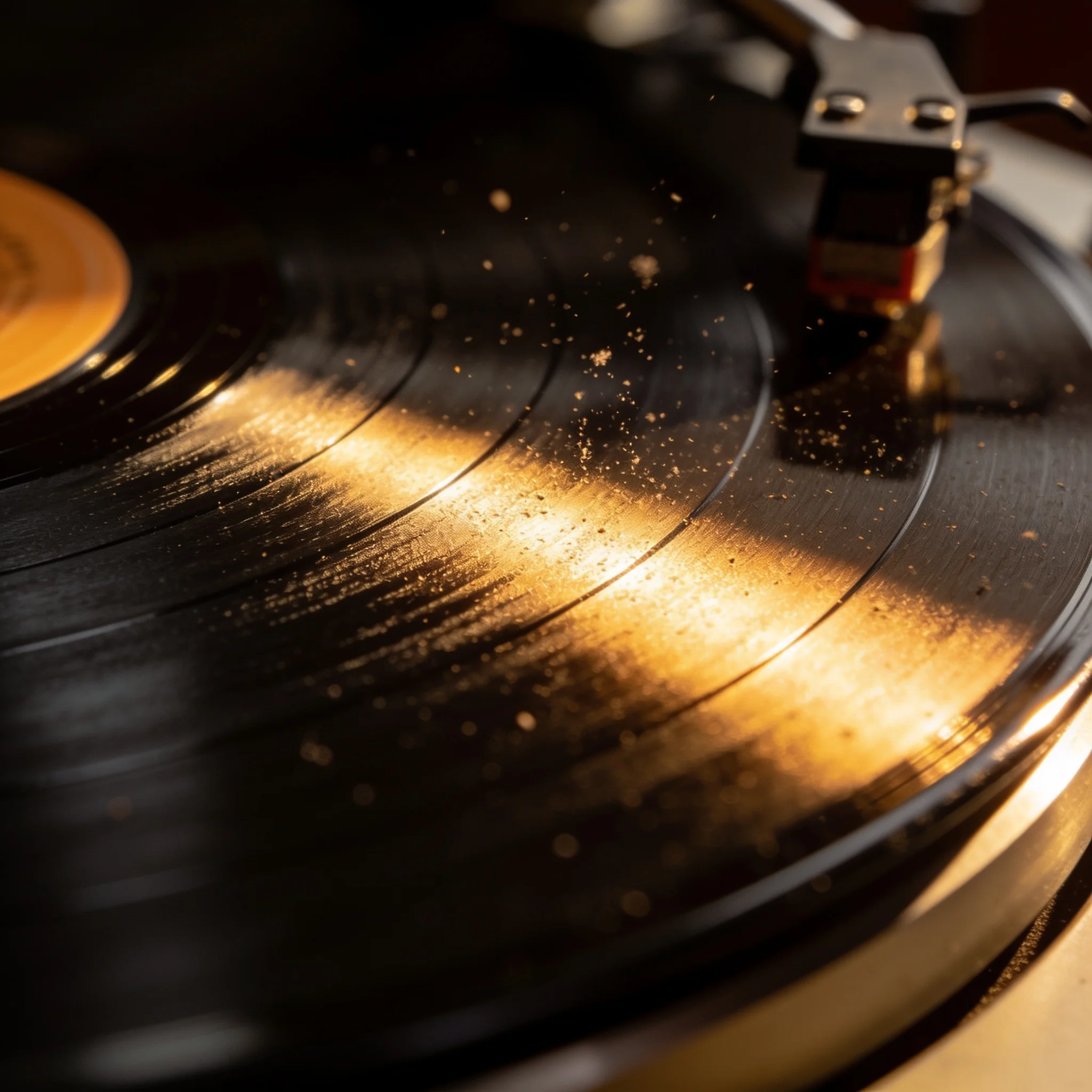
Example prompt 03
Slow orbit around the record, the light sliding across the grooves as it turns
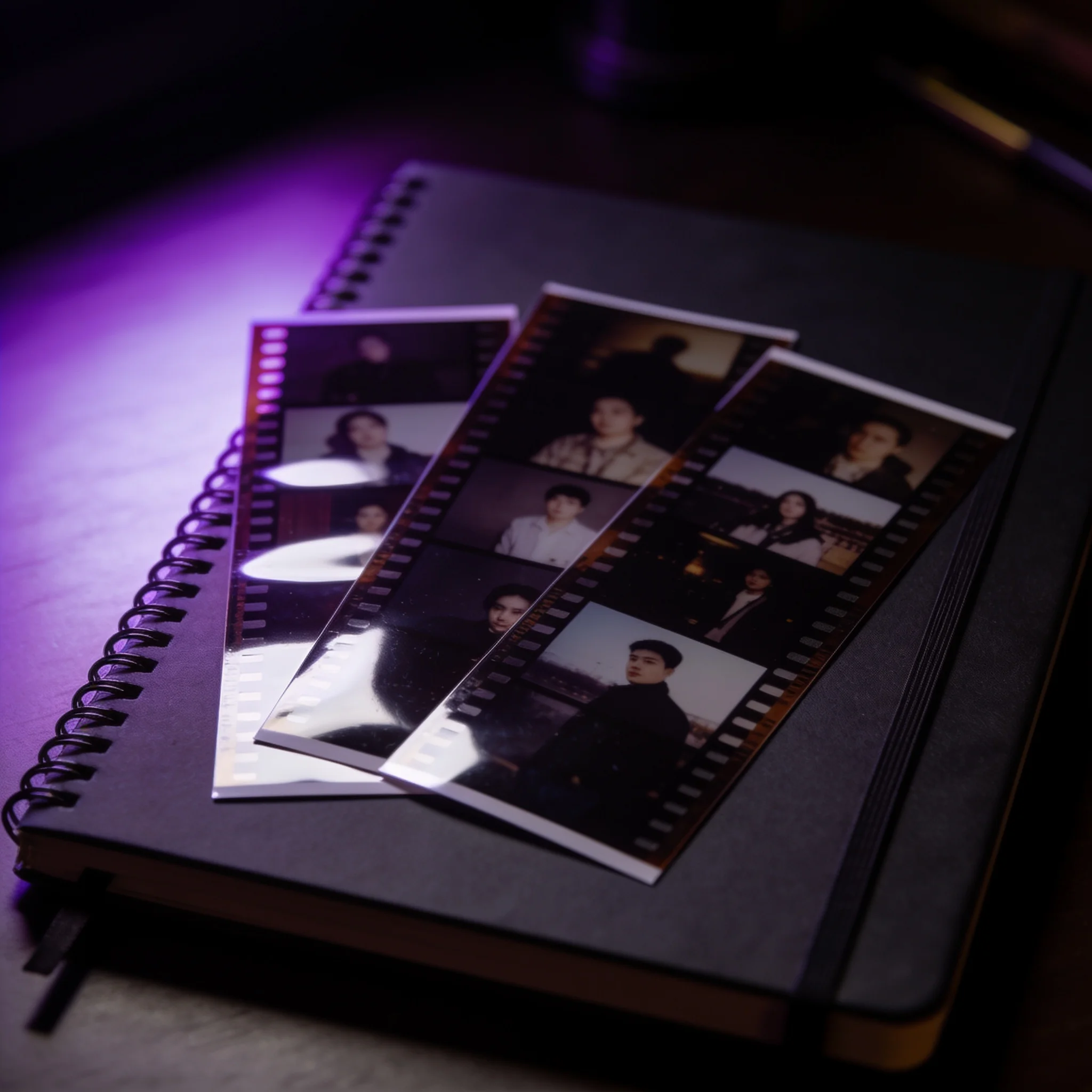
The frames are usually already on your drive
Three Kinds of AI Music Video Tools, Three Different Jobs
An audio-reactive tool listens to your track and drives the visuals from the mix. A one-click generator builds a full edit from the song and cuts it on the beat. A clip generator makes short silent shots that you assemble in an editor. DreamUtopia sits in the third group, and the limit is real: there is no audio upload, no lip sync and no beat matching anywhere in the flow. What it does instead is keep your own material in the frame. A press photo, album art, a still from a shoot or a phone photo becomes a clip of four to six seconds at up to 1080p, with the camera move you describe in words. The composition, the lighting and the face in the frame are yours. That matters more for musicians than for almost anyone else, because the difference between a clip that reads as yours and one that reads as stock footage is the entire job. Most searches for an AI platform to make music videos for social media are really asking for the same thing: a handful of short, strong shots that survive a phone screen. AI music videos built from your own artwork answer that directly. Renders usually land in under a minute, so testing three camera moves on the same still is a five-minute job rather than an afternoon.
AI Music Video Tools Side by Side
The table compares what each approach takes in and what it gives back. It is a starting point, not a ranking: the right pick depends on whether you have footage of your own and how much cutting you want to do. A tool that fits your footage and your editing time will beat a better-rated one that does neither.
| Tool | Best for | What to expect |
|---|---|---|
| DreamUtopia | Shots built from images you already own | Four to six second clips at up to 1080p from a photo and a written camera move. No audio upload, no beat matching, no lip sync: you cut the clips to the track yourself. |
| Neural Frames | Audio-reactive visuals with fine control | Works from the song itself, splitting it into stems so the picture follows the mix. Strong when the visual should answer the music rather than tell a story. |
| freebeat | Hands-off full-song videos | Paste a track and get a finished edit that cuts on the beat. Less control over any single shot, far less work overall. |
| Kaiber | Stylized, dreamlike animation | Prompt-driven interpretation of the track with a consistent art direction. Weaker when your own face or artwork has to stay recognizable. |
| Runway | General video generation | Capable models that do not cut to a song for you. You generate clips and time them to the music in an editor, which is the same workflow as a clip generator with more manual setup. |
| Plazmapunk | Audio-reactive loops with stated render times | Short looping scenes generated from audio, with render times published on the vendor page. Good for a background loop, less suited to a shot that carries a story. |
What You Get
Your Own Frames as the Source
Upload a press photo, cover art or a phone still up to 20 MB. JPG, PNG and WebP all work, and the result keeps your composition instead of replacing it.
Camera Moves in Plain Words
Describe the motion the way you would brief a camera operator: a slow push toward the eyes, rain across the frame, the wind pulling at a coat. No timeline, no keyframes.
Four to Six Second Clips
Short by design. Most edits cut on a beat anyway, and a four-second shot gives an editor something to trim rather than a long take with a camera move that has already peaked by the third second.
Up to 1080p Output
Resolution is set per generation and included in the credit cost shown before you confirm. A vertical crop renders natively instead of being cut from a wide frame.
Free Renders Without an Account
The trial runs in the browser with no email and no card. Free renders carry a watermark; paid ones do not.
Credits Instead of a Subscription
You buy generation credits and spend them when you render. Nothing renews in the background during the months you are not releasing anything.
How It Works
Start With a Frame You Own
Upload a press shot, album cover or still from a shoot, or generate a new image in image mode first. A source with clear depth planes animates far better than a flat graphic.
Write One Camera Move
Name a single motion and let it play out. A push-in, a slow orbit, a drift to the left. Two moves in one prompt usually split the difference and look muddy.
Pick Length and Resolution
Set the clip length on the slider and choose a resolution. The credit cost updates before you confirm, so a test render stays cheap.
Download and Cut to the Track
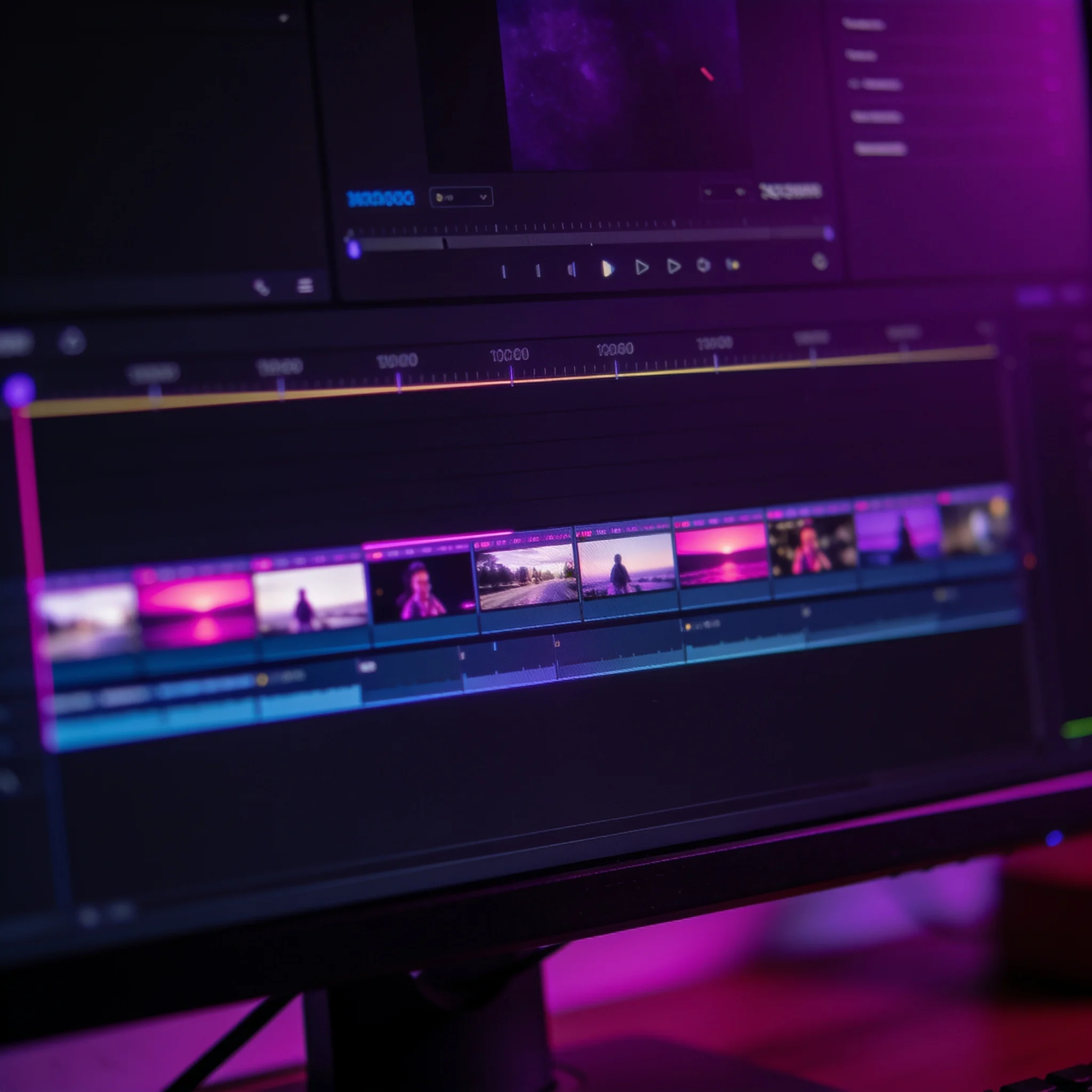
Save the MP4, drop it on your timeline and trim two or three frames ahead of the transient. Three or four clips will cover a verse and chorus.
What People Make With It
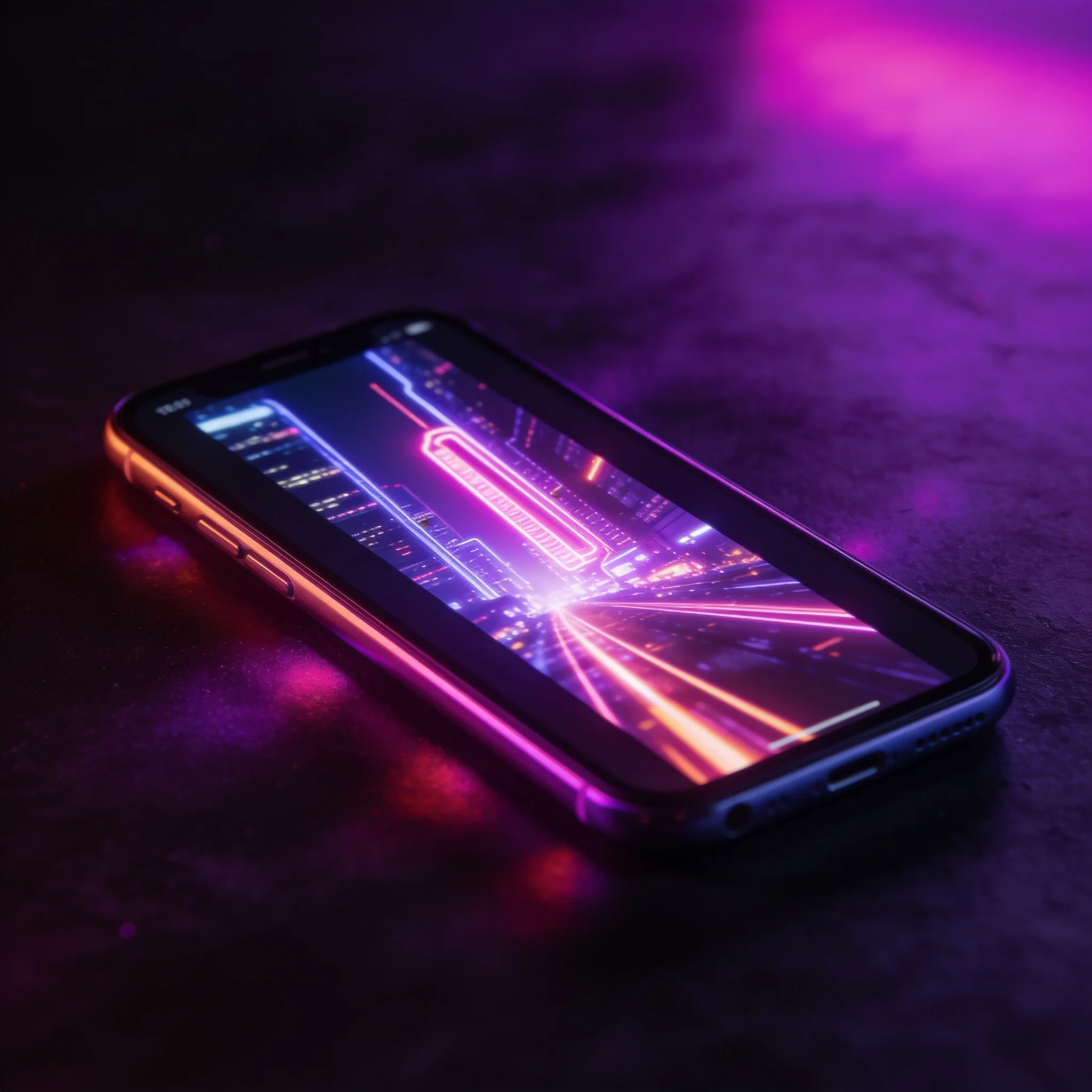
Vertical Loops for Reels, Shorts and TikTok
Generate in a 9:16 frame so the shot is composed for the phone instead of cropped from a wide one. A single looping clip of moving cover art carries a fifteen-second teaser with the track underneath.
Album Art That Moves
A cover with one element in motion, a light swing or a slow zoom, is enough for a Canvas loop or a promo tile. It reads as the same artwork people already saw, which is the point.
Press and Single Teasers
Take the press photo from the release kit and give it a breath of movement. One clip, a date card and the audio snippet covers a launch post without a shoot.
Backgrounds for Lyrics and Mood
Abstract shots work under text. Smoke, light ribbons, rain on glass: they hold attention for the length of a hook without competing with the words.
Explore related tools
Choose the tool that matches your next step.
Habits That Make the Clips Usable
Four habits cover most of the distance between a clip that looks generated and one an editor can drop straight onto a timeline.
Pick a Still With Depth
Foreground, middle and background give the model something to separate and move. A flat logo on a plain field has nothing to work with, which is why a textured or lit source animates better.
One Motion, One Clip
A push-in and an orbit and a light change all at once reads as a wobble. Render two clips with one move each and cut between them; the result looks deliberate.
Compose for the Crop You Need
Decide the aspect ratio before you generate. Reframing a 16:9 clip into a vertical story loses the edges the camera move was built around.
Cut Early, Not on the Beat
Trim two or three frames ahead of the transient. The cut lands with the hit instead of trailing it, which is the difference between an edit that feels tight and one that feels late.
Make the First Shot From a Photo You Already Have
Upload a still, describe the camera move and watch the clip render. No account, no card, no audio upload.