
AI Undress Generator
Image-first. Private. Free to start.
Take the coat off without the photoshoot. Describe an outer layer and our image generator removes it from any photo, revealing the item underneath in under 30 seconds. The subject stays fully clothed. Image generation is the default mode, and your first creations need no account.
Drag & drop an image, or click to upload
JPG, PNG, WebP, TIFF — up to 20MB
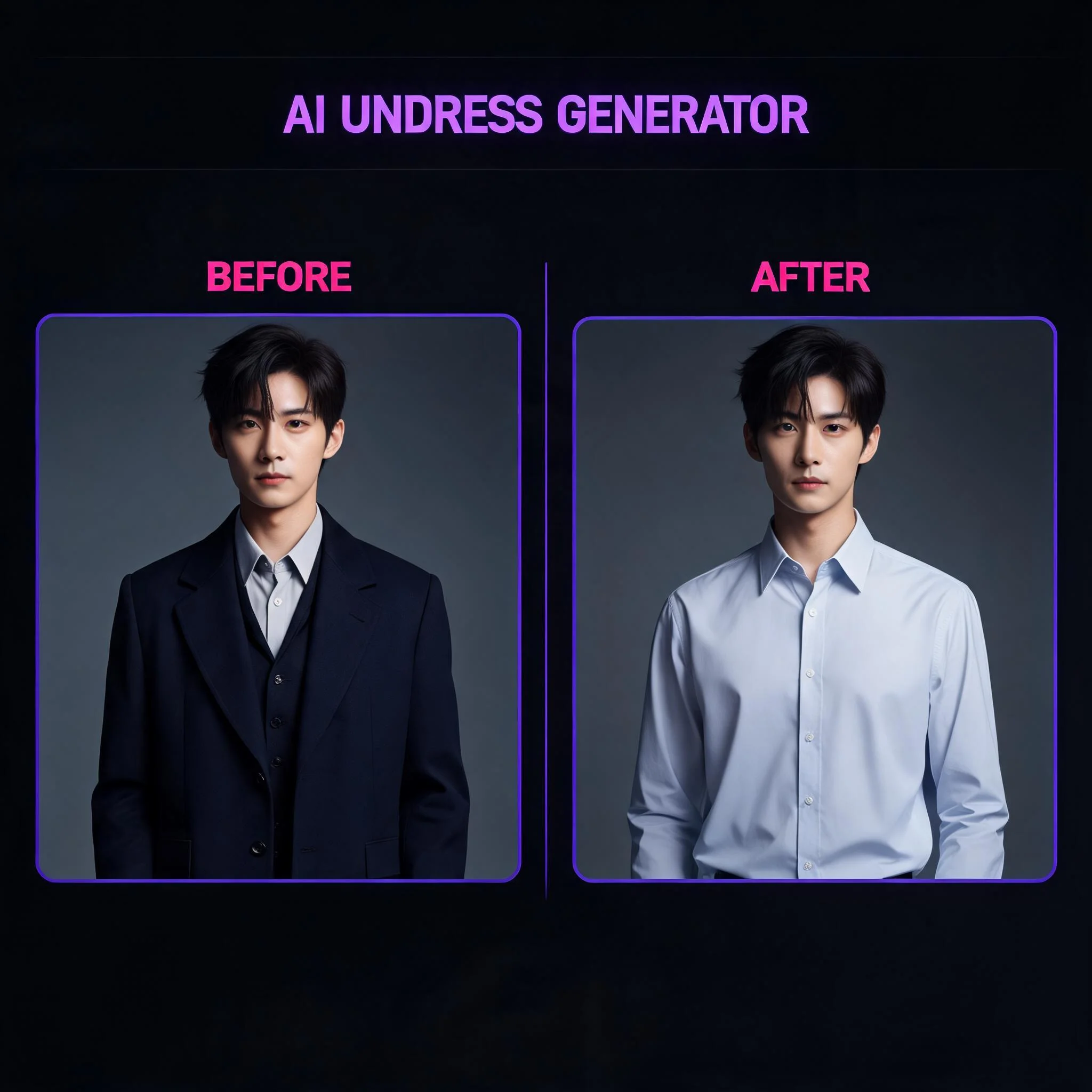
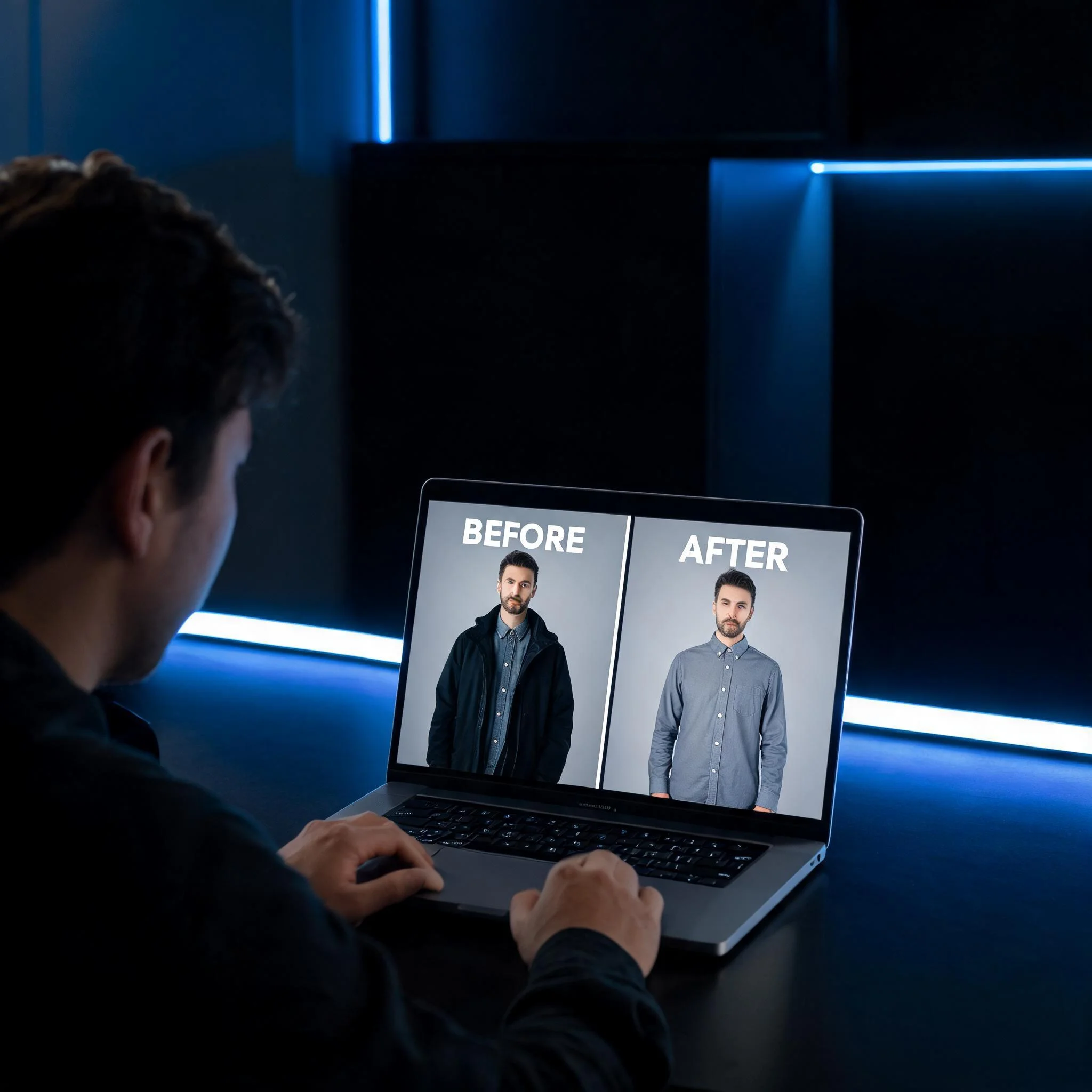
A single subject photo with the coat removed to reveal the shirt underneath
What an AI Undress Generator Does
An AI undress generator takes off one outer layer of clothing from an image. You pick a subject, describe the coat or jacket, and the model removes it to reveal the shirt underneath, while keeping the person and pose intact. It removes a single garment, not everything. The subject stays fully clothed. Image generation sits first here, on purpose. Most tools bury their image option behind a video tab. We put it up front because removing one layer does not need motion. You name the outer garment, the engine removes it, and you decide later whether to push the result into a short clip. This is the practical side of the tool, and it is genuinely useful across a range of daily situations. Stylists preview how a look reads without the outer coat. Shoppers see an outfit with the jacket off before they buy. Creators build before-and-after layered looks for a feed. None of it requires a photoshoot, a fitting room, or a product sample, which is what makes the tool so quick to reach for. We tested the field before building anything. A standard set of remove-a-layer prompts went through each platform, and we scored three things: how cleanly the outer garment came off, how much of the original pose survived, and whether the item underneath looked natural. The gap was obvious. Plenty of tools advertise editing, then soften your prompt or quietly downscale the result. DreamUtopia closes that gap. The free tool gives you real remove-the-layer images with no card and no email, several rendering styles from photoreal to anime, and full ownership of everything you make. Use it on your own photos or on images you have the rights to.
What You Get
Remove an Outer Layer
Take the coat, jacket, or blazer off a photo while keeping the subject and pose. Name the garment and the model removes it.
Reveals What's Underneath
The item beneath the outer layer comes clearly into view, keeping its fabric, color, and fit. See the shirt that was hidden.
Keeps the Subject Intact
Only the outer garment comes off. The person, pose, and lighting stay the same, so the result still reads as the real subject.
Under 30 Seconds
Most removals finish in 15 to 30 seconds. Watch progress on screen instead of guessing when a job will land.
Private by Default
Images you make are never reviewed by staff and never fed into training. They stay yours, and you can delete them whenever you want.
No Signup to Start
Your first generations need no account. Make one later only if you want to save history or buy more credits.
How the AI Undress Generator Works
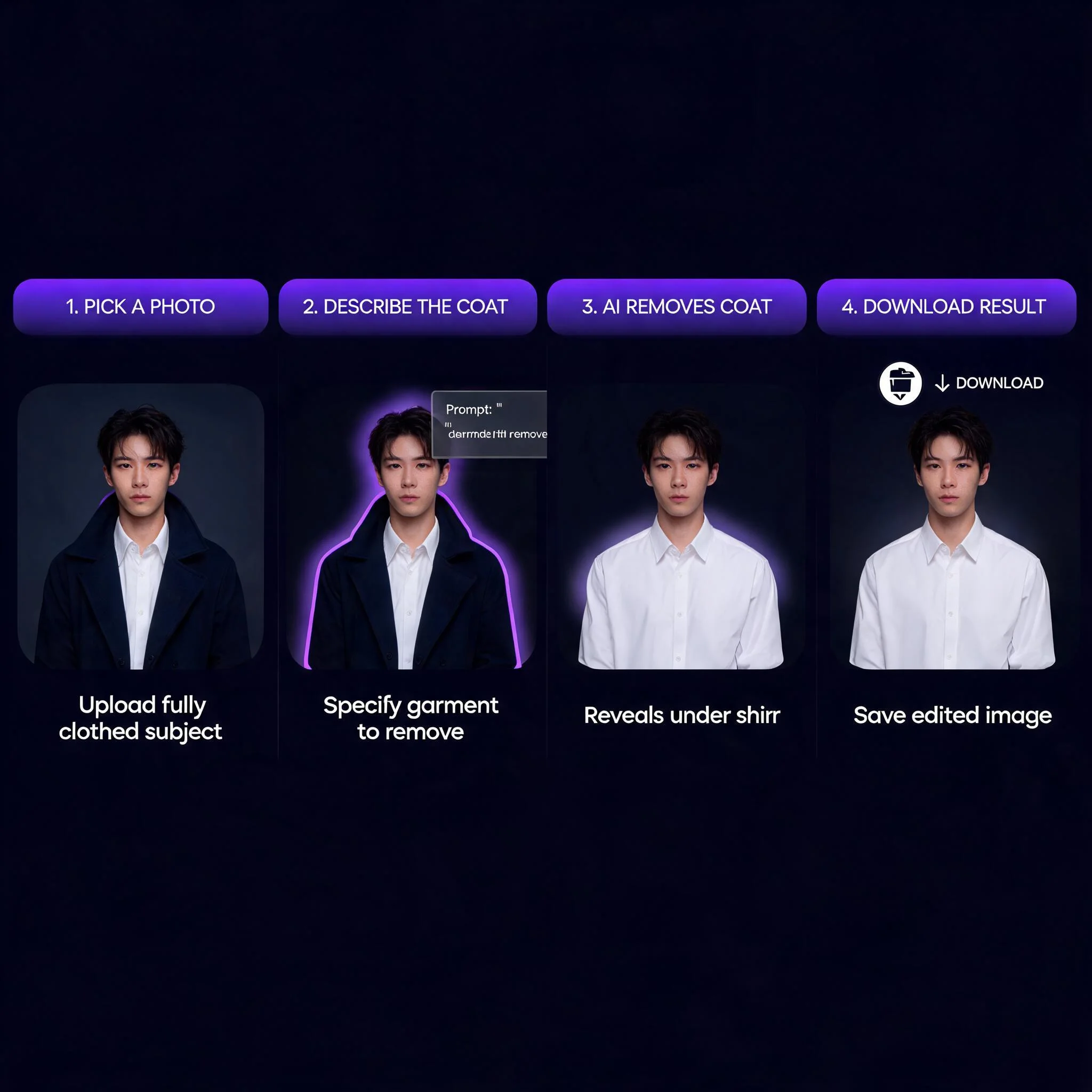
Choose a Photo
Pick a subject you have the rights to edit, or type a description for a fully generated look. A clear, front-on shot works best.
Name the Outer Layer
Say what to remove: 'the tailored coat' or 'the leather jacket'. Specific beats vague, and naming the piece keeps the result clean.
Remove & Reveal
The model takes the outer garment off, revealing the layer underneath while keeping the pose and lighting. Generate a few options and keep the best.
Download Your Result
Preview, then download a clean image at full resolution. No watermark on paid plans, no strings on what you make.
What People Make
Fashion Designers
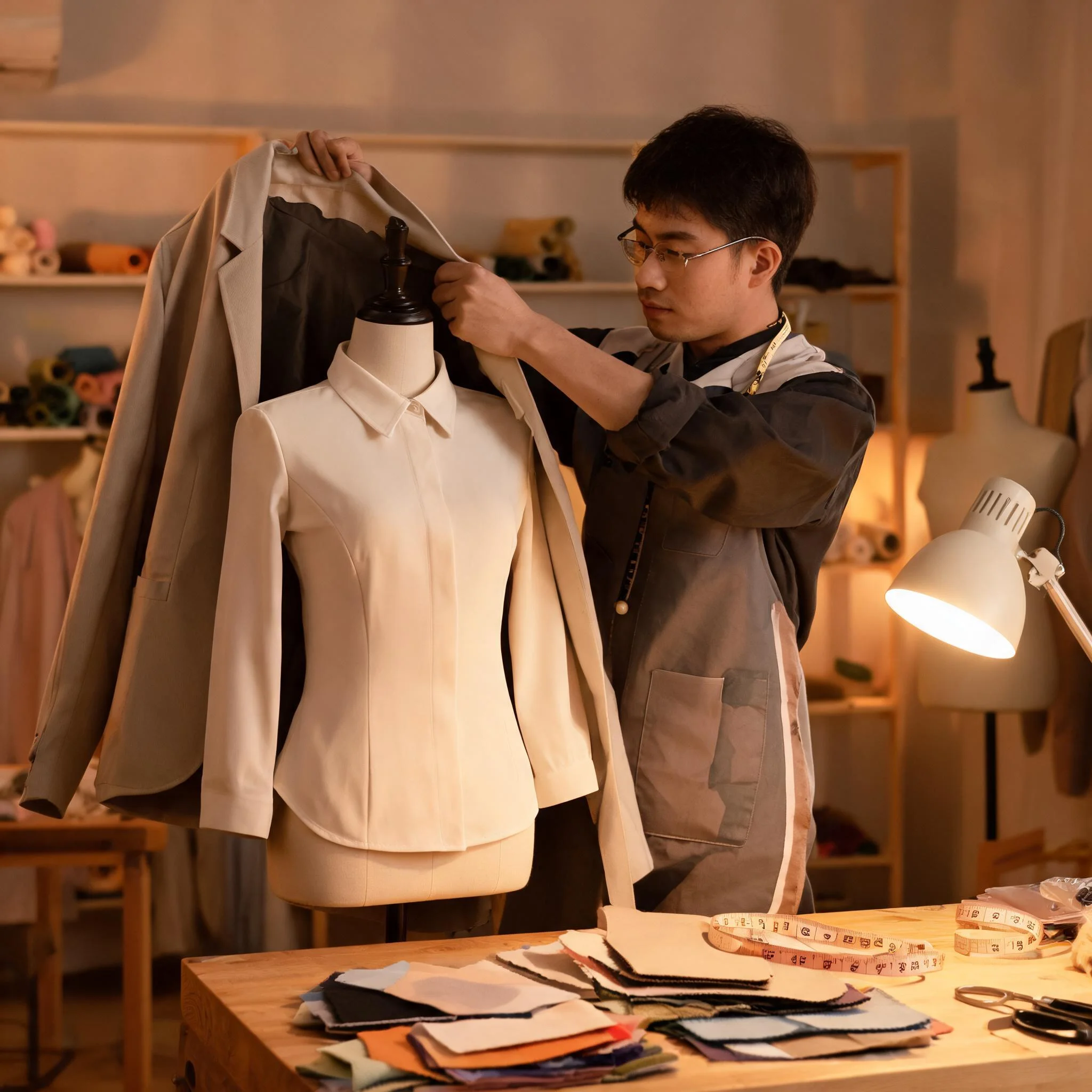
Preview how a garment reads with the outer coat removed, before you cut a single panel of fabric. An AI undress generator takes the jacket off a model in seconds, so you can see the blouse beneath and iterate on its cut and color without a fitting. Comparing the coat-on and coat-off versions of one piece side by side is the real advantage, since a studio session rarely lets you rework a look more than once or twice in an afternoon.
Online Shoppers
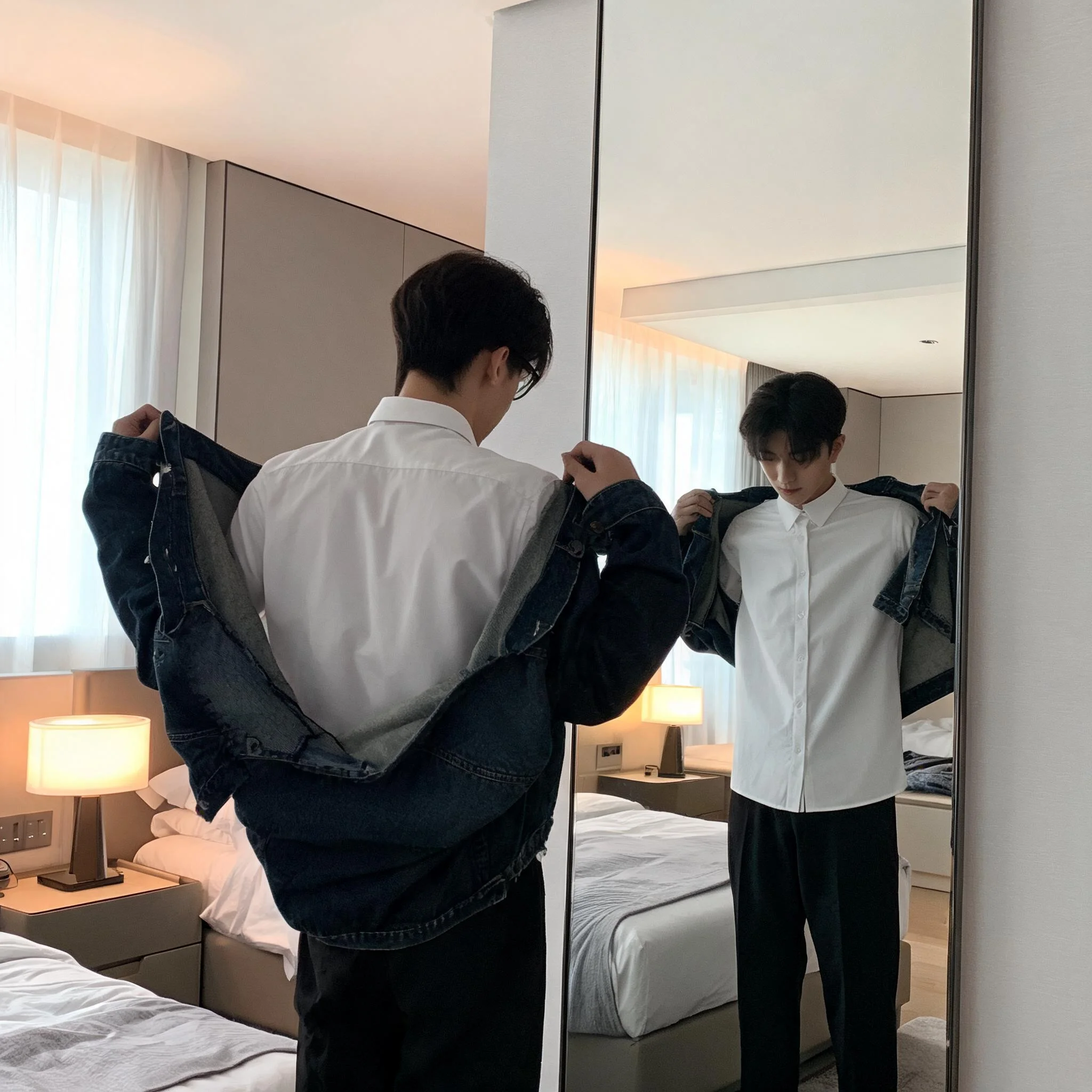
See how an outfit reads with the jacket off before you buy it. Remove the outer layer on a subject that resembles you, compare the look with and without the coat, and order with confidence instead of guessing from a flat product photograph. It turns a wardrobe decision into a quick visual check rather than a return trip. The comparison is the useful part, since a garment can look one way in the listing and entirely different once the outer layer is gone.
Content Creators
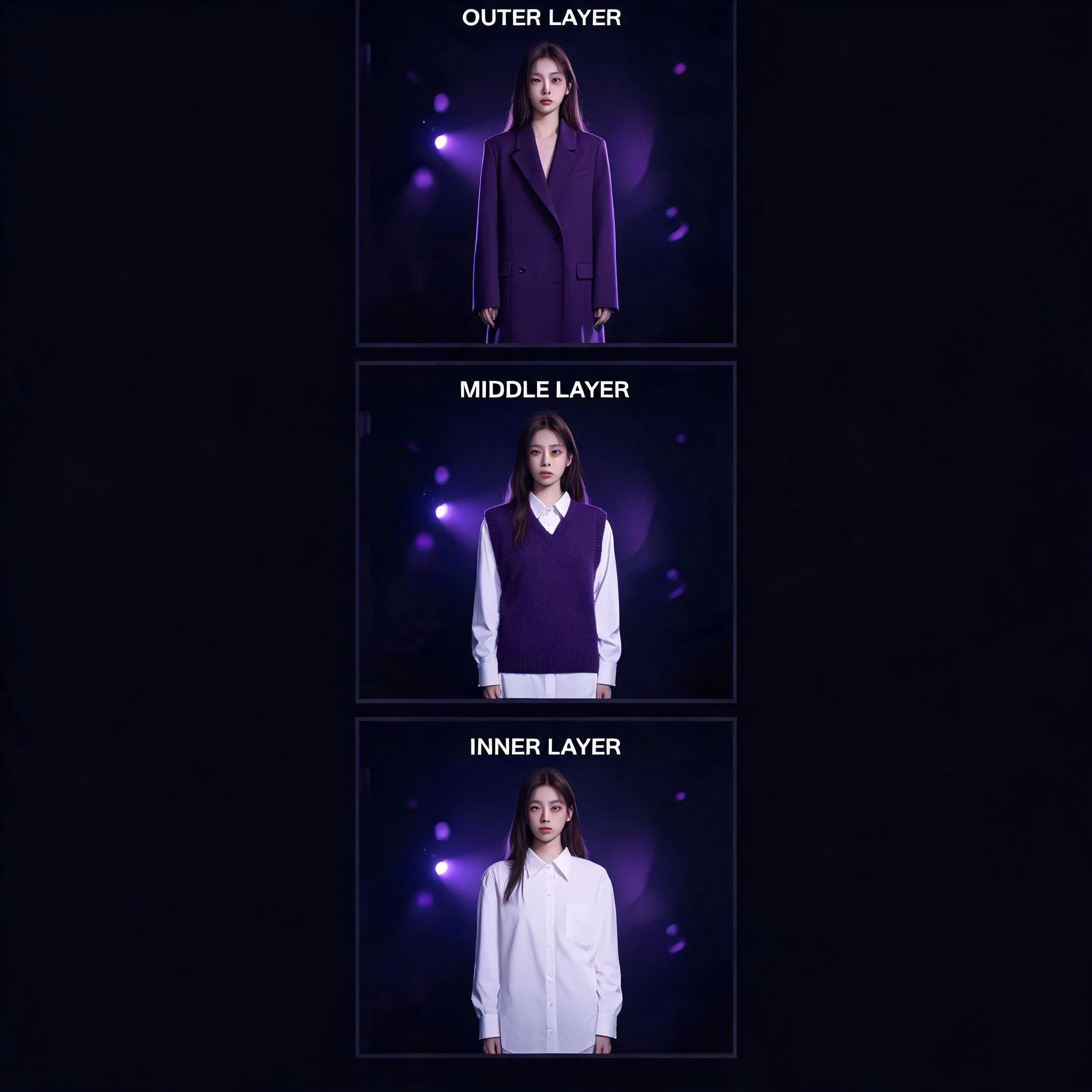
Build a before-and-after layered look for a shoot or a feed. Remove the outer garment on the same subject to show the transition from a full coat down to a clean shirt-only layer, keeping a consistent brand feel across the set. Creators tell us the speed lets them plan a full content calendar in one sitting.
Wardrobe and Layering
Plan how a look changes as you take the outer layer off. See the same subject in a coat, then with the coat removed and the shirt showing, to lock a layering direction fast. Stylists use it to decide which pieces work together before committing to a full wardrobe.
Ways Your Result Can Look
Photorealistic
Lifelike fabric, natural shadow, and believable light. Best when the result needs to read as a real photo of the subject.
Fine-Art Painterly
Brushstroke texture and warm, softened light, like an editorial painting. Good for artistic fashion imagery and concept work.
Anime and Stylized
Clean lines and bold color for illustrated character looks. Great for stylized looks rather than realism, and a favorite for original characters and game art.
Sketch and Line Art
Pencil and ink looks that reduce an outfit to line and form. Useful for roughing out a styling concept before a fully rendered version.
Frequently Asked Questions
By the DreamUtopia Team · Last updated October 10, 2026
Is there a free AI undress generator?
▼
What does it actually do?
▼
Does the generator store my images?
▼
Do I need to sign up to use it?
▼
How does the removal work?
▼
Can I use the images commercially?
▼
Is it legal to use an AI undress generator?
▼
Try the Free AI Undress Generator
Pick a photo, name the outer layer, and watch it come off in under 30 seconds. Image generation is first, the subject stays fully clothed, no signup, no card.