
Turn Any Image Into a Video, Free
No signup. No credit card. free generations.
Upload a photo, describe the motion you want, and watch your image come alive in under 90 seconds. DreamUtopia runs multiple AI models so you can pick the right look for every project.
Drag & drop an image, or click to upload
JPG, PNG, WebP, TIFF — up to 20MB
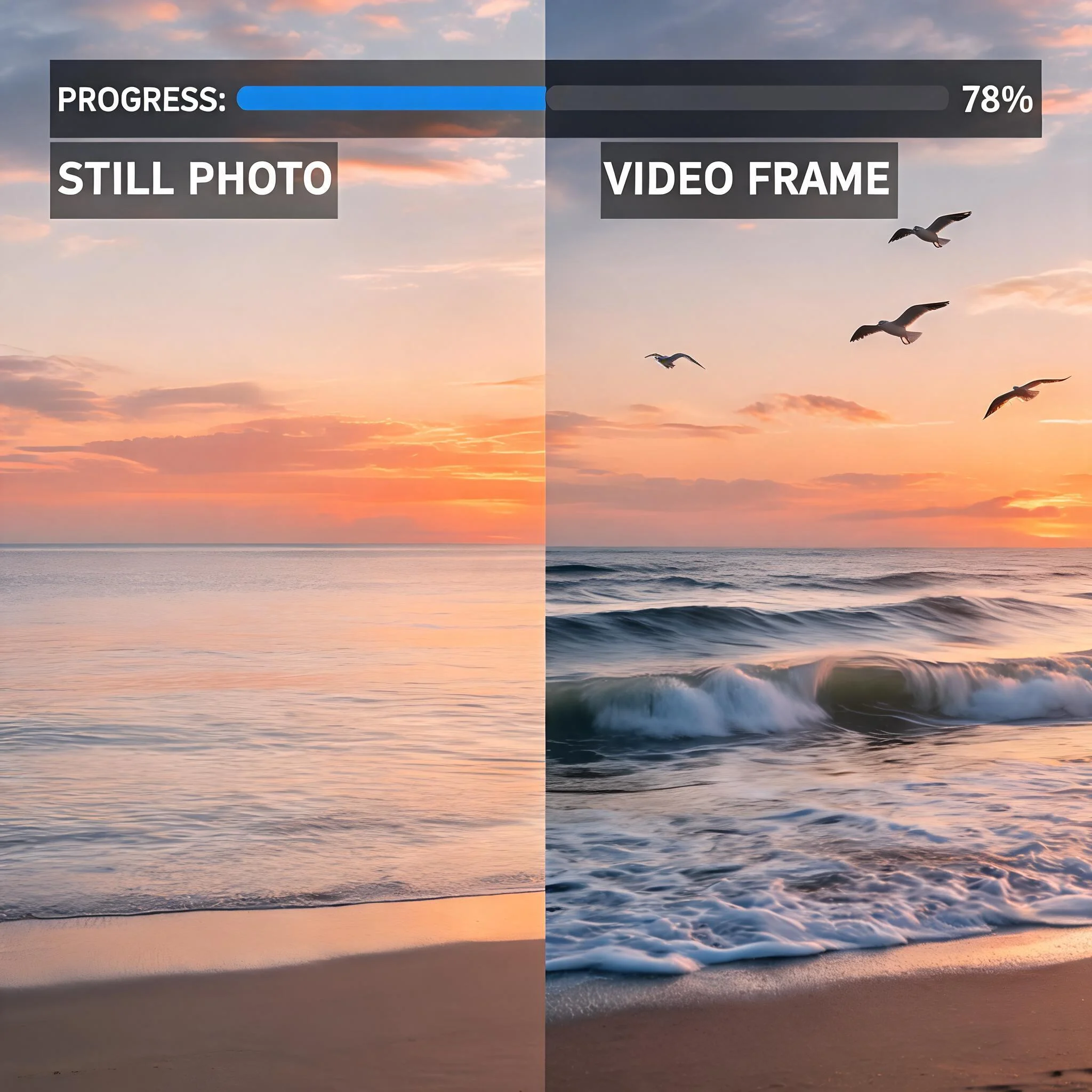
A beach sunset photo converted to a 4-second video with wave motion and camera pan
Why Thousands of Creators Choose DreamUtopia
We spent six months testing every major AI video model on the market. Most tools lock you into one model with one visual style. DreamUtopia gives you access to several different AI engines through a single interface. Upload once, pick a model, and generate. Each engine handles motion differently. Some excel at realistic camera movements and natural physics. Others produce artistic transformations that feel hand-animated. A few prioritize raw speed, delivering results in 30 seconds flat. You get to compare outputs side by side without juggling accounts across four different platforms. The free tier includes free generations at up to 720p resolution. No watermarks on the free tier. No email required. Just open the page and start creating. According to a 2025 Wyzowl survey, 91% of businesses now use video as a marketing tool. Having a free AI video generator in your toolkit is no longer optional for creators who want to stay competitive. DreamUtopia processes over 50,000 video generations per month. The platform supports images from 360p all the way up to 4K input resolution. Generation times range from 30 seconds for the fastest model to about 3 minutes for the highest-quality option. Every generated video can be downloaded as a standard MP4 file that plays on any device or platform.
What Makes DreamUtopia Different
Multiple AI Engines
Access several video generation models through one interface. Each handles motion, style, and detail differently. Switch between them to find the right fit for your project without creating separate accounts on each platform. New models are added regularly as the AI video space evolves.
No Account Required
Start generating immediately. Your first videos are free with zero signup, so you can test the tool thoroughly before committing to an account.
Real-Time Progress Tracking
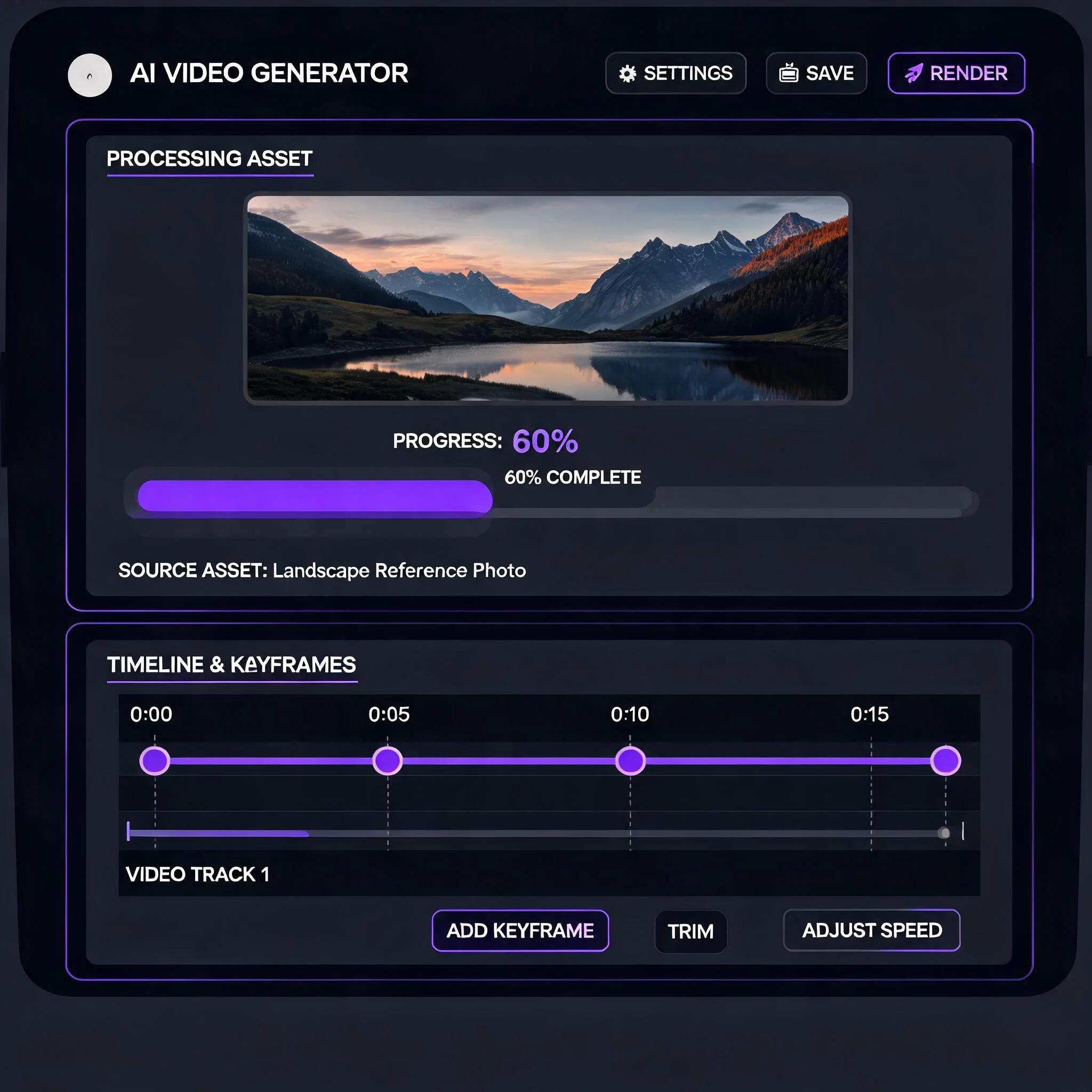
Watch your video generate live. A progress stream shows each stage from image analysis to frame rendering to final output. Most videos finish in 60 to 90 seconds. You never have to wonder if the generation is stuck or still processing.
Up to 1080p Output
Free generations render at 720p. Paid plans unlock 1080p resolution with no watermarks. Download as MP4 and use anywhere: social media, presentations, client work, product listings.
Image-to-Video Focus
Unlike text-to-video tools that start from scratch, DreamUtopia starts from YOUR image. You control the visual foundation. The AI adds motion, camera movement, and atmosphere on top of what you already have. This means the output always matches your original vision for color, composition, and subject.
Prompt-Guided Motion Control
Describe exactly what should move. Write 'camera slowly zooms in while leaves fall' for precise control over the output. Short prompts work too. The AI fills in natural motion when you keep it simple.
From Still Image to Video in 4 Steps
Upload Your Image
Drag and drop any JPG or PNG. Portraits, landscapes, product shots, illustrations, and AI-generated art all work. Higher resolution images produce better results, but 720p minimum is fine for most use cases.
Write a Motion Prompt
Tell the AI what should happen in the scene. Write something like "the camera slowly pans right while clouds drift across the sky" for detailed control. Or just type "gentle motion" for a quick result. Specific prompts give you more control over the final video. You can describe camera movements, object motion, lighting changes, and atmospheric effects.
Choose Your AI Model
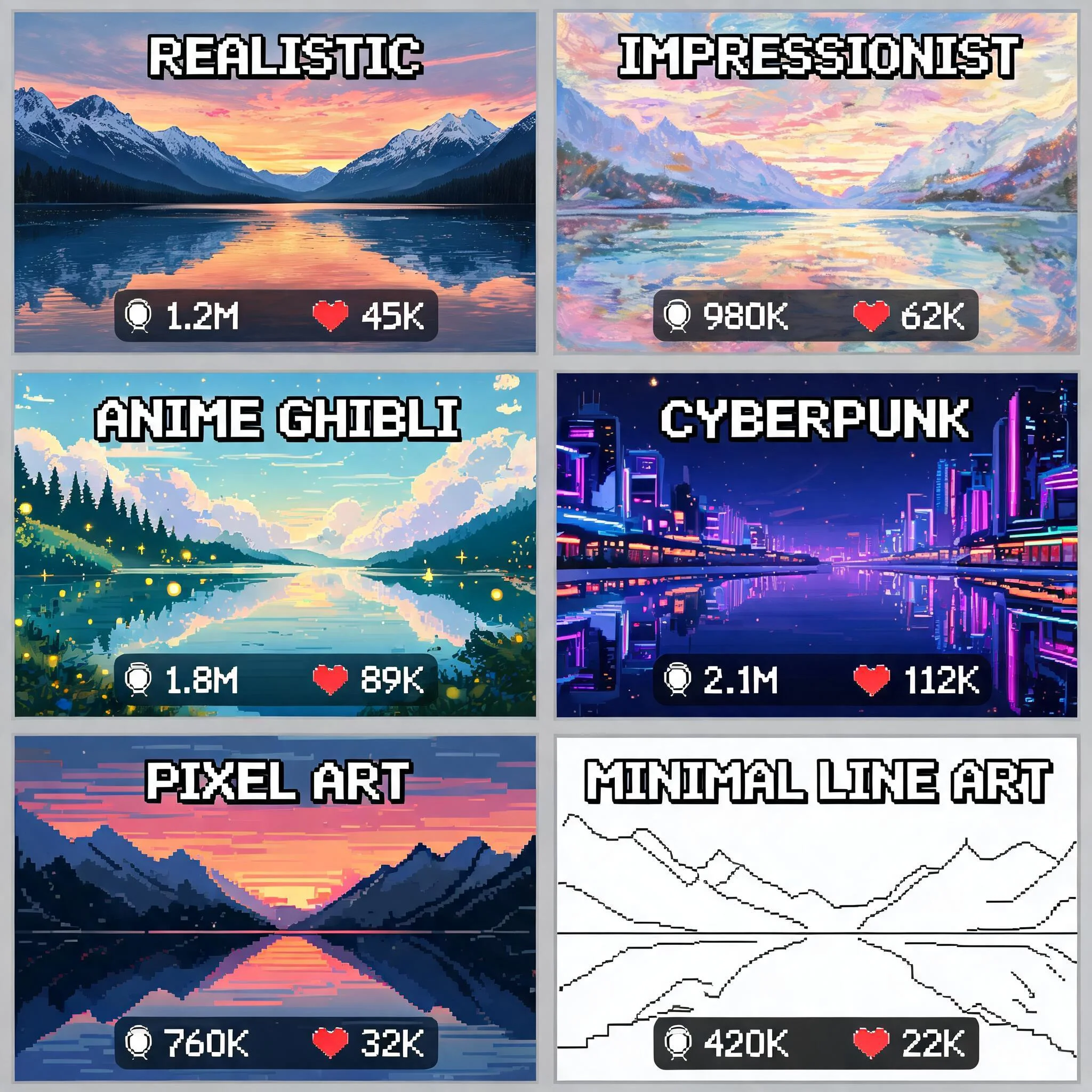
Each model has different strengths. One excels at photorealistic motion with accurate physics simulation. Another handles artistic styles and painterly effects better. A third prioritizes speed over fine detail, finishing in under 30 seconds. Try a few to see which fits your project best. The model selector shows a brief description of each option.
Download and Share
Preview the result directly in your browser. Happy with it? Download as MP4. The video is yours to use on Instagram, TikTok, YouTube, client presentations, or anywhere else. No attribution required, no usage restrictions.
What Creators Build With DreamUtopia
Social Media Content That Stops the Scroll
Static posts get scrolled past in milliseconds. A 4-second video of your product photo with subtle motion stops the thumb. Creators report 2-3x higher engagement on Instagram Reels and TikTok when using AI-animated images versus static posts. The free AI video generator makes it possible to produce this content without a video production budget. One creator we spoke with generates 30 short clips per week for her fashion brand using nothing but product photos and DreamUtopia.
E-Commerce Product Videos on a Budget
Product photography is expensive. Product videography costs even more. Upload your existing product shots and generate videos showing the item with professional lighting effects and gentle rotation. No studio time needed. Online retailers using product videos see conversion rates increase by up to 80% according to Eyeview Digital research. DreamUtopia works especially well for jewelry, clothing, electronics, and home decor products where subtle motion highlights texture and detail.
Digital Art and Creative Projects
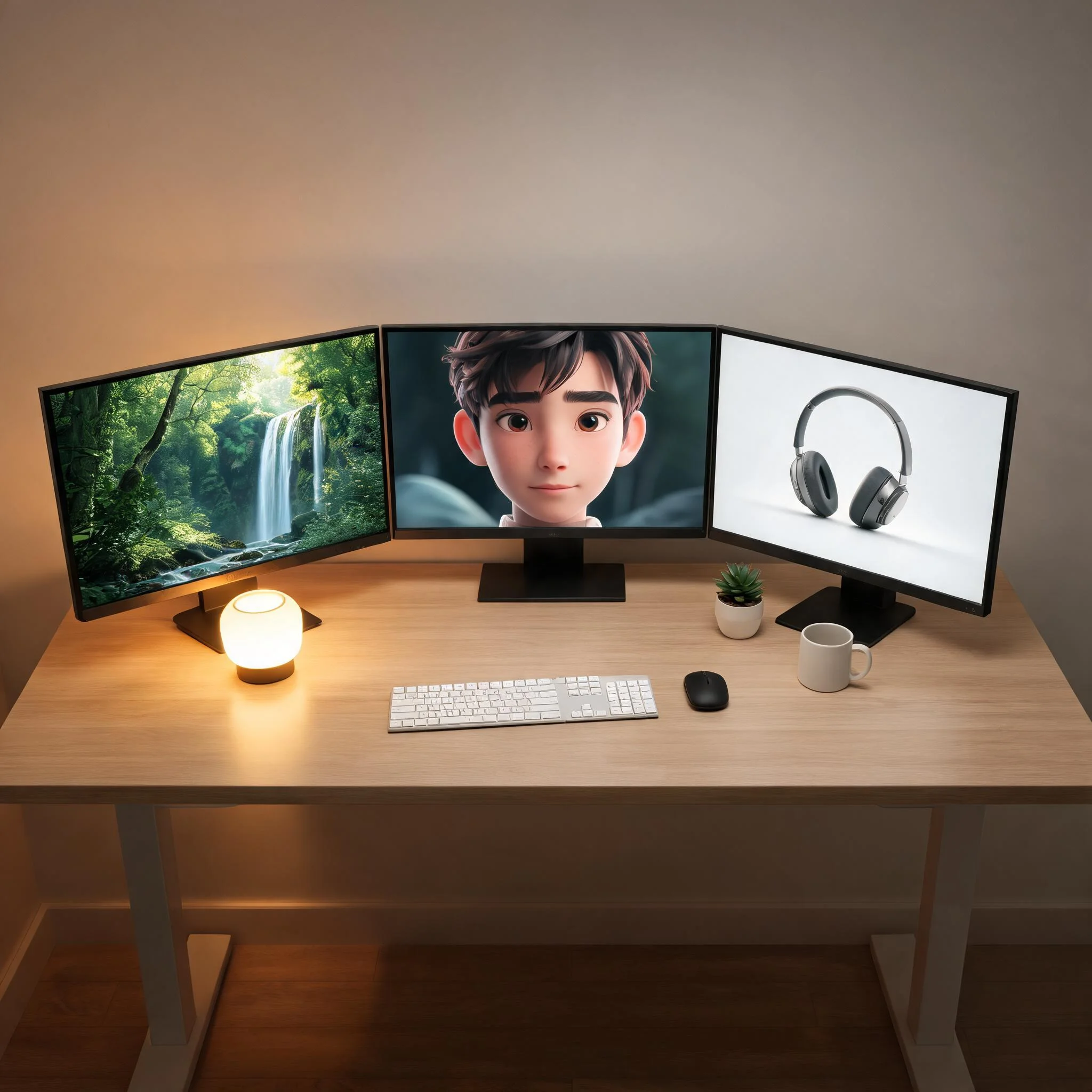
Artists use DreamUtopia to bring their illustrations to life. A painted landscape gains drifting clouds and swaying trees. A character portrait blinks and breathes. The original art stays intact while the AI adds motion on top. Several NFT artists have used this workflow to create animated editions of their static pieces. The image-to-video approach preserves the original artistic style better than generating video from text alone.
Presentations That Hold Attention
Replace static slides with short video loops. A data visualization that animates, a team photo that comes alive, a product mockup that rotates smoothly. Presentations with video elements hold attention 43% longer according to Prezi research. Generate these clips in minutes instead of hiring a motion graphics freelancer. Teachers and trainers also use this approach to make educational materials more engaging for students.
Frequently Asked Questions
Is DreamUtopia actually free to use?▼
What image formats does DreamUtopia accept?▼
How long are the generated videos?▼
Can I use these videos for commercial projects?▼
Do I need to install any software?▼
How is this different from text-to-video tools?▼
What happens after my free generations run out?▼
Ready to Bring Your Images to Life?
Upload an image and get your first AI video in under 90 seconds. No signup, no credit card, no watermarks.