
Best NSFW AI Video Generators of 2026
We tested the unfiltered tools. Here is what actually works.
Most NSFW video tools fail one of three checks: they block your prompt, they keep your uploads, or they crawl through ten minutes per clip. We ran every option through the same tests and built the one we wished existed. Upload an image, describe the motion, and get a video in under 90 seconds. No signup for your first generations.
Drag & drop an image, or click to upload
JPG, PNG, WebP, TIFF — up to 20MB
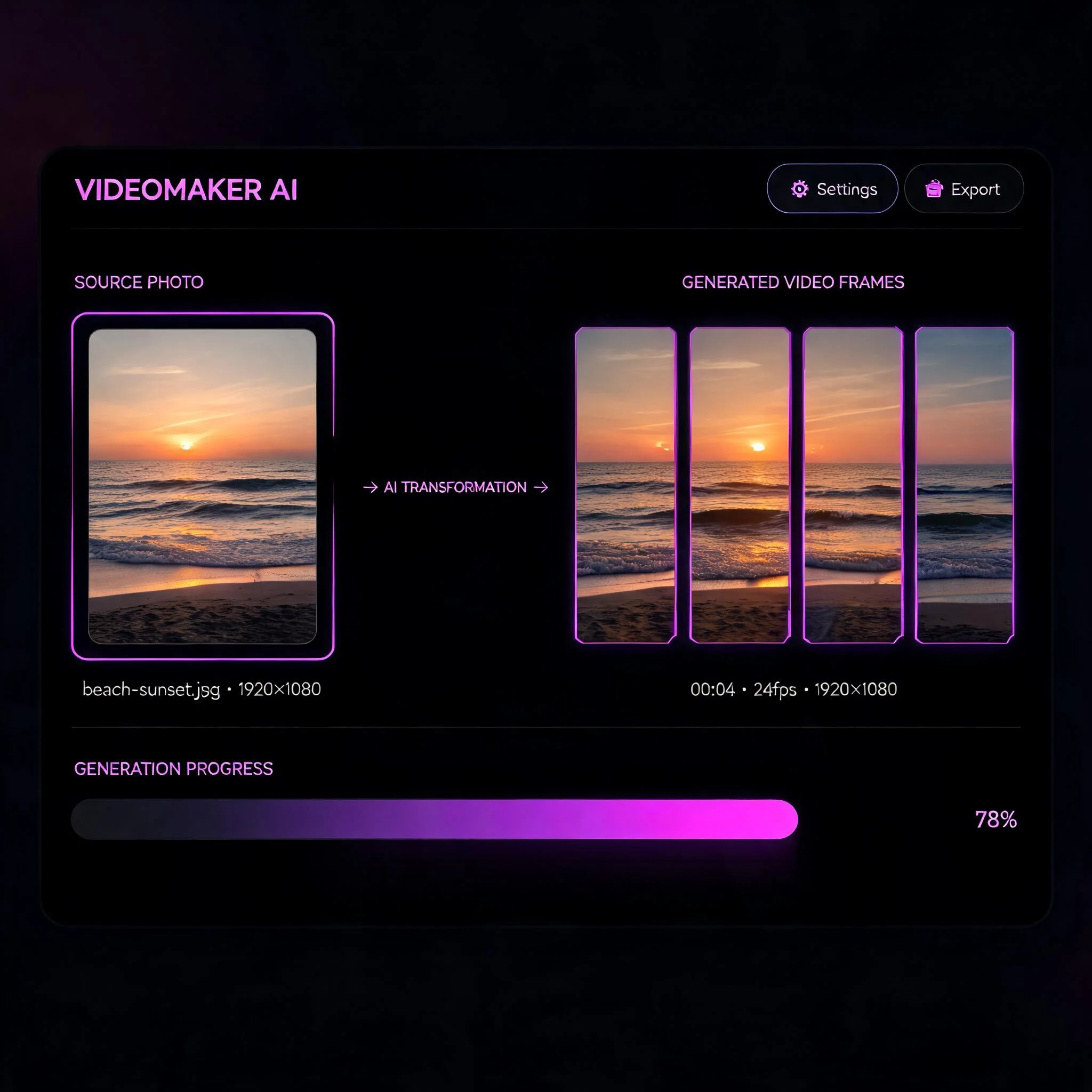
One uploaded image becomes a short animated clip — no frame-by-frame editing
What Makes an NSFW Video Generator Worth Using
"Uncensored" gets thrown around loosely. A tool can advertise no filters and still reject half your prompts because a classifier scans each frame after generation. We separate two things when we test: whether the model itself was trained on unrestricted data, and whether a filter sits on top of it blocking output. The second kind is the one that wastes your credits. When we set out to rank the best NSFW AI video generators 2026 had produced, we ran a standard set of prompts through each platform and scored three things. First, the refusal rate: how often a prompt came back blocked or silently softened. Second, motion quality: does a face hold together across frames, or melt by second three. Third, privacy: are your uploads stored, reviewed, or fed back into training. A tool that nails one and fails the other two is not worth your time. Most of the field splits into three camps. Paid API services deliver good output but hand you raw endpoints with no interface. Self-hosted pipelines like local ComfyUI give total control, yet they demand a capable GPU and an afternoon of setup. Pure blog roundups rank tools without letting you try a single one. Each camp leaves a gap, and that gap is exactly where we aimed. DreamUtopia was built around those three test results. Your images are not used for training. Generations run in under 90 seconds on most clips. And the engine handles prompts that mainstream tools reject outright, so you spend credits on output instead of re-rolls.
What You Get
Unfiltered Output
Our engine handles prompts that mainstream tools reject. No silent rewrites, no blocked uploads.
Private by Default
Your images and videos are never reviewed by staff and never used to train models. They stay yours, and you can delete them whenever you want.
Under 90 Seconds
Most clips render in 30 to 90 seconds. Watch live progress on screen instead of guessing when a job will finish.
Multiple AI Models
Several engines available. Pick photorealistic motion, stylized animation, or fast drafts per project.
No Signup to Start
Your first generations need no account and no card. Create one later to save history.
HD, No Watermark
Export up to 1080p with no watermark on paid plans. Use clips anywhere you like.
How It Works
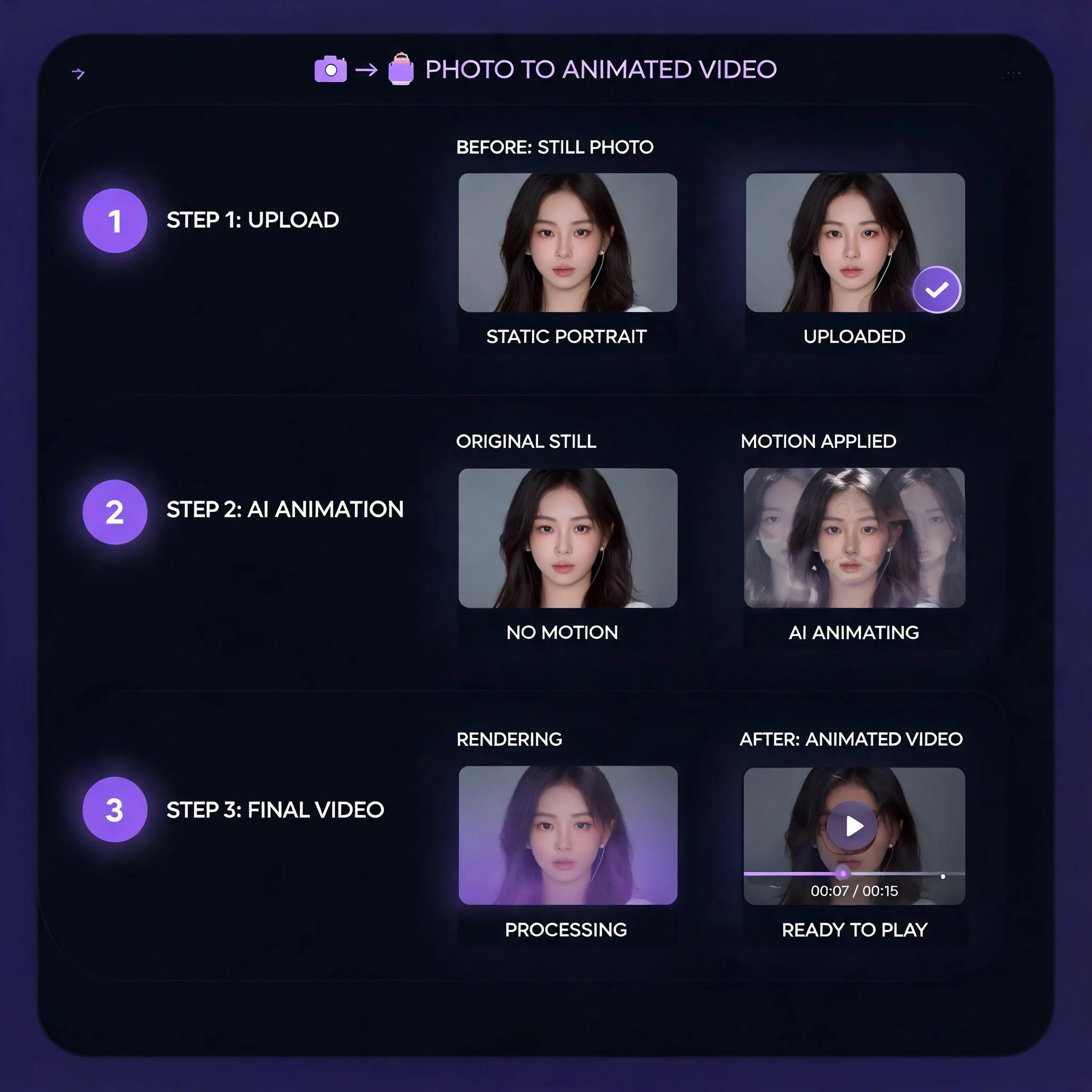
Upload Your Image
Any JPG or PNG works. For sharp motion, use a source at least 768 pixels on the short side.
Describe the Motion
Say what should move: 'slow camera push-in', 'hair blowing', 'fabric rippling'. Specific beats vague.
Pick a Style
Choose the engine that fits. Realistic for photo motion, stylized for art, fast for quick drafts.
Download Your Clip
Preview the result, then download in standard video format. Share it anywhere.
What People Make
Adult Creators
Animate still art and photos into short loops for subscription platforms. Unfiltered prompts mean fewer rejected jobs and less wasted time re-rolling. Creators tell us the privacy guarantee matters as much as the output, since their source material never leaves their control or trains a model.
Artists and Animators
Bring concept art, character designs, and illustrations to life with controlled camera moves and motion. Skip the manual keyframing that eats hours in traditional tools. A single illustration becomes a moving piece you can drop straight into a portfolio or pitch deck.
Music and Mood Videos
Turn moody stills into atmospheric clips for tracks, visualizers, and loops. The engine handles dark, sensual, and edgy themes other tools refuse, which is why it keeps surfacing in best NSFW AI video generators 2026 discussions among music creators who need an aesthetic mainstream platforms sand down.
Social and Fan Content
Make scroll-stopping short clips from a single image. Vertical-friendly output works for the feeds where motion wins attention, and the under-90-second render time means you can produce a batch in one sitting instead of waiting on a queue.
How We Compare
The honest version. We scored ourselves the same way we scored everyone else, across the six factors that decide whether a tool earns a spot in your workflow or gets closed after one try.
| Feature | DreamUtopia | Others |
|---|---|---|
| Prompt refusal rate | Low — unfiltered engine | High on mainstream tools |
| Free to start | Yes, no signup | Often trial credits only |
| Generation speed | 30 to 90 seconds | 2 to 10 minutes |
| Stores your uploads | No, never for training | Varies, often unclear |
| Setup required | None, runs in browser | Local GPU or API setup |
| Watermark | None on paid plans | Common on free tiers |
Frequently Asked Questions
What is the best NSFW AI video generator in 2026?▼
Is there a free NSFW AI video generator?▼
Does an uncensored generator store my images?▼
How long does it take to generate a video?▼
What image works best as a source?▼
Can I use the videos commercially?▼
Do I need to install anything?▼
Try the One We Built
Upload an image, describe the motion, and watch it move in under 90 seconds. No signup, no card, no blocked prompts.