
Anime AI Image Generator for Crisp 2K and 4K Art
Type a plain English prompt or add a reference photo to render original anime illustrations in your browser. Our anime AI image generator runs at 2K or 4K across six frame ratios. You get free trial renders with no signup wall.
Start with a real example
These are the prompts paired with this page’s examples. Open the generator, choose an example, then adjust one detail at a time.
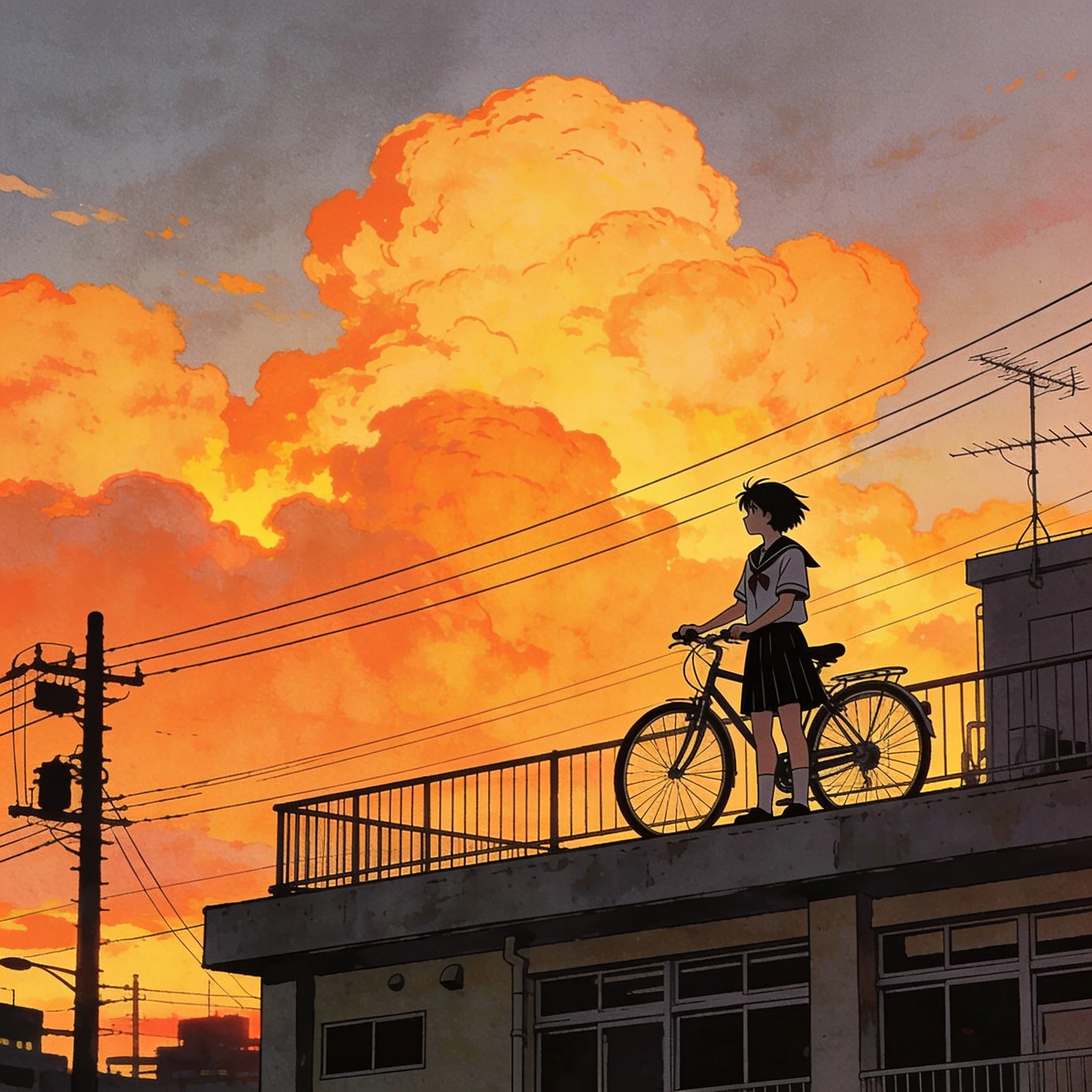
Example prompt 01
1990s retro cel-shaded anime illustration of a teenage cyclist on a Tokyo school rooftop at sunset, glowing orange clouds, power lines in silhouette, crisp black ink lines, hand-painted gouache sky
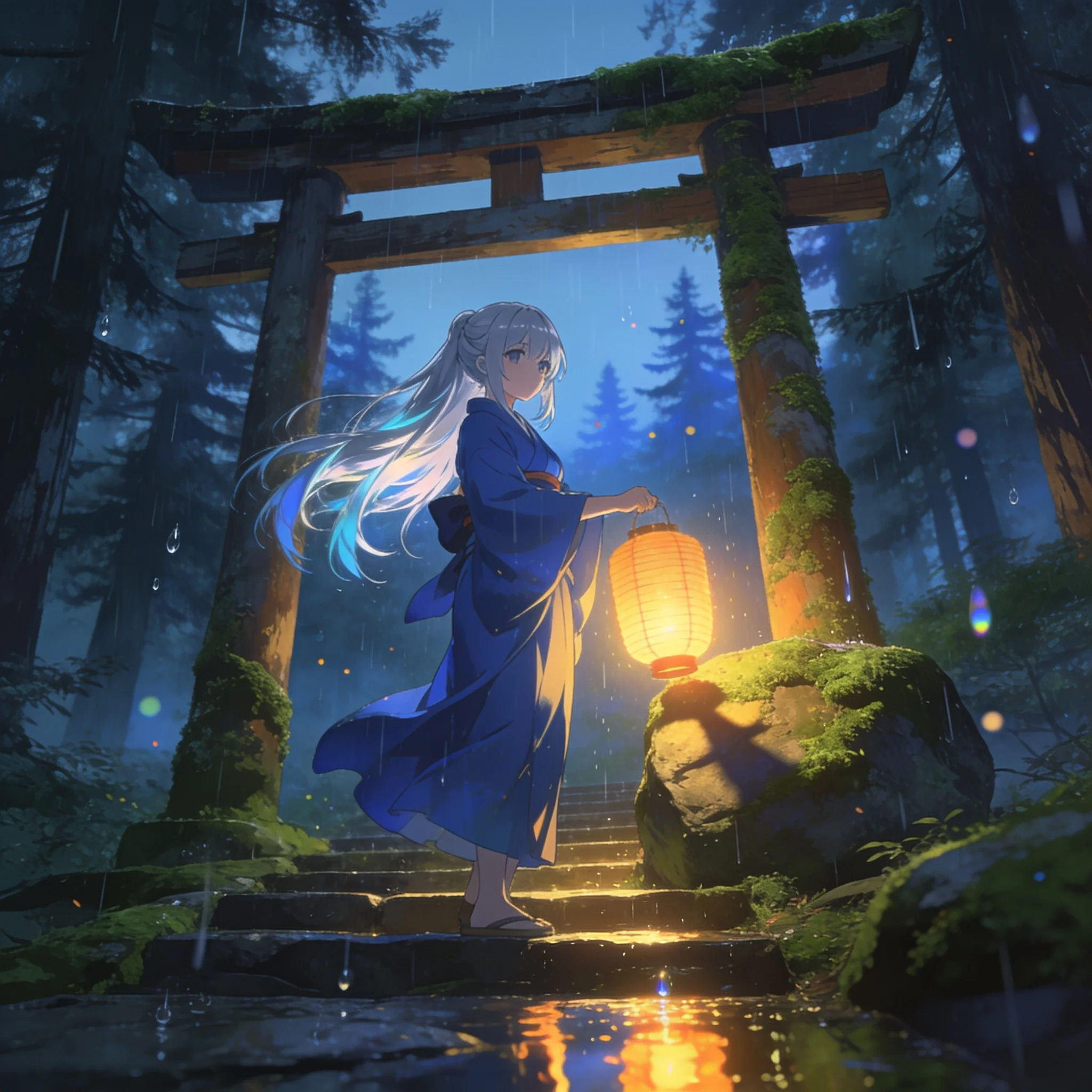
Example prompt 02
Modern theatrical anime still of a silver-haired shrine maiden holding a glowing paper lantern beside a mossy torii gate in a misty cedar forest at dusk, soft rain, warm lantern reflections on wet stone
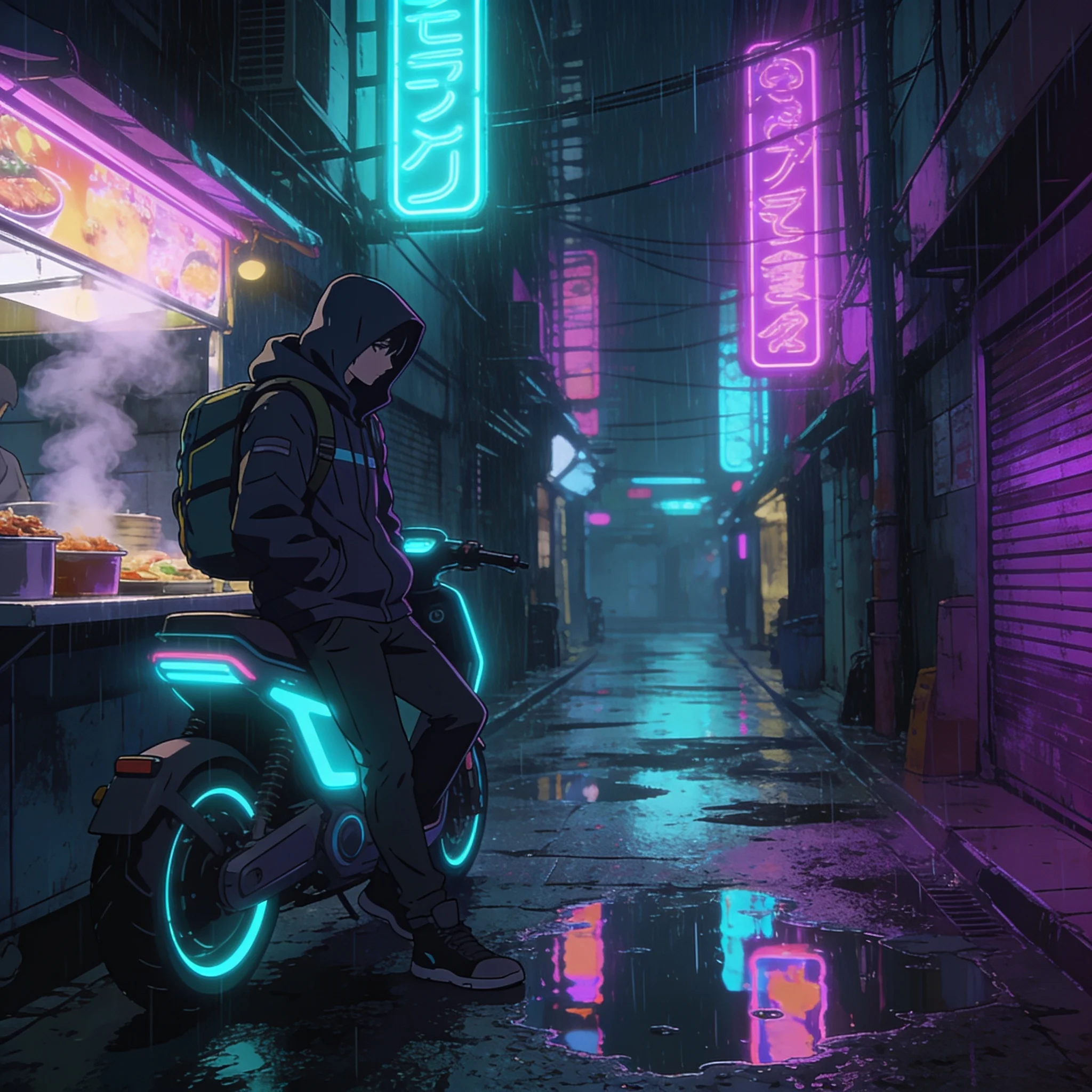
Example prompt 03
Detailed cyberpunk anime artwork of a hooded courier beside an electric motorbike in a rainy Neo-Tokyo alley at night, cyan and magenta street signs reflecting in puddles, steam rising from a ramen stall
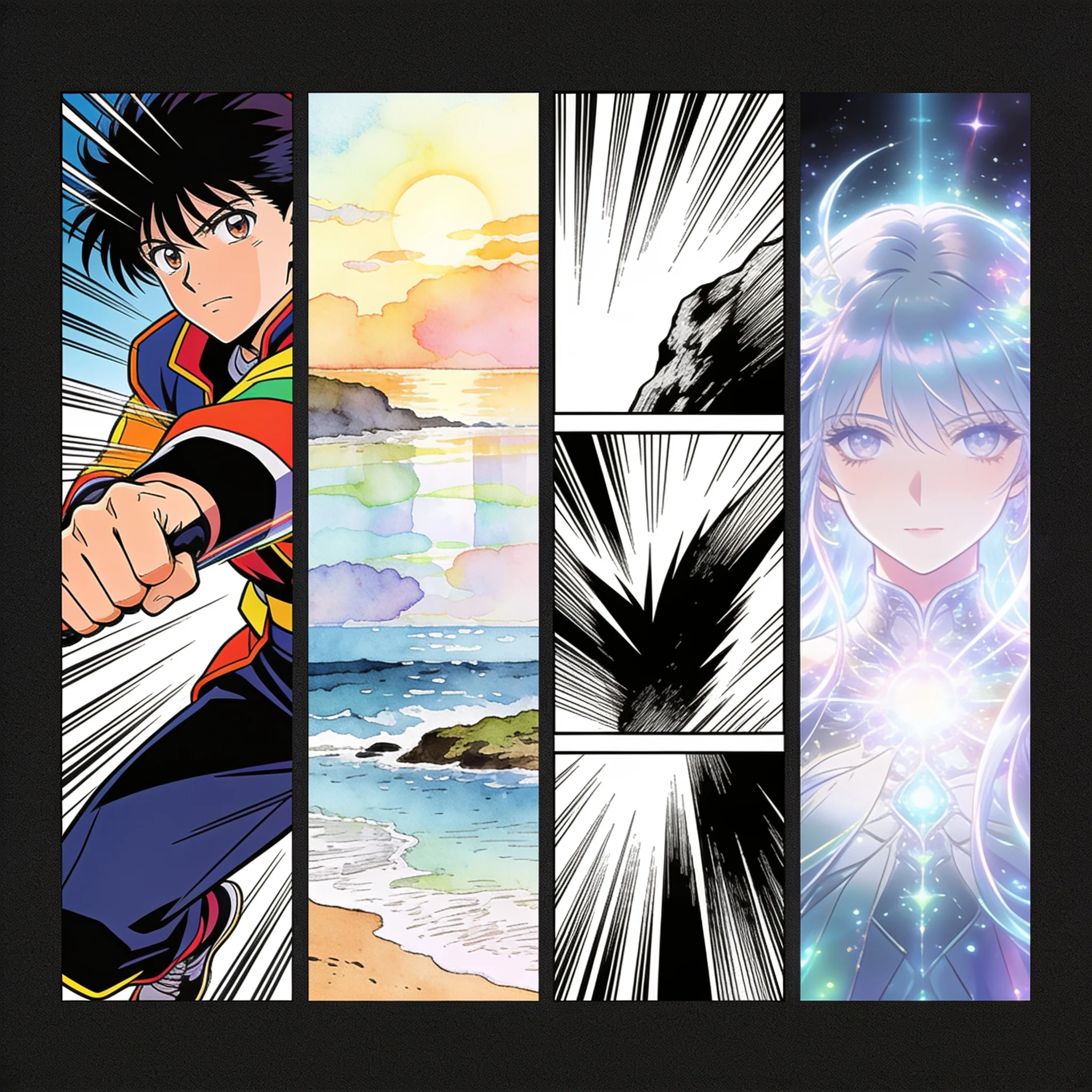
One prompt box covers retro cel-shading, painted scenery, black-and-white ink, and character portraits
Make Still Anime Artwork Without Tag Soup or Setup
Most anime art platforms make you jump through hoops before you see one frame. One demands a Discord bot command. Another buries you in model menus, negative tag syntax, and LoRA weights just to draw a character under a streetlamp. Power users may enjoy tuning settings for an hour. Most artists, writers, and fans simply want clean illustrations fast. We built DreamUtopia as an anime AI image generator that understands plain sentences. Name the era, the lighting, the camera framing, and the subject. Want the flat ink shadows of a 1994 OVA? Say so. Prefer painted sunset clouds with soft bloom like a theatrical release? Write that line and hit generate. Most stills finish in 15 to 25 seconds, and you can compare variations side by side in the same browser tab. You can also upload one reference image up to 10 MB when words alone fall short. A casual portrait becomes a stylized avatar through our photo to anime AI workflow. A rough pose shot can anchor composition for a new character concept. We ran over forty test prompts across cel-shaded, watercolor, and black-and-white manga looks. Clear phrasing kept hands, eyes, and clothing folds steadier than stuffing thirty comma tags into one box. Be clear about scope before you begin. DreamUtopia does not load custom community LoRA files or lock a full comic cast across fifty pages automatically. Instead, it delivers fast text to anime AI and photo-guided still artwork at print-ready 2K or 4K resolution. Free generations run right away so you can judge the linework yourself.
What You Get in Every Render
Text or Reference Photo Input
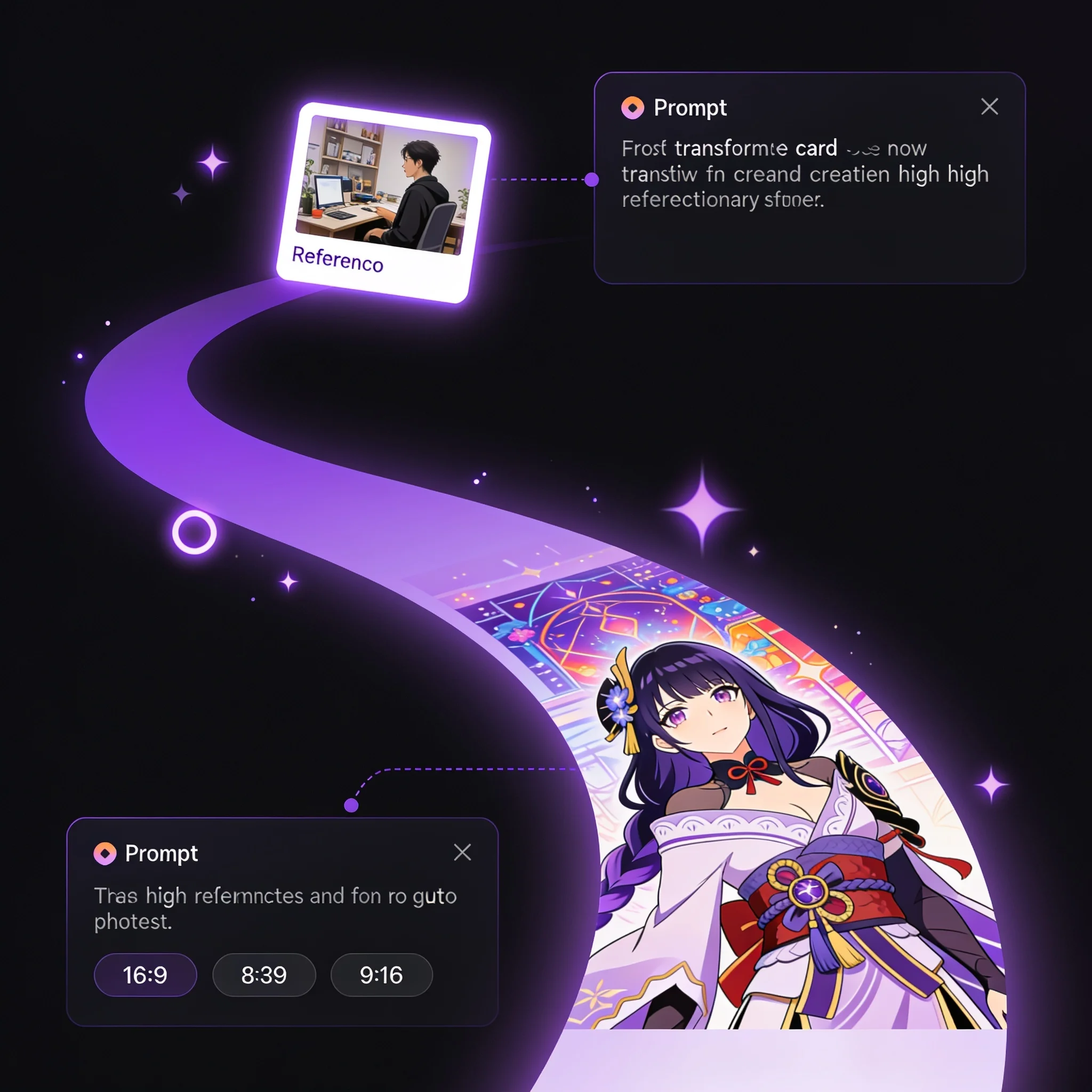
Start from a blank box for pure text to anime AI, or attach a JPG, PNG, or WebP reference photo up to 10 MB. Your photo holds the pose, color palette, or room layout, while your prompt steers the art direction into cel-shading, ink, or soft paint.
Sharp 2K and 4K Output
Small 512px previews fall apart the moment you zoom in on eyes or hair strands. Render at 2K for fast concept drafts and social posts. Switch to 4K when you need crisp linework for desktop backgrounds, stream banners, or printed posters.
Six Native Aspect Ratios
Pick 1:1 for profile icons, 3:4 or 2:3 for vertical posters, 9:16 for phone screens, and 16:9 or 21:9 for cinematic scenes. Setting the ratio before rendering beats cropping afterward, because you keep the entire composition and pixel count.
Broad Anime Era Range
Shift cleanly from grainy 1980s and 1990s hand-inked cels to modern theatrical lighting, cozy watercolor towns, black-and-white manga panels, or cute chibi art. One ai anime art generator handles every era through direct style cues.
Free Trial With No Account
Try the anime art generator free right on this page with zero email form and no credit card. Run a few prompts and inspect the eyes, hands, and shadows up close. Create an account later only if you want saved history or paid credit packs.
Easy Handoff to Video Motion
Once a still illustration nails your scene, you do not have to stop at one static frame. Bring that exact finished artwork into our animation workflow to add drifting petals, wind in hair, or gentle camera pans in seconds.
How to Generate Anime Art in Four Steps
Write Your Scene in Plain Words
Open the image box above and state four details in order: the subject, the anime era, the lighting, and the camera framing. For example, try '1990s cel-shaded anime girl with a red umbrella at a rainy train crossing, warm streetlamp, medium wide shot.'
Add a Reference Photo (Optional)
Skip this step when creating purely from text. For photo to anime AI restyling or a fixed pose, upload one sharp photo under 10 MB. Even daylight and clean background edges help the composition carry over accurately.
Pick Resolution and Aspect Ratio
Choose 2K for quick drafts or 4K for final illustrations. Match the aspect ratio to where the artwork will live: 1:1 for avatars, 9:16 for phone wallpapers, and 16:9 for video covers or widescreen banners.
Render, Compare, and Download
Click generate and watch progress live in your browser. Most stills arrive in 15 to 25 seconds. If a jacket color or sky mood feels off, adjust just that one phrase and run again before downloading your file.
Anime Styles and How Creators Use Them
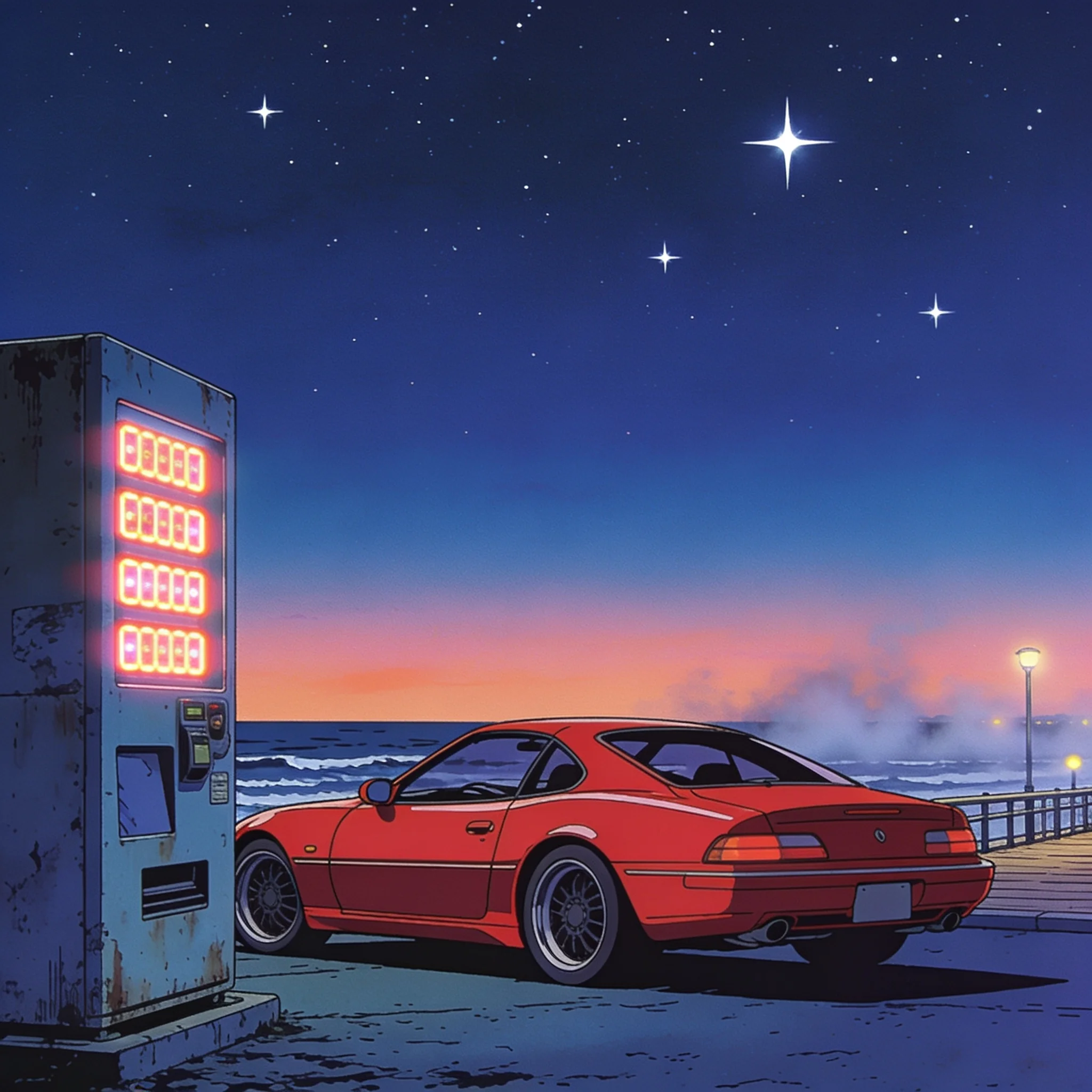
90s Retro Cel-Shaded Frames
Classic VHS-era anime carries a warmth that glossy filters rarely imitate well. Ask for hand-inked black lines, two-tone cel shadows, gouache painted skies, and subtle 35mm grain. Musicians use these 16:9 stills for lo-fi track covers, while streamers drop them into starting-soon screens and retro headers.
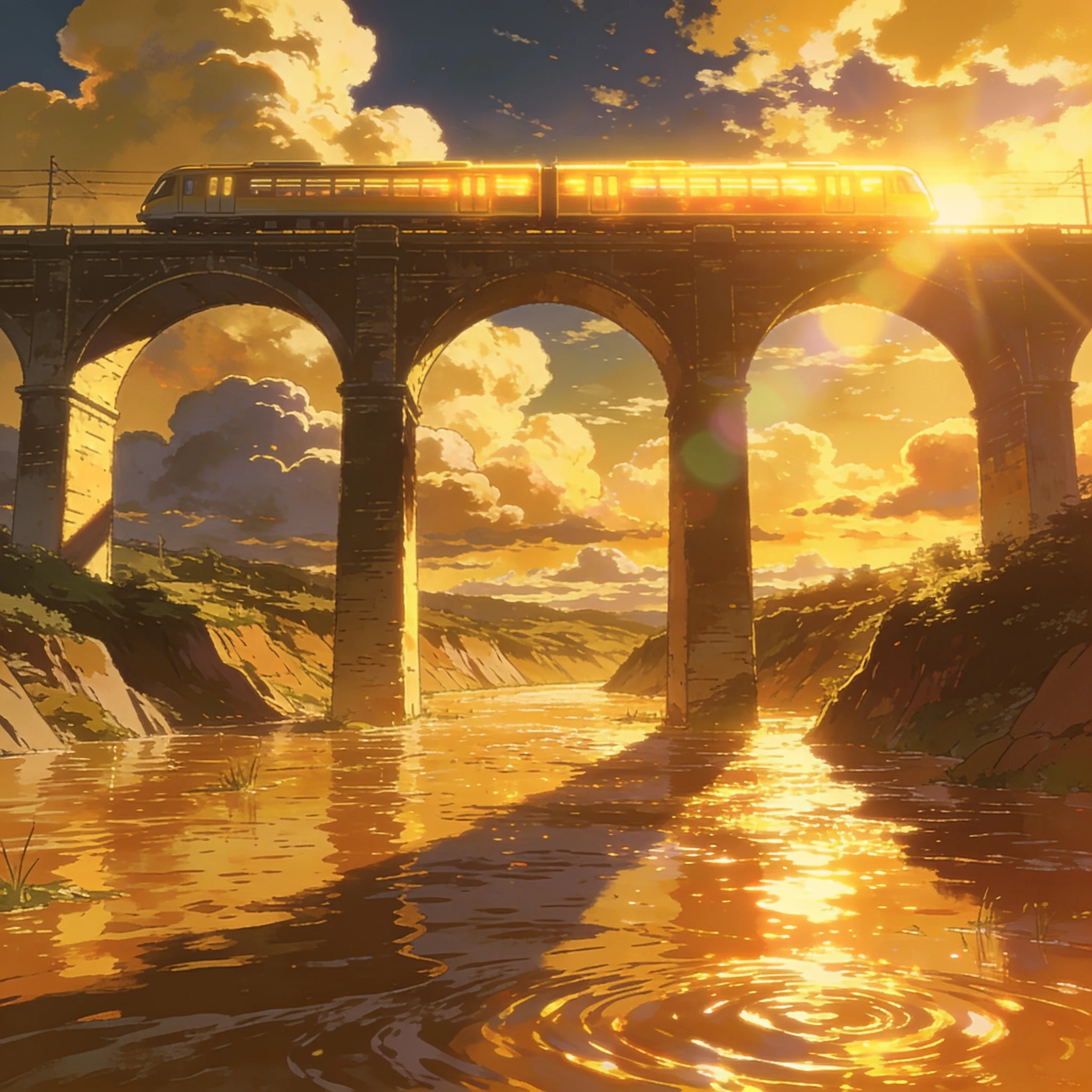
Modern Theatrical Scenery and Light
Big-screen anime backgrounds succeed on light and scale. Think sunlit train bridges, rain-slick streets reflecting neon signs, and towering summer clouds with soft lens bloom. Naming the light source, like golden sunset backlight or cool cyan signs, lets our anime AI image generator build rich depth for wallpapers and pitch boards.
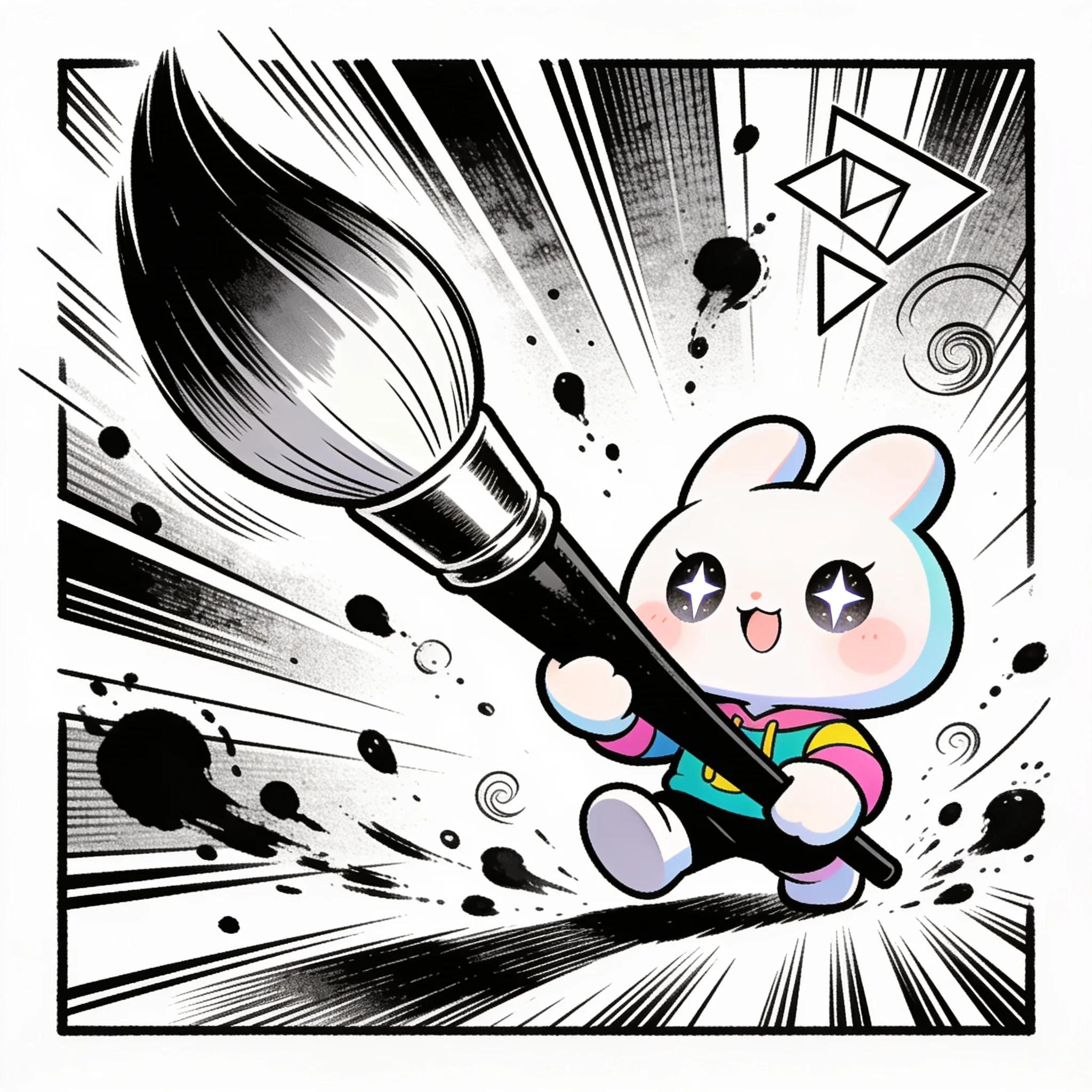
Manga Line Art and Chibi Mascots
Full color is not the only direction. Ask for black-and-white Japanese ink art with crisp screentone shading and speed lines to prototype comic panels or chapter illustrations. Or switch to pastel chibi proportions with bold outlines for Discord emotes, Twitch badges, and die-cut stickers.
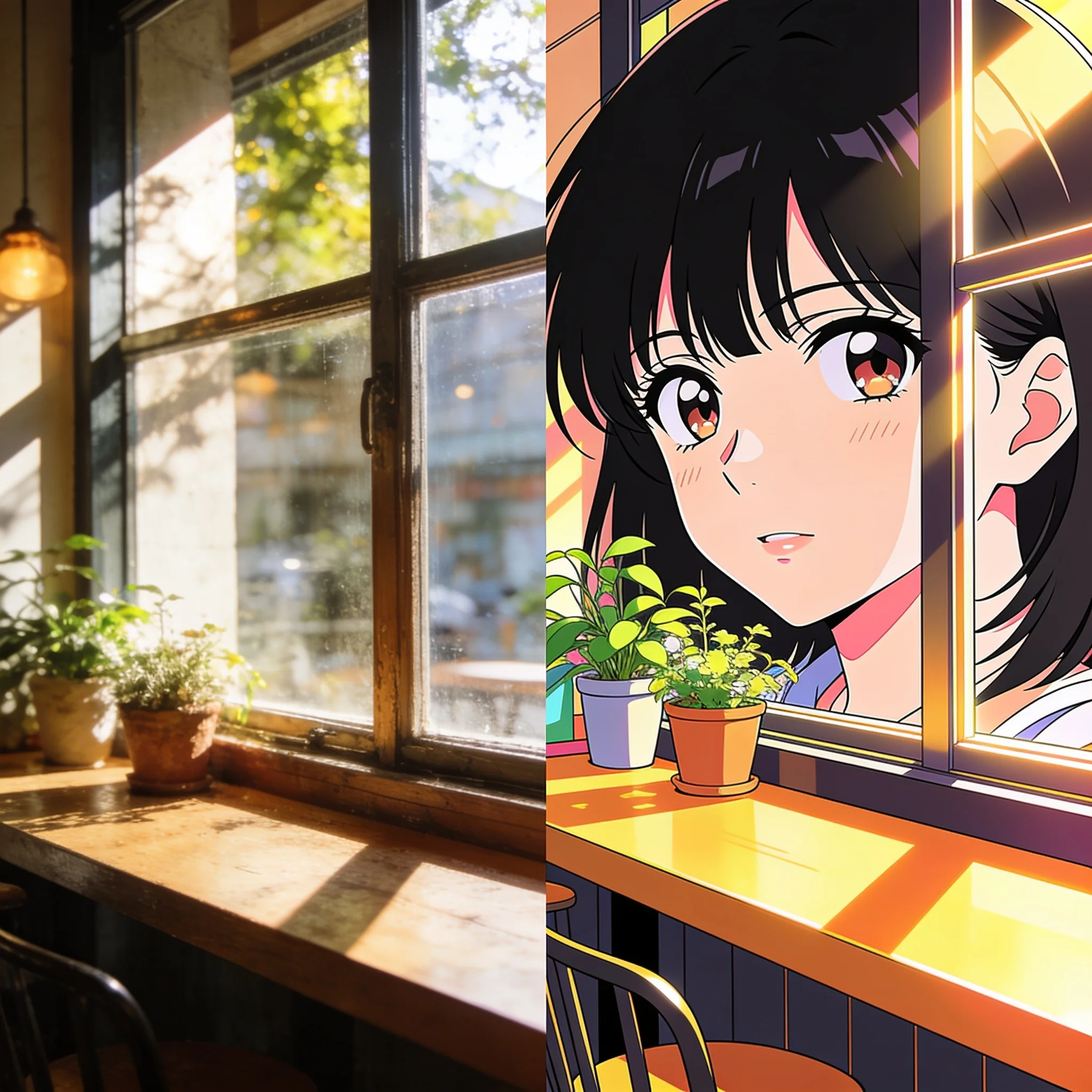
Photo-to-Anime Portraits and OCs
Upload a selfie or travel snapshot and describe the anime look you want while keeping the pose intact. Tabletop players, visual-novel writers, and VTuber fans also rely on this ai anime character maker workflow to test hairstyles, outfits, and palettes across 6 to 10 quick drafts before hiring an illustrator.
Explore related tools
Choose the tool that matches your next step.
Prompt Habits That Make Anime Art Look Hand-Drawn
We ran over forty side-by-side anime prompt tests while tuning our examples. Four simple habits created the biggest difference between muddy renders and frames that look hand-drawn.
Name an Era Instead of 'Anime Style'
Typing 'anime style' alone leaves the model torn between 1985 hand cels, 2005 TV shading, and glossy game art. Name the exact look: '1990s OVA cel-shaded with painted gouache clouds' or 'clean modern shonen linework with hard shadows.' Specific era cues lock the brushwork immediately.
Anchor One Clear Light Source
Flat lighting makes anime faces look like cheap stickers. Put one concrete light source in every prompt: sunset rim light through blinds, a single paper lantern in fog, or overcast afternoon daylight. Naming both the light color and shadow tone gives hair and clothing instant depth.
Stick to One Subject and One Scene Cue
Packing four characters, two dragons, and a burning castle into one prompt invites warped fingers and tangled limbs. Give the camera one focal subject and one clear setting, like 'silver-haired traveler holding a lantern by a mossy gate in rain.' Clean staging wins every time.
Edit One Detail Per Reroll
When a 2K draft nails the pose and face but misses the mood, resist rewriting the whole prompt. Keep 90% of the wording identical and swap only the sky time, coat color, or shot distance. Tuning one detail per pass saves credits and reaches a finished 4K frame in three or four tries.
Turn Your Next Scene Into Crisp Anime Art
Type a prompt or upload a reference photo to render 2K or 4K anime illustrations in seconds. No signup and no card required to start.