
AI Image Generator With a Free Trial
Create an image from a text prompt and an optional reference. Try without an account, or sign in to check your available credits and the cost shown in the generator. Daily credit refills are not guaranteed.
Start with a real example
These are the prompts paired with this page’s examples. Open the generator, choose an example, then adjust one detail at a time.

Example prompt 01
Camera slowly orbits around the floating crystal palette, paint streams continue flowing and swirling upward, sparkle particles drift through the air, soft pulse of light from each crystal
Example prompt 02
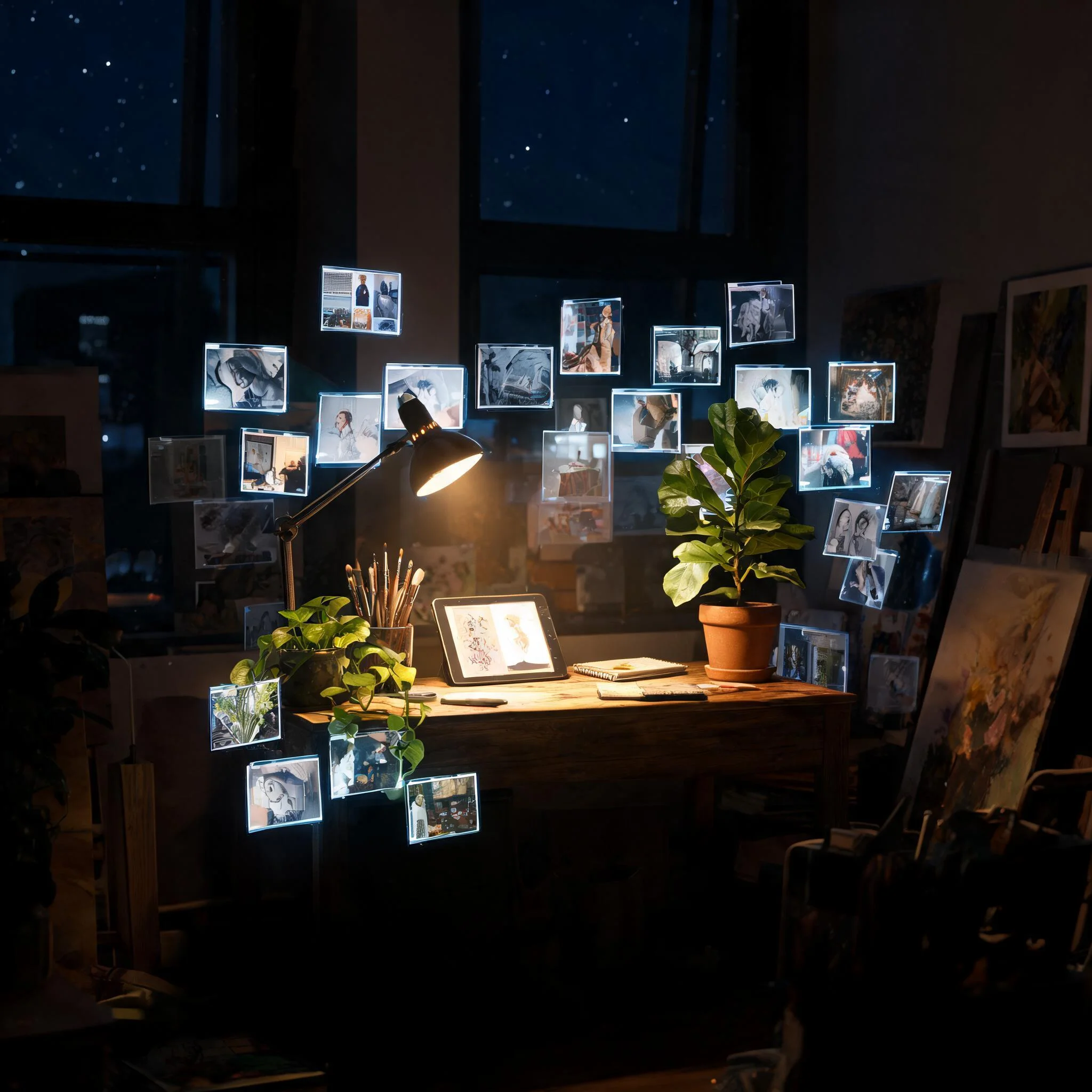
Holographic previews gently rotate and shuffle around the desk, lamp flickers warmly, faint steam rises from a coffee mug, camera slowly pushes in toward the glowing tablet screen
Example of image-to-video animation; generated results vary.
What this generator does
Start an image with a description of the subject, setting, and style. Add a reference image when you want a visual starting point, then refine one aspect of the prompt at a time. Trial access does not require an account. When signed in, use your current balance and the displayed model cost to plan each generation; signup gifts do not guarantee daily refills.
Available workflow
Build a focused image prompt
Describe the subject first, then the setting, lighting, and style. Keep the main visual idea clear.
Add an optional reference
Use a reference you have permission to use when a visual example helps explain the result you want.
Iterate one detail at a time
Change the composition, color, or style in one revision and compare the result. Keep a copy of useful prompt text yourself.
Read the model cost
Check the selected options and the credit cost shown in the generator before submitting. Costs need not be identical across options.
Check your available balance
Use the balance currently displayed when signed in. Any signup gift or promotional credit is not a promise of daily recurring credits.
Buy credits when needed
Paid credits come in one-time packs. Review pricing before buying; watermarks are removed after payment.
How to get started
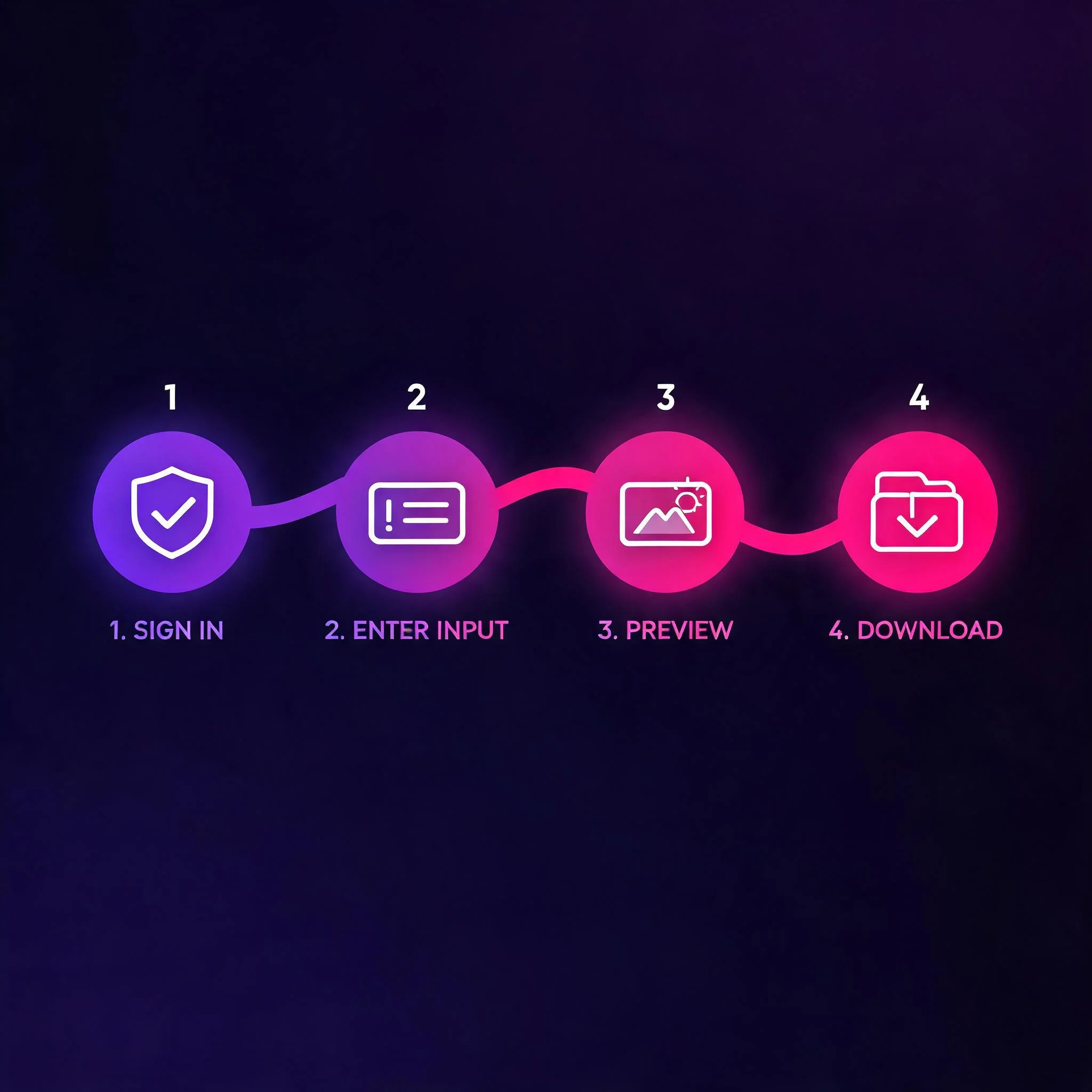
Build a focused image prompt
Describe the subject first, then the setting, lighting, and style. Keep the main visual idea clear.
Add an optional reference
Use a reference you have permission to use when a visual example helps explain the result you want.
Read the model cost
Check the selected options and the credit cost shown in the generator before submitting. Costs need not be identical across options.
Iterate one detail at a time
Change the composition, color, or style in one revision and compare the result. Keep a copy of useful prompt text yourself.
Ideas to try
Portrait introductions
Start with a portrait you may use and ask for a gentle smile or head turn. Review the face for unwanted changes.
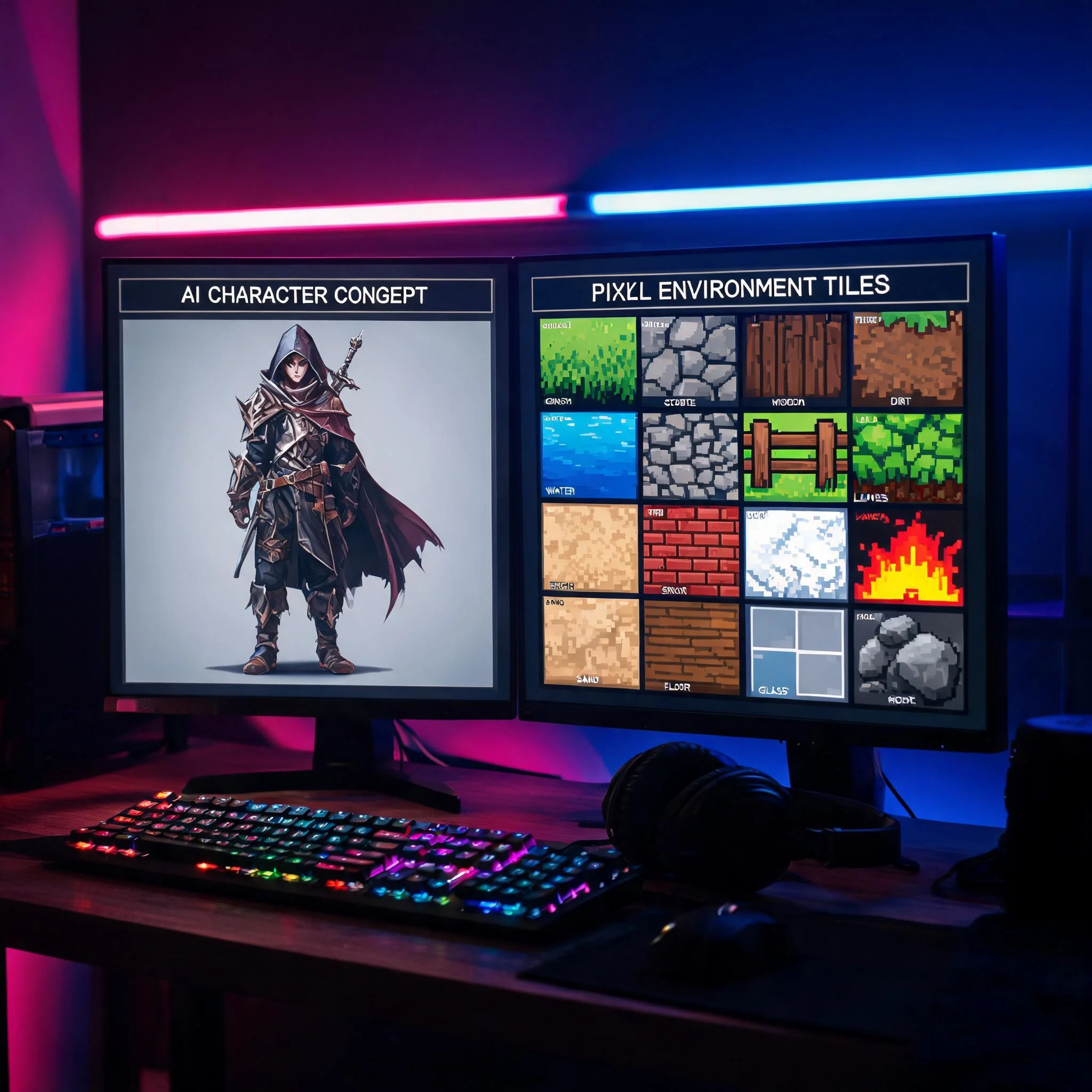
Character concepts
Explore a character using a text prompt or a reference image. Describe clothing, setting, and expression.
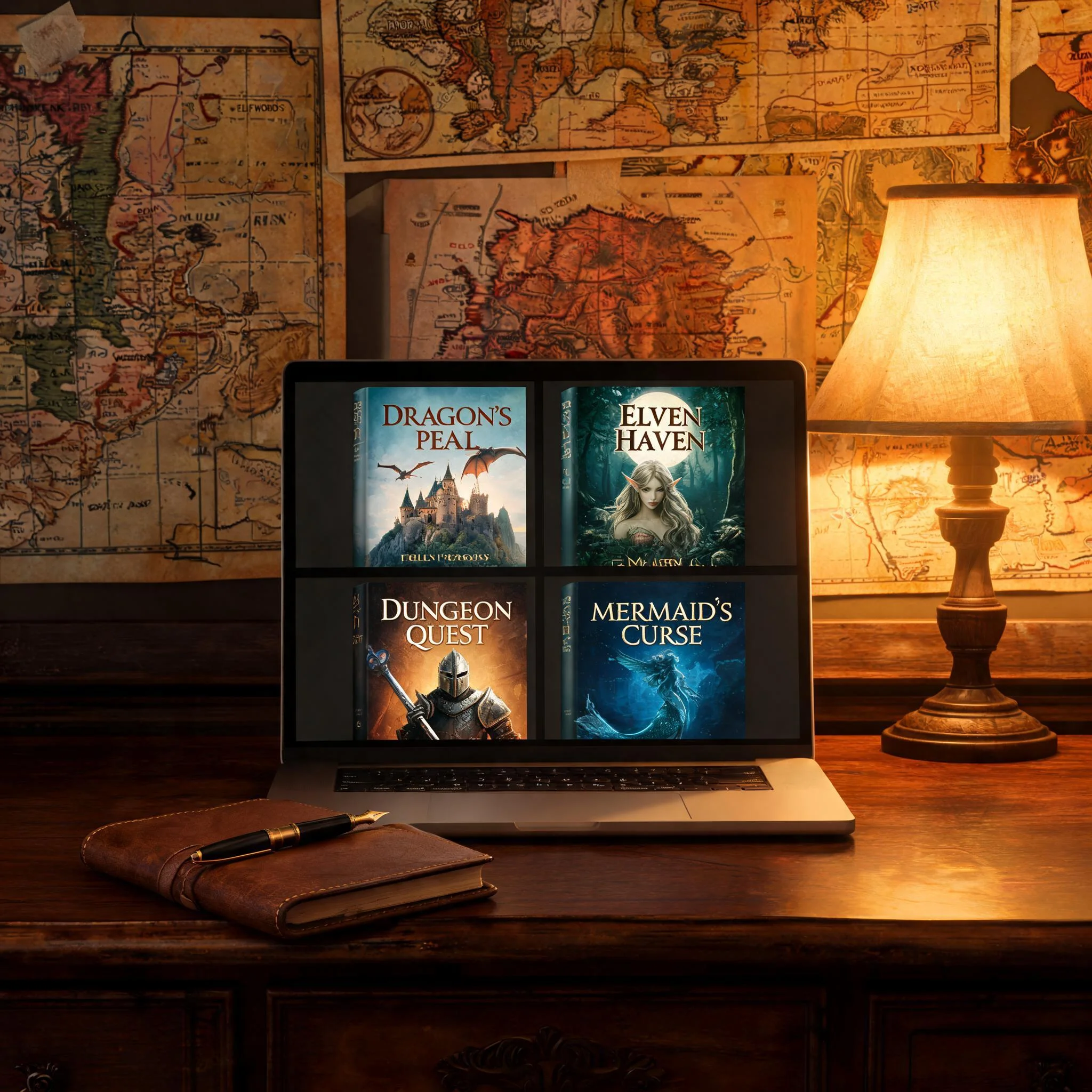
Visual mood studies
Describe lighting, colors, and composition to explore an idea. Compare the result with your intended mood.

Product scene ideas
Describe a product scene and check that the generated details match what you intend to show.
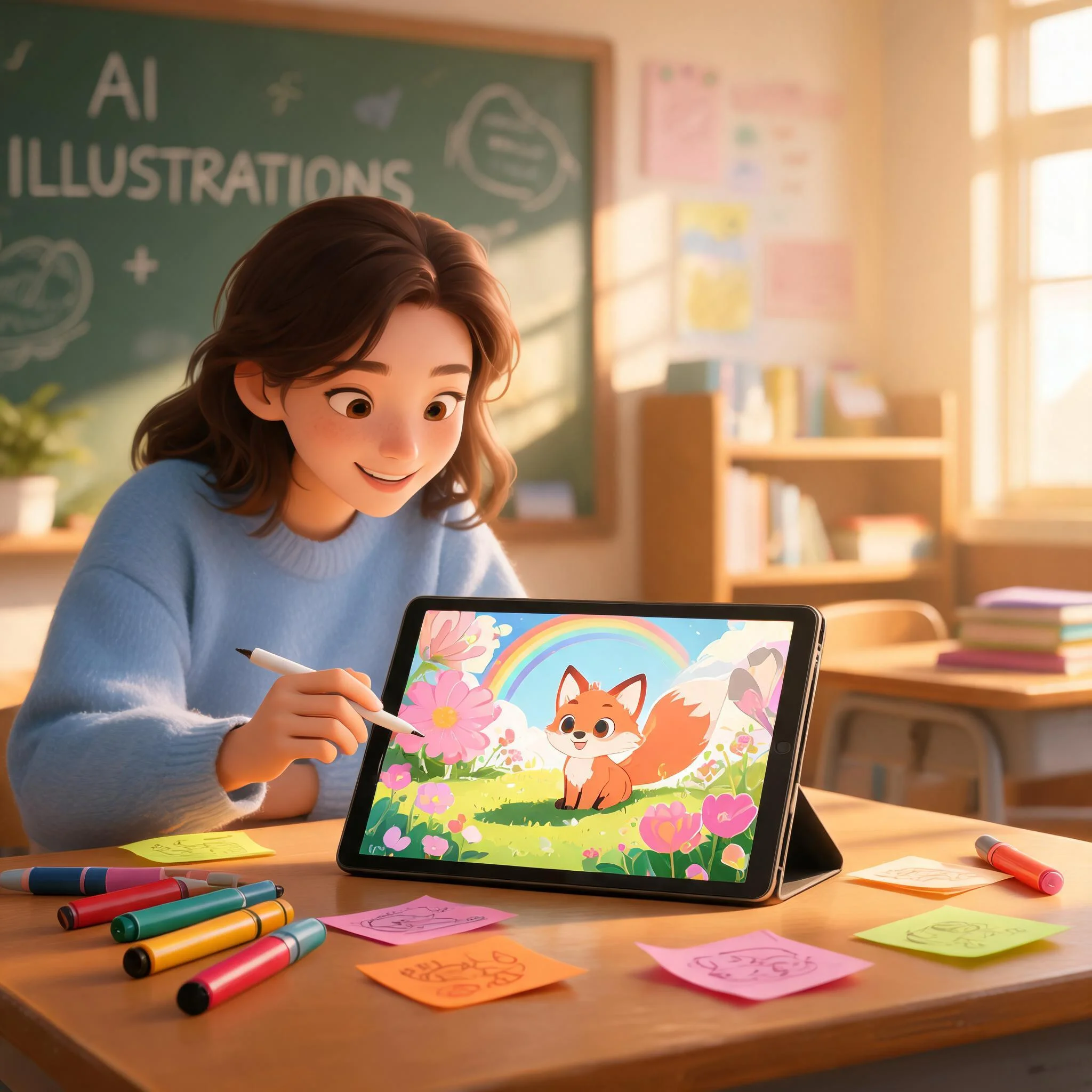
Illustrations for presentations
Create an illustration for your topic and check details before including it in a presentation.
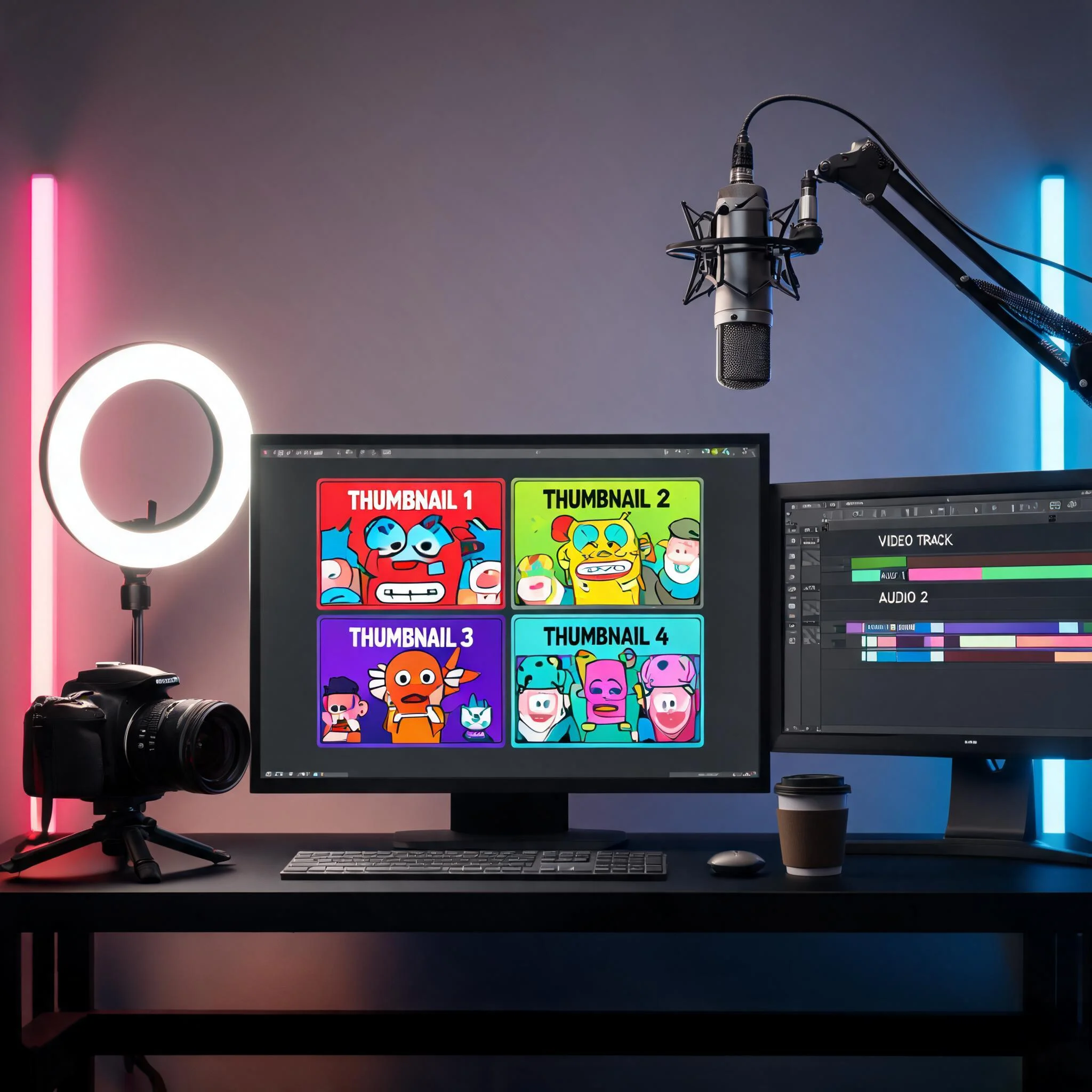
Social post ideas
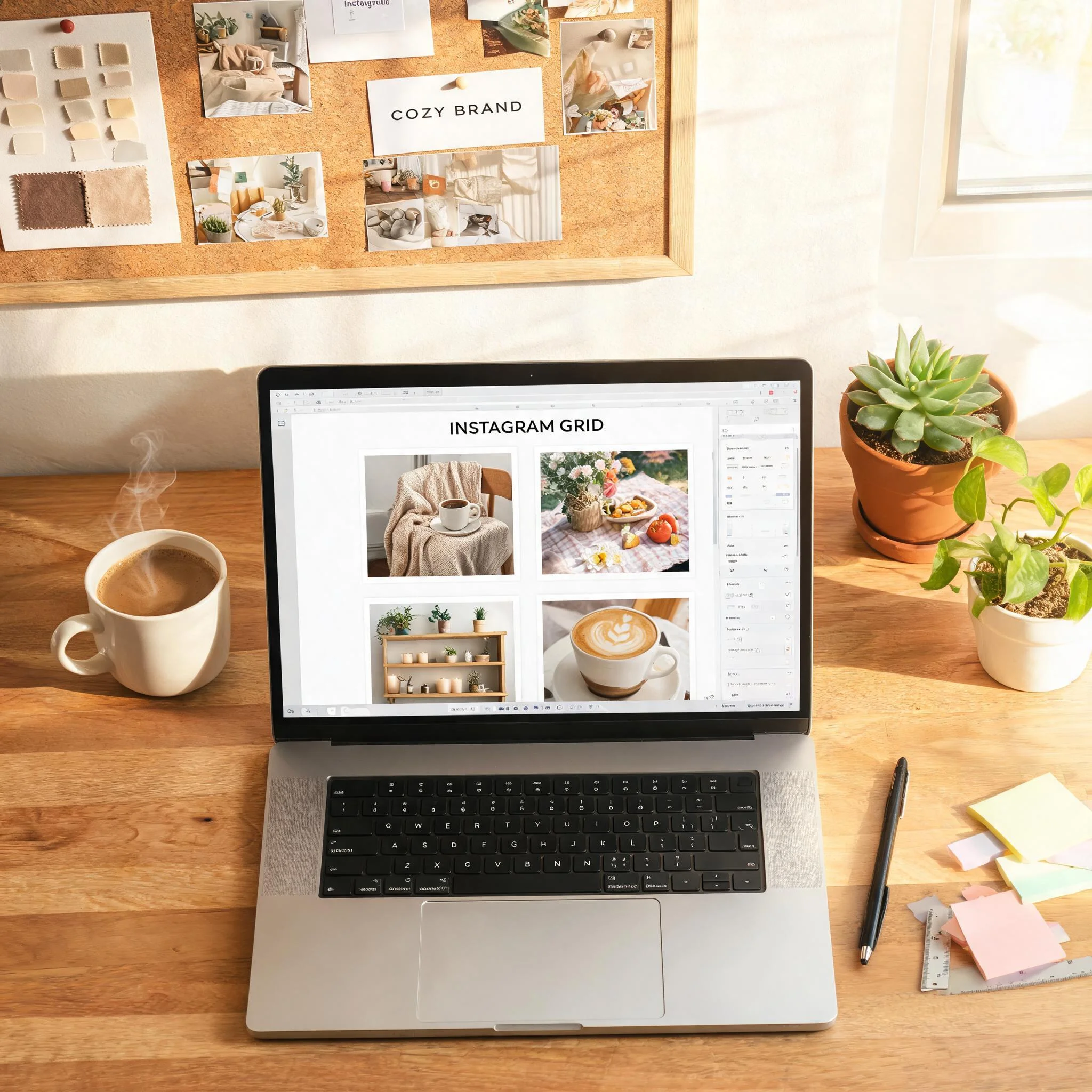
Explore a visual idea for a post. Review the result and explain that it is AI-generated when sharing.
Explore related tools
Choose the tool that matches your next step.
Plan your credits
Choose an image
Use a clear image you have permission to use. For a portrait, choose a visible face and avoid details hidden by heavy shadows.
Describe the result
For video, describe one simple movement and any camera motion. For an image, describe the subject, setting, and visual style; a reference image is optional.
Check options and cost
Review the options and credit cost shown in the generator before submitting. Available settings determine the output; duration, resolution, and processing time are not guaranteed here.
Review and download
Preview the result before sharing it. Look for unwanted changes to faces, hands, and fine details, then use the available download control.
Try without an account
A free trial is available without an account. Check the generator for current availability rather than assuming a fixed number of free runs.
Credits and watermarks
Check your current available balance before generating. Paid credits are sold in one-time packs. Watermarks are removed after payment; free output is not promised to be watermark-free.
Try the generator
Generate images from a text prompt, with an optional reference image. Try without an account, or check your current available credit balance when signed in. A daily refill, fixed allowance, or reset countdown is not guaranteed. A free trial is available without an account. Check the generator for current availability rather than assuming a fixed number of free runs.