
Image to Video AI NSFW Generator
Upload any image. Describe the motion. Get a video back. No content filters, no signup.
Most generators reject your photo before you even type a prompt. We built an image to video AI NSFW tool that respects what you upload and trusts you to create within the law. Get free generations, pick from multiple AI models, and render a clip in under 90 seconds.
Drag & drop an image, or click to upload
JPG, PNG, WebP, TIFF — up to 20MB
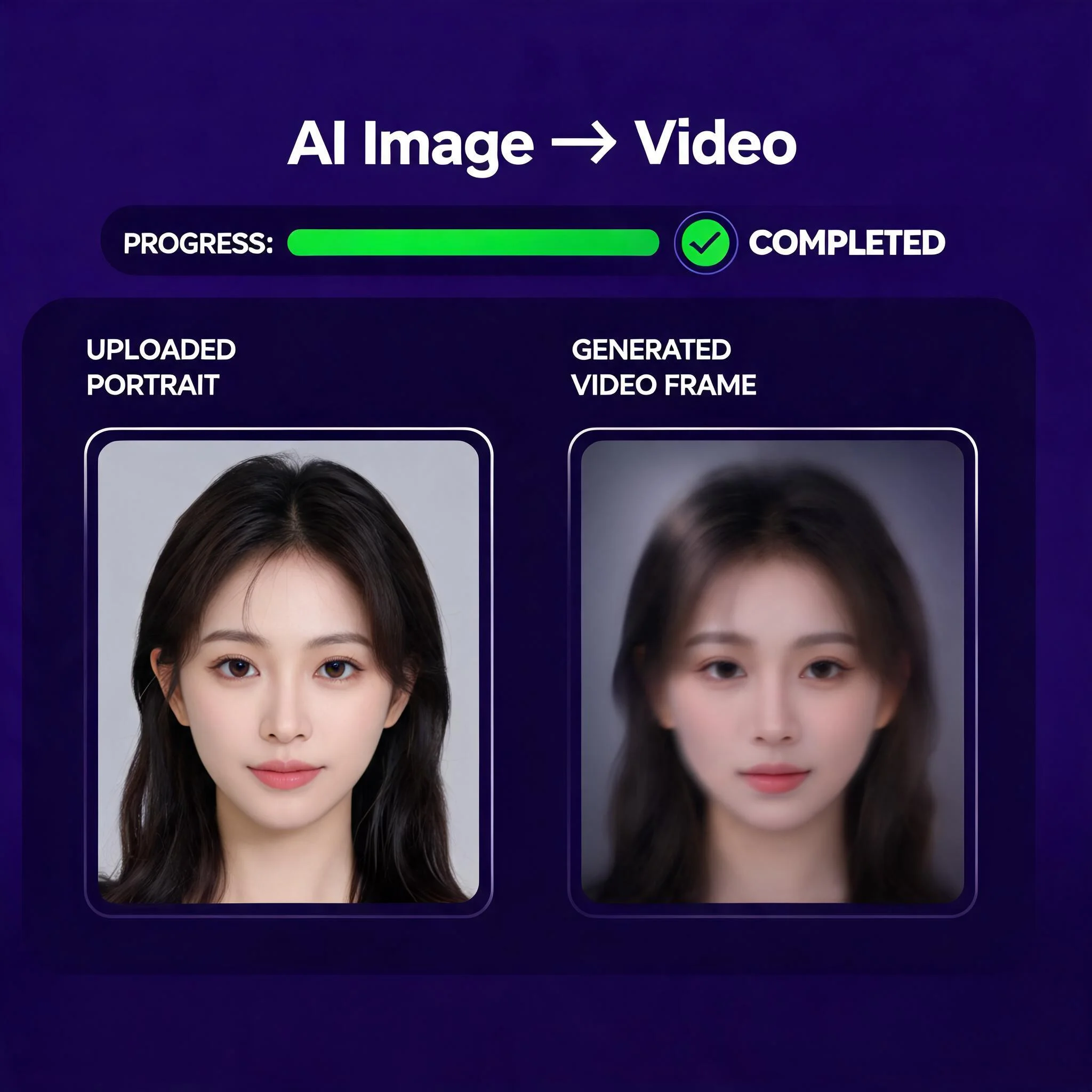
A single still frame animated into a five-second clip with smooth camera motion
Why Most Tools Block Your Upload
Here is what nobody tells you. Mainstream platforms run two separate filters before a single frame renders. First a computer vision model scans your uploaded image on its own. Then a second filter reads your text prompt. Either checkpoint can kill the job. That is why a harmless request like "make this scene move" still fails on the big-name tools, as one 2026 review of filter behavior documented across hundreds of test uploads. We took a different path. Our nsfw image to video ai skips the source-image pre-scan, so your creative work is never blocked at the door. You stay in control of your own art, your own characters, and your own aesthetic. No prompt gets silently rewritten, and no upload vanishes into a rejection screen without explanation. The technology under the hood matters too. Each render runs through frame interpolation and latent diffusion, so motion stays smooth instead of jittery between keyframes. You get clips that hold up at full screen, not blurry three-second loops. Pick the engine that fits your style, and the same upload can become a photorealistic pan or a stylized sequence in two separate runs. Run it again with a fresh prompt and you get a brand new take in seconds. This is the rare uncensored ai video generator that puts the creator first.
What Sets It Apart
Zero Content Pre-Scan
No source-image filter blocks your upload before you start. Your picture goes straight into the render queue, every single time, with no rejection screen in the way.
Multiple AI Models
Switch between several AI engines. One favors photorealistic motion, another renders stylized art, and a third turns clips around in seconds when speed matters most.
Free Generations
Test the tool with free renders. No credit card, no email, and no account are required before your first clip.
Up to 1080p Output
Export clips at up to 1080p resolution. Paid plans drop the watermark and open up longer render queues.
Under 90 Seconds
Most clips finish rendering in 60 to 90 seconds. A live progress bar tracks every frame as it builds.
Private by Default
We never train our models on your uploads. Your source photos and finished videos stay yours alone, full stop.
How It Works
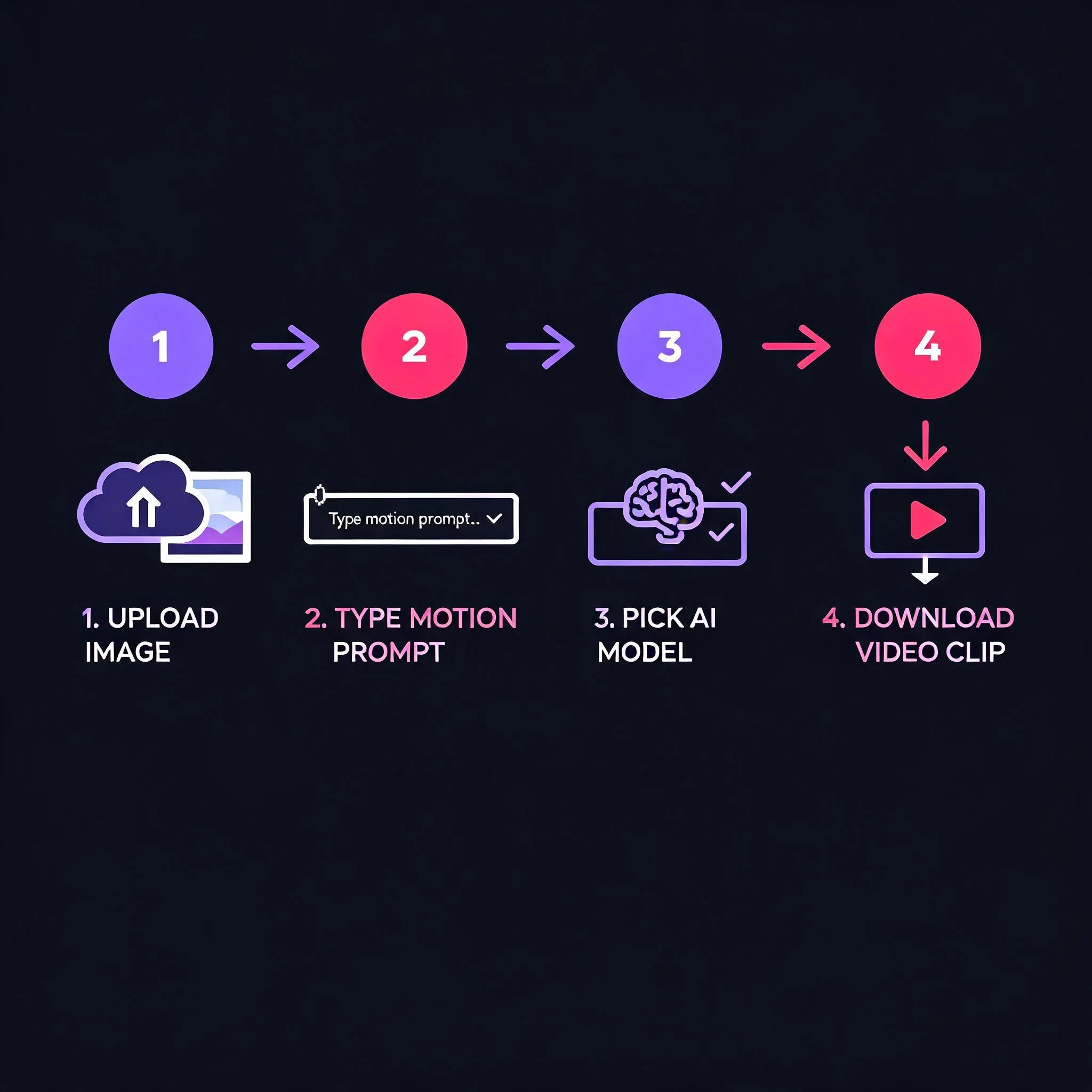
Upload Your Image
Drop in any JPG or PNG up to 10MB. Portraits, glamour shots, character art, or AI renders all work as the first frame. Nothing stands between your file and the queue.
Describe the Motion
Type what should move. Try "camera pans right slowly", "her hair lifts in the wind", or "the fabric sways as she turns". Specific physical motion gives the cleanest results.
Pick Your Model
Choose from several AI engines. One favors photorealistic motion, another renders crisp stylized art, and a third turns clips around fast when you need speed over polish.
Download the Clip
Preview the result, then download an MP4 at up to 1080p. Drop it straight into a private collection, a paid feed, or your editing timeline.
What People Create
Adult and Mature Creators
Creators on platforms like Fansly and OnlyFans animate their own content freely. Because there is no source-image scan, your uploads never get blocked at the door. This is uncensored image-to-video work the way it should function, as long as it stays legal and consensual. Many creators report that a short looping clip earns more engagement on a paid feed than a static photo set, and a single shoot can fuel a week of posts.
Boudoir and Glamour Photography
Photographers turn a single boudoir still into a moving portfolio piece. A slow pan or a gentle hair lift adds life that a static photo cannot, and clients love seeing the shoot come alive. Studios use these loops for booking pages, private galleries, and teaser posts that drive new inquiries.
Concept Art and Character Design
Animate edgy concept art that mainstream tools flag for stylized nudity or violence. Bring fantasy characters, pin-up art, and dark themes to life without a single rejection screen. The same upload renders as either a photoreal pan or a painterly drift, so you can test two moods before you commit.
Music Visuals and Looping Art
Turn moody album art and sultry stills into looping motion clips for your tracks. Aesthetics that other generators reject render here in one clean pass, ready for a private drop, a fan page, or a video backdrop on stage. The vertical export drops straight into a story without cropping.
DreamUtopia vs Restricted Tools
We ran the same four source images through the popular nsfw ai video generator tools and ours, head to head. We used identical motion prompts and timed every render from upload to finished download, so the numbers below reflect real conditions in 2026, not marketing claims. The gap was widest on the free tier, where rival tools capped resolution and demanded a card.
| Feature | DreamUtopia | Others |
|---|---|---|
| Source-image content scan | None | Scans every upload first |
| Free generations | 10, no card | 0 to 3, card often required |
| Signup to start | Not required | Usually mandatory |
| Max resolution | Up to 1080p | Often 720p on free tier |
| Render time | 60 to 90 seconds | 2 to 5 minutes |
| Trains on your uploads | Never | Frequently, check the fine print |
Frequently Asked Questions
What is a NSFW image to video AI generator?▼
Is it really free to use?▼
Do I need to sign up to start?▼
What image formats and sizes work best?▼
How long does generation take?▼
Is there any content I cannot create?▼
Ready to Animate Your First Image?
Upload a still, describe the motion, and watch it move in under 90 seconds. No content filter, no signup, free generations.