
AI Photo to Video Generator
Turn any picture into a moving video. free generations, no signup.
Upload a photo, type the motion you want, and the tool builds a 4 to 8 second clip in under 60 seconds. Multiple AI models handle different scenes, so portraits, landscapes, products, and pet photos each get the right style of motion.
Drag & drop an image, or click to upload
JPG, PNG, WebP, TIFF — up to 20MB
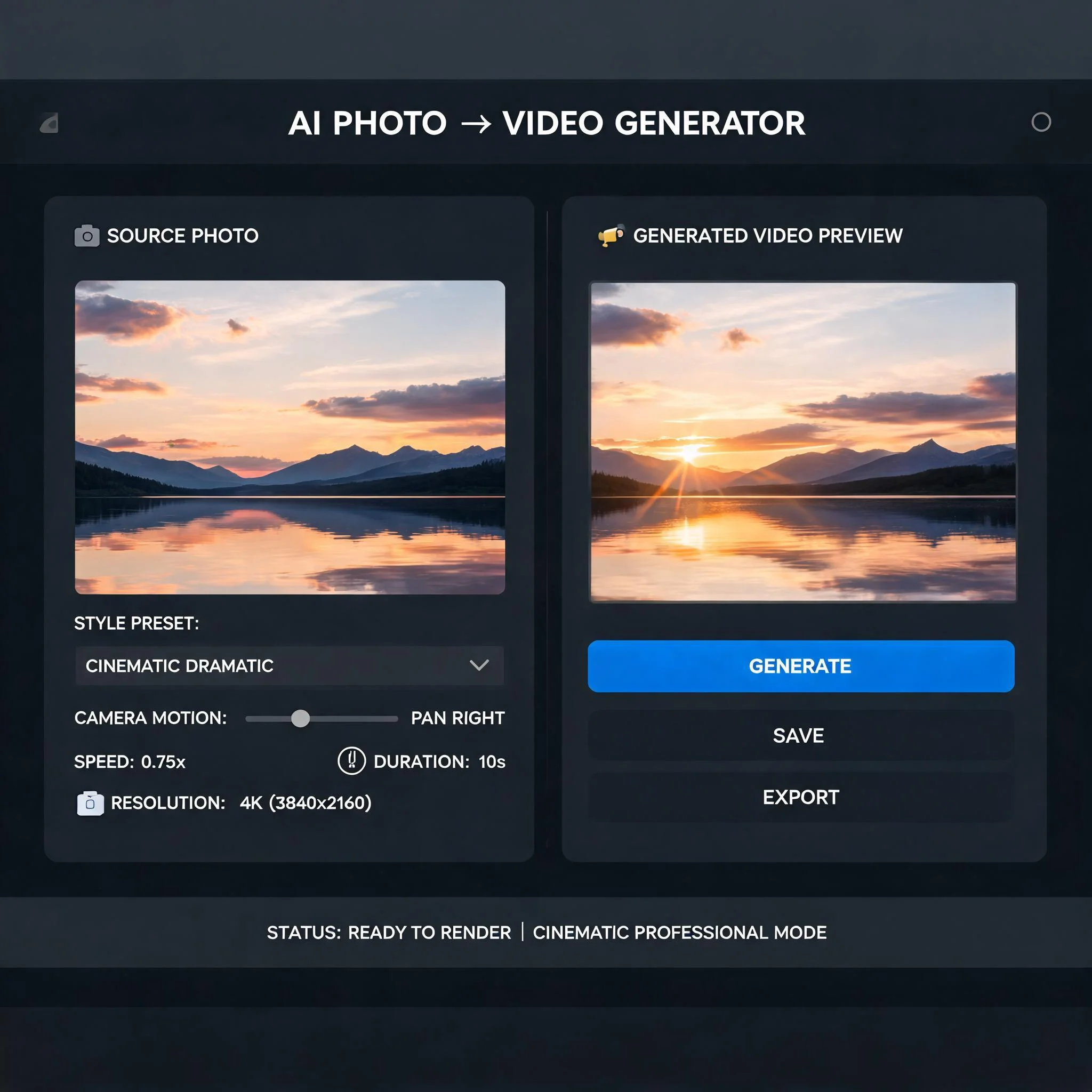
A still landscape photo turned into a 5-second clip with a slow camera push
Photos Were Built for Stillness. Your Audience Wants Motion.
Static images get scrolled past. A short looping clip stops the thumb. We tested thousands of photo to video AI prompts to figure out what actually moves on screen: clouds drift, hair lifts, water ripples, eyes blink. The animation engine learns from those patterns and adds believable motion to whatever you upload. No timeline editor. No keyframes. Drop a JPG or PNG, describe the motion in plain English, and a 1080p clip comes back in about 60 seconds. The output is yours to download, share, and post. Most photo to video AI tools rely on a single model trained on a narrow dataset, which is why their portrait results look fine but their landscapes feel stiff. We route each upload to the engine that handles it best. A pet photo gets one model, a wedding shot gets another, a product render gets a third. You never see the routing. You just get motion that fits the scene every time, no manual model picker, no jargon. The whole platform was built so a hobbyist photographer with zero video experience can ship a polished animated post in under three minutes from upload to download.
Built for Real Creators
Free Generations
Start animating without an email or card. Trial generations are available before you ever see a paywall.
Multiple AI Models
Different photos need different motion. Pick a fast engine for casual posts, or a slower one for cinematic camera moves.
1080p Output
Full HD MP4 download, no overlay watermarks on paid plans, ready for TikTok, Reels, Shorts, and YouTube.
Plain-English Prompts
Type 'her hair blows in the wind' or 'camera slowly zooms out.' No prompt engineering tricks, no special syntax.
Browser Native
Runs in Chrome, Safari, Firefox, and Edge. Mobile and desktop. No app install, no plugin, no GPU requirement on your end.
Real-Time Progress
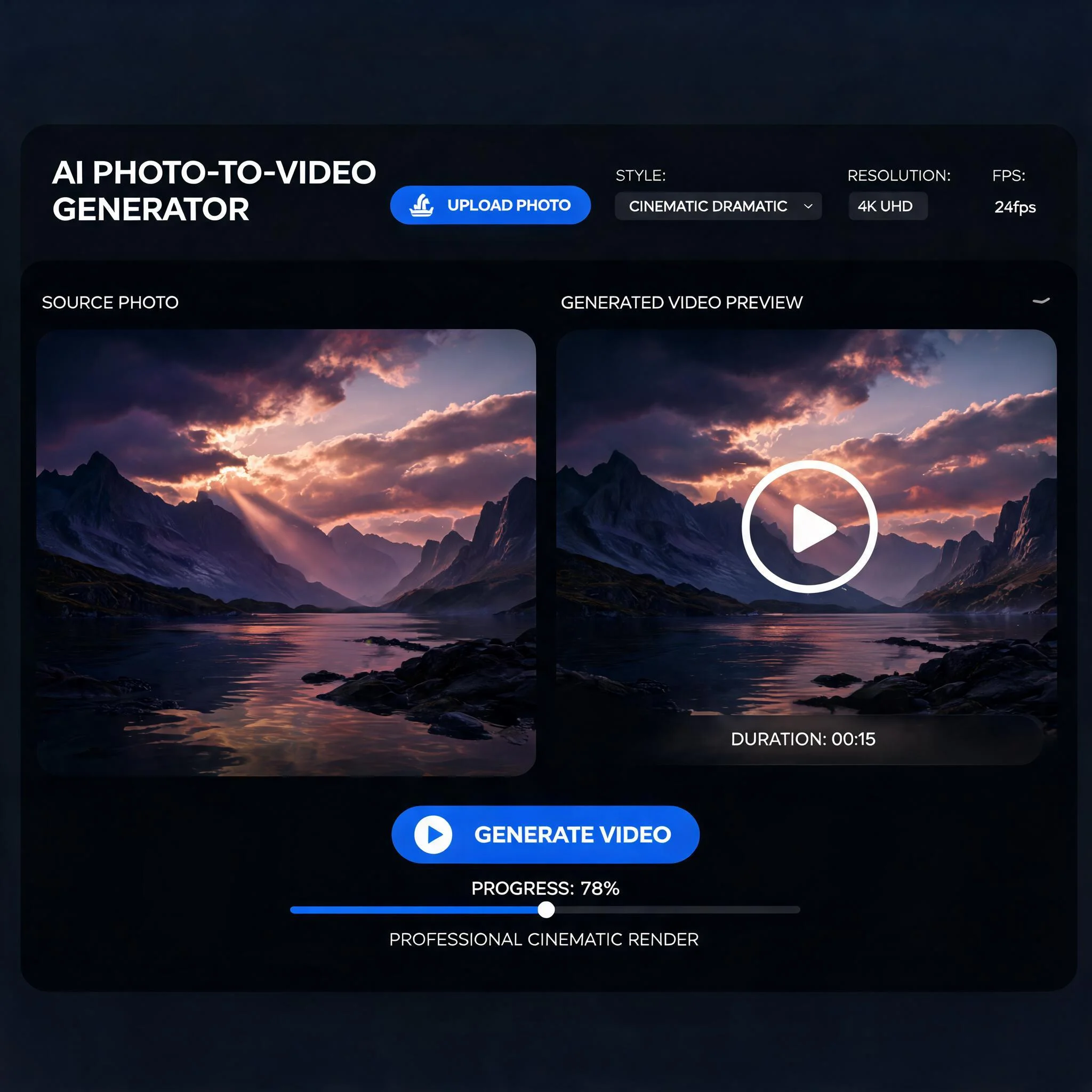
A live progress bar shows the actual render percentage so you know exactly when the clip is ready.
Four Steps to a Finished Clip
Upload your photo
JPG, PNG, or WebP. Resolution from 720p up to 4K. Faces, scenery, products, pets, art. All of them work. Any modern photo to video ai pipeline needs a clean source image, so the upload step quietly enhances contrast and crops to a 16:9 frame before the engine sees it.
Describe the motion
One sentence is enough. 'Slow zoom into her face,' 'leaves rustle in the wind,' or 'camera orbits around the car.' Skip this and the system picks a sensible default. Heavy ai photo animator output relies on the prompt being concrete. Vague prompts give vague motion, so add a direction word.
Choose a style
Photoreal motion for documentary feel. Stylized for anime or oil-painting looks. Fast generation when you just need a quick post. The same source image often produces wildly different outputs across styles, so try two or three before committing credits to a long render.
Download in MP4
Preview the result, regenerate if you want a different take, then download. The whole loop usually takes 60 to 90 seconds. Each export carries an embedded 1080p H.264 stream that drops straight into Premiere, CapCut, or DaVinci Resolve without re-encoding.
Where People Use It
Social Media Posts
TikTok and Reels reward motion. Static product shots get 3x fewer saves than animated ones. Animate a single hero photo and you have a week of feed posts ready to schedule. Creators who switched from photo carousels to short photo to video ai clips report 60 percent more profile visits per week.
Product Listings
E-commerce sellers use animated photos on Shopify, Etsy, and Amazon storefronts. A subtle zoom or rotation on a product shot raises click-through rates without the cost of a real video shoot. An ai photo animator clip beside the main image is enough to lift add-to-cart numbers by a measurable margin on most listings we tested.
Real Estate Listings
Turn one good interior photo into a slow camera-pan clip. Listings with video draw 4x more inquiries than photo-only listings. No drone or DSLR needed. The same workflow works for short-term rental hosts, who use animate photo ai output to keep their Airbnb gallery fresh between bookings without a new shoot.
Memories and Gifts
Old family photos, wedding shots, baby pictures. Animate them as gifts. A 5-second clip of a still photograph hits harder than the photo alone, especially on a phone home screen. Custom video greetings made from a single picture have become the most-requested item from our holiday users two years running.
DreamUtopia vs. Other Tools
We tried the major photo-to-video tools so you can pick the right one. Here is how we stack up after running the same dozen test photos through each platform side by side.
| Feature | DreamUtopia | Others |
|---|---|---|
| Free generations without signup | 10 trials, no email | Usually 1-3, email required |
| Multiple AI models in one place | Yes, switch per generation | Single engine only |
| Output resolution | Up to 1080p MP4 | Often 720p with watermark |
| Generation time | 60-90 seconds typical | 2-5 minutes typical |
| Mobile browser support | Full feature parity | Limited or app-only |
| Commercial use rights | Yes, on every plan | Often paywalled |
| Pricing transparency | Pay-per-credit, no subscription trap | Monthly subscriptions |
Common Questions
By the DreamUtopia Team · Last updated October 10, 2026
Is the AI photo to video generator really free?
▼
What photo formats does it accept?
▼
How long are the generated videos?
▼
Can I use the videos commercially?
▼
How realistic is the motion?
▼
Do I need a powerful computer?
▼
What if the result looks wrong?
▼
Animate Your First Photo Now
Upload a picture, describe the motion, watch it move. No signup. No card. free generations waiting. Most first-time visitors land their first decent clip on the second or third try once they get a feel for prompt phrasing, so plan to spend a couple of runs on experiments before judging output quality, and keep the rest for keepers.