
Turn Any Photo Into a Cartoon
Upload a photo or type a scene. Get cartoon art in seconds, with no account needed to start.
Pick a style family, keep the face you recognize, and export up to 4K. Our AI cartoon generator reads your reference image and redraws it as flat 2D, comic ink, chibi, or animated-film art. When the still looks right, turn it into a 5 to 12 second clip with one more prompt.
Drag & drop an image, or click to upload
JPG, PNG, WebP, TIFF — up to 20MB
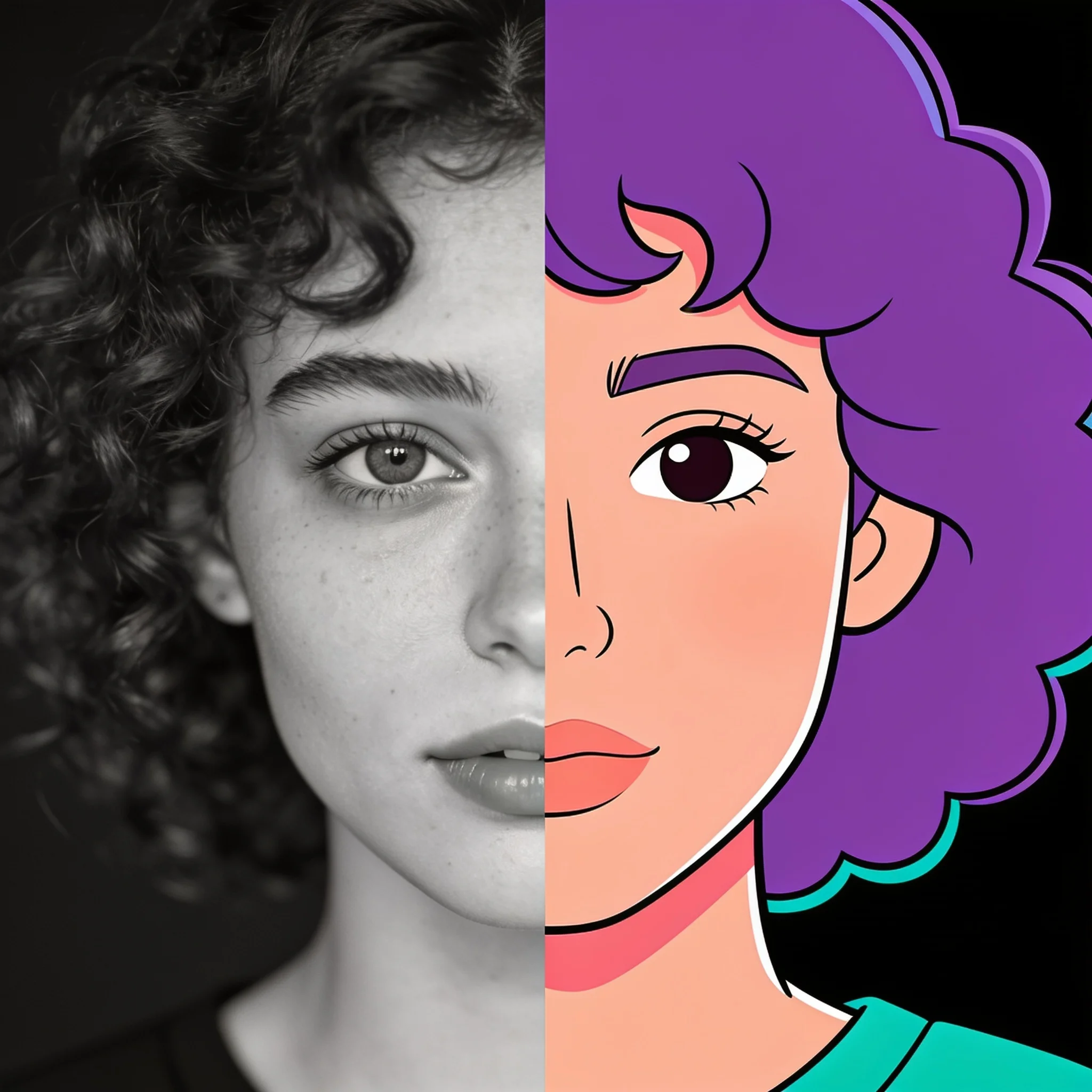
One photo, one prompt, one pass. Flat 2D keeps the face recognizable.
A Cartoon Generator That Keeps the Face You Know
Most photo to cartoon filters hand back a stranger. The glasses are wrong, the smile is generic, and the dog now wears a human expression. That happens because a single canned filter pushes every photo toward the same average face. DreamUtopia works from your photo as a reference, not as a template. You describe the style you want in plain words, and the model redraws the scene while holding the parts you told it to hold: this face, this pose, this jacket. One careful pass usually lands it. Extra passes tend to drift, so we built the flow around getting it right the first time. We tested the same 40 portraits across six cartoon families to see where likeness breaks. Flat 2D and comic ink held identity best, animated-film style softened it, and chibi kept the most expression but lost detail. Those results shaped the prompts we recommend below.
What You Can Do With It
Six Cartoon Style Families
Flat 2D vector, comic ink, chibi, animated-film 3D, pencil sketch, and sticker outline. Each family has its own line weight, palette, and shading rules, so the output stays consistent instead of landing somewhere in between.
Photo In, Cartoon Out
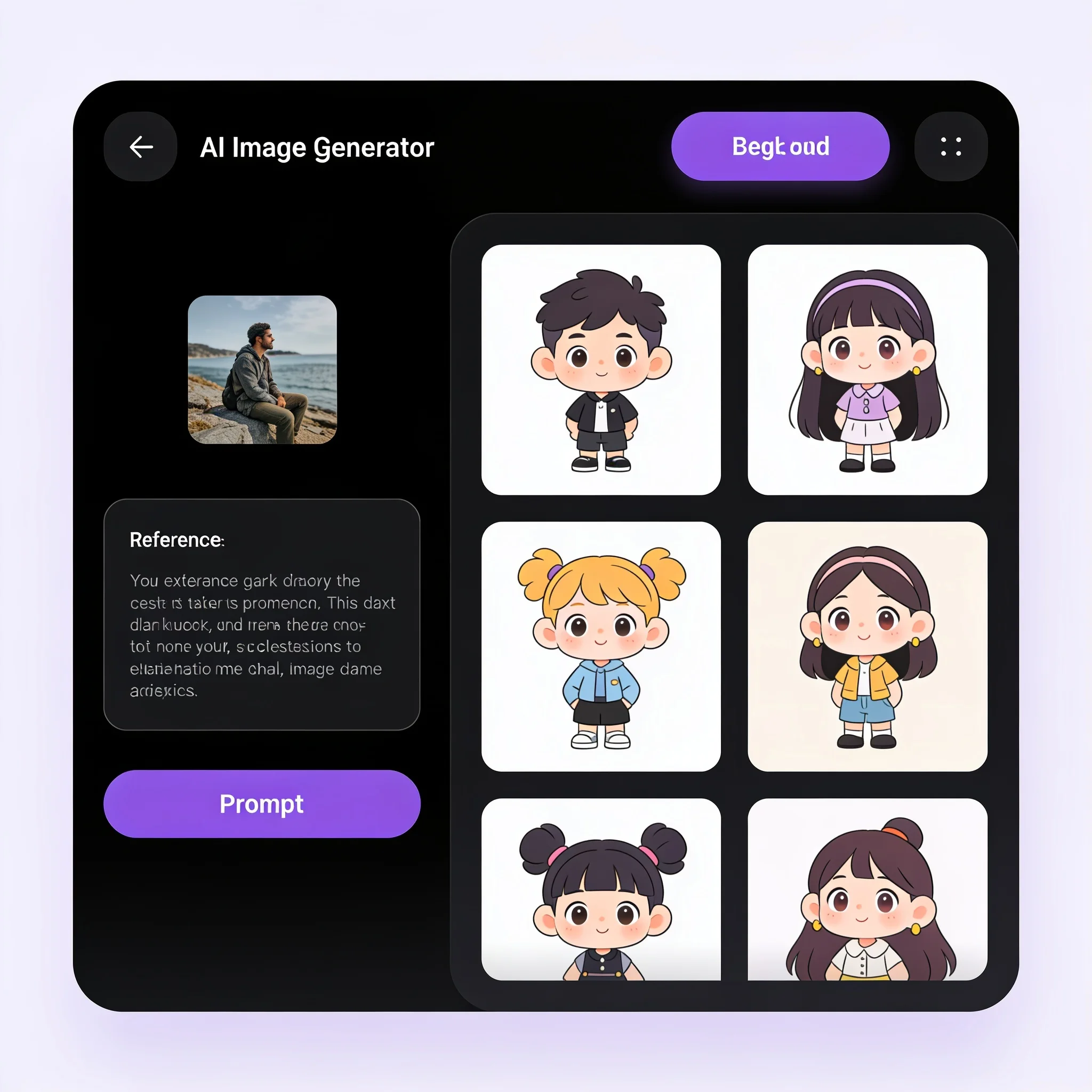
Upload a JPG, PNG, WebP, GIF, BMP, or TIFF up to 6000 pixels on the long side. The generator reads the reference and keeps the composition. No photo? Type the scene and start from text.
Likeness That Survives the Style
Tell the model what must stay true, such as the face shape, the expression, or the jacket. Stating those constraints up front is far more reliable than trying to correct them in a second pass, because every extra pass pulls the drawing further away.
Up to 4K Output
Render at 1K, 2K, or 4K depending on the model you pick. Choose 1:1, 4:3, 3:4, 16:9, 9:16, 3:2, or 2:3 before you generate, so the cartoon fits the platform on the first try.
Animate the Cartoon
Every cartoon still can become motion. Describe the movement, pick a duration between 5 and 12 seconds, and get a clip at 480p, 720p, or 1080p. Useful for intros, stickers, and short posts.
Start Without an Account
The trial runs in the browser with no sign-up and no card. Create an account later to keep your history, reuse prompts, and buy credits when you need more renders.
How to Cartoon Yourself in Four Steps
Upload a Reference Photo
Front-facing, evenly lit, and sharp works best. A phone photo taken near a window beats a studio shot with a heavy filter already applied.
Name the Style Precisely
Write the medium, not the mood. 'Bold black comic ink with flat fill' gives the model a clear target. 'Make it cool' does not.
Set the Shape and Size
Pick an aspect ratio for where the image will live, then choose 1K, 2K, or 4K. Portrait crops suit profile pictures; 16:9 suits banners and thumbnails.
Download or Animate
Save the still when it looks right, or send it straight into the video step with a motion prompt. A short clip usually renders in about a minute.
What People Actually Make
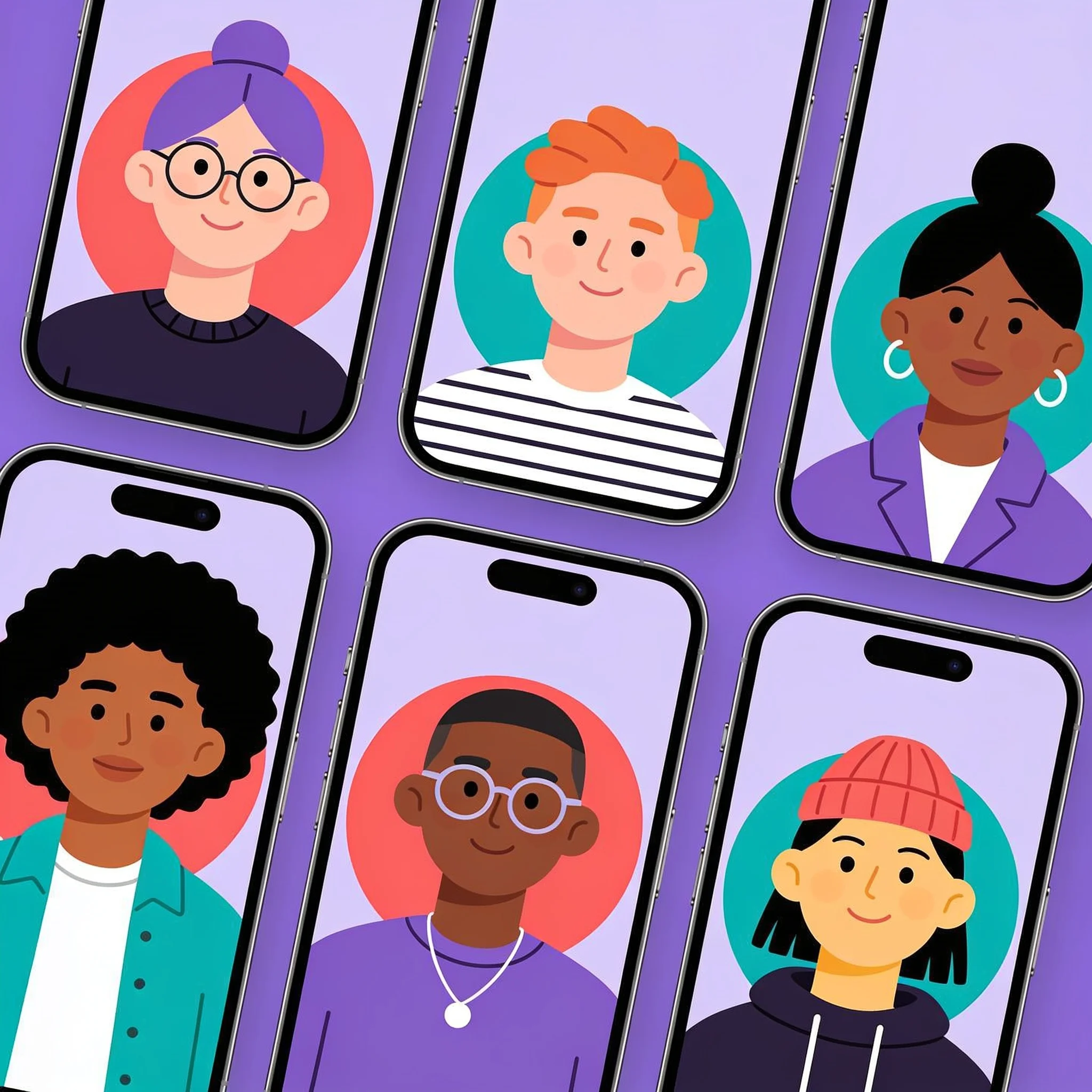
Profile Pictures That Stand Out
A cartoon avatar reads clearly at 48 pixels, which a photo rarely does. Upload a selfie, pick flat 2D, and export at 1:1. The same still works on LinkedIn, Discord, and a game launcher without cropping the head off.
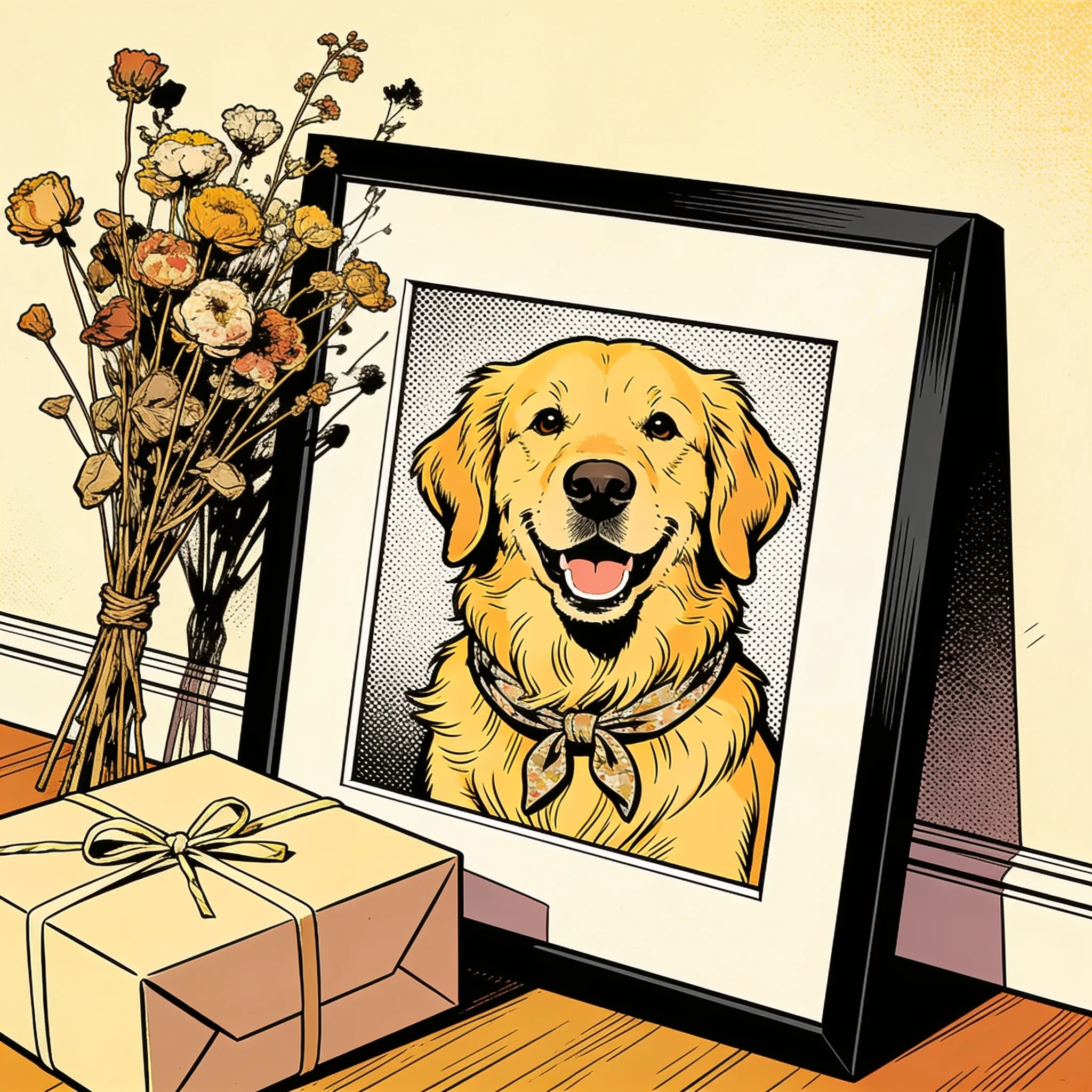
Pet Portraits as Gifts
Pets convert better than people. Fur, eyes, and markings survive stylization because the silhouette carries most of the identity. Dog and cat portraits in comic ink are the single most requested gift style we see, and a 4K render prints clean at A3.
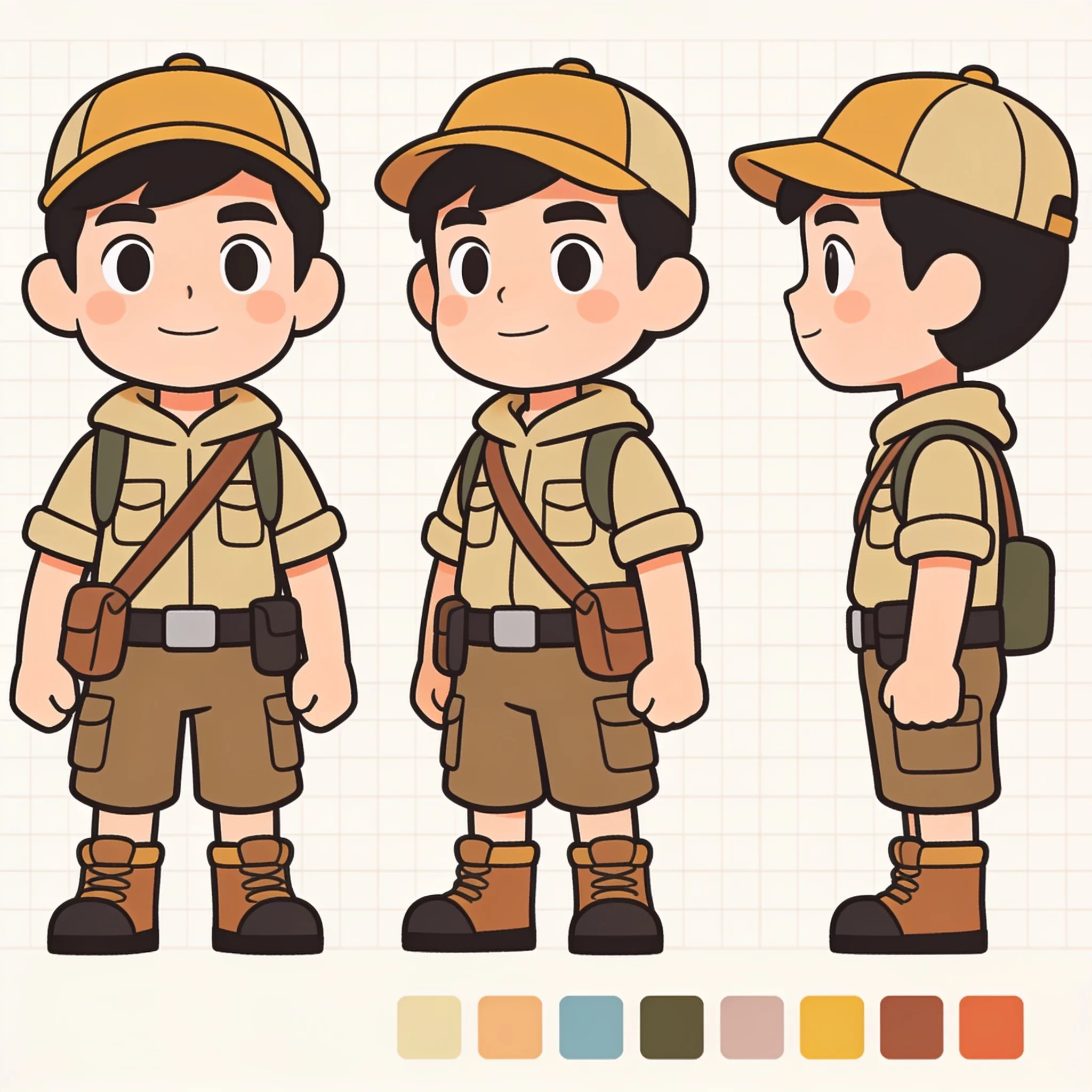
Character Sheets and Storyboards
Writers and small studios use the generator to lock a look before commissioning art. Describe the character once, generate a front view, then generate side views from the same reference. Consistent line weight matters more than detail at this stage.
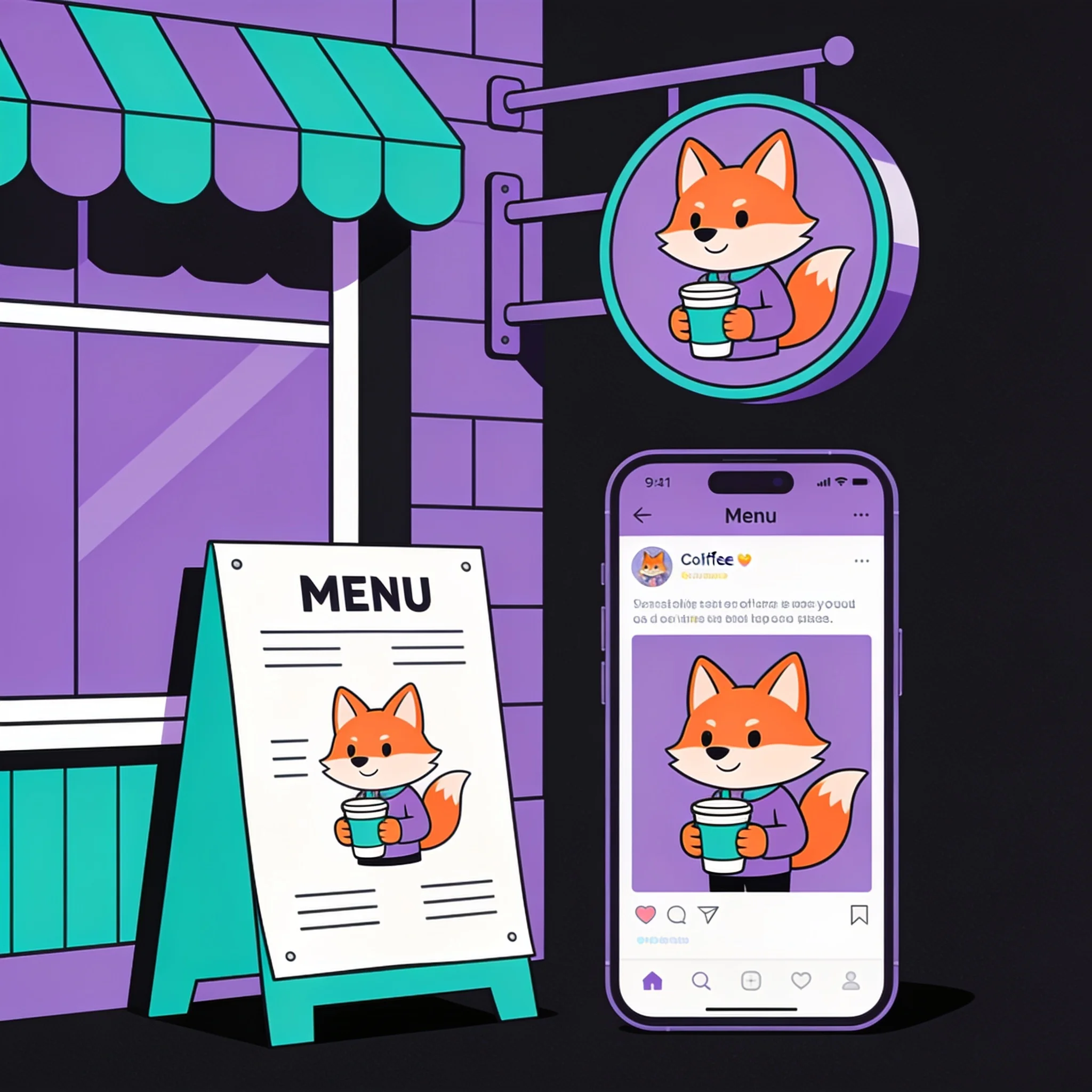
Mascots for Small Brands
A shop needs a mascot on a sign, a menu, and a social post. Generate the character in one style family, then re-render the same reference at different ratios. Keeping one family across formats stops the brand from looking assembled at random.
How DreamUtopia Compares to Cartoon Apps
We measured the workflow against the cartoon apps people most often download. Specs below are what the products expose today, checked in October 2026.
| Feature | DreamUtopia | Other Cartoon Apps |
|---|---|---|
| Style control | Six families, described in free text | One canned filter per effect, or a style picker with no prompt |
| Photo as reference | Yes, plus text-only generation | Photo only in most apps |
| Output resolution | Up to 4K | Usually 1024 px or less on free tiers |
| Aspect ratios | Seven ratios plus adaptive | Square or portrait only |
| Animation | 5 to 12 second clips from the still | Static images only |
| Account required | No for the trial | Usually yes, sometimes with an email gate |
| Watermark | Removed on paid plans | Present on most free tiers |
Prompts That Produce a Clean Cartoon
These six habits came out of our own test renders. They apply to any style family.
Use a Sharp, Front-Facing Photo
A blurry reference produces a blurry cartoon. A face turned past about 30 degrees loses one eye to exaggeration, and group shots tend to merge shoulders. Crop to one person before uploading.
Name the Medium and the Line
Say 'flat vector fill with a 3px outline' or 'halftone shading in comic ink'. Words like cartoon and stylized describe a category, and the model has to guess which one you mean.
State What Must Stay
Add one sentence to the prompt: keep the face shape, the freckles, and the denim jacket. Naming two or three anchors is enough. Listing ten turns the prompt into noise.
Fix It in One Pass
Each extra pass pulls the face further from the photo. If a render misses, change the prompt and start again from the original photo rather than editing the cartoon.
Match the Ratio to the Destination
Profile pictures want 1:1. Reels and Shorts want 9:16. A banner wants 16:9. Choosing the ratio before the render avoids awkward crops later.
Add Motion Only After the Still Works
Animate a cartoon you already like. Describing the movement on a still that missed just produces a moving miss, and video takes longer to render than an image.
Questions About AI Cartoon Generators
By the DreamUtopia Team · Last updated October 10, 2026
Is the AI cartoon generator free?
▼
Can I turn my own photo into a cartoon?
▼
Which cartoon styles are available?
▼
Will the cartoon still look like the person in the photo?
▼
Can I animate the cartoon once it is generated?
▼
What file types and sizes can I upload?
▼
Can I use the cartoons commercially?
▼
Make Your First Cartoon in Under a Minute
Upload a photo, name the style, and watch the render land. No account needed to try.