
Turn Any Pet Photo Into a Painted Portrait
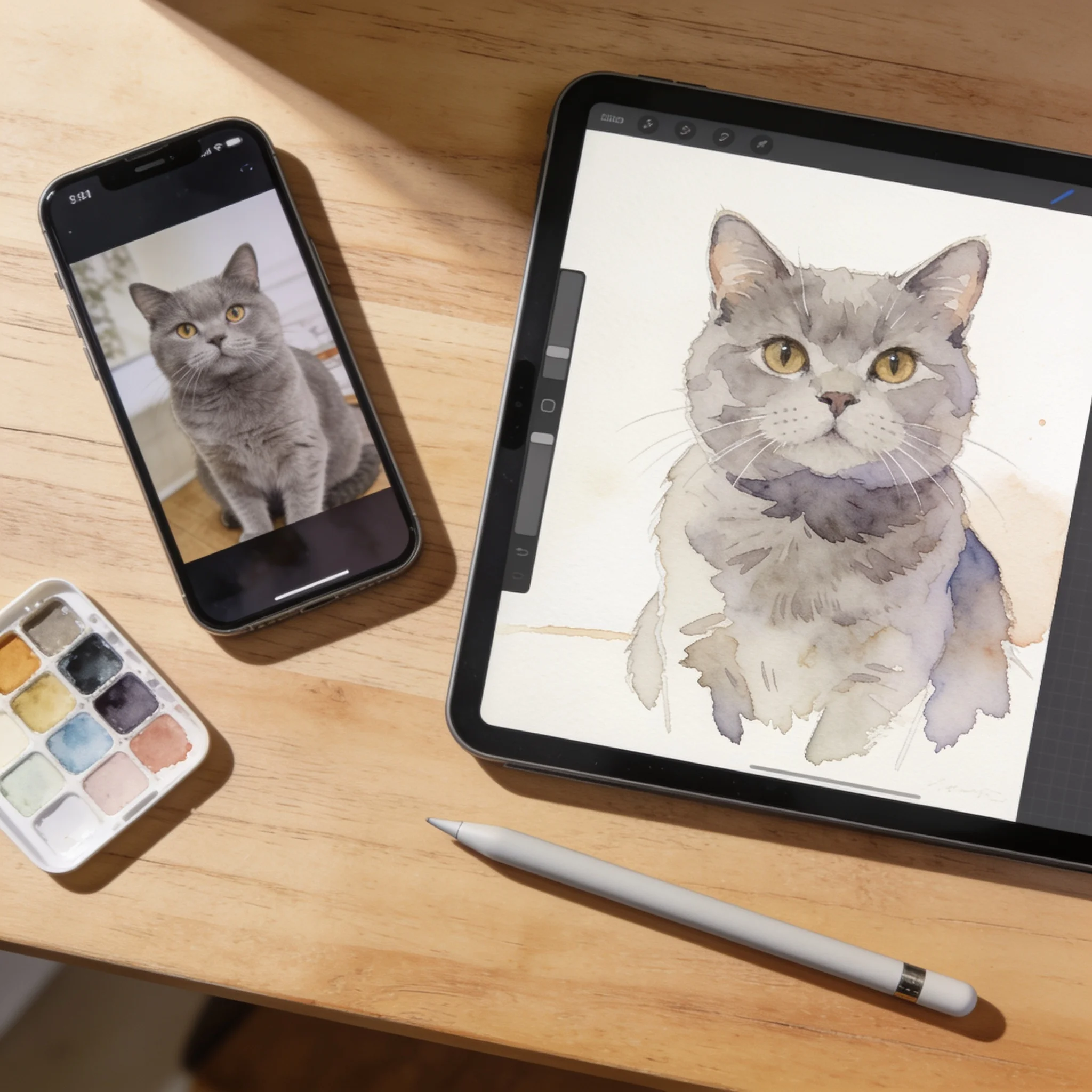
Our AI pet portrait generator works from your photo rather than a template, reading the coat, the markings, and the eyes, then redrawing your dog, cat, or parrot in the style you describe. Export at up to 4K, print it, or send the still into a short animated clip.
Start with a real example
These are the prompts paired with this page’s examples. Open the generator, choose an example, then adjust one detail at a time.
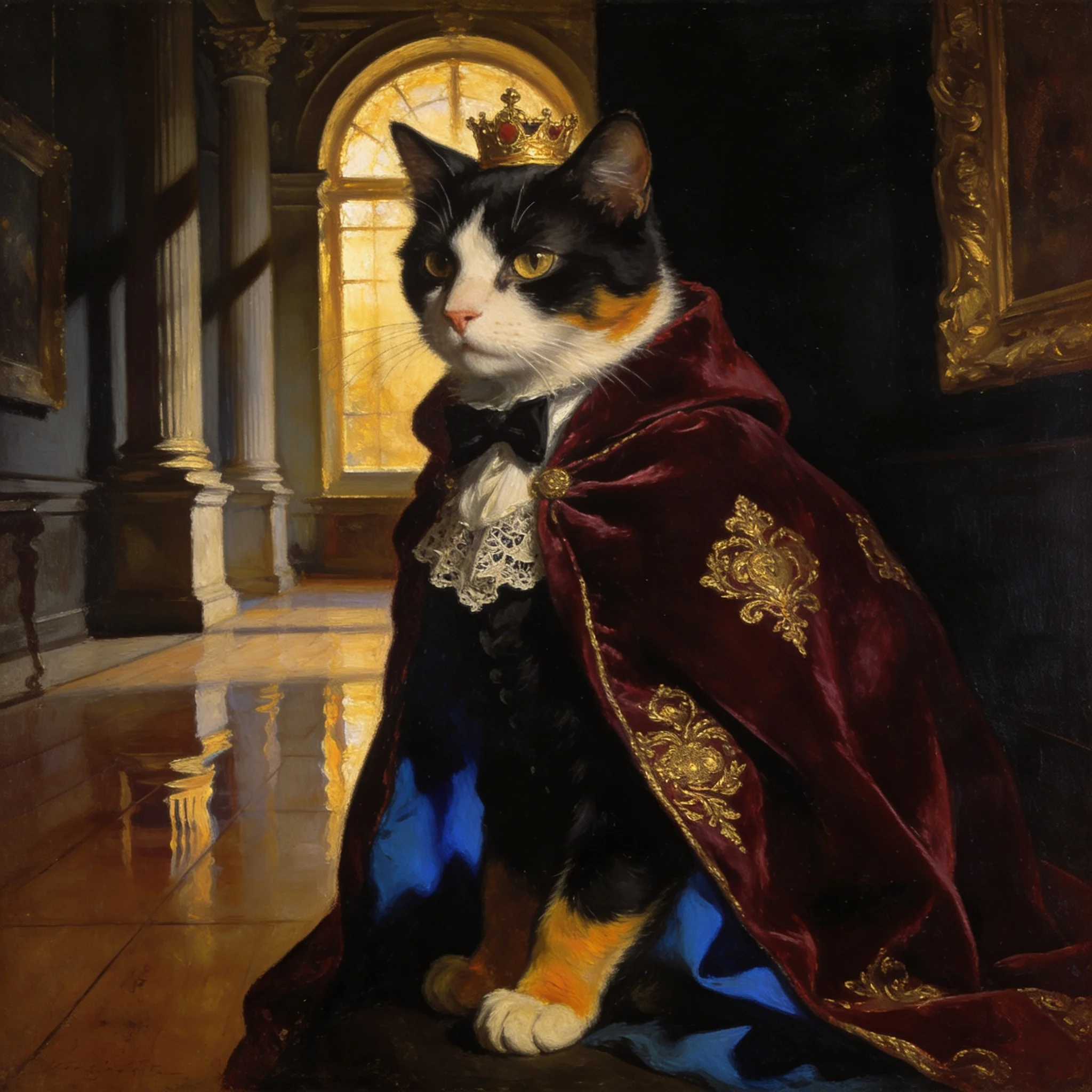
Example prompt 01
The tuxedo cat slowly turns its head toward the viewer, blinks once, the velvet cloak shifting as warm candlelight flickers across the gold crown
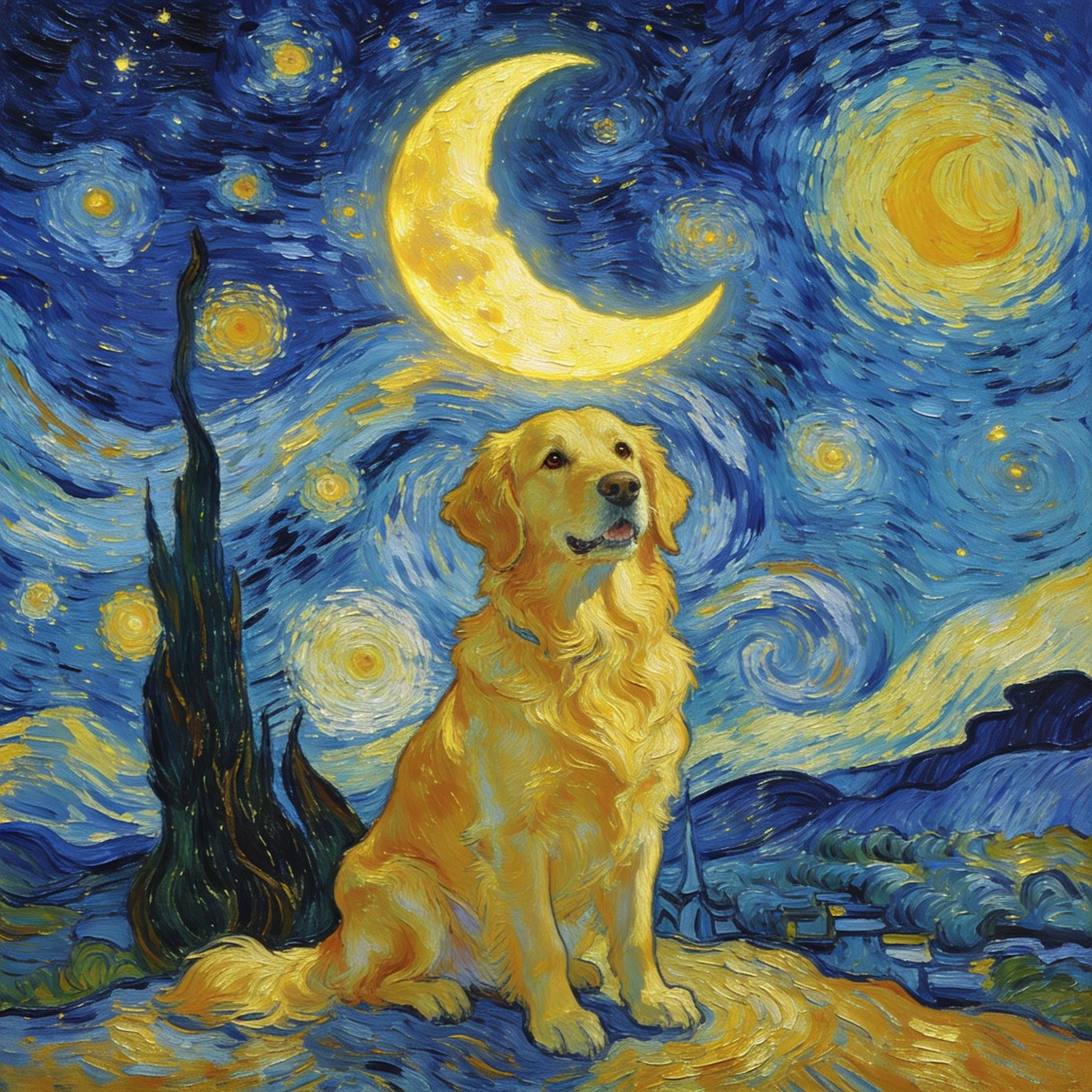
Example prompt 02
The swirling night sky slowly turns behind the golden retriever while brushstrokes shimmer, the dog's ears lift in a light breeze, camera gently pushes in
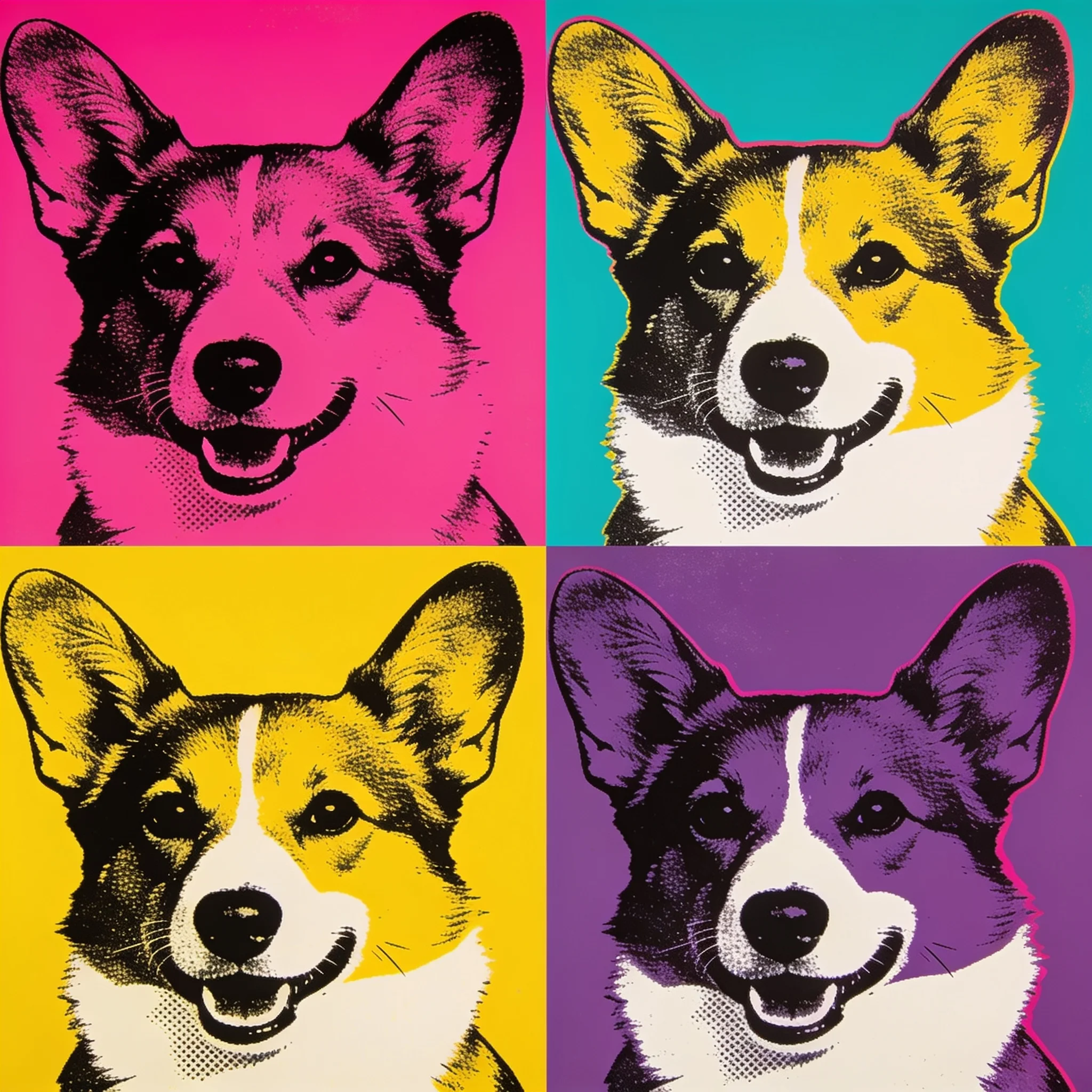
Example prompt 03
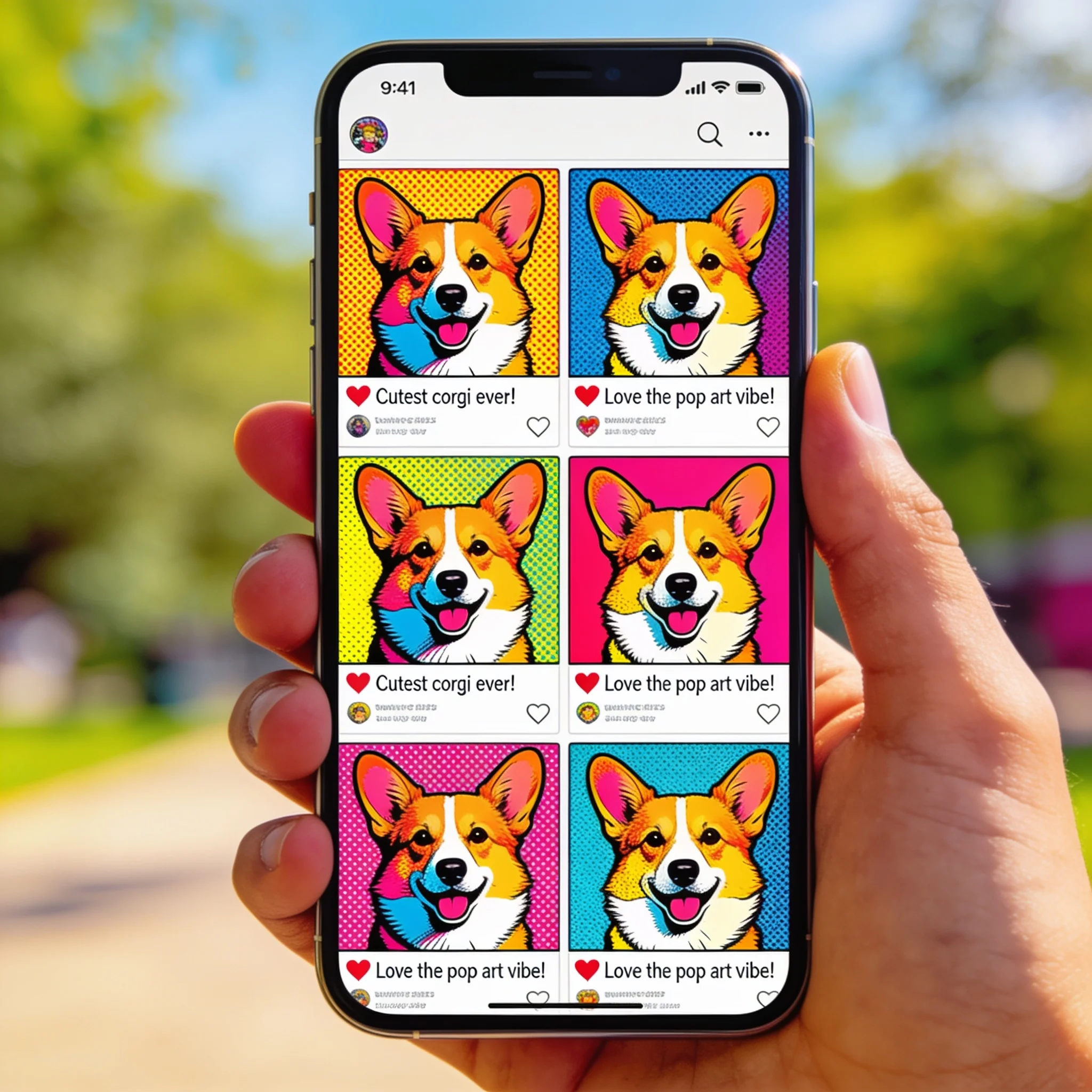
The four pop-art panels pulse in sequence like a screen printer laying color, halftone dots drifting across the frame while the corgi's grin holds steady
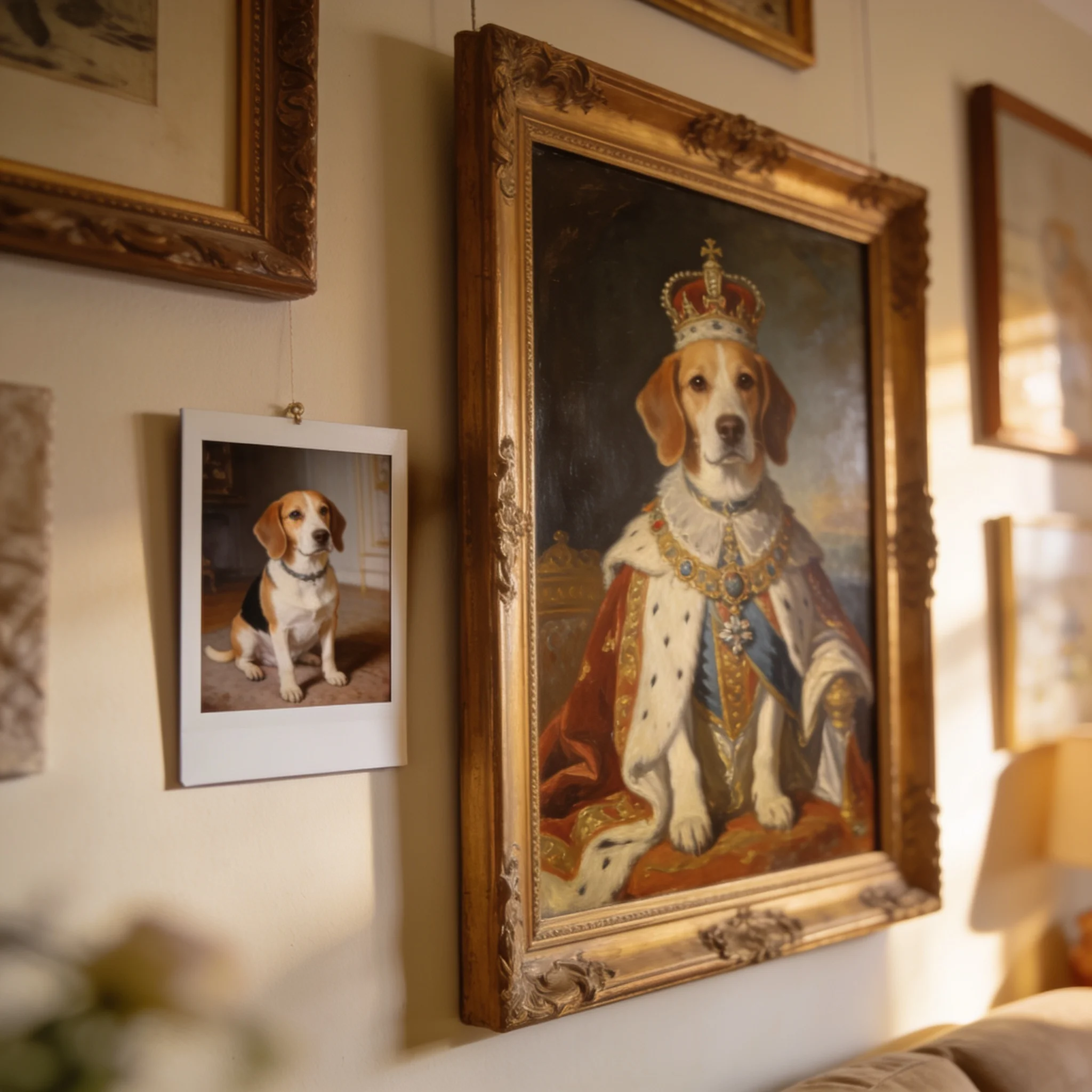
One photo, one style prompt, one pass. The markings carry over.
A Pet Portrait Generator That Keeps the Likeness
Generic art filters return a pretty animal that is not your animal. The markings drift, the eyes change color, and a spotted dog comes back with a solid coat, because those tools paint from words alone and a breed description replaces your pet. This generator starts from your photo: upload it as the reference, then say what must stay, such as the white blaze on the chest, the one blue eye, or the bent left ear. Stating two or three anchors is the single biggest change you can make to likeness, and one careful pass usually lands it, which is why we built the flow around getting it right the first time. Every portrait can become motion too, because a small movement such as a tail flick or a slow blink turns the same image into a 5 to 12 second clip.
What You Get
Likeness That Holds
The model works from your photo as a reference, so when you name the coat pattern, the eye color, or the shape of the ears, those details survive the restyle. A solid description beats ten small corrections.
Styles You Describe in Words
Oil painting, watercolor, pencil sketch, pop art, Renaissance, 3D cartoon, anime, or line art, all described in ordinary language, and nothing is locked to a single filter.
One Photo In, Art Out
JPG, PNG, WebP, GIF, BMP, or TIFF, between 300 and 6000 pixels per side, and a phone photo taken in daylight is enough, though you can also type a scene and start from text.
Up to 4K Output
Render at 1K, 2K, or 4K. Pick a ratio before you generate: 1:1 for a profile, 3:4 or 2:3 for a print, 16:9 for a banner. A 4K file prints clean at A3.
Animate the Portrait
Send a finished still into the video step, describe the motion, and get a clip at 480p, 720p, or 1080p, between 5 and 12 seconds, which is enough for a lock screen or a short post.
No Account to Start
The trial runs in the browser with no sign-up and no card, and an account later keeps your history, saves your prompts, and lets you buy credits when you need more renders.
From Snapshot to Portrait in Four Steps
Pick a Clear Photo
One pet, eyes open, head at the same height as the camera; daylight beats flash, and a sharp 2 MP photo works better than a soft 12 MP shot.
Name the Style and the Anchors
Write the medium first, such as 'loose watercolor on cold-press paper', then add the details that must stay, like the white muzzle, the amber eyes, or the cropped left ear.
Choose Ratio and Size
A square frame suits a profile picture, a 3:4 or 2:3 frame suits a print, and 1K is enough for screens while 4K covers anything you plan to print.
Download or Animate
Save the still, or send it into the video step with a motion prompt, and a short clip usually renders in about a minute.
What People Make With It
Memorial Portraits
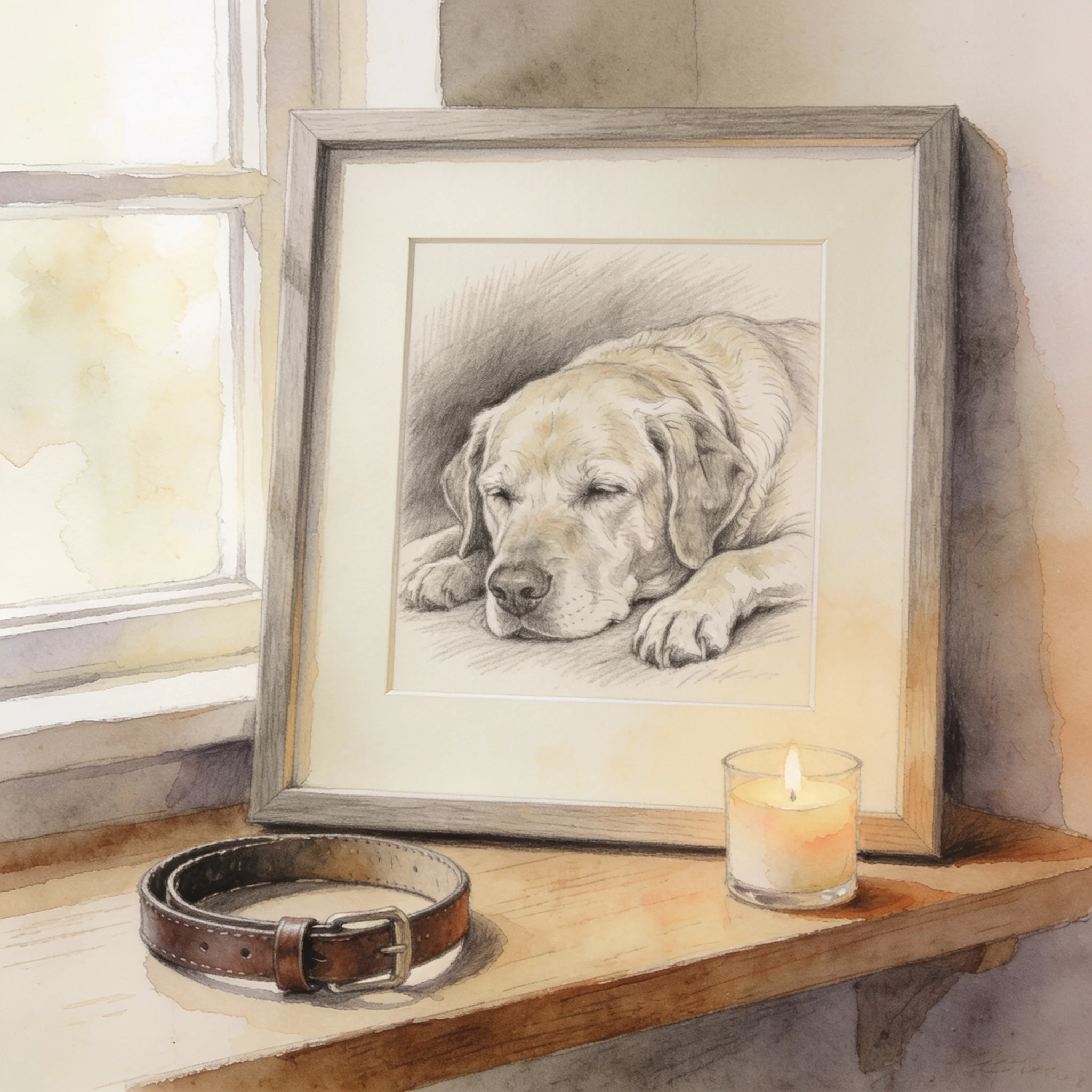
A painted portrait is a gentle way to keep a pet close. Choose soft pencil or warm watercolor and print it at A4 or A3, and many owners order a second copy for a family member.
Gifts for Pet Parents
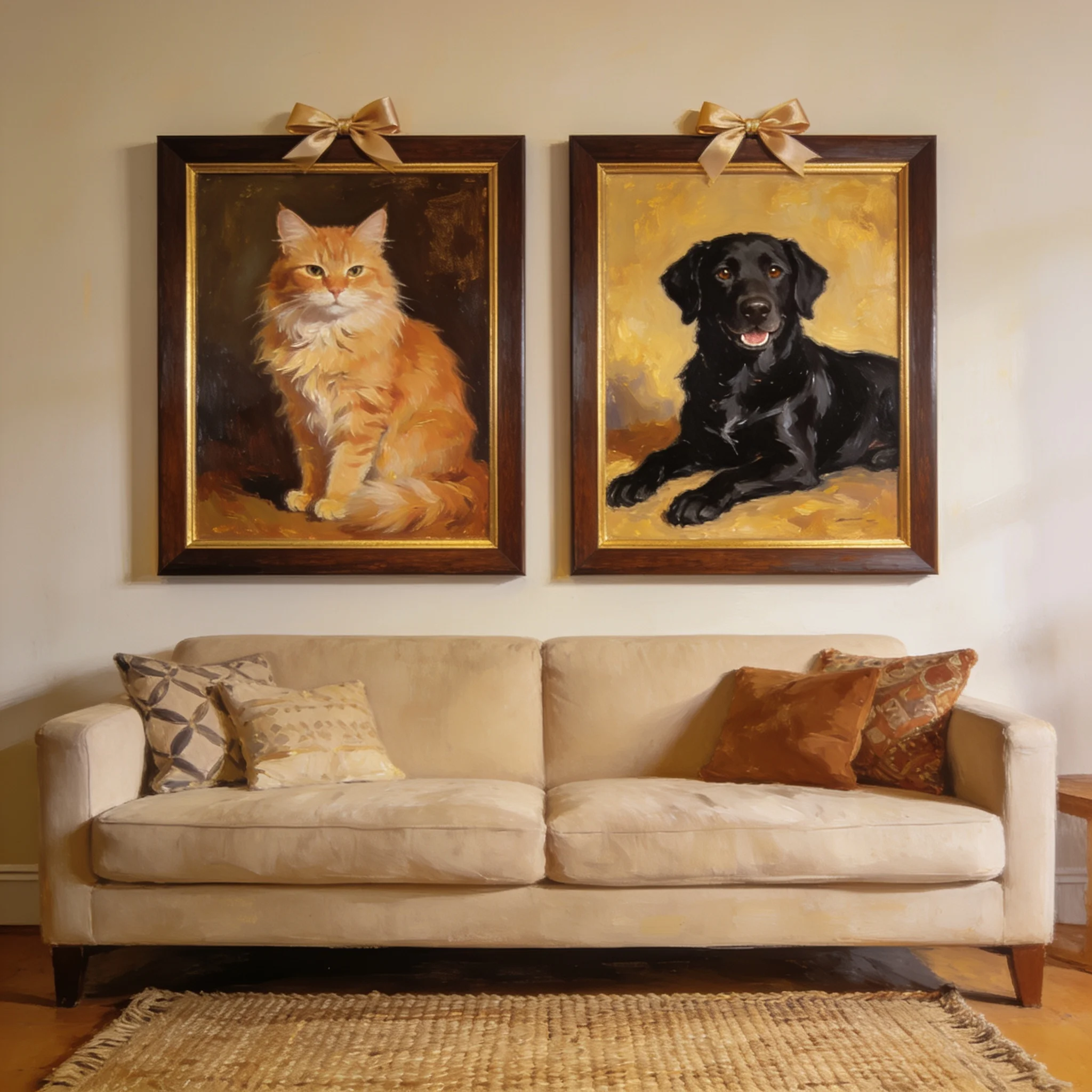
A portrait of someone else's dog lands better than another mug, especially when you generate the same style for two pets so a pair of frames reads as a set, and a 3:4 crop fits standard frames.
Wall Art and Canvases
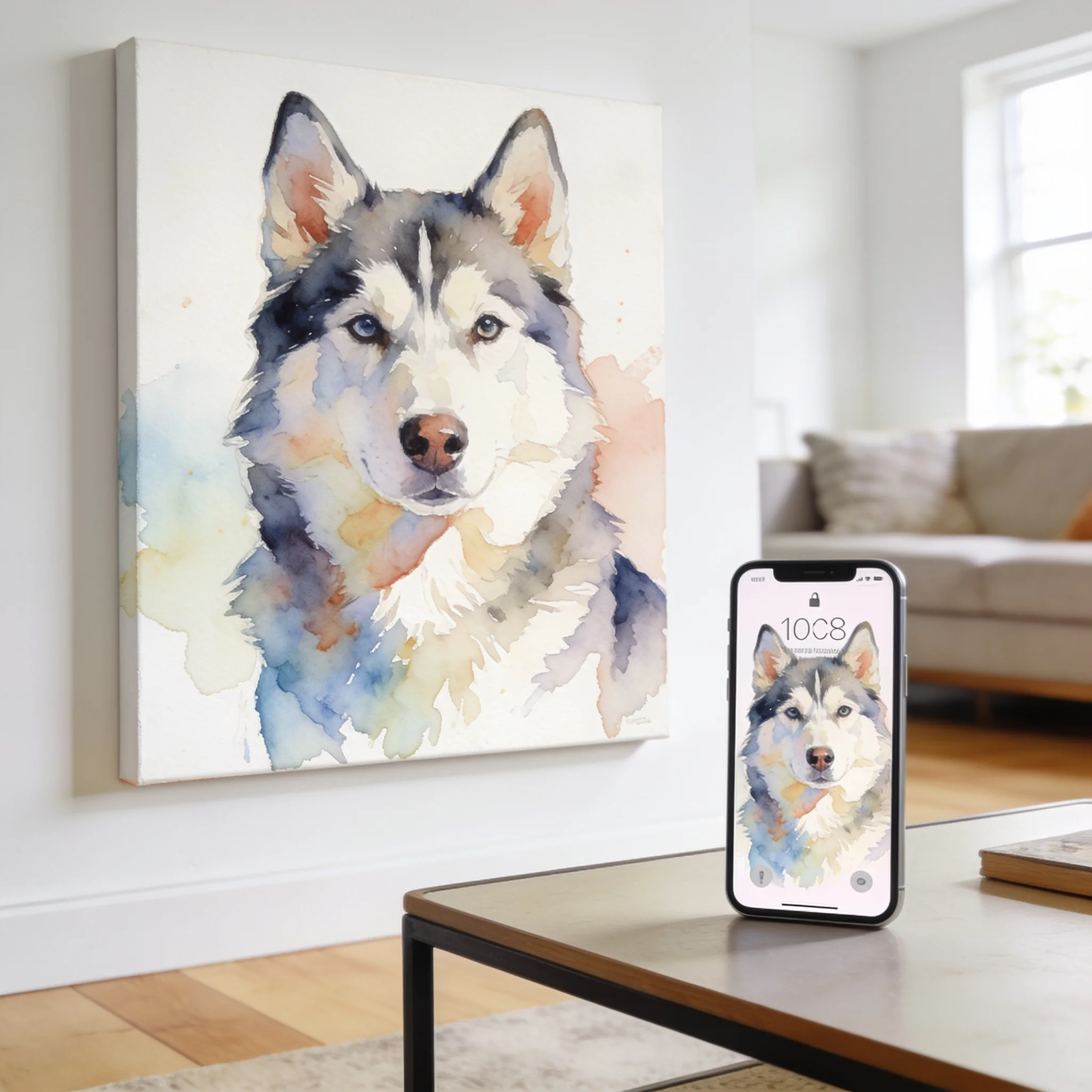
At 4K, a portrait holds up on a 50 cm canvas. Choose a style with clear shapes for a large print, because fine detail disappears at viewing distance.
Profile Pictures and Posts
Animal faces read well at small sizes, so a 1:1 pop-art portrait works as an avatar and a 9:16 still makes a clean story background.
Explore related tools
Choose the tool that matches your next step.
Prompts That Keep the Pet Recognizable
The photo decides most of the result. The prompt decides the rest.
Shoot at Eye Level
A photo taken from above shortens the muzzle and hides the chest markings. Kneel to the pet's height, fill the frame with the head and shoulders, and shoot in daylight.
One Pet per Frame
Two pets in one photo tend to merge into a single body with too many legs, so generate each pet alone in the same style and hang the pair together.
Name the Markings
Say 'black mask, white blaze, one blue eye', since a breed name alone is not enough and the model fills the gaps with an average of the breed.
Separate Likeness From Style
Write one sentence about what the pet looks like, then one about the medium. Mixing them makes the model trade accuracy for decoration.
Pick a Medium With Clear Shapes
Oil paint, pop art, and line art survive a small screen, while loose watercolor and pencil need a larger print to read well.
Check the Crop Before You Print
Choose the ratio first, then generate. A square render cropped to 2:3 later loses the ears or the paws, and the composition cannot be recovered.
Make a Portrait of Your Pet Today
Upload one photo, name a style, and watch the portrait land. No account needed to try.