
AI Tools for Creating Dance Videos, Compared Honestly
Most roundups in this niche list tools that need a reference video or a whole song. This page starts with what you already have: a photo. Upload it, describe the move, and get a short dance clip you can cut into a larger edit. Our trial runs need no account, and free renders carry a watermark.
Start with a real example
These are the prompts paired with this page’s examples. Open the generator, choose an example, then adjust one detail at a time.
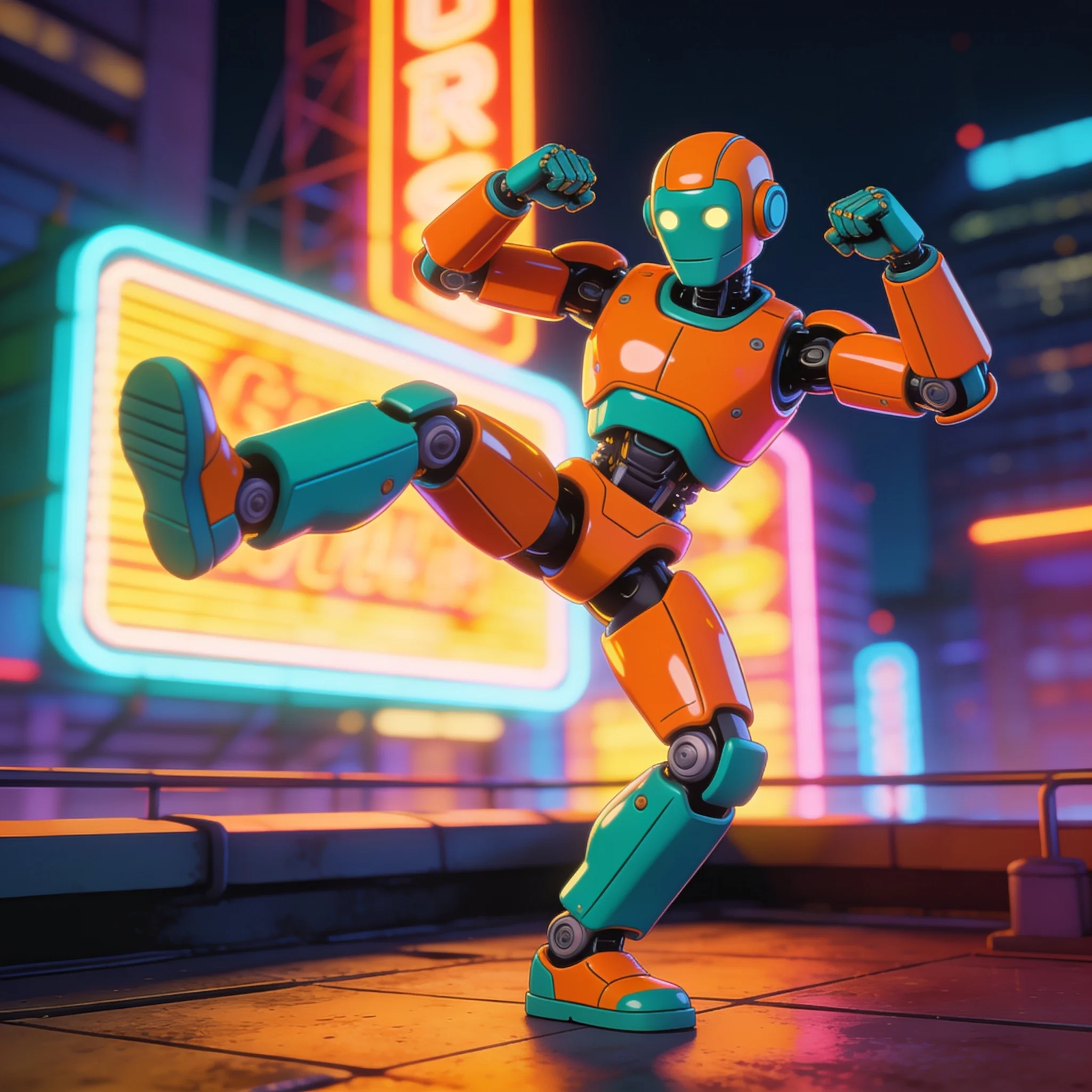
Example prompt 01
The robot pops and locks, arms swinging, torso rolling to the beat, neon reflections sliding across its plating, camera slowly orbits, sparks drift through the air
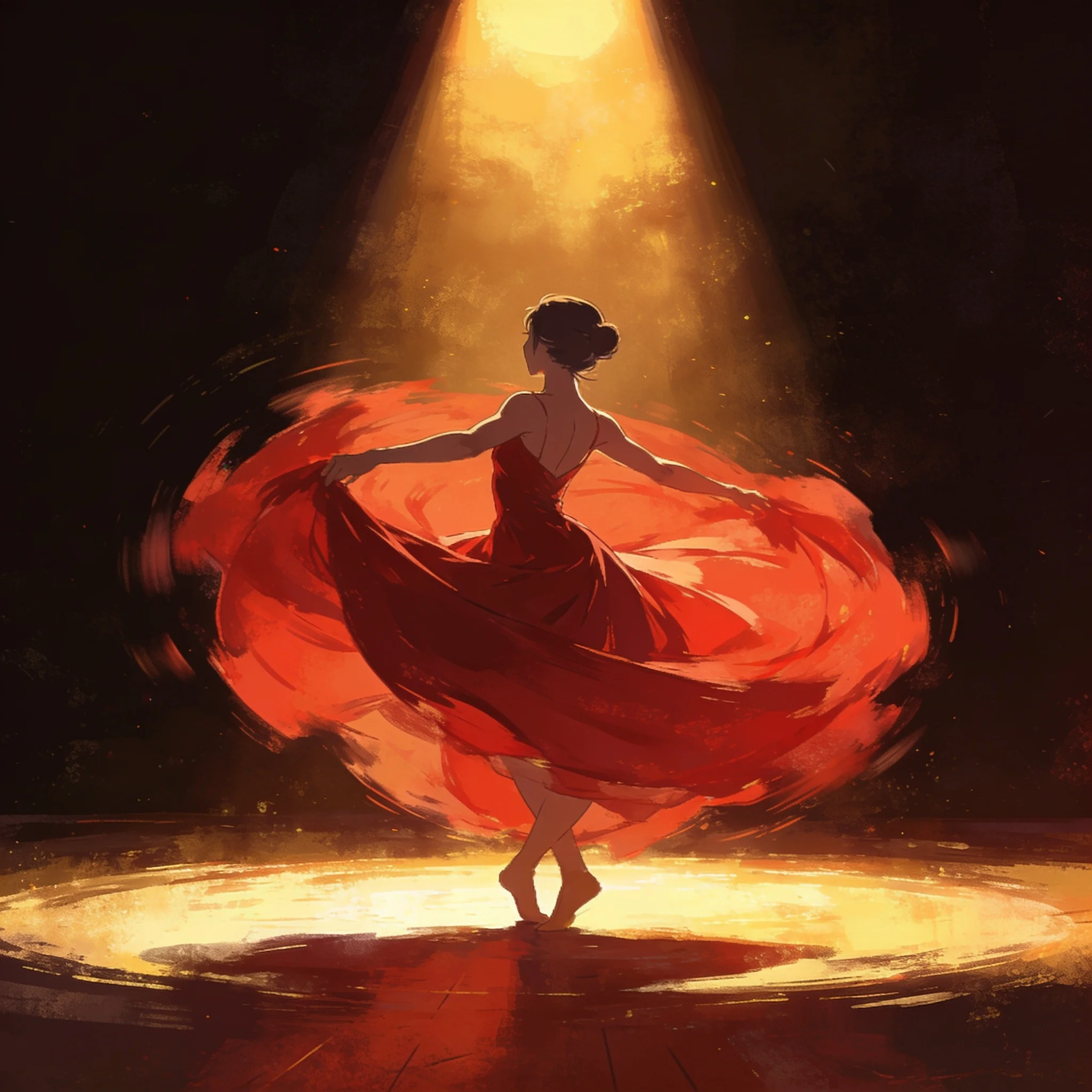
Example prompt 02
The dancer spins faster, the dress sweeping a wide arc, the spotlight flares, dust motes swirl, camera pushes in slowly
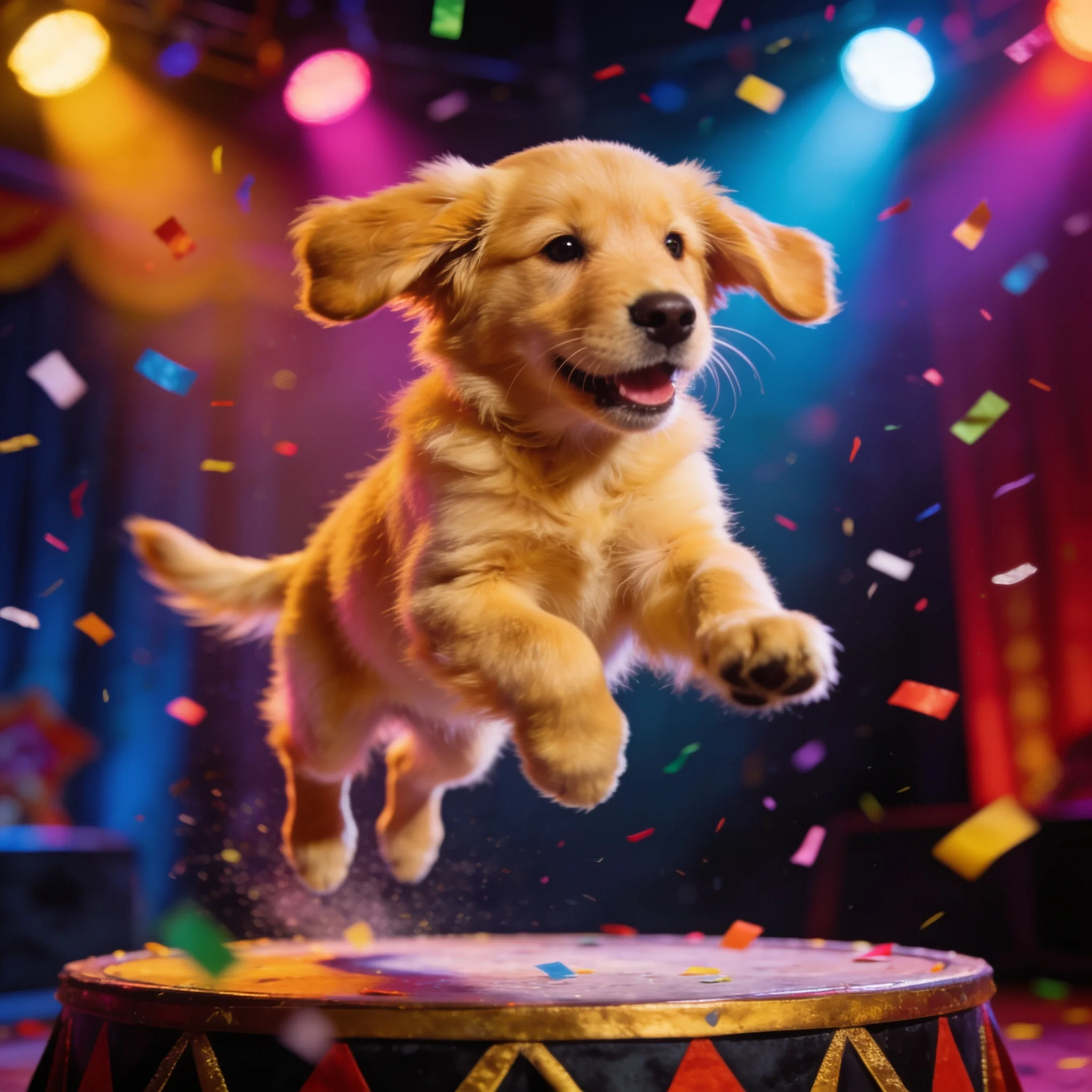
Example prompt 03
The puppy bounces rhythmically, tail wagging, paws tapping, confetti drifting down, camera holds steady
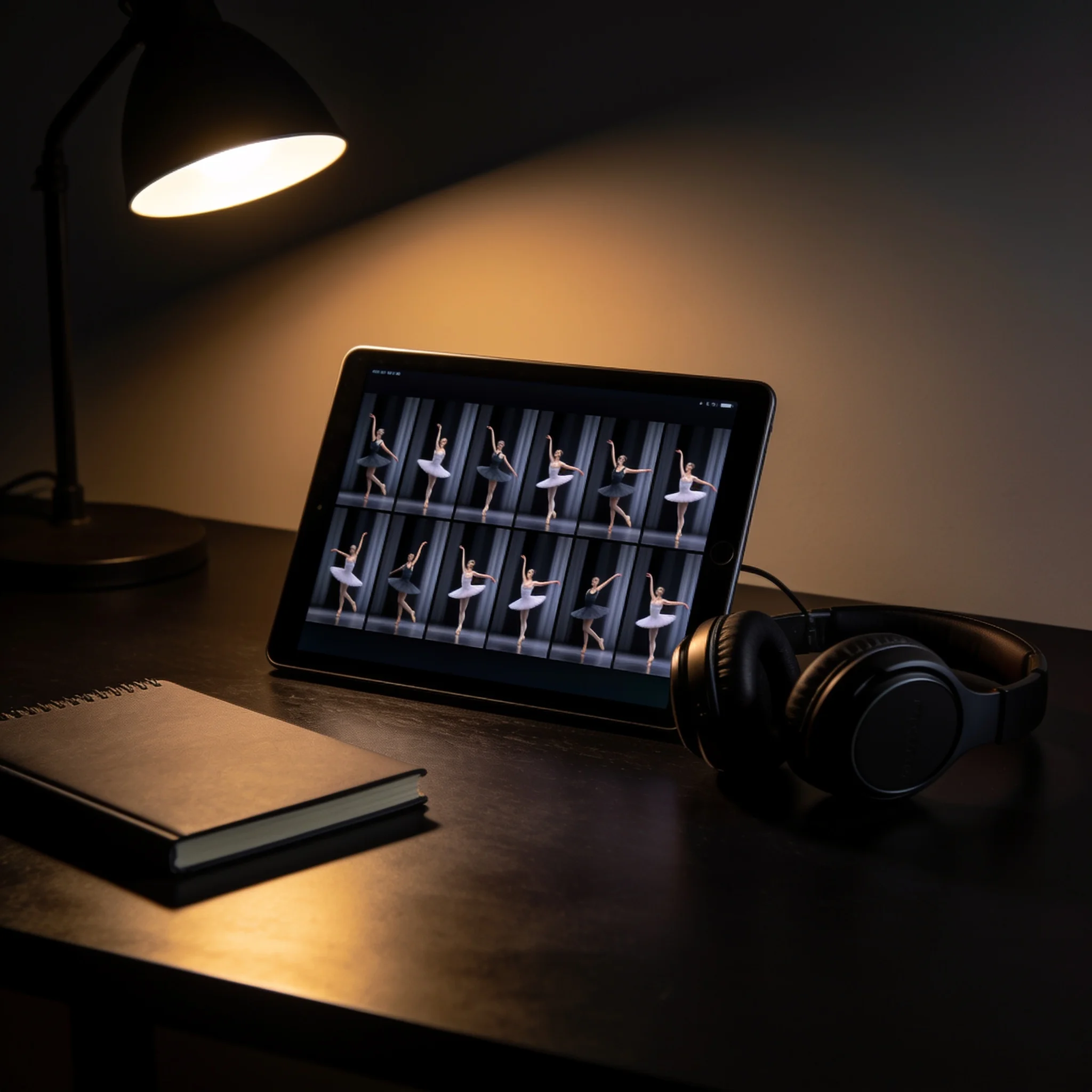
A shot list built from stills, one clip per beat.
Three Kinds of Dance AI, Three Different Jobs
Search this phrase and the results blur together, because the tools behind it are not the same product at all. Image-to-dance tools animate one still photo with a move you describe or pick, while motion-transfer tools copy choreography from a reference clip onto a character or a face, and music-to-choreography tools build a longer performance from an audio track. Each family suits a different job, and a list that mixes them without saying so is hard to use. DreamUtopia sits in the first group. You upload a JPG or PNG at 720 pixels or wider, describe the dance and the camera move, and the generator returns a clip of about four to six seconds. Renders usually finish in under a minute, and there is no audio upload, lip sync or beat matching anywhere in the flow. That is a smaller promise than a full-song choreography tool makes, and it is the honest one for a tool that starts from a single frame. Short clips are not a limitation once you look at how the finished video actually gets made. Most social edits cut every two to four seconds, so a six-second render covers a hook, a transition or a full beat drop, and a miss costs one prompt instead of a whole song. Editors who already work in a timeline will recognize the workflow: generate shots, drop them in and cut to the track. A clip that lands on the right frame is worth more than a long render that has to be trimmed anyway. Four things separate a useful tool from a demo. Check the input type first, because a photo tool and a reference-video tool do not swap. Check clip length and resolution, since a 720p, two-second output will not survive a feed. Check whether style is a prompt, a template or a copied clip. Finally, read the watermark and commercial-use terms before you build a campaign on the output, because those four answers tell you more than any ranking table.
Dance AI Tools Side by Side
The table compares input types and what each approach returns. It is a starting point, not a ranking: the right tool depends on the footage and the time you already have.
| Tool | Best for | What to expect |
|---|---|---|
| DreamUtopia | A photo and a written prompt | Four to six second clips at up to 1080p, where you describe the style and the motion. There is no audio upload, no lip sync and no beat matching anywhere in the flow. |
| Viggle | Copying moves from a reference video | You supply a clip and a character image. Output length is bounded by the reference, and the result inherits the reference choreography. |
| DomoAI | Restyling footage you already have | Useful when a clip exists and needs a new look or a copied motion. It is not a photo-to-dance generator on its own. |
| freebeat | Building choreography from a song | Audio first: upload a track and get a longer performance, though free output is capped at 30 seconds and carries a watermark. |
| Vidu | One-click image to dance | Quick results with less control over the move. Good for a fast test, weaker when the clip has to match a specific beat. |
| Pippit | Avatar-led marketing clips | Built around presenter avatars and product demos. Dance is one effect in a broader toolkit, not the core of it. |
What You Get
Photo-First Input
JPG and PNG files at 720 pixels or wider, with full-body and front-facing photos mapping motion most accurately. Pets, cartoon characters and mascots work too, because the subject does not have to be human.
Dance Style From a Prompt
Name the style in the prompt, such as hip-hop, salsa, ballet, K-pop choreography or a trend you describe in words. You can also describe one specific motion, such as a spin with arms raised, and the render will follow that instruction rather than guessing.
Four to Six Second Clips
Short by design. Most renders finish in about 45 to 60 seconds, which is fast enough to test three takes and keep the one that lands, while a progress bar reports the job as it runs.
Up to 1080p Output
Paid renders reach 1080p, which is enough for TikTok, Reels and Shorts without upscaling first, while free renders carry a watermark and paid renders do not.
No Account to Try
The trial runs in the browser with no email and no card, so you can test the input and the prompt style before you decide anything. If you make an account later, every generation stays in one place.
Any Subject, Not Just People
Dogs, robots, anime figures and product mascots all animate, and clear silhouettes with uncluttered backgrounds produce cleaner motion than busy scenes that contain several figures.
How It Works
Pick a Photo You Own
A full-body, front-facing shot at least 720 pixels wide, since heavy crops and side profiles give the motion less to work with. You need permission for any face that appears in the frame.
Describe One Dance Move
Name the style and one clear motion, because a phrase like K-pop chorus with sharp arm isolations and a steady camera reads better than a paragraph of choreography.
Generate and Review
Watch the hands, feet and background first, since those are the areas where short renders drift. If a limb warps, simplify the motion or the camera and run the same prompt again.
Download and Cut It In
Take the clip into your editor, trim it to the beat and add the track there, treating each render as a shot rather than a finished video.
What People Make With It
Social Posts and Reels
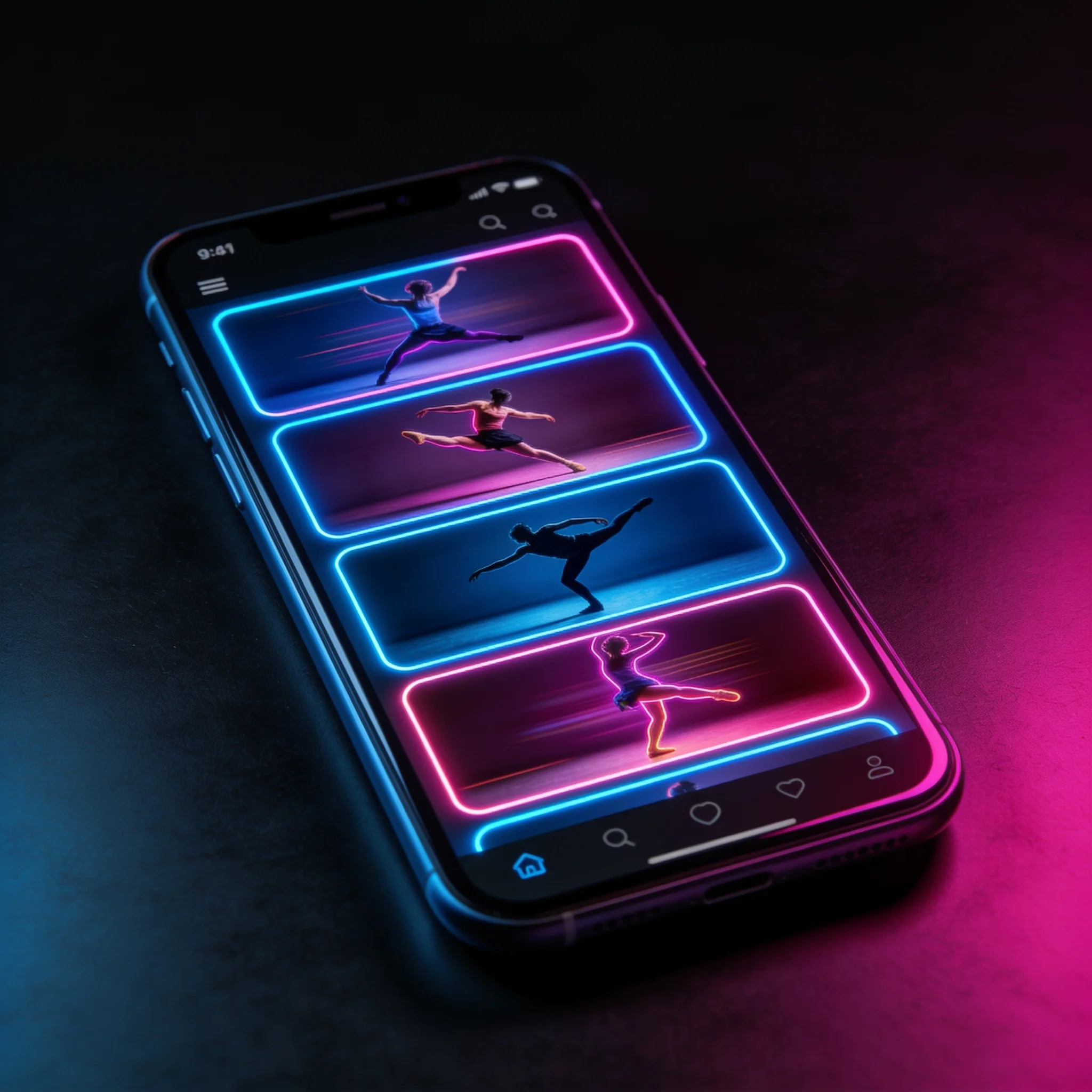
A portrait photo becomes a moving post in under a minute, so generate a few takes, keep the cleanest and cut it against the audio in the app or an editor. Vertical framing comes from the source photo itself, which means you should start with a crop that suits the feed.
Event Promos and Flyers
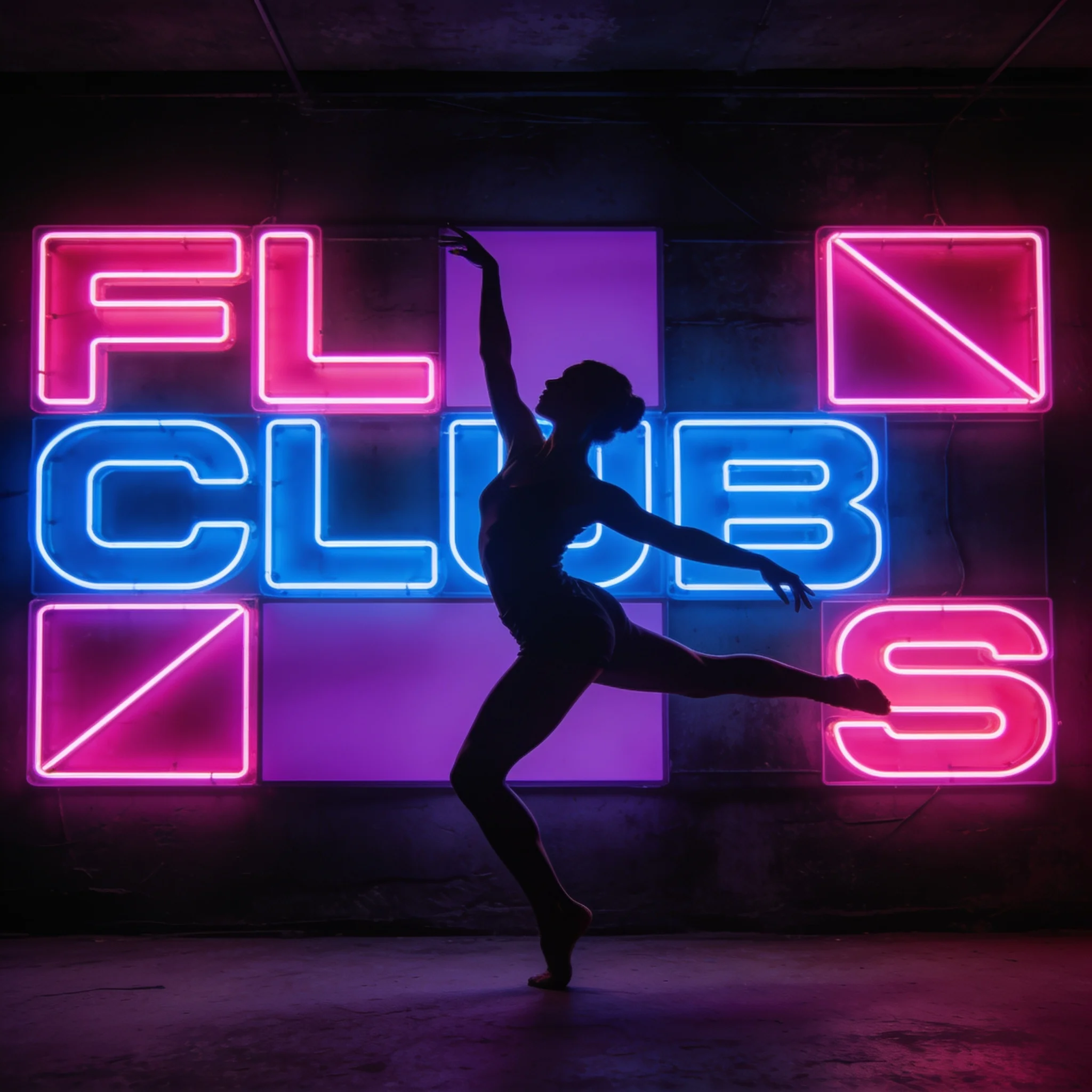
A still poster on a wall is easy to scroll past, so animating the dancer in the artwork gives a promo a few seconds of movement for a story ad or a venue screen without booking a shoot or a performer.
Pets, Mascots and Characters
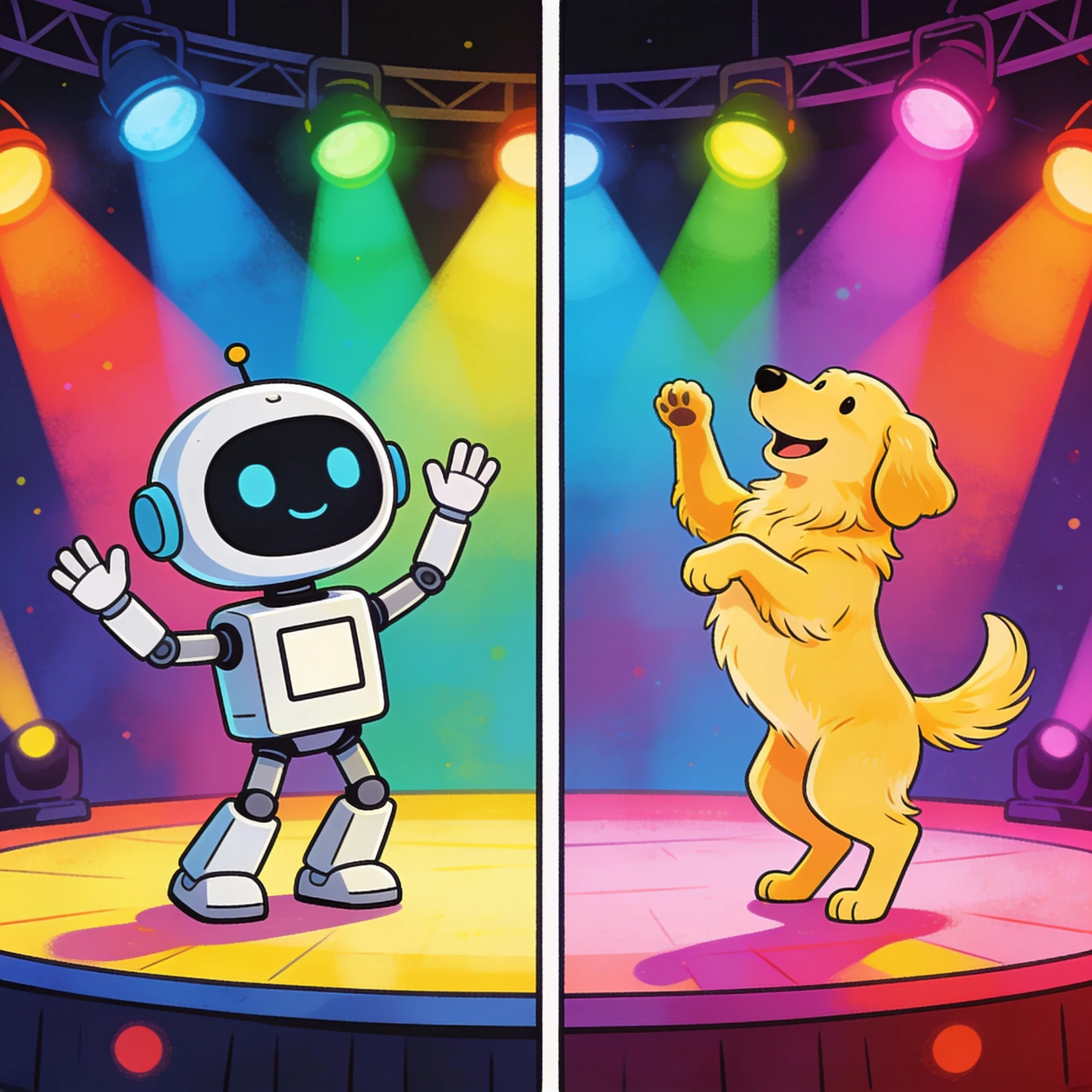
The motion mapper does not require a human subject, so a dog, a cartoon robot or a brand mascot can carry the same dance prompt, which is why pet and character clips travel so well in comments and group chats.
Fan Edits and Meme Clips
Short, strange and shareable: pair a character still with a trend prompt, render four seconds and cut it to the drop. The format rewards volume, so fast renders and cheap retries matter more than polish does.
Explore related tools
Choose the tool that matches your next step.
Prompt Habits That Save Renders
Four habits cover most of the gap between a wobbly clip and one you keep. None of them require special syntax, and all of them work on the free trial.
Start From a Full Body
Hands and feet are the first thing to break when the model has to invent them, so a photo that shows the whole figure gives the render less to guess and keeps the limbs attached.
One Motion Per Prompt
A spin, a kick or a shoulder roll reads cleanly, while three moves in one prompt usually produce a smear. If you need a sequence, generate separate shots and cut them together in an editor.
Keep the Camera Still
Camera moves fight the dance, so unless the shot needs a push-in, ask for a fixed camera. A locked frame also makes several takes easier to intercut on the same beat.
Render Three Takes
Short clips are cheap, so generate three versions of the same prompt, watch each at full size and keep the cleanest. Reviewing at thumbnail size hides exactly the artifacts you need to catch.
Make Your First Dance Clip
Upload a photo, describe the move and see the render in under a minute. No account, no card.