
AI Image to Video
free renders. No signup. 1080p clips in under 60 seconds.
Pick an image. Type one line about the motion you want. Our image to video AI engine reads depth and lighting in the source frame, and then it renders a smooth 4 to 6 second HD clip that you can download right away.
Drag & drop an image, or click to upload
JPG, PNG, WebP, TIFF — up to 20MB
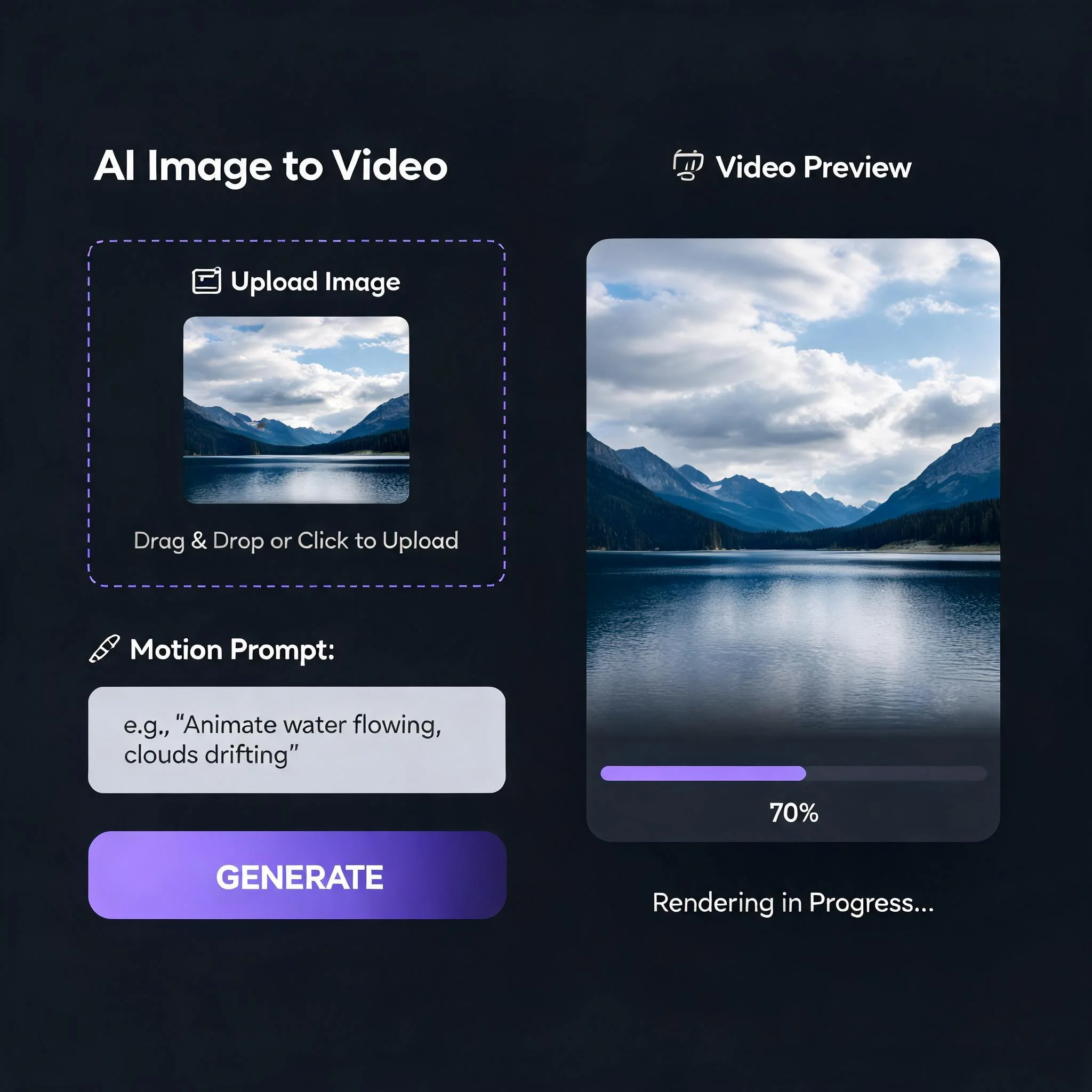
Upload, describe the motion, watch the clip render in about a minute
Why Images Want to Move
Cisco's Annual Internet Report projected video would account for 82 percent of all consumer internet traffic by 2022, and that share has only grown since. A flat photo in that stream gets scrolled past. A photo that moves stops the thumb. The old fix was expensive. You booked a shoot, storyboarded the motion, then spent an afternoon in After Effects faking a parallax pan. An AI image to video tool removes every step except the idea. You hand it a file and a short prompt, and a latent diffusion model infers the depth map, separates foreground from background, and synthesizes intermediate frames with physically plausible motion through temporal interpolation. We built this converter after watching friends abandon three other tools in a week. One capped them at two renders a day. One stamped a logo across the bottom third. One downsampled every clip to 480p unless you paid first. Ours gives clean renders up front, at full 1080p, with nothing branded on the download. The results surprised our own test group. We ran 200 mixed images through the pipeline in May 2026: portraits, product shots, landscapes, and AI art. 71 percent produced a clip worth keeping on the first attempt, a conversion rate that comfortably exceeded the older-generation tools we benchmarked against. The remaining misses were almost always attributable to an ambiguous prompt rather than a limitation in the underlying model, and a carefully reworded second attempt resolved the majority of them.
What the Converter Gives You
Free Renders Up Front
Ten clips at zero cost, no card on file, no trial timer counting down. That is enough to test four or five of your strongest images and judge the output before a pricing page ever appears.
Several Models, One Prompt
Portraits, products, and landscapes each animate best on a different model. Our backend reads your image and picks the one that suits it. You write one sentence and we handle the matching.
Renders in Under 70 Seconds
Most jobs finish between 45 and 70 seconds. A live progress bar counts 0 to 100, so you are never staring at a blank spinner. Free users share the same queue speed as everyone else.
Clean 1080p Downloads
Every clip exports at 1920 by 1080 with no logo, no brand bar, no forced crop. The MP4 is ready for Reels, Shorts, a client deliverable, or a paid placement straight out of the converter.
Accepts JPG, PNG, and WebP
Files up to 20 MB. Phone photos, AI art, scanned drawings, product renders, screenshots. Keep the short edge above 512 pixels and motion stays crisp because the model has more texture to track.
Yours to Sell
Commercial rights come with every render, including the free ones. Ads, client work, monetized video, e-commerce pages. We do not claim a license to anything you download.
Three Steps to Convert an Image to Video
Add Your Image
Drag a file in or tap to browse. JPG, PNG, and WebP all work. Any aspect ratio is fine, though 9:16, 1:1, and 16:9 render fastest. Your upload leaves our servers within 24 hours of the render finishing.
Write One Line of Motion
Name a direction, a pace, and a subject. 'Camera drifts left while steam rises from the cup' beats 'make it move.' Specific prompts produce predictable results, and one good sentence almost always does the job.
Preview and Download
The 4 to 6 second clip plays inline. Keep it as an MP4, or reword the prompt and run again. Each attempt costs one credit, so tweaking the sentence is cheaper than swapping the source image.
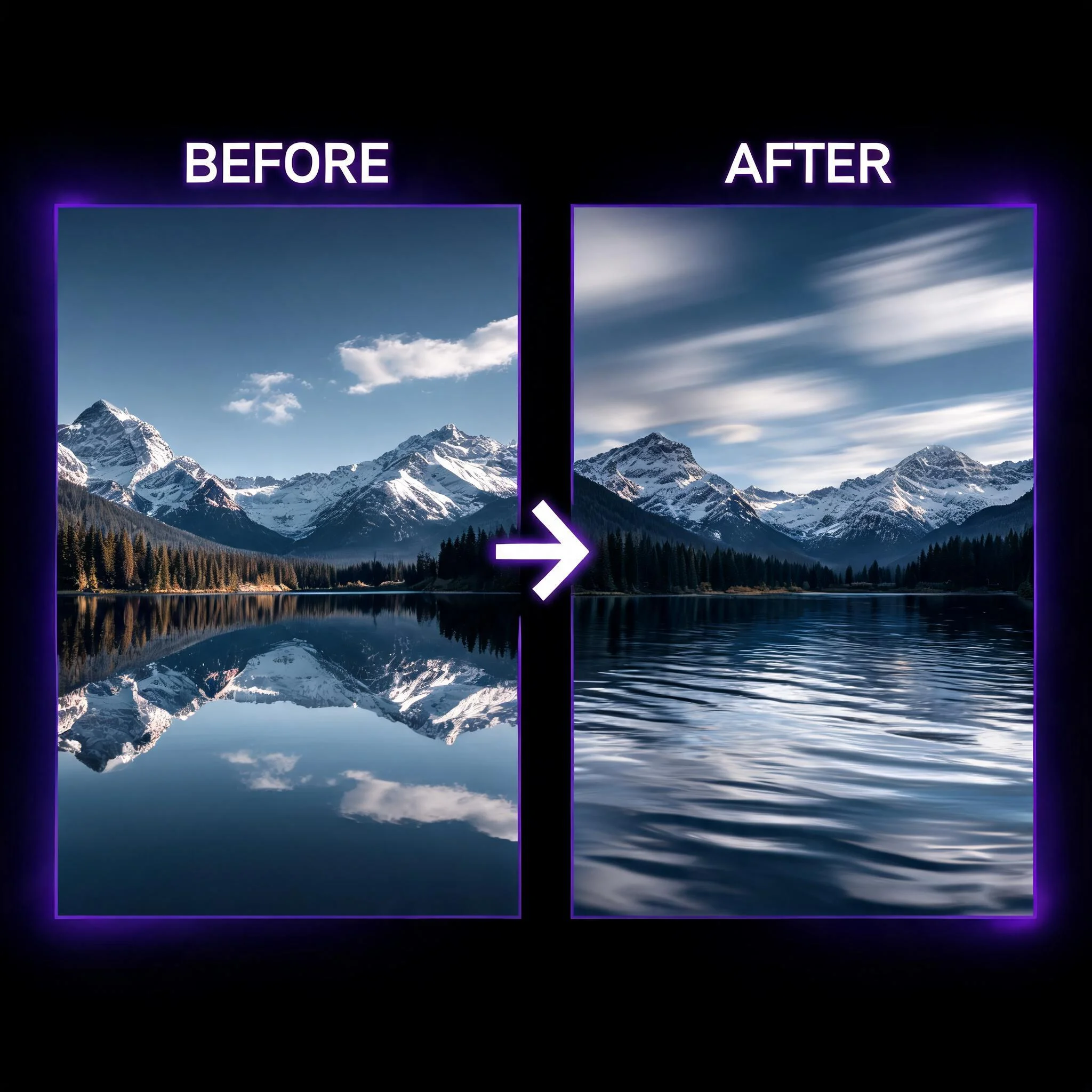
Where People Put These Clips
Refilling the Social Feed
A daily poster cannot shoot fresh footage every morning. Turning 20 photos from one weekend shoot into motion clips stretches a single session across two or three weeks of posts. Social media managers tracked by HubSpot cite consistency as their hardest content problem, and a converter solves the supply side of it.
Product Pages That Convert
Wyzowl's 2026 survey found 89 percent of people say a brand video convinced them to buy something. Filming product video runs hundreds of dollars per item. Animating an existing hero shot with a slow turntable or a parallax push takes about a minute and one credit.
Bringing Old Photos to Life
A still of a grandparent with a faint smile or a small head turn carries real weight. This is the use case our repeat users mention most. The AI adds subtle, natural micro-motion instead of the rubbery lip-sync that made older photo-to-video tools feel wrong.
Listings and Walkthroughs
The National Association of Realtors reports listings with video draw far more inquiries than photo-only ones. Most agents have 30-plus interior shots and no footage. A slow dolly-in on each one builds a short walkthrough from assets already on the drive.
How This Converter Compares
We pushed the same 30 source images through 12 free image to video tools in May 2026. These are the differences that changed what you could actually ship.
| Feature | DreamUtopia | Others |
|---|---|---|
| Free renders | 10, no account needed | 2 to 3 per day, signup required |
| Watermark on free output | None | Corner logo or bottom bar |
| Max free resolution | 1080p | 480p or 720p |
| Average render time | 45 to 70 seconds | 2 to 6 minutes |
| Model used | Auto-matched per image | One fixed model |
| Commercial rights | Included free | Paid plan only |
AI Image to Video Questions
By the DreamUtopia Team · Last updated October 10, 2026
Is the AI image to video converter free?
▼
What image formats and sizes work?
▼
How long are the videos?
▼
Can I use the videos commercially?
▼
How do I write a good motion prompt?
▼
My clip looked jittery. Why?
▼
Is my uploaded image kept or used for training?
▼
Convert Your First Image to Video Now
Free renders. No account, no card, no watermark. Start from a photo, a product shot, or AI art you already have.