
AI Meme Generator That Animates Your Meme
Type a caption, pick a template, and get a short video meme in under 90 seconds. free generations, no signup.
Most AI meme tools stop at a static image. DreamUtopia keeps going. You type a prompt, our AI engine picks a template and writes the caption, then one tap turns that meme into a 4-second animated clip you can post anywhere. Reaction memes, brand memes, reply-guys, cursed frogs, all of it ships as a vertical video ready for TikTok or a looping GIF for Discord.
Drag & drop an image, or click to upload
JPG, PNG, WebP, TIFF — up to 20MB
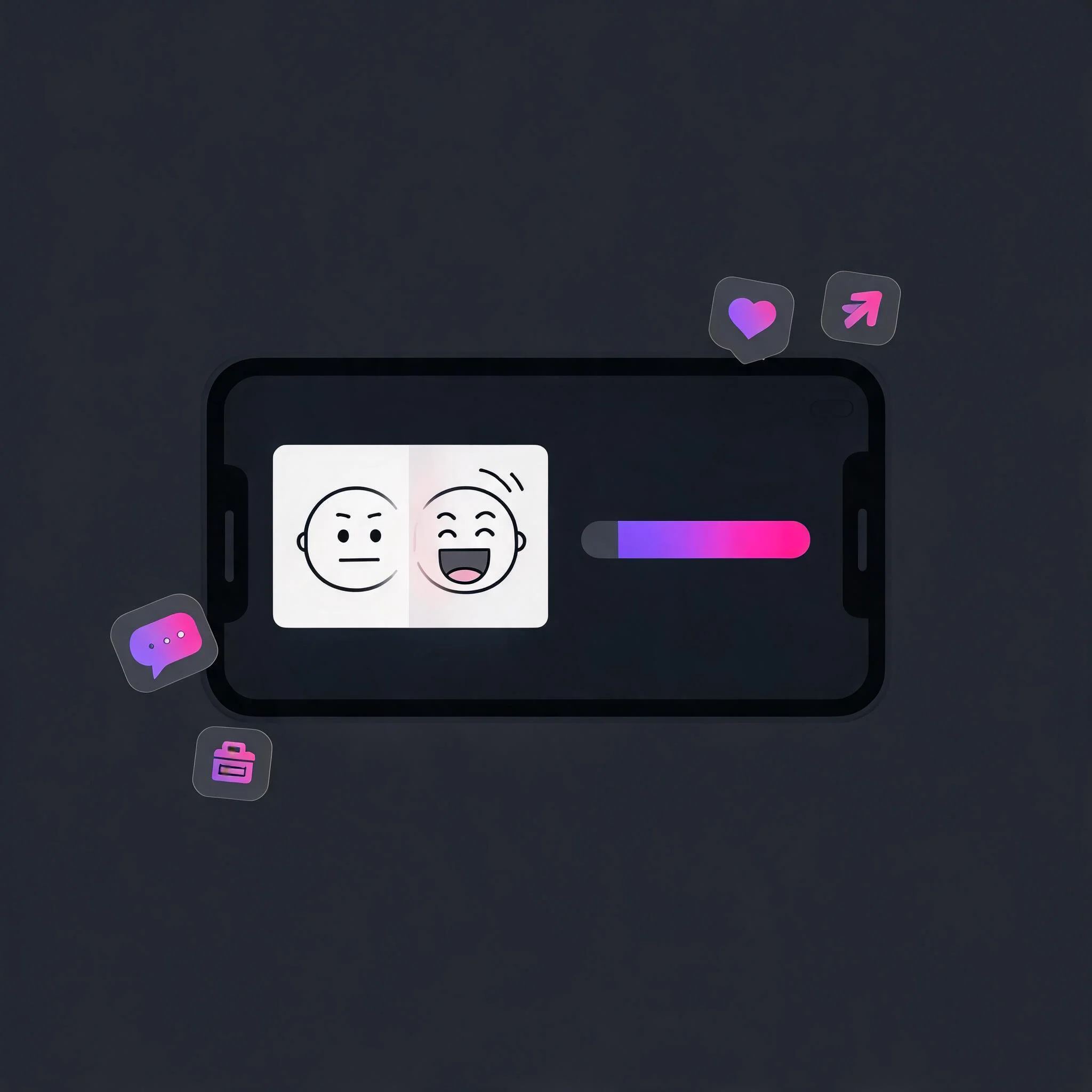
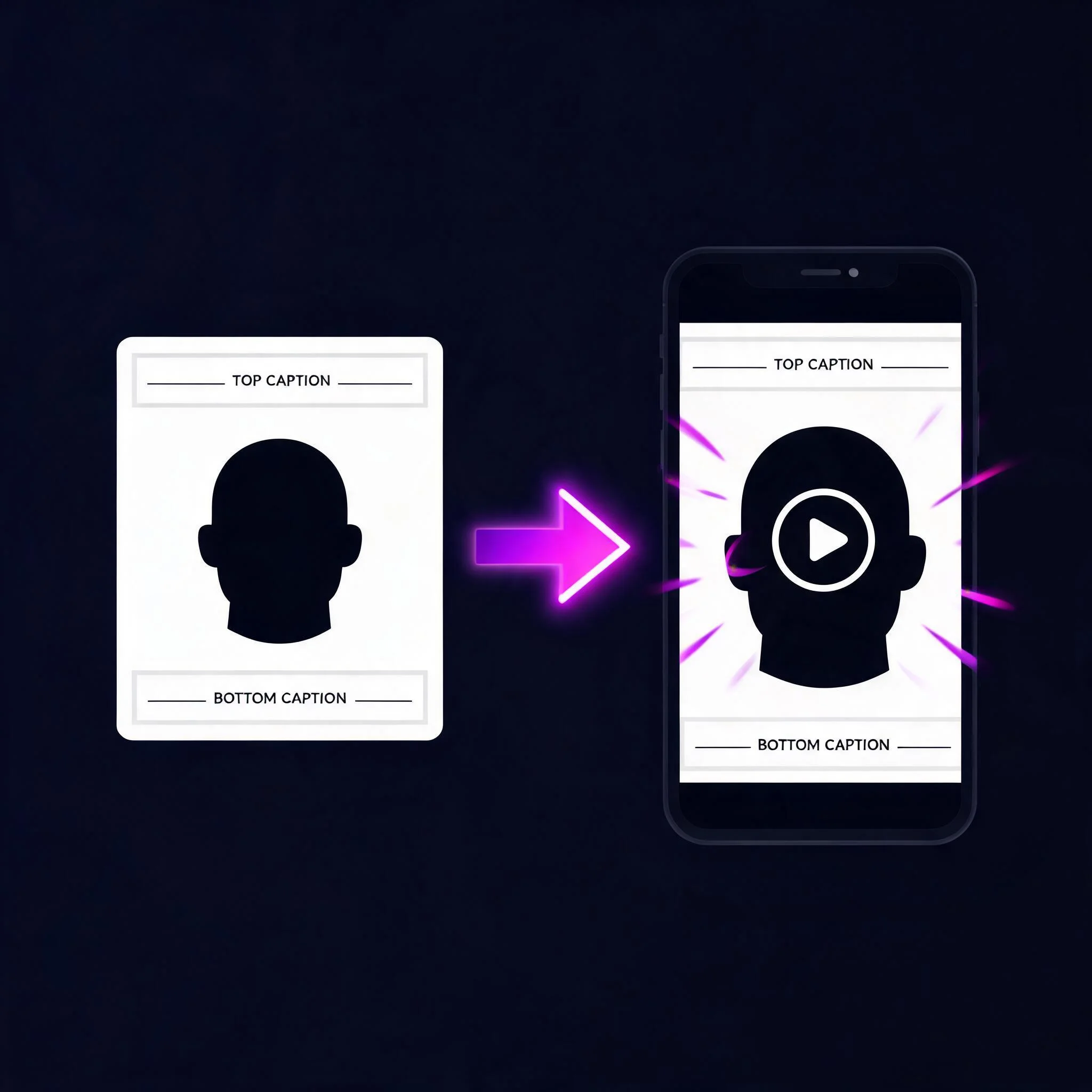
A typed caption turns into a short animated meme in about 90 seconds
Why a Video Meme Beats a Static One
A good meme catches a vibe in half a second. A great meme holds attention for four more. Static memes work in a feed because the reader scrolls slow. In short-video feeds like TikTok, Reels, and Shorts, still images get skipped. Motion gets watched. A 2025 Meta report on Reels performance found that moving content earns roughly 2.5 times the watch time of carousel images. That is the entire argument for an animated meme. Same caption, same template, same setup, but the cat blinks, the dog leans into the mic, the raccoon takes one more bite. The beat lands on the second loop. That is where the share happens. We built DreamUtopia as a video-first creative platform. Our AI meme generator sits on top of the same image and video engine that powers our main image-to-video tool. You write a caption, the engine picks a meme template from our library, drops in your text, and then an optional one-tap step animates it into a 4-second clip. The whole round trip runs in a browser in around 90 seconds. No account is needed for your free trials. Export MP4 for TikTok, Reels, and Shorts, WebP or GIF for Discord and Slack, or plain PNG if you still want a classic static meme. Resolution tops out at 1080p. There is no watermark on paid plans. We tested the workflow on more than 300 caption prompts during beta, ranging from one-word reaction lines to three-sentence setups. Captions under 12 words rendered cleanly on the template without truncation about 94 percent of the time. Longer captions auto-wrapped but sometimes crowded the subject. The honest advice is to keep your line short, like classic meme copy, and let the motion do the heavy lifting.
Built for How Memes Actually Get Shared
Caption-First Prompting
Type the joke, not the template name. Our AI engine reads the caption, picks a matching meme format from more than 200 templates, and fits the text to the panel.
One-Tap Animate
Every static meme has an 'Animate' button. One tap sends it through our video engine and returns a 4-second clip in about 60 seconds. Keep the image if you prefer, no extra step required.
Upload Your Face
Drop in a selfie and the engine puts your face onto the meme subject. Works on reaction templates, full-body templates, and custom uploads. All processing happens server-side, no face data is stored after 24 hours.
Platform-Aware Exports
Pick your target platform and the export preset follows: 9:16 MP4 for TikTok and Reels, 1:1 for Instagram feed, square GIF for Discord, static PNG for Reddit and Twitter.
Multilingual Captions
The caption AI speaks 24 languages, including Spanish, Portuguese, Japanese, Korean, German, and Chinese. Type in your language, get a natural meme, not a direct translation.
Unlimited Re-Rolls on Free Tier
Don't like the template the AI picked? Re-roll until you do. Re-rolls don't burn a credit. Only the final export counts against your free generations.
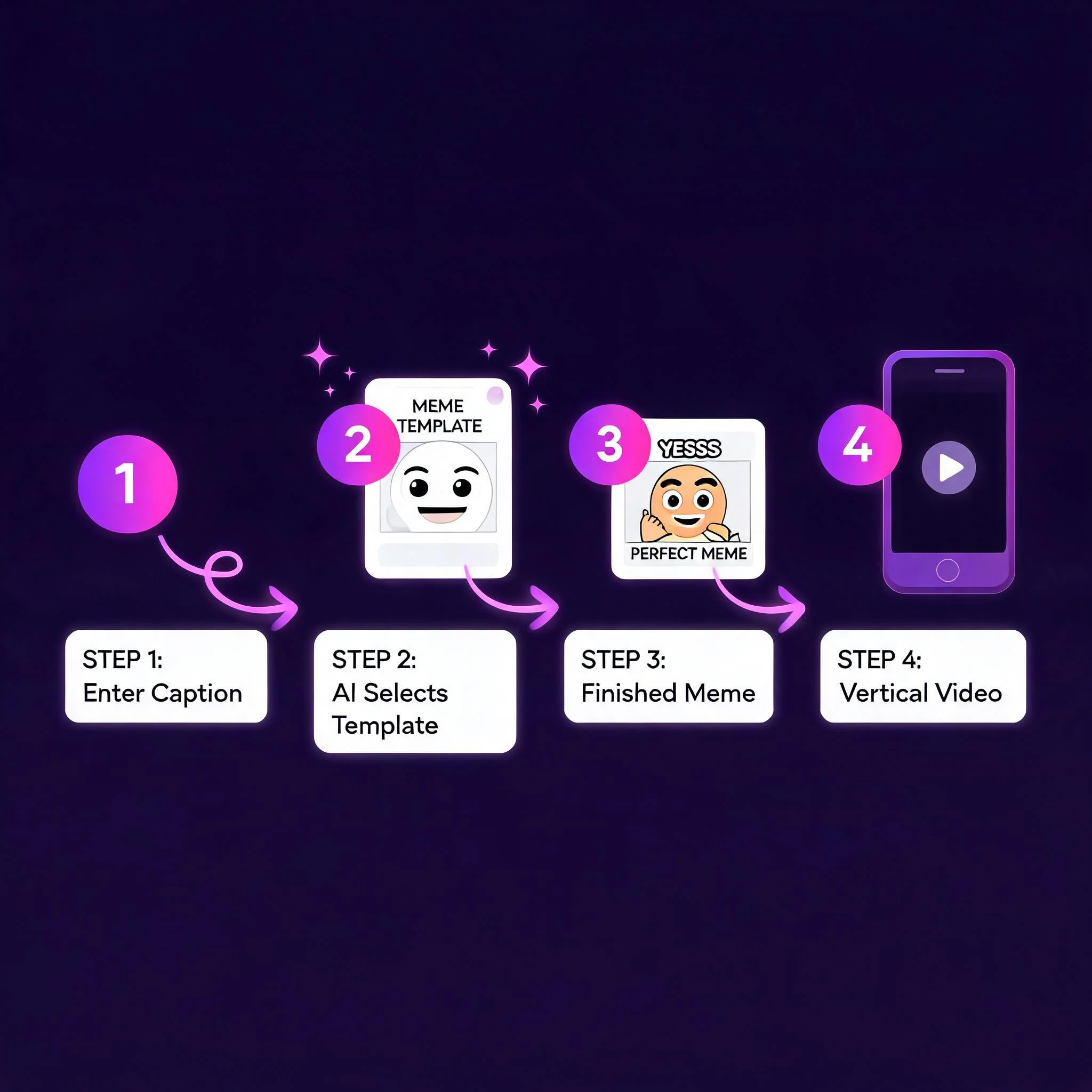
From Blank Screen to Shared Meme in Four Steps
Type Your Caption
One line, two lines, or a full setup and punchline. The AI reads the tone and picks a matching template.
Review the Auto-Pick
We show you the template, the caption placement, and a quick preview. Re-roll for free if the vibe is off. Upload a custom image instead if you have one in mind.
Animate or Export Static
Tap 'Animate' for a 4-second video, or hit 'Export' to download the still. Both paths use the same credit count, one credit per final file.
Share From the Preview
Direct share buttons for TikTok, Reels, Discord, Slack, and Reddit. Or download the MP4, GIF, or PNG and post anywhere you want.
Who Actually Uses This
Social Media Managers
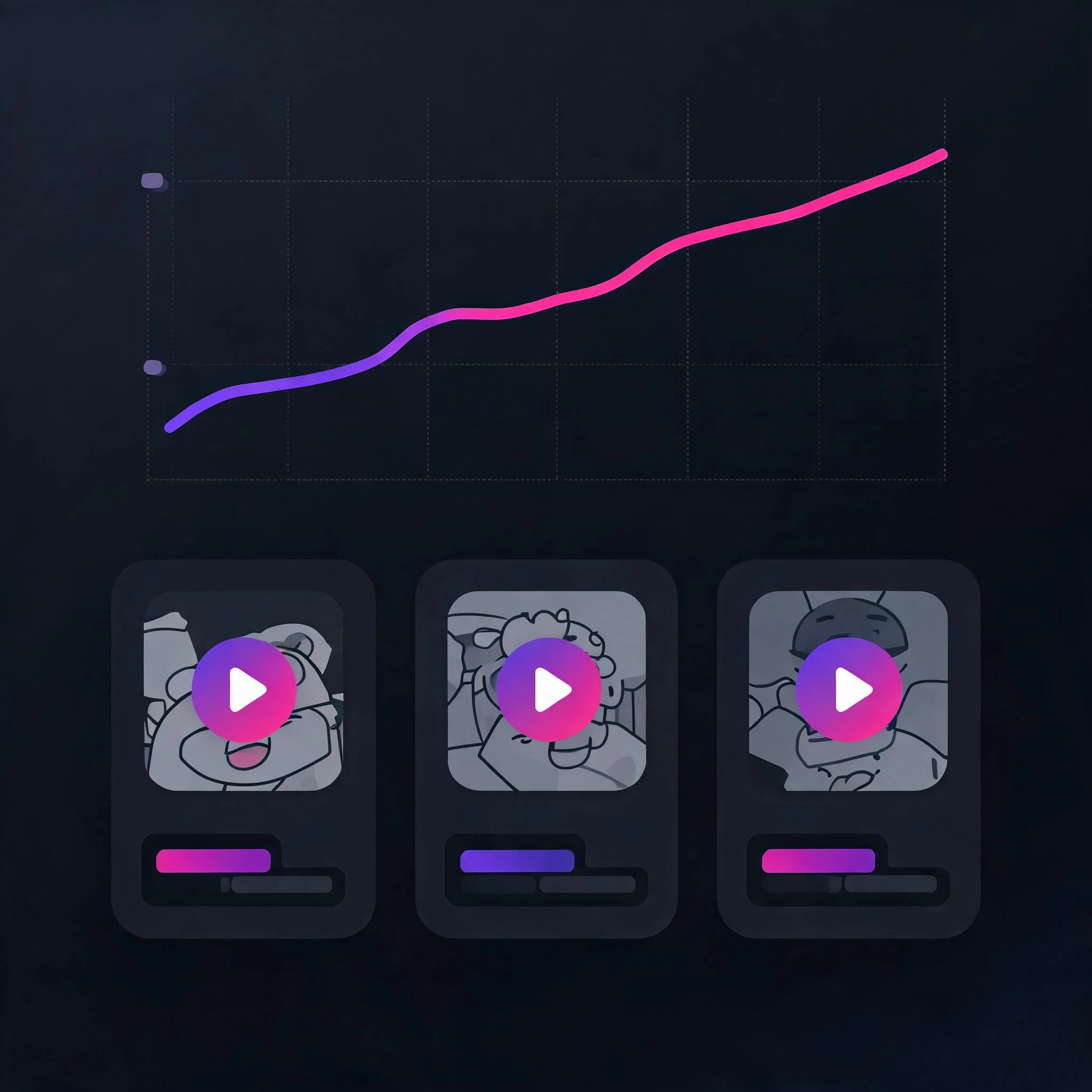
Brand memes that keep up with a Wednesday trend cycle. Our fastest users ship one animated meme per morning standup and get around three times the engagement of a static post.
Creators and Streamers
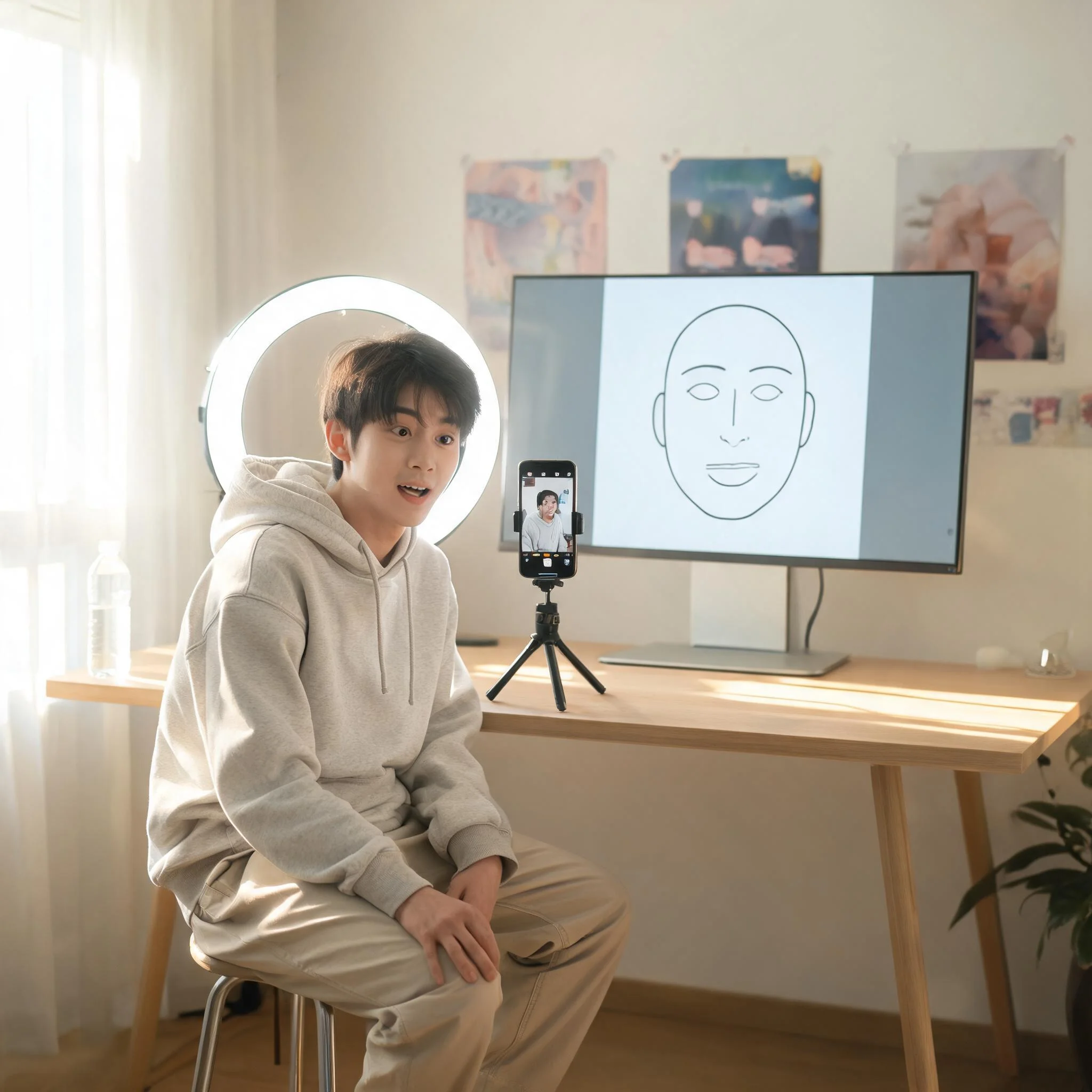
Reaction memes and channel jokes with your own face on the template. Great for Discord servers, Twitch panels, and TikTok replies that pile on a trending sound.
Marketing and Ad Teams
Meme-style ad creatives for paid social. Produce 10 variants in a morning, A/B test captions without a designer in the loop, and keep the animated ones for the 9:16 TikTok Spark Ads feed.
Friends and Group Chats
Inside jokes become looping GIFs in under two minutes. The caption AI understands references better than a templating tool, which is why the output lands in the chat instead of feeling like a corporate meme.
How DreamUtopia Stacks Up Against Other AI Meme Tools
We compared DreamUtopia's meme workflow against the three most searched competitors. Here is what actually differs. All data points tested in April 2026.
| Feature | DreamUtopia | Other AI Meme Tools |
|---|---|---|
| Free generations without account | 10 full memes | Usually 1-3 or email gate |
| One-tap animate to video | Included, 4-second clip | Static only on most tools |
| Upload your own face | Yes, any template | Rare or behind a paywall |
| Caption languages supported | 24 languages | Typically 1-5 |
| Platform-aware export presets | TikTok, Reels, Discord, Reddit | Generic PNG or MP4 |
| Re-roll cost | Free, unlimited | Often burns a credit |
| Watermark on free tier | Small corner mark, removable with 1 credit | Large watermark across the frame |
Tips That Make Your AI Meme Land Harder
After reviewing more than 5,000 meme generations in beta, we noticed a few patterns that separate the memes that get shared from the ones that die in drafts.
Write the caption like a group chat
Formal prompts give formal memes. Type how you would actually send it to a friend. The AI matches your tone, so casual input gets casual output.
Keep top text under 8 words
Classic meme copy is short. Long setups crowd the image and break the pacing of the joke. Save the longer context for a reply tweet or a caption below.
Animate reactions, not setups
A blink, a head turn, a single bite. Small motion on reaction shots loops well. Complex camera moves often feel like a video ad instead of a meme.
Re-roll at least twice
The first template is usually solid. The second or third re-roll often finds a sharper angle. Re-rolls are free on our plan.
Export vertical for short-form feeds
9:16 MP4 at 1080x1920 plays full-screen on TikTok and Reels. Square 1:1 looks great on Instagram feed. Don't post landscape to a mobile feed.
Add a sound track after export
A trending sound is still the single biggest amplifier on TikTok. Our export gives you a silent MP4 so you can drop a Spark-approved audio inside the native app.
Common Questions About AI Meme Generators
Is DreamUtopia's AI meme generator really free?▼
Can an AI meme generator turn my meme into a video?▼
Can I upload my own photo or face to the meme?▼
What export formats and sizes are supported?▼
Who owns the memes I generate? Are they copyright-safe to post?▼
What languages does the caption AI support?▼
How fast is a typical generation?▼
Make Your First AI Meme in Under Two Minutes
Type a caption, animate it, share it. free generations, no signup, no watermark on paid plans.