
A Photo Animation Alternative to AI Video Face Swap
Turn a still portrait into a new clip by describing a smile, a head turn, or camera movement. DreamUtopia animates your photo; it does not replace a face in existing footage.
Start with a real example
These are the prompts paired with this page’s examples. Open the generator, choose an example, then adjust one detail at a time.
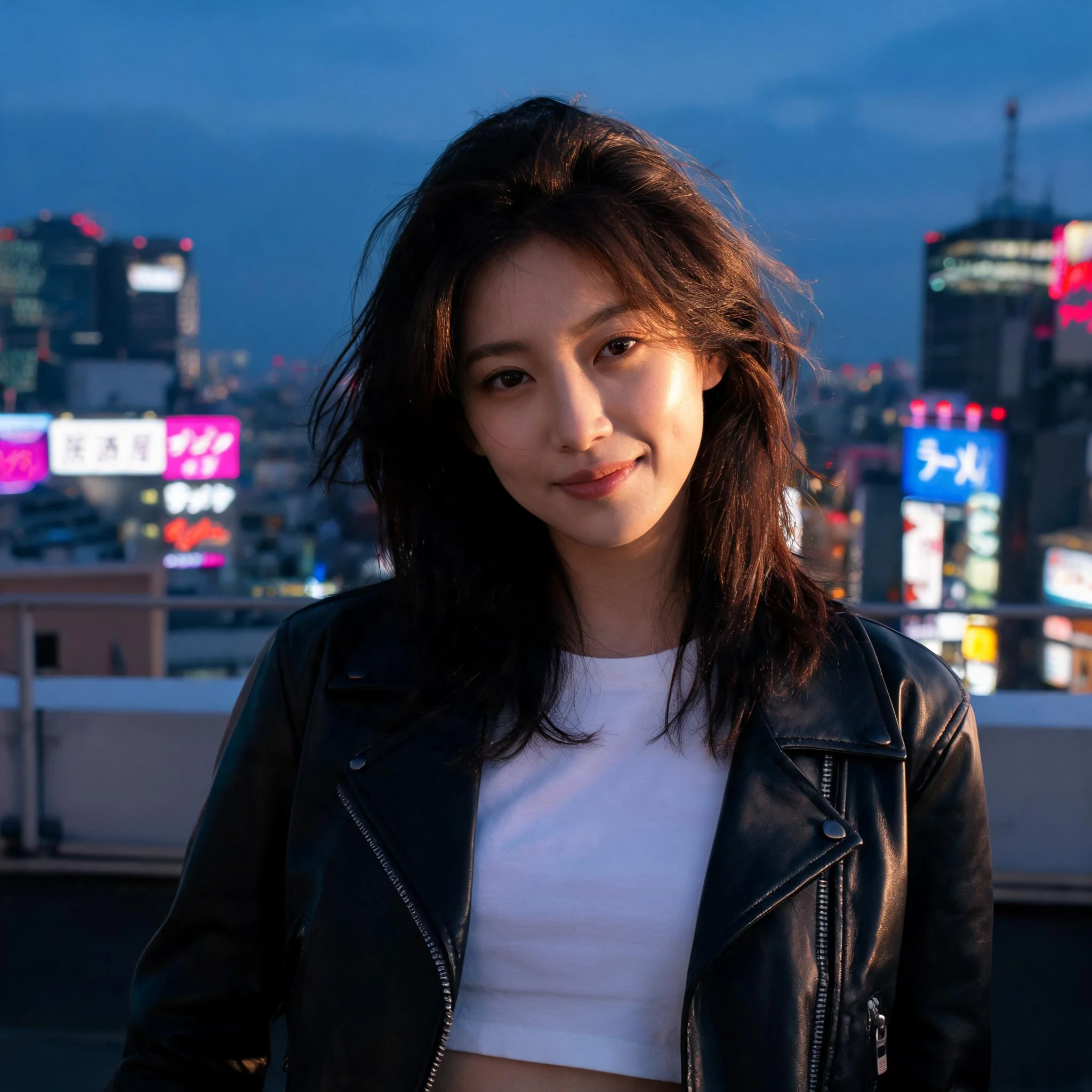
Example prompt 01
She turns her head slowly toward camera with a small smile, a breeze lifts a few strands of hair, the neon signs behind her pulse gently, camera drifts a touch left for subtle parallax
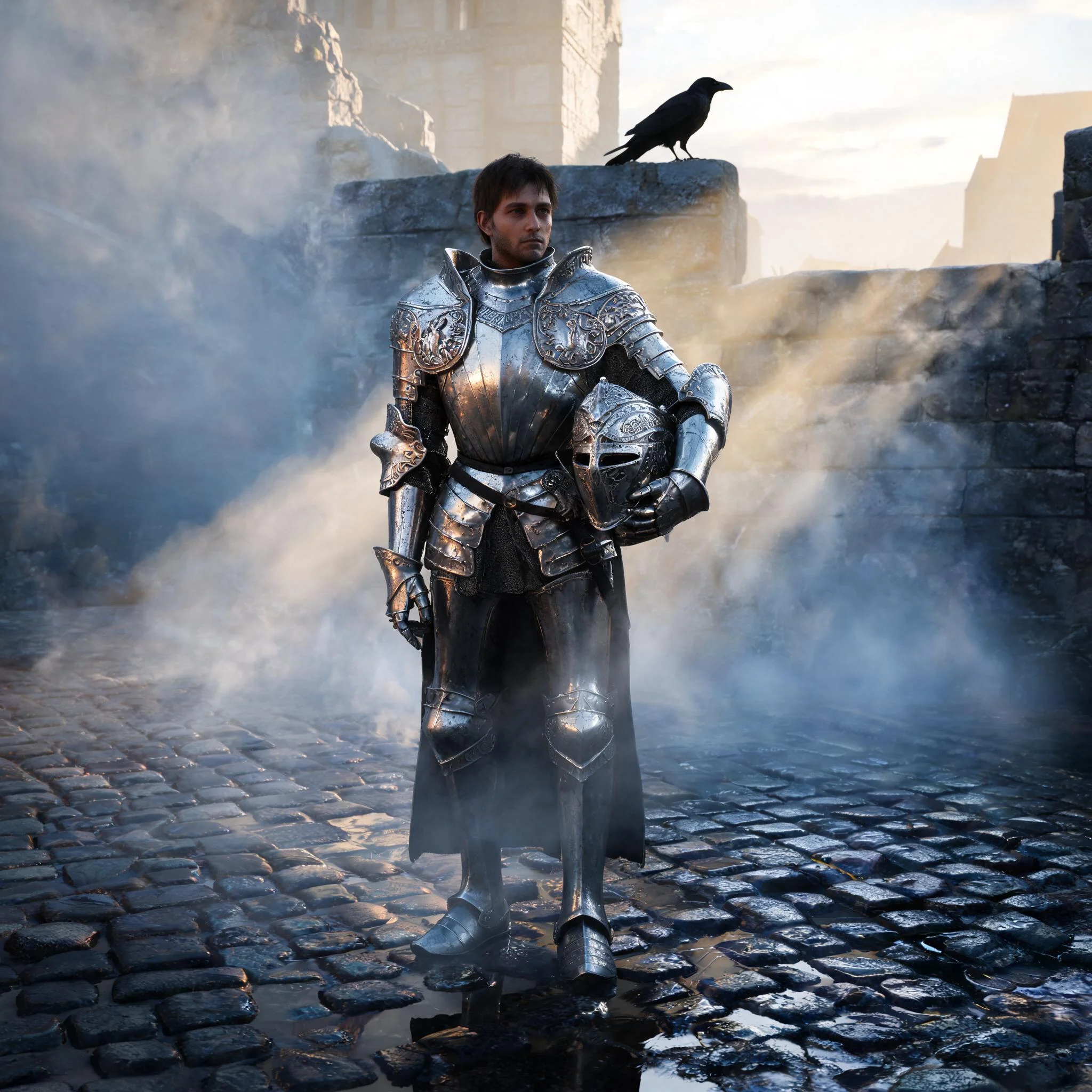
Example prompt 02
The knight breathes and turns his face toward camera, mist drifts past in soft eddies, a raven flaps once behind him, golden light flickers as a cloud passes overhead
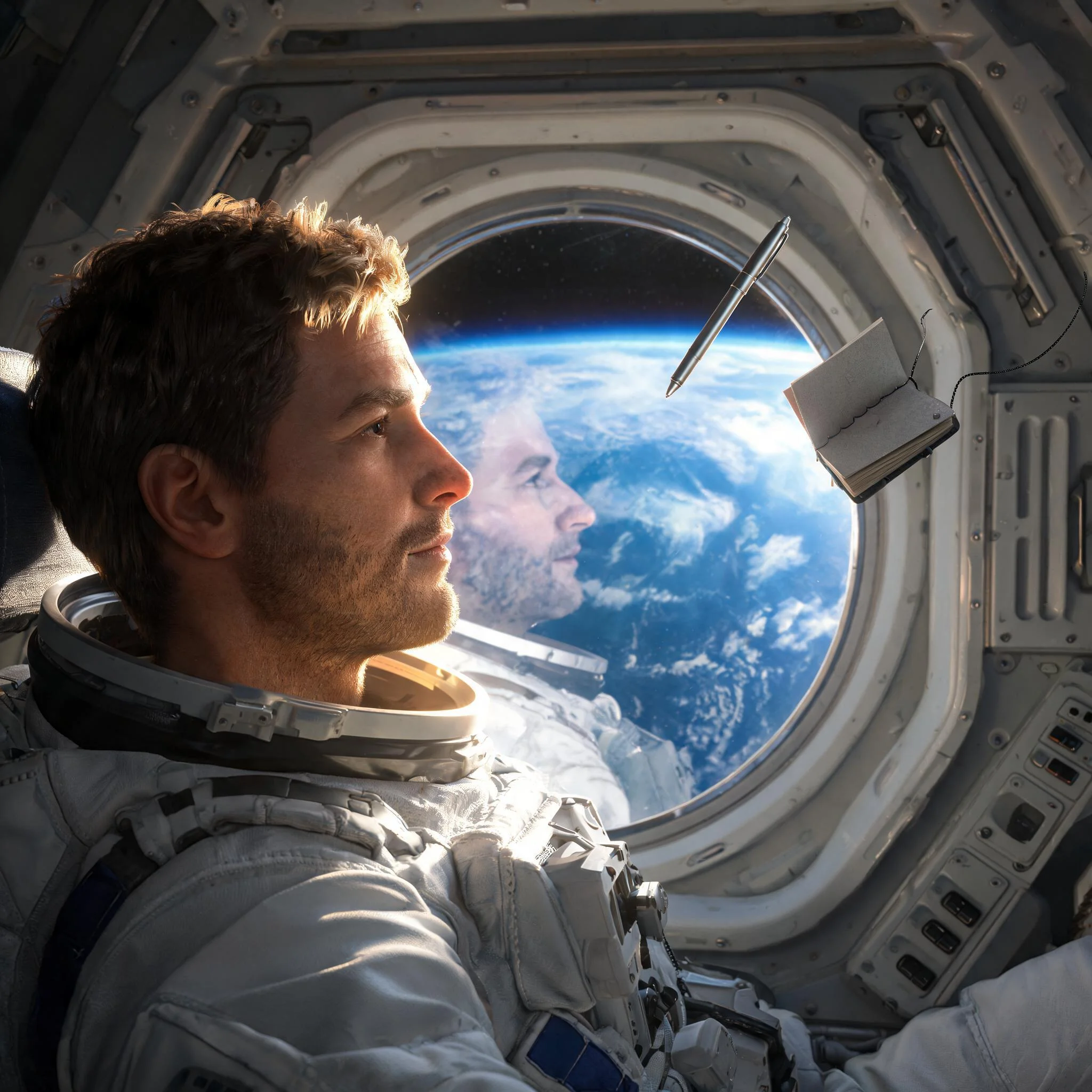
Example prompt 03
The astronaut looks out the window then turns back to camera with a slight grin, a small pen drifts weightlessly past his shoulder, Earth slowly rotates behind him
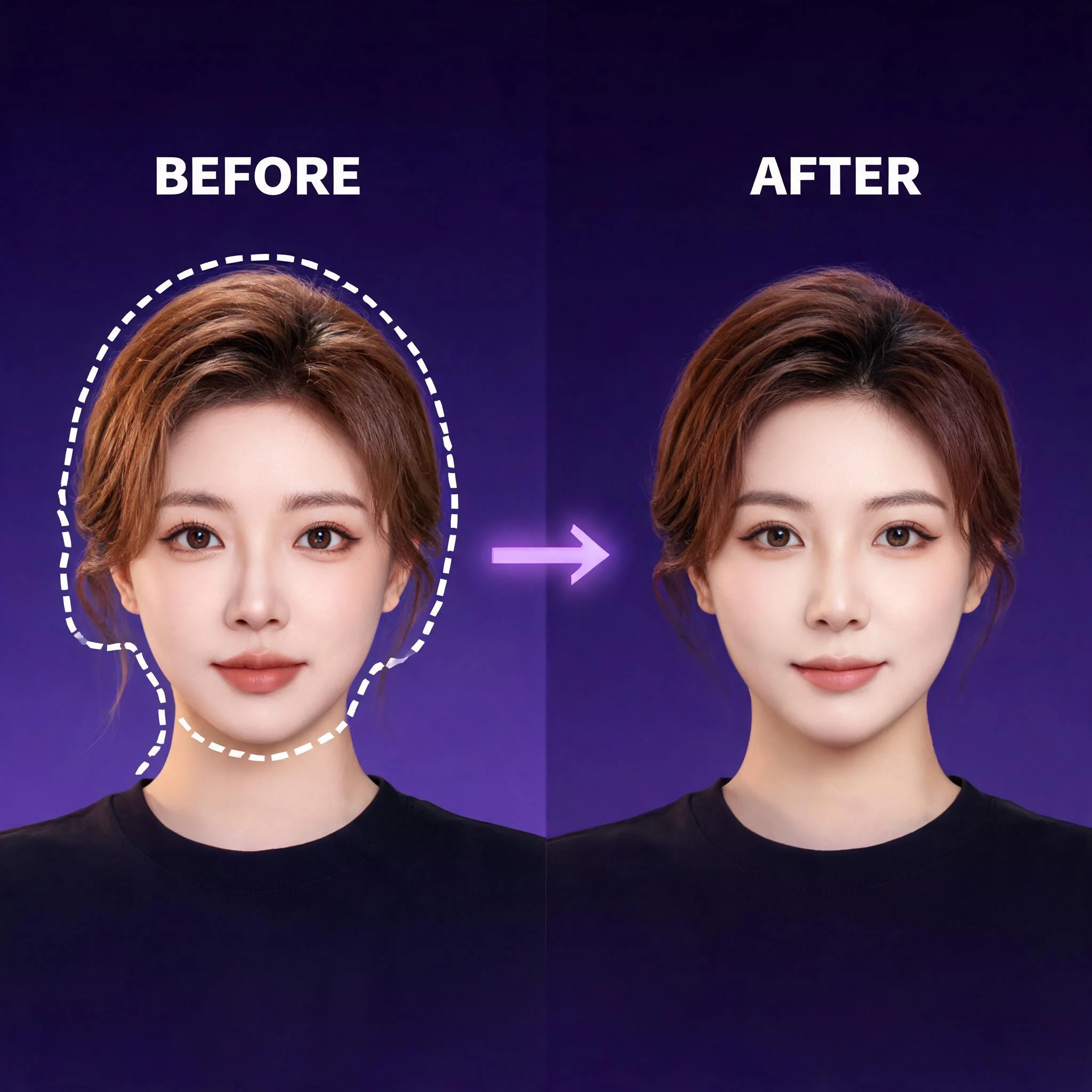
Example of image-to-video animation; generated results vary.
What this generator does
A face replacement edits an existing performance. DreamUtopia starts from a still portrait and invents new movement from your description. Choose the face and composition in the source photo, then ask for a small turn or expression. Review whether the generated face remains recognizable throughout the clip.
Available workflow
Start with the intended face
Choose a portrait that already shows the person you want to animate. There is no separate replacement-face input.
Keep the face visible
Use a composition with room around the head. Strong shadows and objects across the face can make the result harder to inspect.
Describe restrained movement
Ask for a slight head turn or a small smile. A simple instruction makes it easier to judge the resulting expression.
Watch facial identity
Compare the eyes, nose, mouth, and facial outline with the original photo as the clip plays.
Check the whole composition
Review hair, ears, shoulders, and the background as well as the face. New motion can change surrounding details.
Use the right workflow
This is portrait animation. Replacing a face in footage while preserving the original performance requires a different tool.
How to get started
Start with the intended face
Choose a portrait that already shows the person you want to animate. There is no separate replacement-face input.
Describe restrained movement
Ask for a slight head turn or a small smile. A simple instruction makes it easier to judge the resulting expression.
Watch facial identity
Compare the eyes, nose, mouth, and facial outline with the original photo as the clip plays.
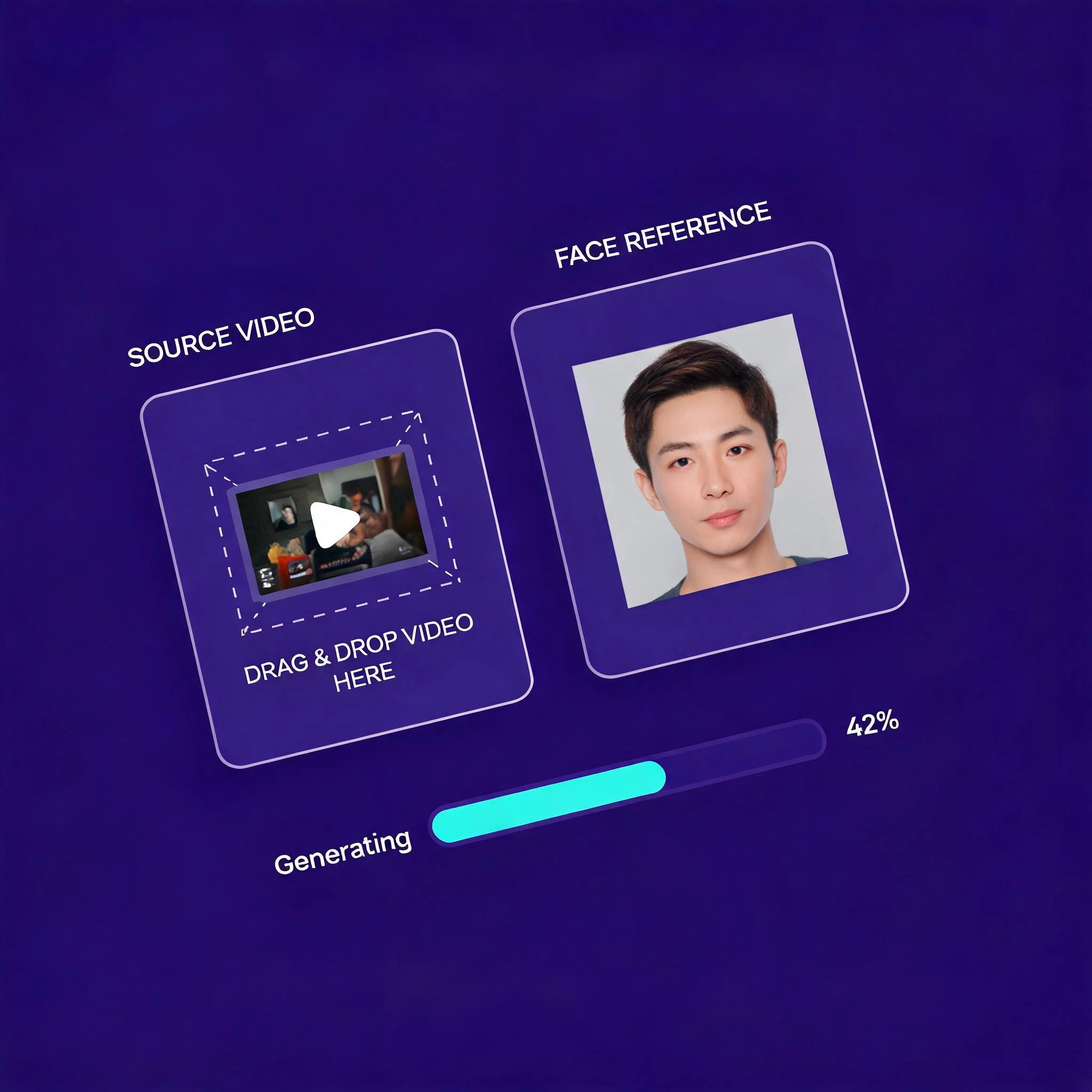
Ideas to try
Portrait introductions
Start with a portrait you may use and ask for a gentle smile or head turn. Review the face for unwanted changes.
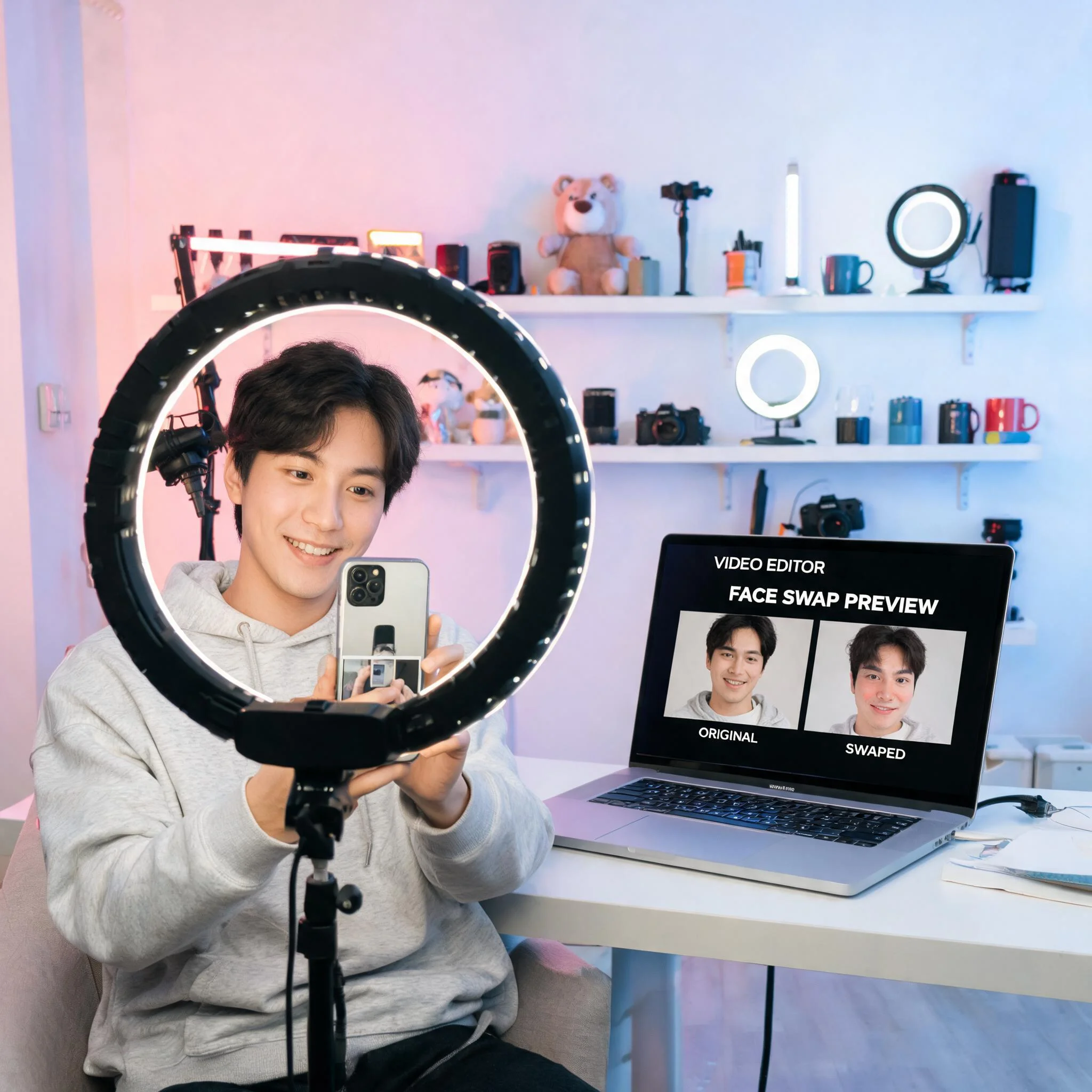
Character concepts
Explore a character using a text prompt or a reference image. Describe clothing, setting, and expression.
Visual mood studies
Describe lighting, colors, and composition to explore an idea. Compare the result with your intended mood.
Product scene ideas
Describe a product scene and check that the generated details match what you intend to show.
Explore related tools
Choose the tool that matches your next step.
Use images responsibly
Use your own images or obtain permission from the people and rights holders involved.
Use images with permission
Use your own images or obtain permission from the people and rights holders involved.
Avoid misleading portrayals
Do not present generated facial movement as proof that someone said or did something.
Respect personal boundaries
Do not use a person’s likeness to harass them or create intimate imagery without consent.
Label generated media
Explain that the animation is AI-generated so viewers understand what they are seeing.
Try the generator
Looking for video face swap? DreamUtopia animates a still portrait using a motion prompt. It does not replace a face in existing footage or track a replacement face frame by frame. A free trial is available without an account. Check the generator for current availability rather than assuming a fixed number of free runs.