
The Best AI Video Generator Is One You Can Test First
Free renders. No account. Clips in 60 to 90 seconds.
Every roundup hands you a ranked list and a handful of cherry-picked clips. DreamUtopia hands you the controls instead. Upload a photo, describe the motion, and watch a 4 to 8 second clip render at up to 1080p. Then you can decide, with your own eyes, whether the ranking was right.
Drag & drop an image, or click to upload
JPG, PNG, WebP, TIFF — up to 20MB
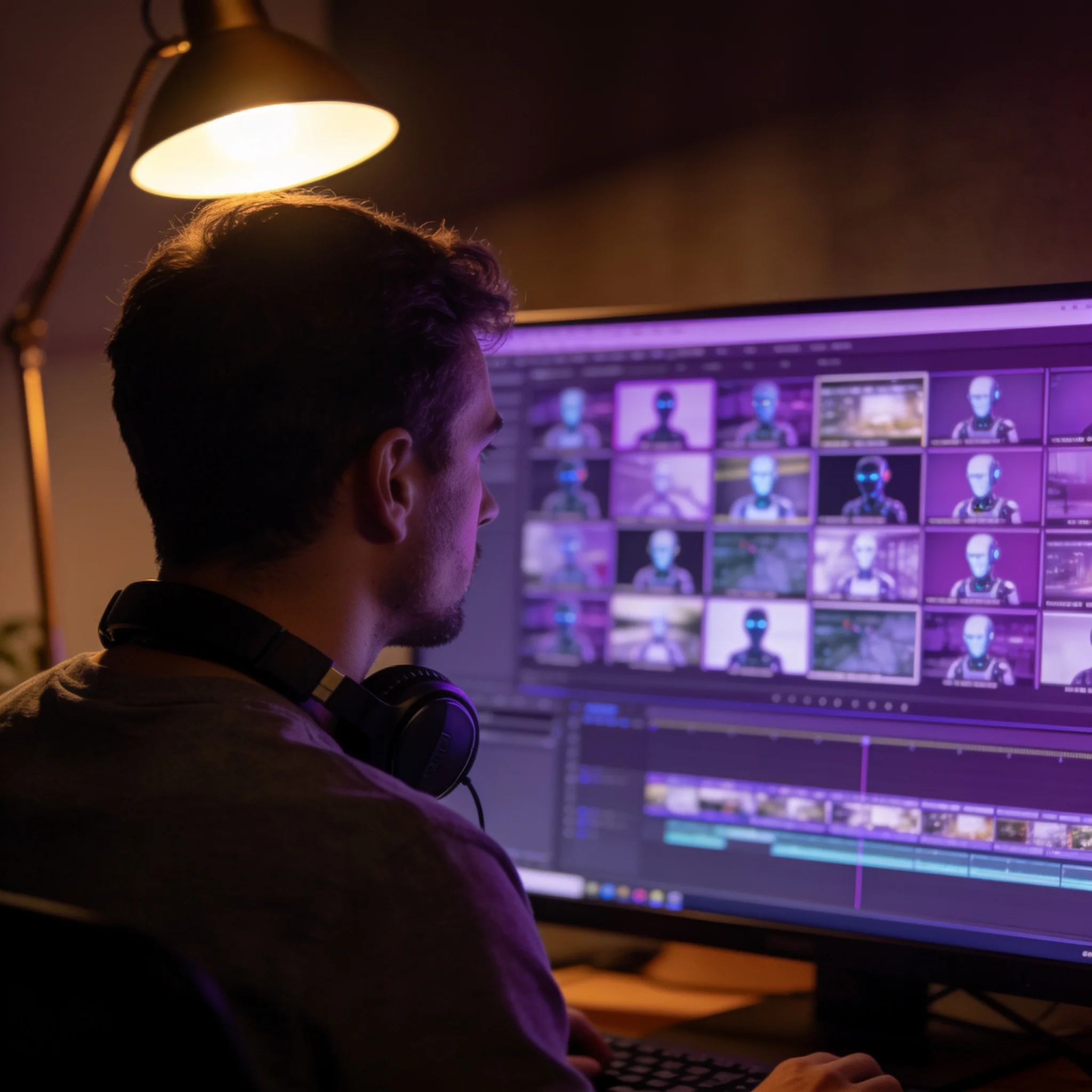
One source photo, several motion directions, one clip you can download
Most AI Video Generator Rankings Measure the Wrong Thing
Search that phrase and you get two kinds of pages. One ranks ten tools by the model inside them. The other shows five gorgeous clips and calls it a review. Neither of them tells you anything useful about what happens when you paste in the photograph that is already sitting in your camera roll. Here is the test that actually matters. A generator that produces one perfect clip out of thirty attempts is not a great generator. It is a slot machine with a nice interface. The tool worth paying for returns a usable clip, at the size your project needs, without a subscription that renews quietly while you are not looking at it. We built DreamUtopia around that specific test. You upload a single image, write one sentence about how it should move, and get a clip back in 60 to 90 seconds. Lite generations cost 3 credits, Medium 5, and Pro 16. The engine selects the model for your image class on its own, so a portrait gets subtle facial motion and a landscape gets a slow camera push without you choosing anything from a dropdown menu. What follows is the checklist we would use if we were shopping for one of these tools ourselves. Run your own photo through it and judge the output, not this page.
Six Specs That Decide Which Generator Wins
Image-First, Not Text-First
Start from a photo you already own instead of a blank prompt. Your composition, your subject and your lighting stay intact while the engine adds motion. Text-to-video tools build a scene from nothing, which is why their output rarely matches what you pictured.
Clip Length You Can Plan Around
Every clip runs 4 to 8 seconds depending on the model. That is the honest range for feeds and ads. A tool that advertises minutes of runtime is either stitching several generations together in a row or slowing a single one of them down.
Resolution That Survives Upload
Trial renders come out at 720p. Paid generations go up to 1080p. Both are MP4 files with H.264 video, accepted by Reels, Shorts, TikTok and every editor we tried without a re-encode.
60 to 90 Seconds Per Clip
Most jobs finish inside a minute and a half, and the fastest model lands under 30 seconds. A live progress bar shows the real percentage, so you can tell a slow render from a stalled one instead of refreshing the page and guessing.
Free Before You Commit
Trial generations need no account, no email and no card. Spend them on your own photos and see whether the motion holds up. That beats reading twenty opinions about it, and it takes about the same amount of time.
Nine Languages, One Interface
The interface and the prompt box work in nine languages, including English, German, Japanese, Korean and Simplified Chinese. Write the motion instruction in whichever language you think in, because a sentence you trust beats one you copied.
How to Test Any Generator in Under Five Minutes
Pick a Photo With Clear Depth
A subject in front of a background gives the engine something to move through. Portraits, products and landscapes all work. Flat graphics animate poorly. JPG, PNG and WebP up to 20 MB are accepted.
Describe the Motion in One Sentence
Name the camera move and the subject. Camera slowly pushes in works better than make it cinematic. A sentence with a verb in it outperforms a stack of adjectives every single time.
Pick a Tier and Generate
Start on Lite at 3 credits. It finishes fast and costs the least. Move to Pro at 16 credits once you need the extra detail for a paid placement or a full-screen hero shot.
Judge the Third Try, Not the First
Repeat the prompt with one variable changed and watch how the engine responds. That pattern tells you more than any published ranking, including this one, because it measures the tool against your images instead of someone else's.
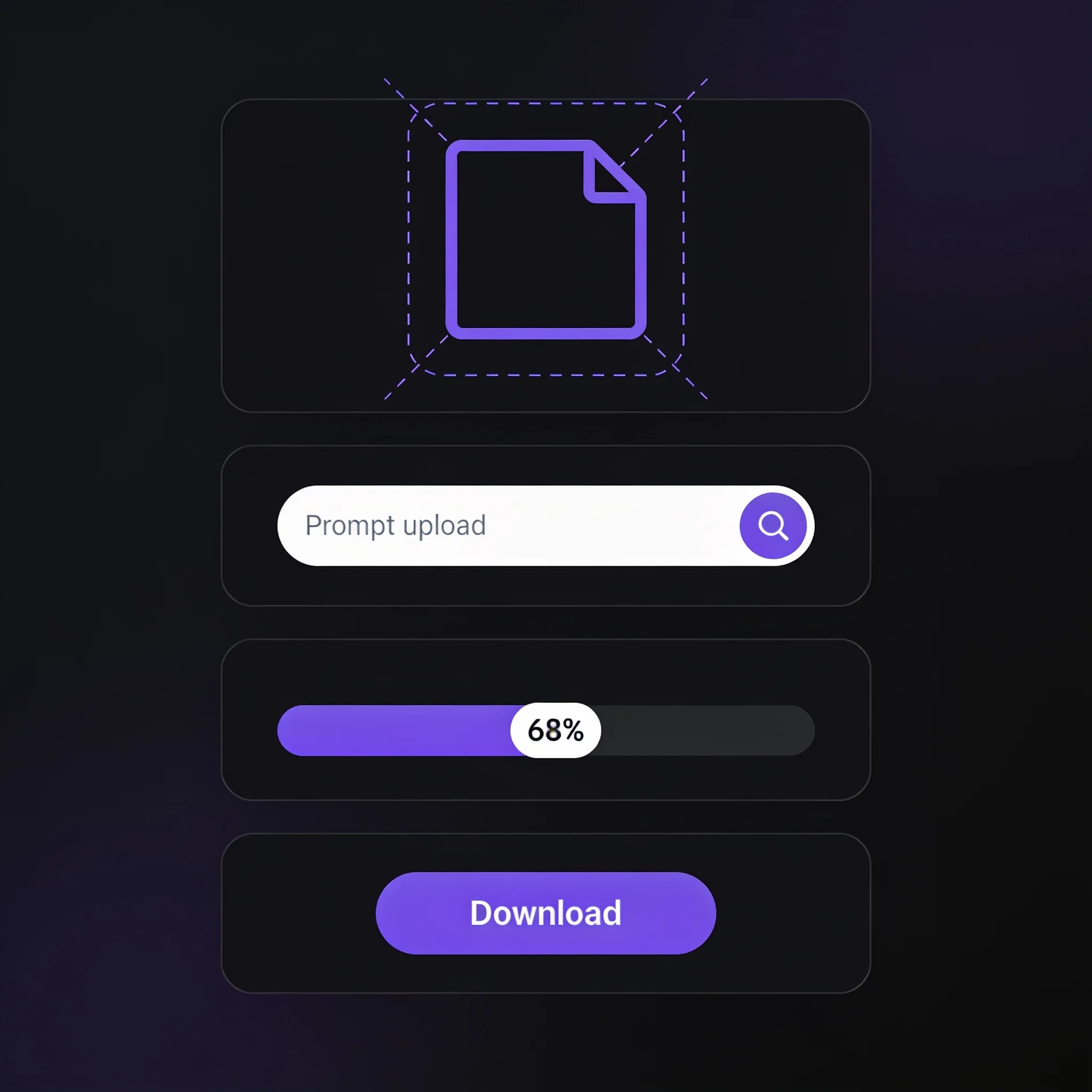
Upload, describe the motion, download the clip. Three steps, no timeline to learn
Who Gets the Most Out of DreamUtopia

Social Media Managers
Turn a week of product photos into vertical clips in one sitting. The same prompt structure works across a whole feed, so an account reads as one campaign instead of nine unrelated posts.
Small Online Shops
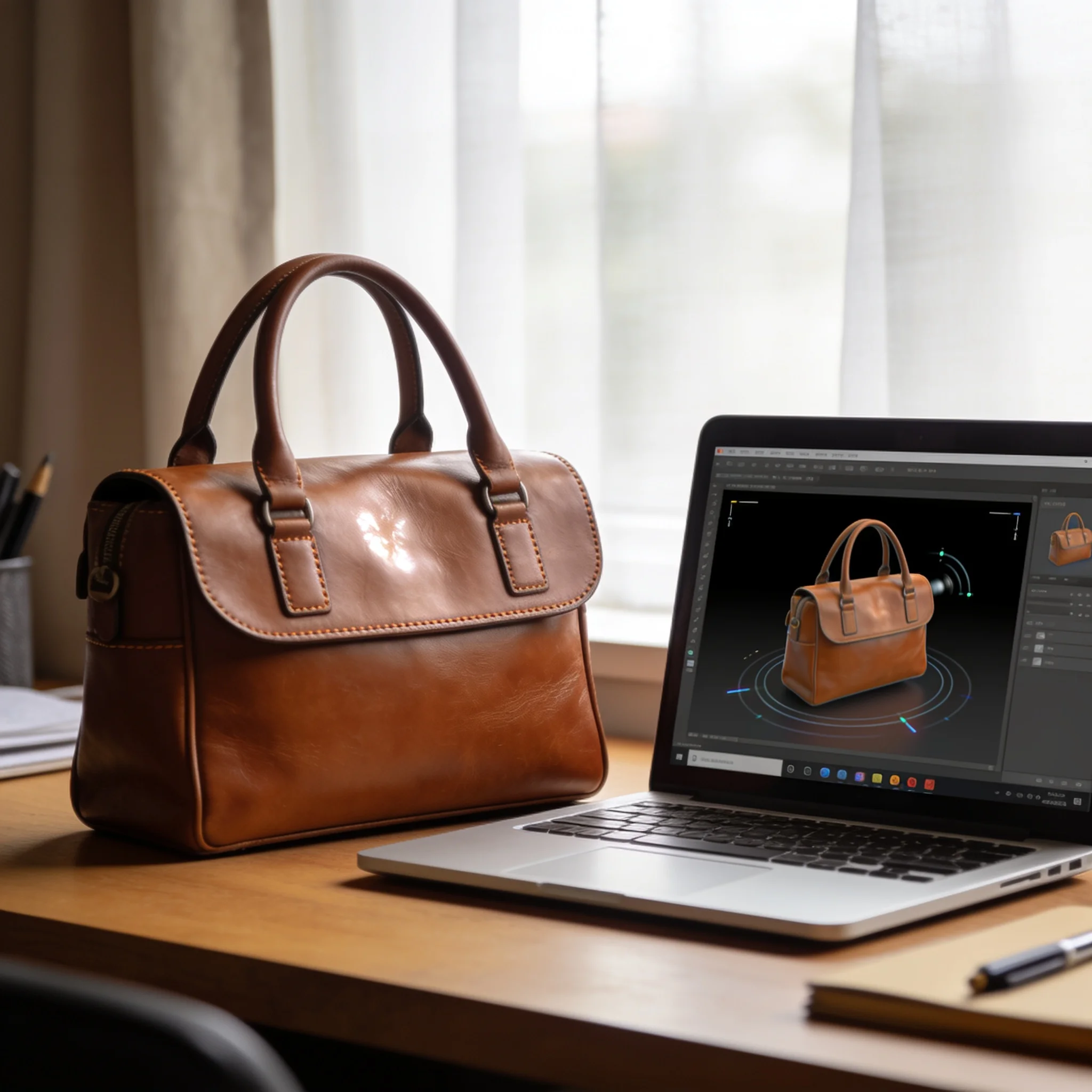
A still product shot becomes a 4 second clip for a listing or an ad. Upload the photo you already paid to have taken, describe a slow orbit, and skip the studio booking, the lighting rig and the rescheduling entirely.
Indie Filmmakers and Animators
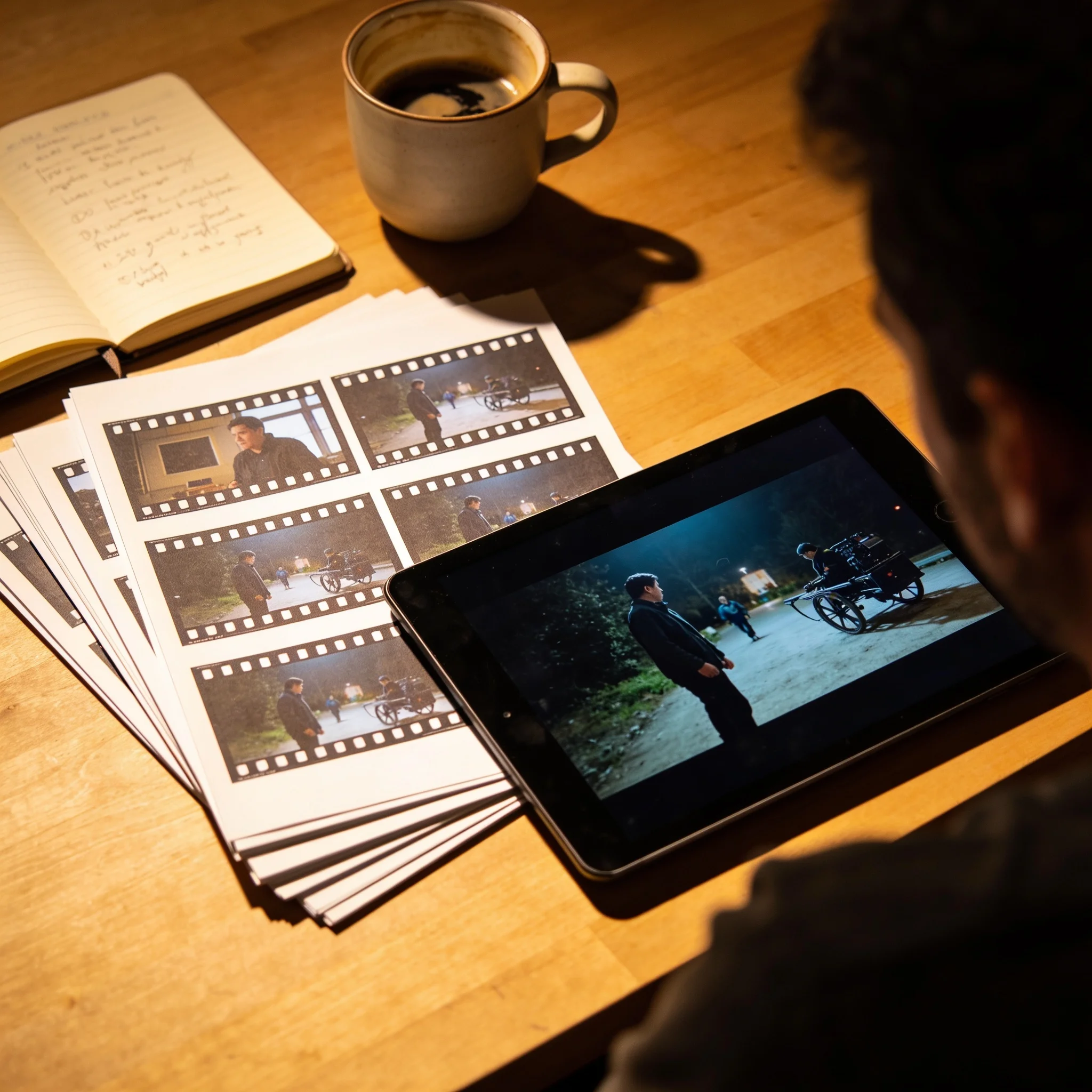
Rough out a shot before you commit to it. Generate a storyboard as moving frames, then cut the takes that work into your animatic. Faster than drawing every beat by hand, and far cheaper than testing on set.

Ad Teams Testing Creative
One image, several motion directions, four clips before lunch. Pair the same photo with a push-in, a pan and a slow zoom, then run the version that holds attention longest.
DreamUtopia Scored on Its Own Checklist
We applied the same six specs to ourselves. Every number below is visible on this page, and you can check it in about two minutes without an account.
| Feature | DreamUtopia | Typical AI Video Tools |
|---|---|---|
| Free trial without an account | Free renders, no email and no card | Often gated behind a signup or a card hold |
| Clip length per generation | 4 to 8 seconds | Often 3 to 5 seconds, or a stitched sequence |
| Maximum output resolution | 1080p on paid tiers | Frequently capped at 720p on free plans |
| Starting point | Your own photo, up to 20 MB | A text prompt, or a photo behind a paid add-on |
| Time to a usable clip | 60 to 90 seconds, under 30 on the fast model | Several minutes on a shared queue |
| Cost of one clip | 3 credits on Lite | A monthly subscription that renews whether you use it or not |
Four Habits From Our Own Testing
After thousands of generations through the engine, a few patterns held up. None of them are secrets, and each one changes your output more than switching tools does.
Describe the Camera, Not the Mood
The camera slowly pushes in changes a clip more than dramatic ever will. Mood words describe your reaction. Camera language describes the shot, and the engine acts on the second one.
Keep the Subject Still at First
Complex action in a prompt, like two people fighting or a car drifting, is where every engine stumbles. Begin with a subject that barely moves and add the motion to the environment instead.
Render the Cheap Version First
The fast model suits drafts and social cuts, while the slower tiers hold detail through a long push-in. Generate on Lite to check the framing, then spend on Pro only for the final edit.
Save the Prompt, Not Just the Clip
History keeps every generation, but a saved prompt is worth more than a downloaded file. Reusing it across ten photos keeps a campaign consistent without retyping a word.
Questions People Ask Before They Switch
By the DreamUtopia Team · Last updated October 20, 2026
What is the best AI video generator right now?
▼
Is DreamUtopia free to try?
▼
How long are the generated clips?
▼
What resolution do I get?
▼
Which image formats work?
▼
Can I use the clips commercially?
▼
Do I need editing skills?
▼
Test the Claim in the Next Sixty Seconds
Upload a photo, describe the motion, and watch what comes back. Free renders, no account, no card.