
Make Brainrot Videos From Your Own Absurd Characters
Brainrot lives or dies on the character. This generator puts the image first: type a one-sentence idea, generate a surreal creature, then upload it in the video tab and describe the motion. A clip loops cleanly on TikTok, Reels, and Shorts, and it keeps the framing of your source image, so a 9:16 character fills a phone screen with no letterboxing.
Start with a real example
These are the prompts paired with this page’s examples. Open the generator, choose an example, then adjust one detail at a time.
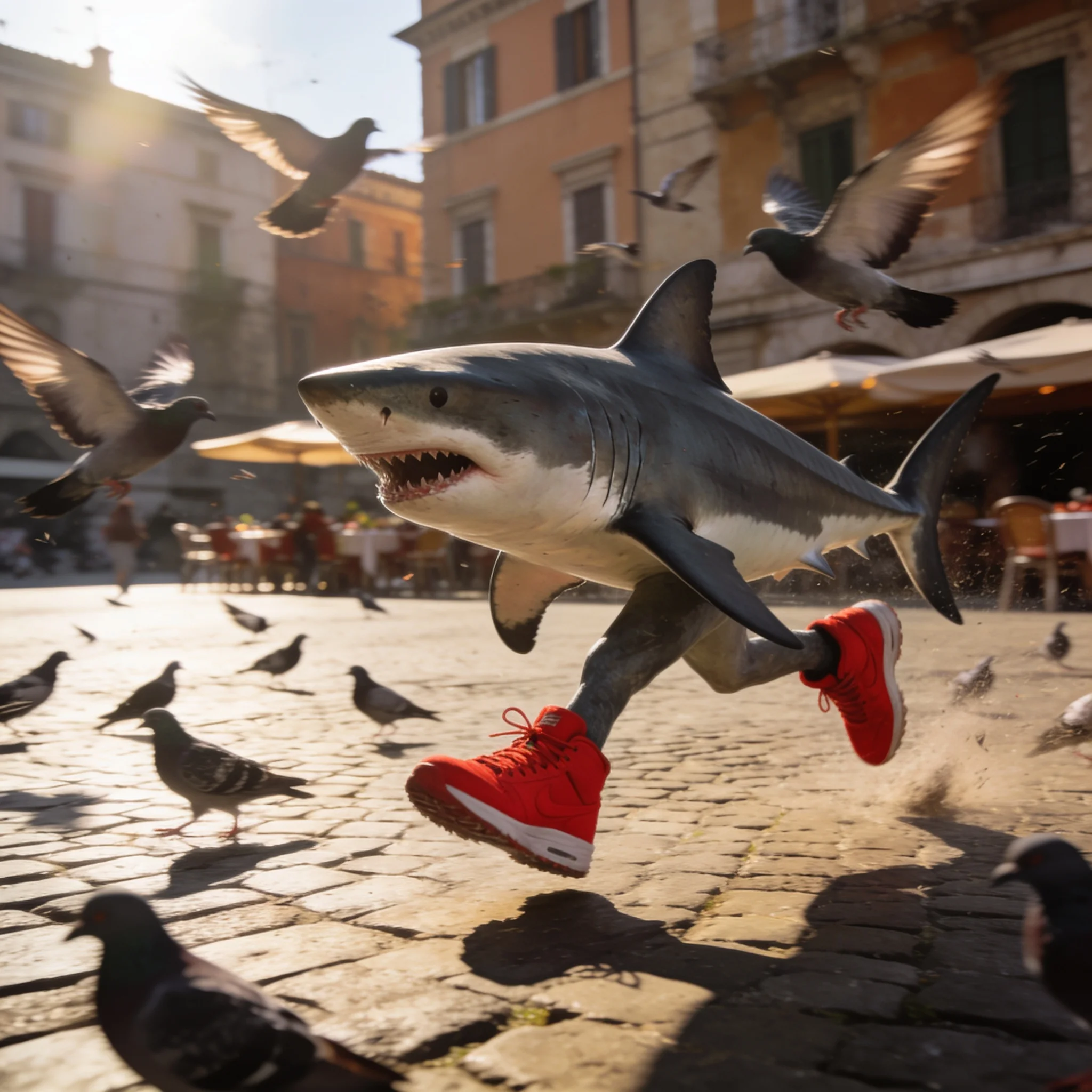
Example prompt 01
The shark sprints forward with heavy sneaker slaps on the cobblestones, pigeons explode into the air, café umbrellas sway, handheld camera tracks low alongside the running shark
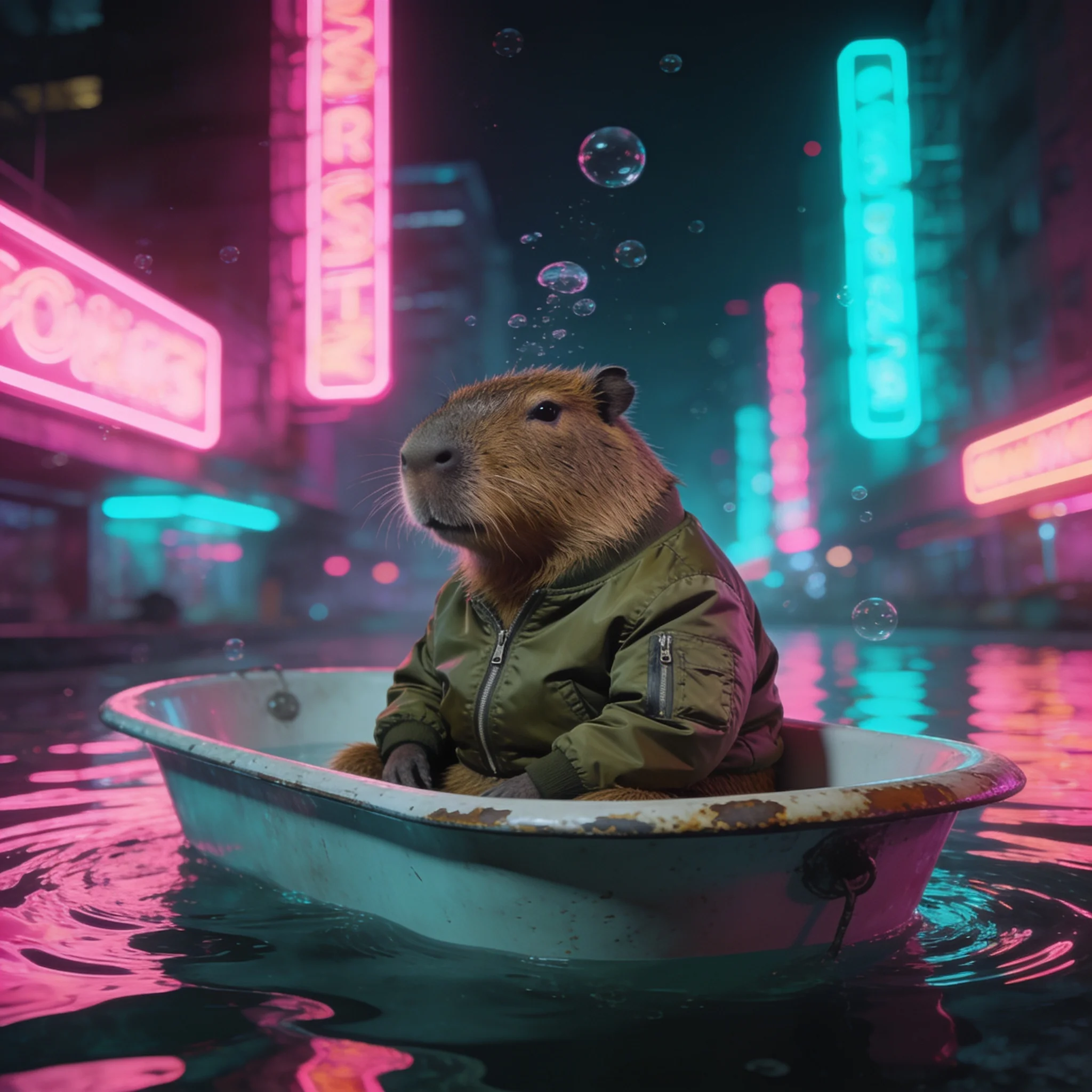
Example prompt 02
The bathtub drifts slowly to the right, neon reflections ripple across the water, bubbles rise and pop, the capybara blinks and adjusts its jacket, camera slowly orbits around the tub
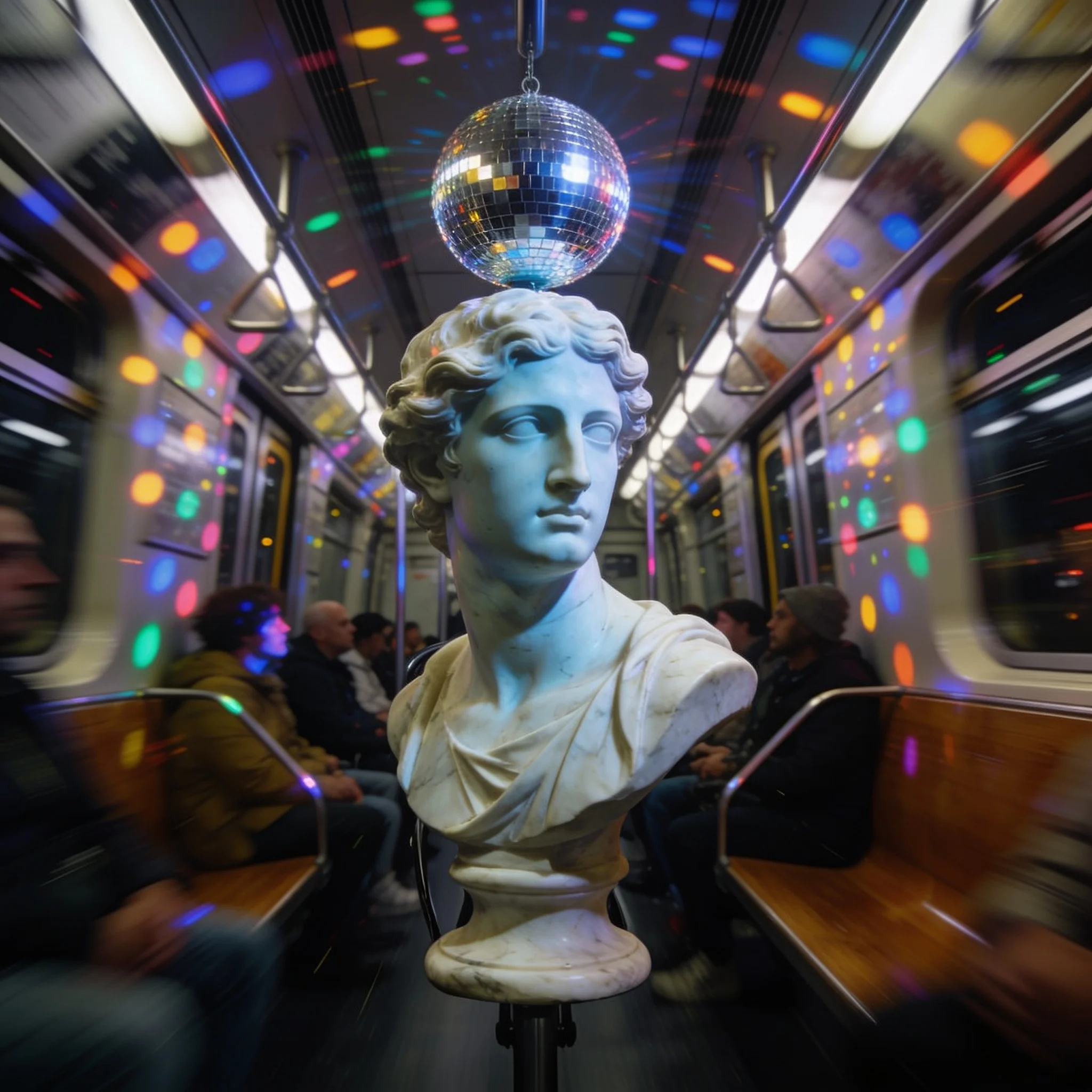
Example prompt 03
The disco ball spins and throws moving light dots across the subway walls, the train sways gently, commuters sway with it, camera pushes in slowly on the marble face
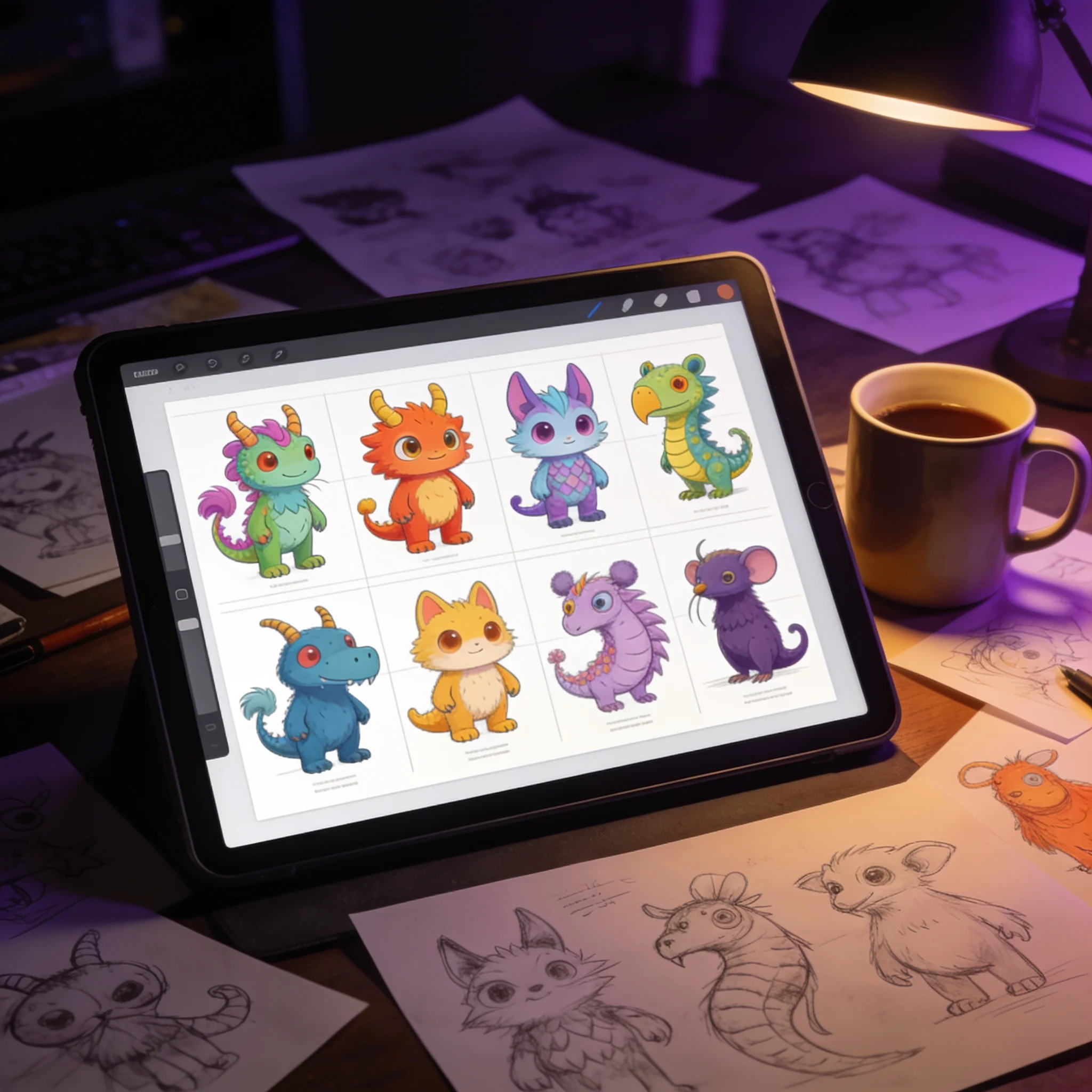
One prompt, several candidates. Pick the creature that reads at thumbnail size.
A Brainrot Generator Built Around the Character
Most brainrot tools start with a script and staple a synthetic voice over looping gameplay. That pipeline is fast, and it is also why so much of the format looks alike. The part people remember is the creature: the shark in sneakers, the marble head with the disco ball, the capybara in a bomber jacket. We built this generator around that piece. You describe a character in one sentence and render a few candidates. Download the one that lands, upload it in the video tab, and describe how it should move. A blink, a slow drift, a camera orbit, a clumsy sprint. The still stays yours, the motion comes from your prompt, and a clip takes roughly a minute. Nothing here is a fixed template. There is no character library to pick from and no stock cast to remix, which matters for two reasons: original characters are safer to monetize, and they give your channel a face no other account shares. If you came looking for an Italian brainrot generator, the workflow barely changes: one creature, one invented name, one dramatic voice. For a full 30 to 60 second brainrot edit, generate three to six clips and cut them together with narration and captions in an editor. We handle the visual half.
What You Get
Original Characters, Not a Template Library
Describe a hybrid in plain words and get something nobody else has used. Original characters also avoid the worst monetization risk in the format, which is lifting a recognizable figure from someone else's property.
Images and Motion in One Place
Generate the character at 1K, 2K, or 4K, then animate the same frame in the video tab. The image and the motion prompt stay together, so you never rebuild the idea in a separate tool.
Motion You Direct Yourself
Write the movement: a slow orbit with rippling neon reflections, or a sprint to the left as pigeons scatter. The clip follows the instruction instead of applying one canned camera preset to every upload.
Vertical Frames Stay Vertical
The clip keeps the aspect ratio of your source image. Generate a 9:16 character and it fills a phone screen with no crop and no bars, which is the shape Reels, Shorts, and TikTok all reward.
Clips From 5 to 30 Seconds
Shorter clips loop better for brainrot, and a 5 second loop is the safest length. The mid tier runs to 15 seconds and the top tier reaches 30, so one beat can carry a cut without repeating.
No Account to Start
The trial runs in the browser with no sign-up and no card. An account later keeps your history, saves the prompts that worked, and holds the credits you buy when you need more renders.
From One Sentence to a Clip in Four Steps
Describe One Absurd Character
One sentence, two contradictions. A great white shark in red sneakers sprinting through a Roman piazza gives the model a subject, a costume, a place, and an action. Two or three candidates are usually enough to find the one.
Generate and Pick
Render at 1K, 2K, or 4K in a 9:16 frame, then compare candidates at phone size. A silhouette that reads at 150 pixels will survive the feed; fine detail will not.
Write the Motion
Upload the frame you kept and name the movement plus one atmosphere change. A handheld camera tracking beside the subject while dust kicks up and umbrellas sway is a complete instruction.
Download and Cut
Save the clip and drop three to six of them into your editor with narration and captions. Keep each beat short: a new visual every 1.5 to 2.5 seconds is the pacing this format runs on.
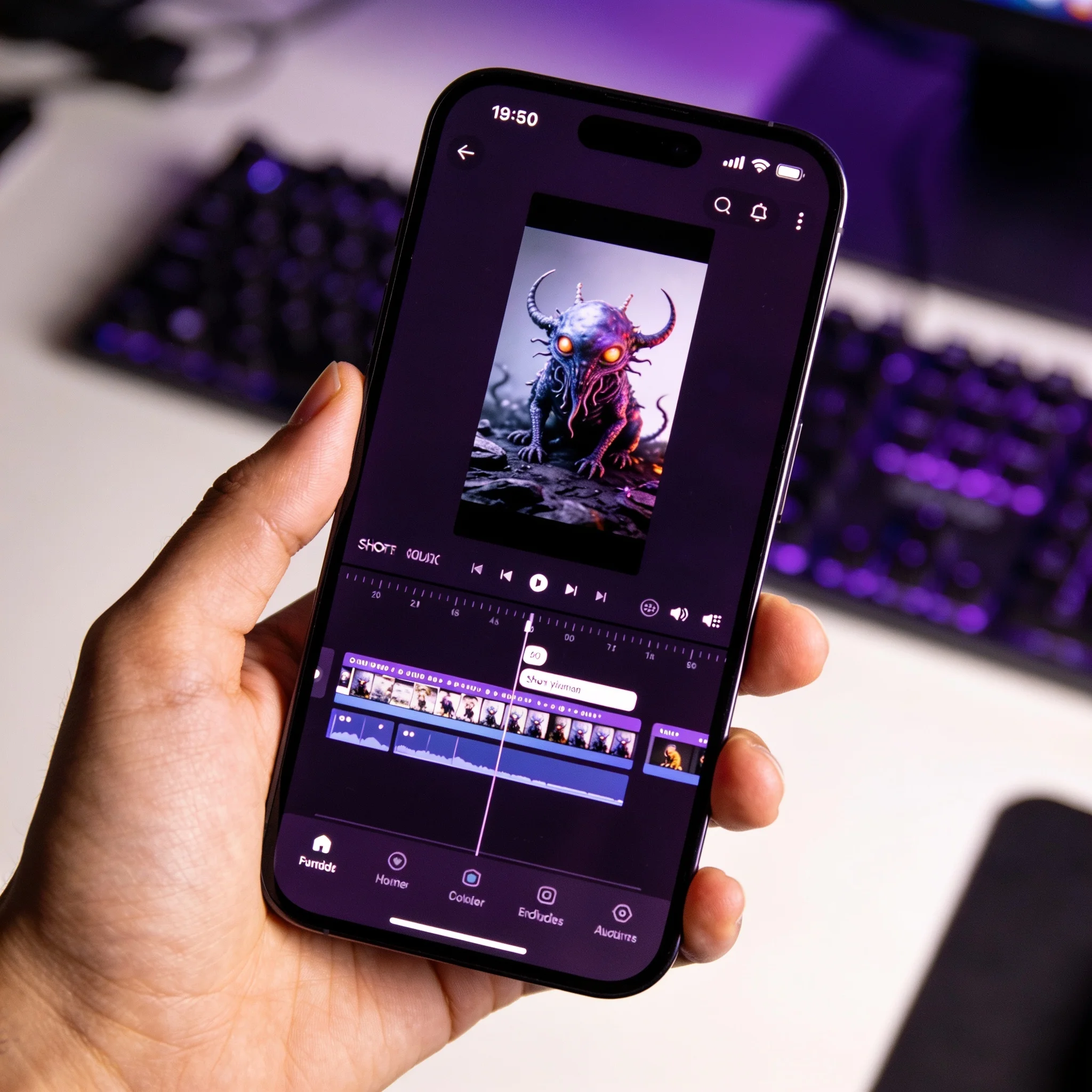
Character first, motion second, edit third. Three clips make one beat.
What People Make With It
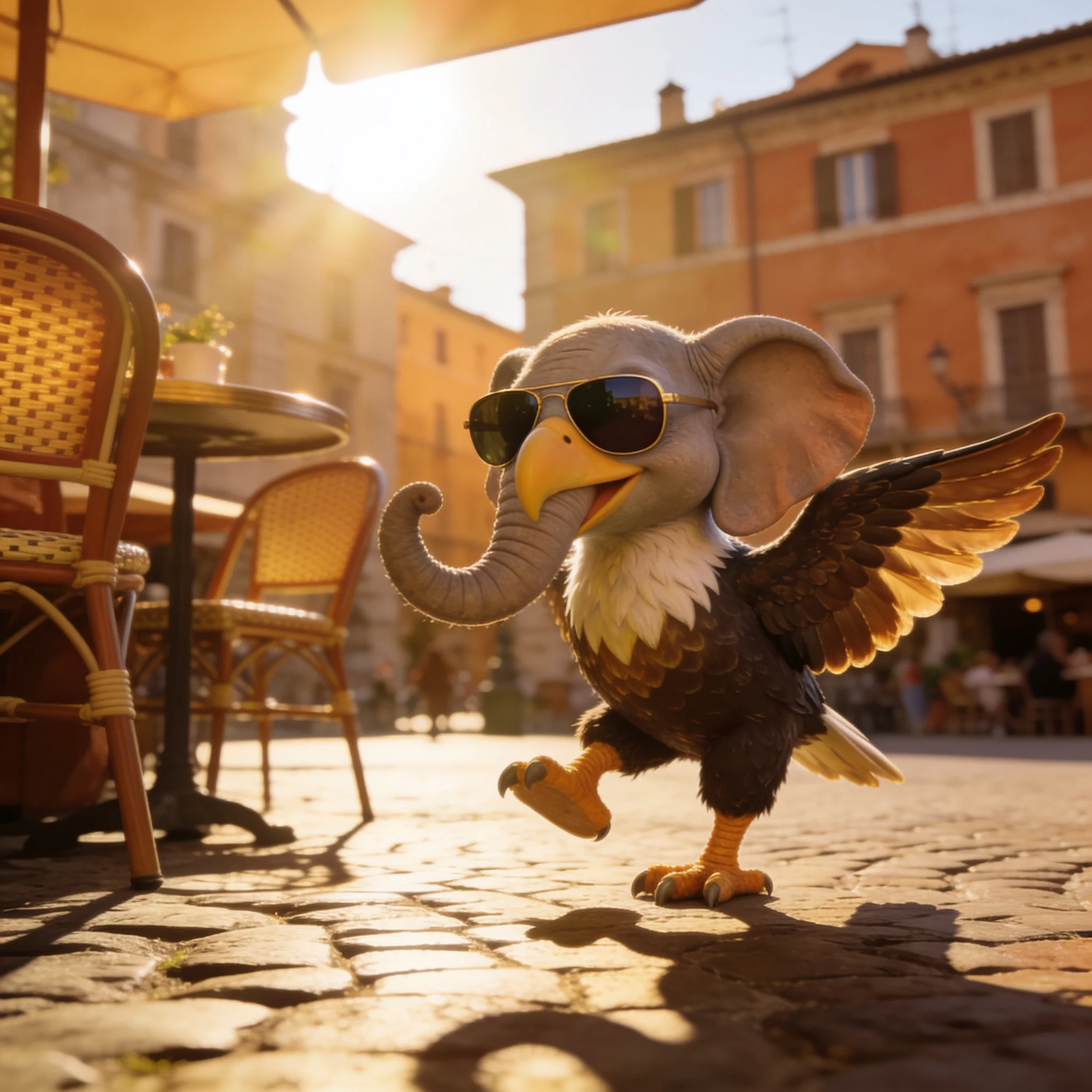
Italian Brainrot Parodies
The sub-genre that made the format famous: hybrid animals with fake-Italian names and dramatic narration. Generate the creature here, then record or synthesize the voice. Keep the name and design original, because parody of a specific character is a copyright question rather than a style choice.
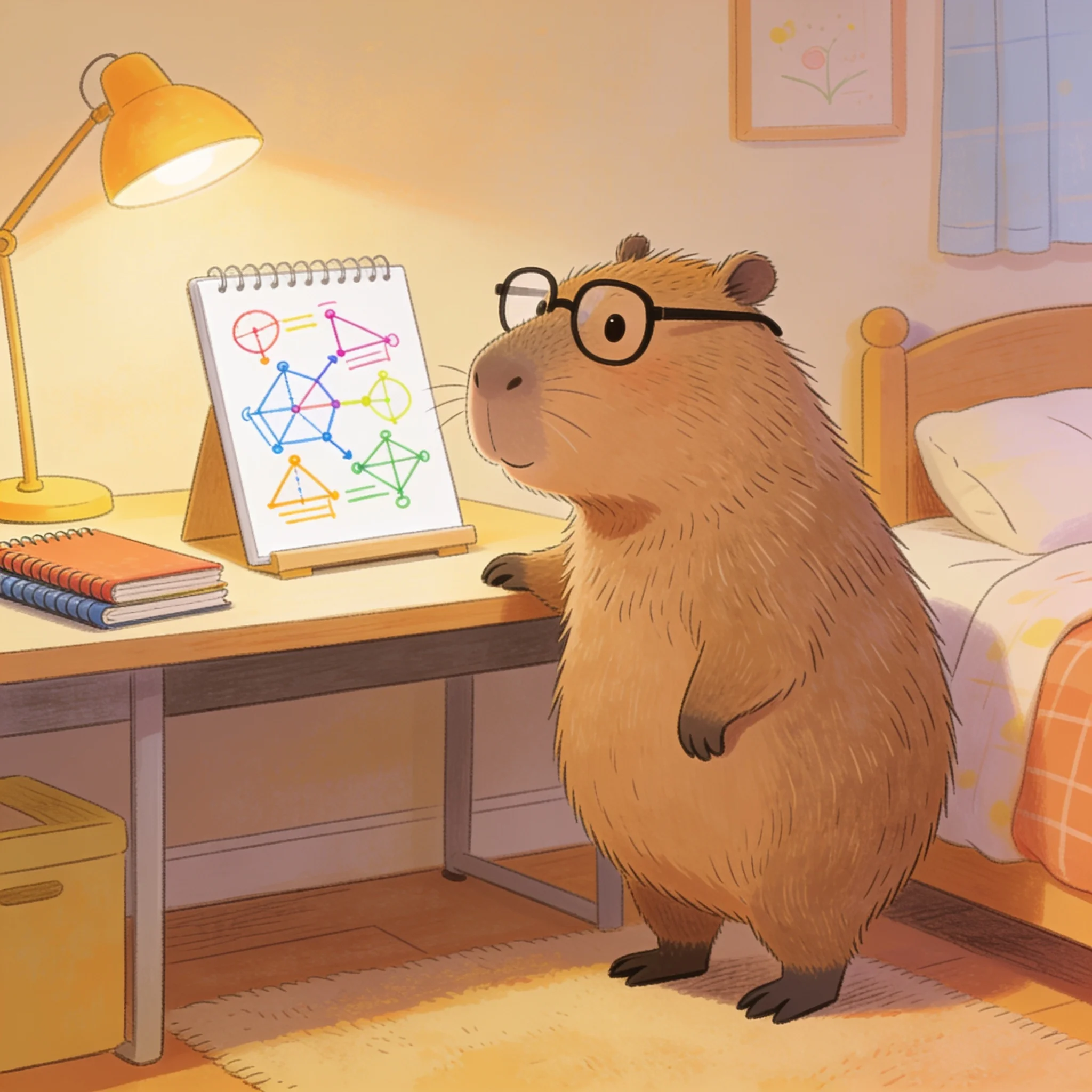
Absurdist Story Beats
Build a scene around an ordinary moment, then break it. A capybara waits for a bus. A marble bust orders coffee. Each beat is one clip, and six beats carry a 30 second story.
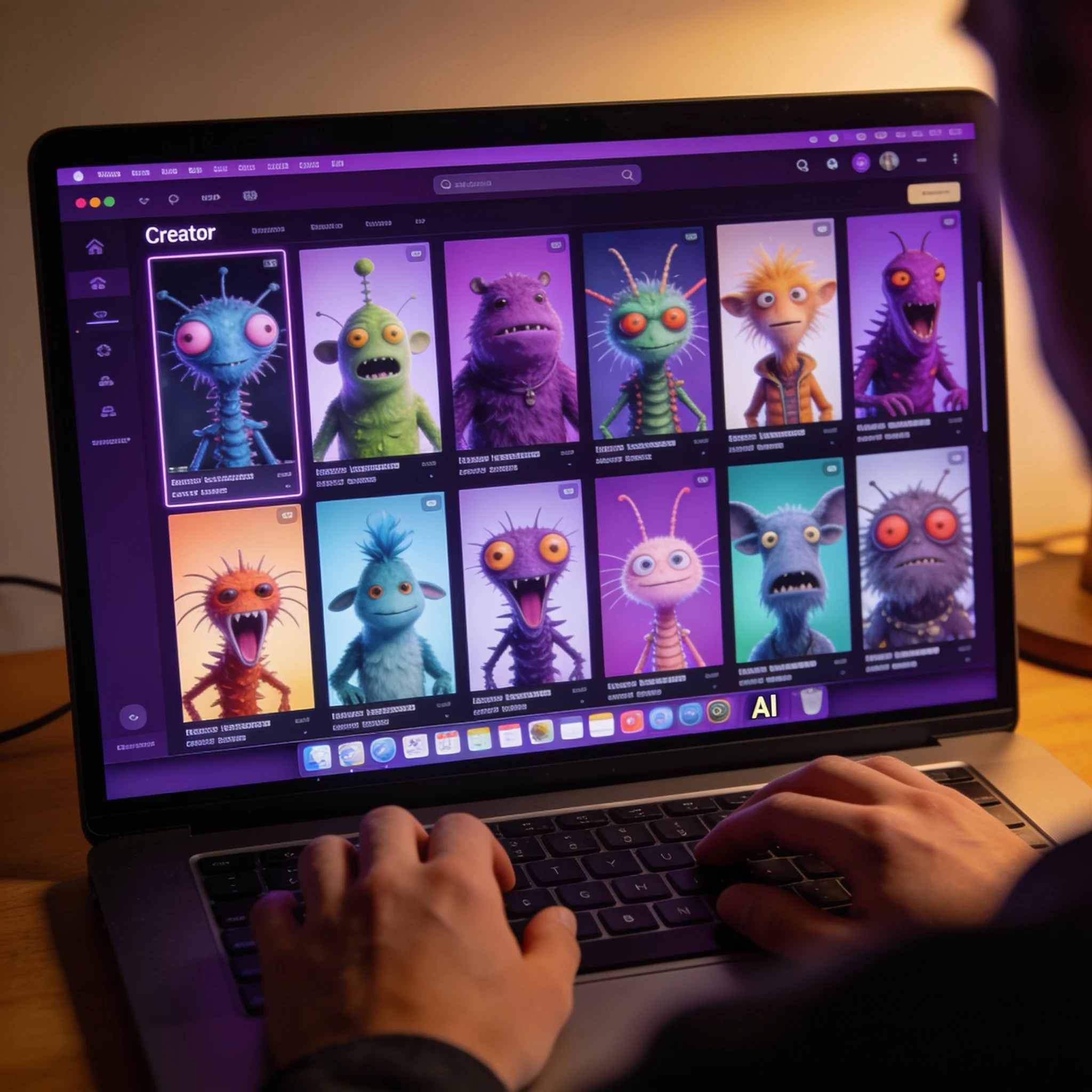
Faceless Channel Content
A recurring character gives a faceless channel continuity. Generate the same description with a new action each time, and the audience recognizes the creature even when the scene changes.
Brands and Product Skits
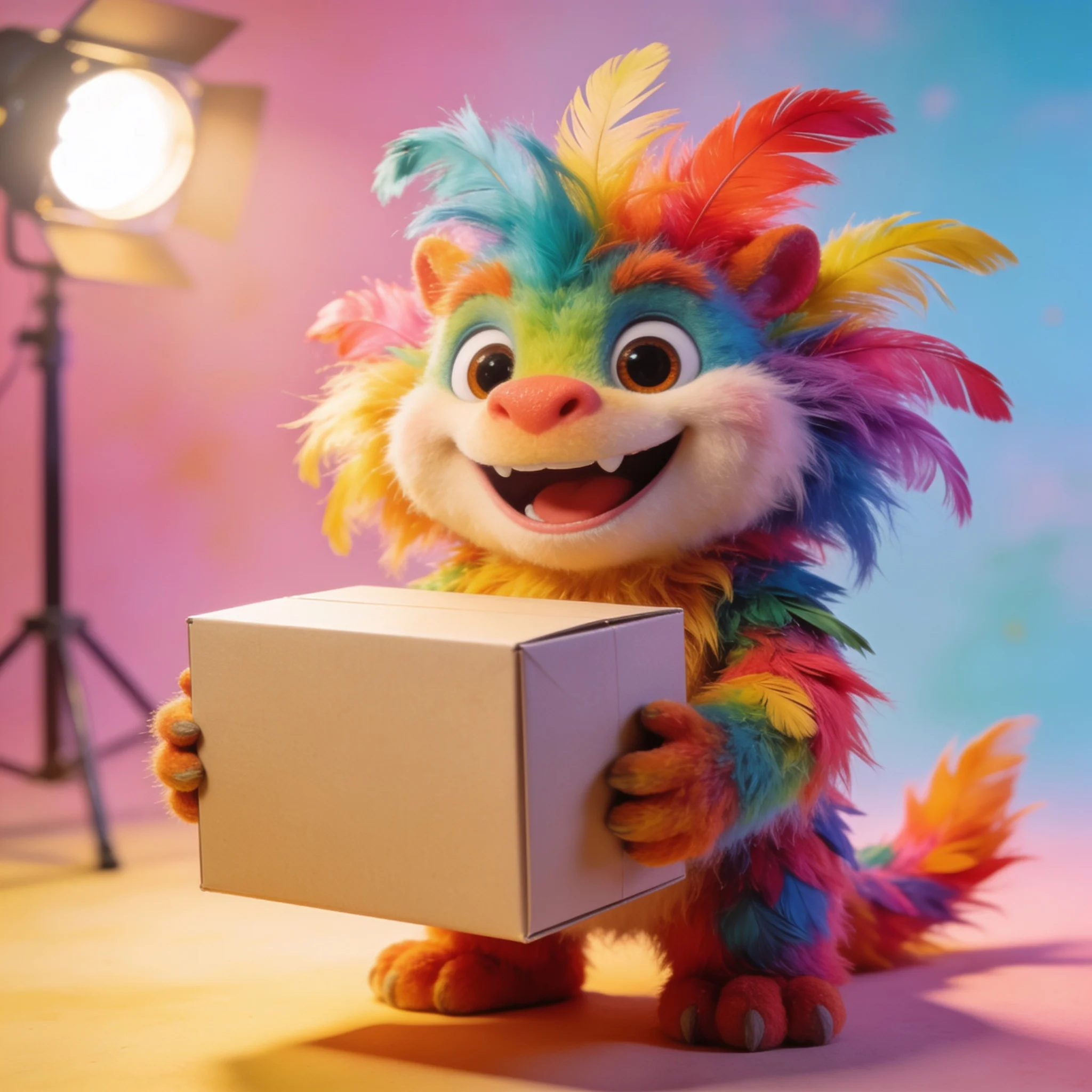
A mascot that behaves badly is a cheap way to hold attention. Keep the product visible in frame, and the clip stays usable as a six second ad cut.
Explore related tools
Choose the tool that matches your next step.
Prompts That Produce Brainrot, Not Stock Art
The genre has a look. A few prompt habits get you there faster.
Break the Proportion, Not the Render
Brainrot is an uncanny combination, not a broken image. Keep the lighting realistic and let the anatomy be impossible: a clean studio photo of a pineapple-crocodile is funnier than a glitchy mess.
Give It a Prop
A character holding or wearing one specific object reads at a glance. Sneakers, sunglasses, a tiny briefcase, a frying pan. The prop also gives the motion step something to move.
Set the Place in the Same Sentence
An Italian piazza, a night subway, a rainy Roman street. A place gives the render depth and gives you a background to animate, which is cheaper than compositing one later.
Pick One Camera Move
Orbit, push in, track alongside, or hold. One move per clip keeps the subject readable, and it makes the loop easier to cut against a beat.
Test at Thumbnail Size
Shrink the candidate before you commit. If the creature still reads at 150 pixels, it will work in a feed; if it needs a full screen to make sense, generate a bolder silhouette.
Keep the Character Description Fixed
Reuse the same sentence for every clip in a series and change only the action. That is the cheapest character consistency available, and it costs no extra reference uploads.
Make a Creature Nobody Else Has
Describe one impossible animal, animate it, and post the clip. No account needed for the first render.