
AI Wallpaper Generator
Describe a scene and get a custom wallpaper in about 10 seconds. Free generations, no account needed.
Every screen you own has a different shape. DreamUtopia renders wallpapers sized for the exact device you are filling, from a whispered one-line prompt or from a photo you already own. Want a static background for a lock screen? Done in seconds. Want the same scene breathing as a looping clip for a live wallpaper? That is one extra tap. Free renders carry a small corner mark that paid plans remove. Nothing here needs design experience.
Drag & drop an image, or click to upload
JPG, PNG, WebP, TIFF — up to 20MB
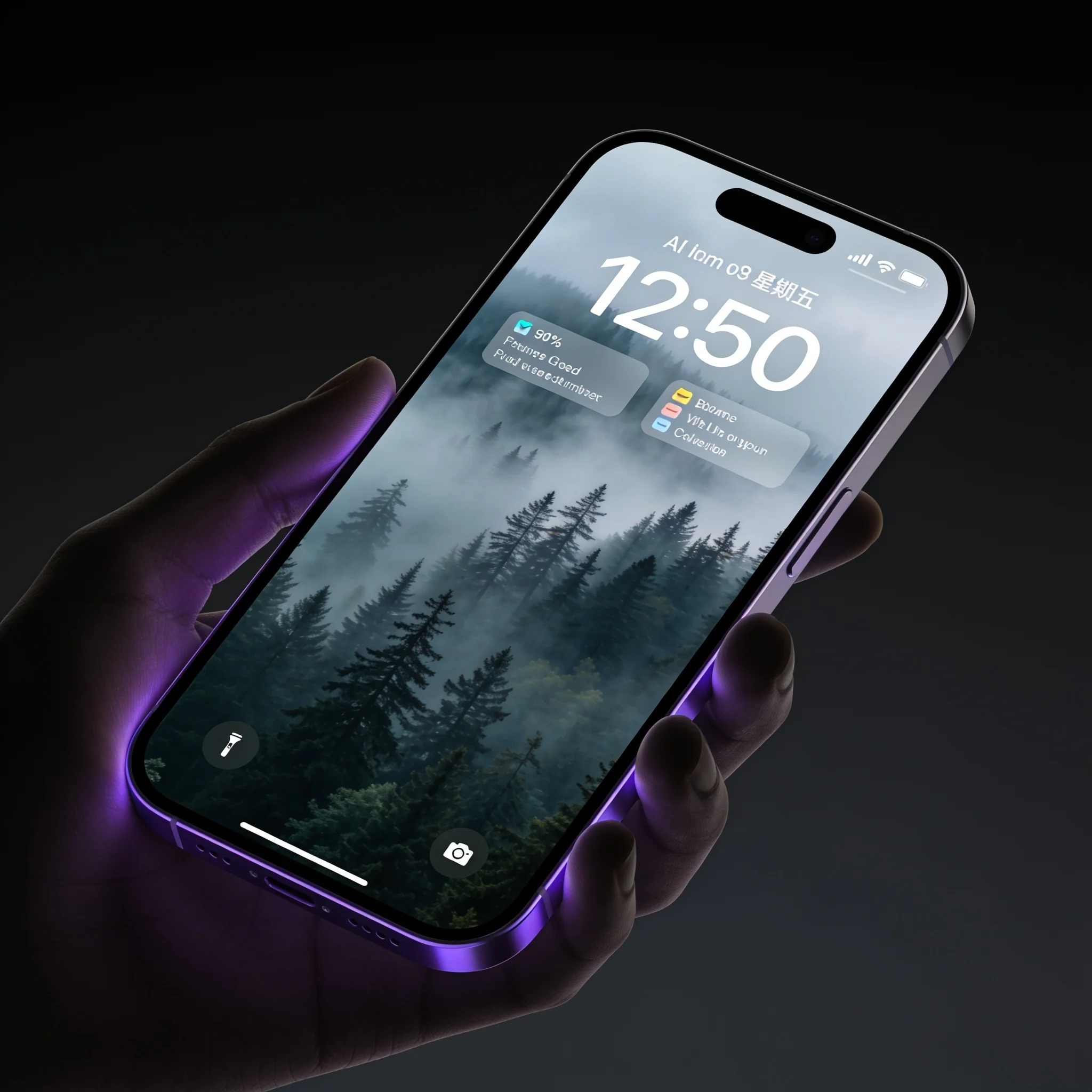
A one-line render with open space where the clock sits, sized for a phone lock screen
Why Generate a Wallpaper Instead of Downloading One
Wallpaper sites hand the same sunset to a few million people. A generated wallpaper is yours alone. You never sort through 40 pages of thumbnails, and you never settle for whatever the stock library had that week. Treat it as a custom wallpaper generator rather than a search engine and the whole exercise takes a minute. We built the wallpaper workflow as a thin layer on top of our image engine. You describe a scene in plain words, the engine renders it at the aspect ratio your screen actually uses, and you download the file. A phone portrait render usually lands in about 10 seconds. A desktop panel takes a few seconds longer because there are more pixels to fill. Aspect ratio is where most free tools quietly fail. Stretch a 1:1 square onto a 19.5:9 phone and the subject gets mangled. Generate at 9:16 for a phone, 16:9 for a laptop, 16:10 for many tablets, 1:1 for a square watch face, and 21:9 for an ultrawide monitor. We also accept your own photo as the starting point, so a beach trip or a pet portrait can become the background instead of merely inspiring one. Two details matter more than people expect. First, text: our engine renders legible lettering, which is rare among image generators, so a quote, a name or a date can sit in the composition without turning to soup. Second, safe zones: a good wallpaper leaves usable negative space where the clock, notification stack and icon grid will sit, which is what separates an AI background generator from a plain image model. Say so in your prompt and the composition bends around it. Free renders carry a small corner mark; paid plans remove it. We ran more than 2,000 wallpaper prompts during beta, across 30-odd styles. Prompts that named a composition and a light condition rendered a usable background on the first try roughly 9 times out of 10. Prompts that named five subjects at once did not. Keep it to one idea and the hit rate climbs.
What You Get
Phone, Desktop and Ultrawide
9:16 for phones, 16:9 for laptops, 16:10 for tablets, 1:1 for square displays and 21:9 for ultrawides. Every render is generated at the ratio you pick, so nothing gets stretched or cropped after the fact.
Wallpaper in About 10 Seconds
A phone-size image returns in about 10 seconds. Desktop renders with several times the pixel count take closer to 20. You watch the progress bar the whole way instead of guessing.
Start From Your Own Photo
Upload a picture and describe the change you want: repaint it at night, move it to another season, turn it into line art. The upload is optional and works alongside a text prompt.
Readable Text in the Image
Most image engines scramble lettering. Ours keeps it legible, so a motto, a monogram or a date can be part of the design rather than a blur you delete later.
Icon-Safe Compositions
Tell the engine to keep the middle quiet and the busy detail moves to the edges. The result reads cleanly under a grid of app icons instead of fighting with them.
Animate It Into a Live Wallpaper
Any finished wallpaper can be pushed through our video engine into a 4-second looping clip in about 60 seconds, ready for phones that accept video lock screens.
From Prompt to Lock Screen in Four Steps
Describe the Scene
One line is enough: 'quiet alpine lake at dawn, deep blue, lots of empty sky'. Add a mood or a color if you have one in mind. Vague prompts still work, they just land somewhere less specific.
Choose Your Dimensions
Pick a phone, desktop, tablet or square ratio. Ultrawide is there too. This sets the render geometry before a single pixel is drawn, which is why aspect ratio is a setting and not a crop tool.
Generate and Re-Roll
Wait roughly 10 seconds. If the result is close but not right, re-roll at no cost and keep the version you like. Only the file you download counts against your free generations.
Download and Set It
Save as WebP or convert to PNG. Transfer to the device, open the wallpaper settings, and assign it to the home screen, the lock screen, or both. Files are yours to keep and reuse.
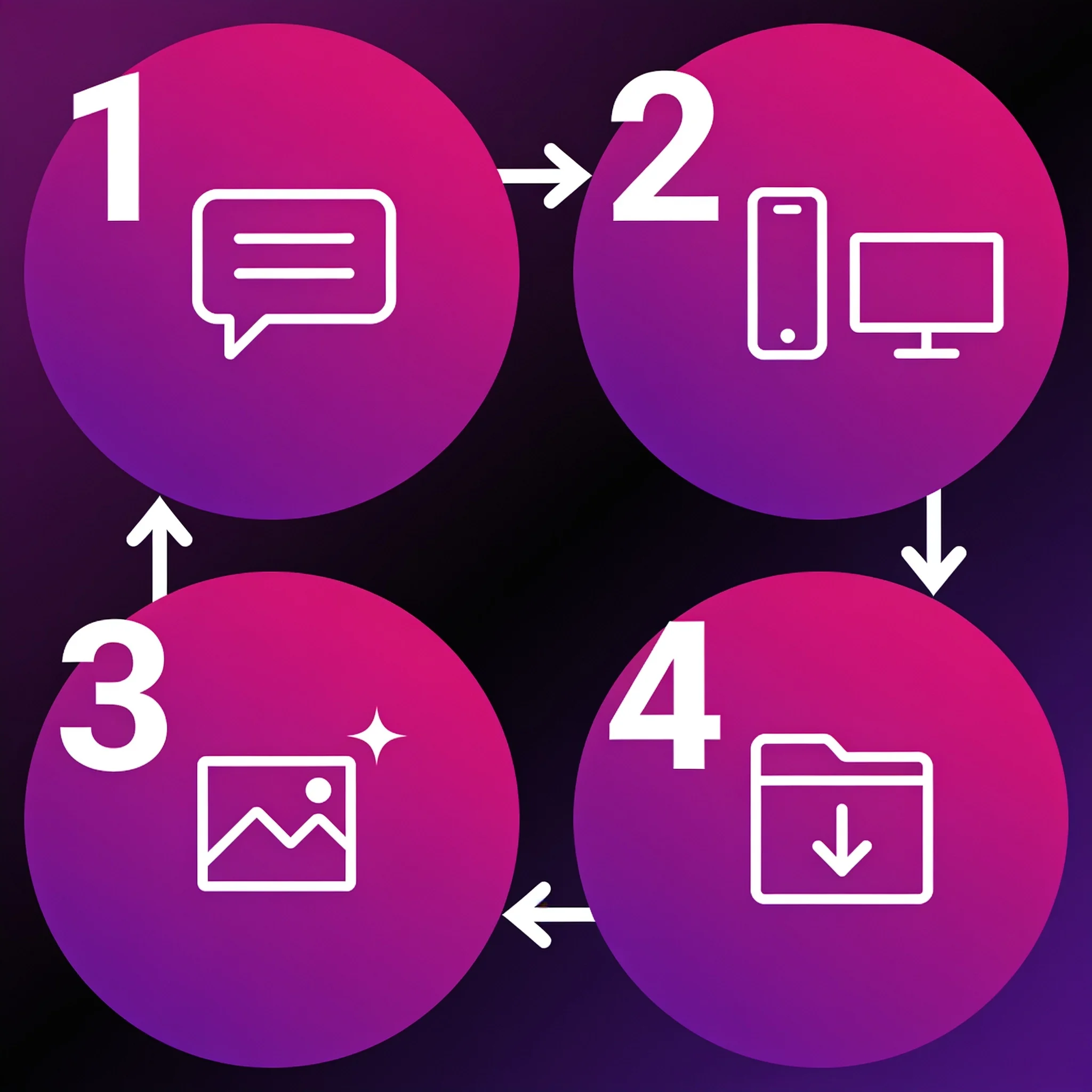
Pick a size, type a scene, download the file
What People Actually Use It For
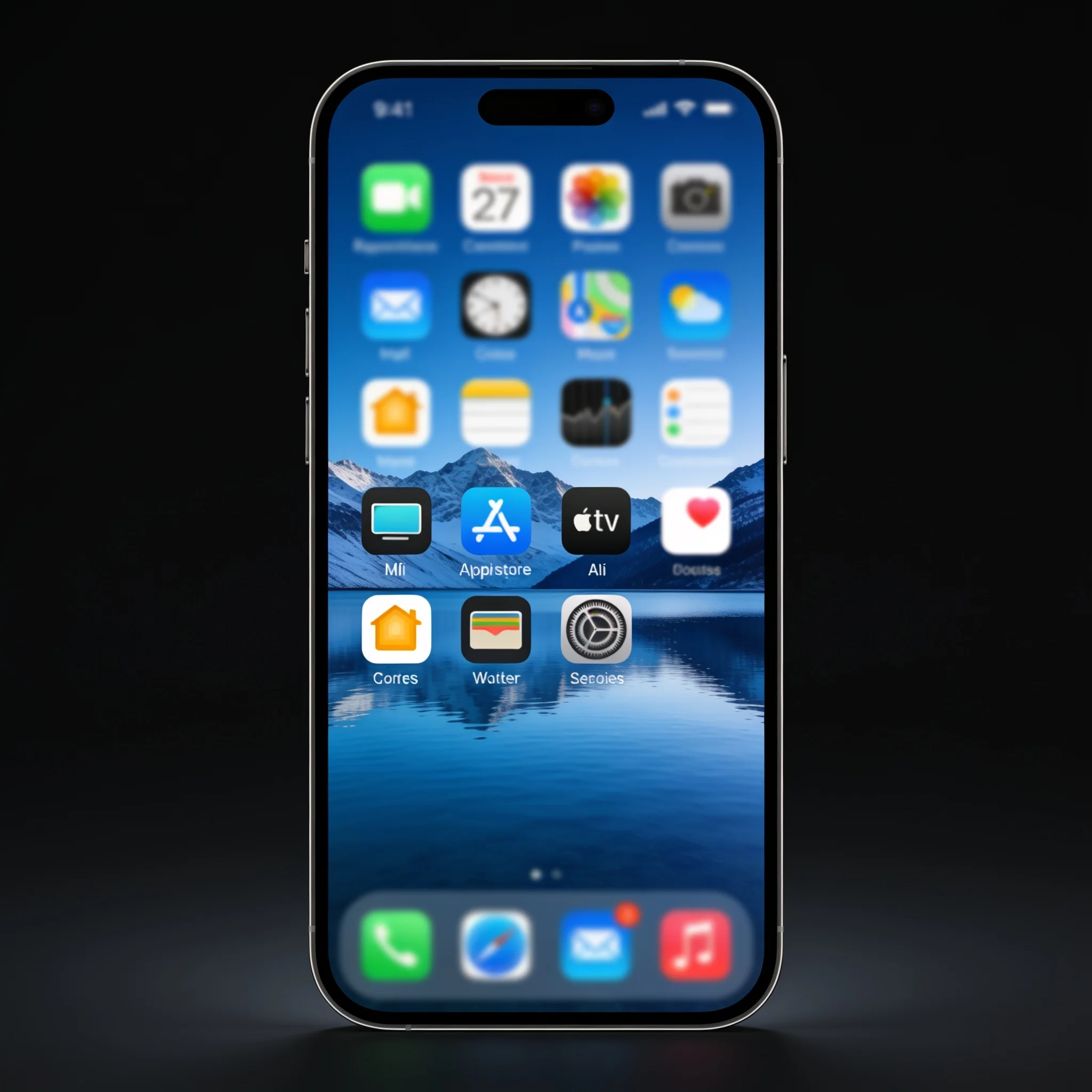
Phone Lock Screens
9:16 renders sized for the tall screens on modern phones. Portrait prompts use the full height, and you can ask for open space where the clock sits so the time stays readable against a busy scene.
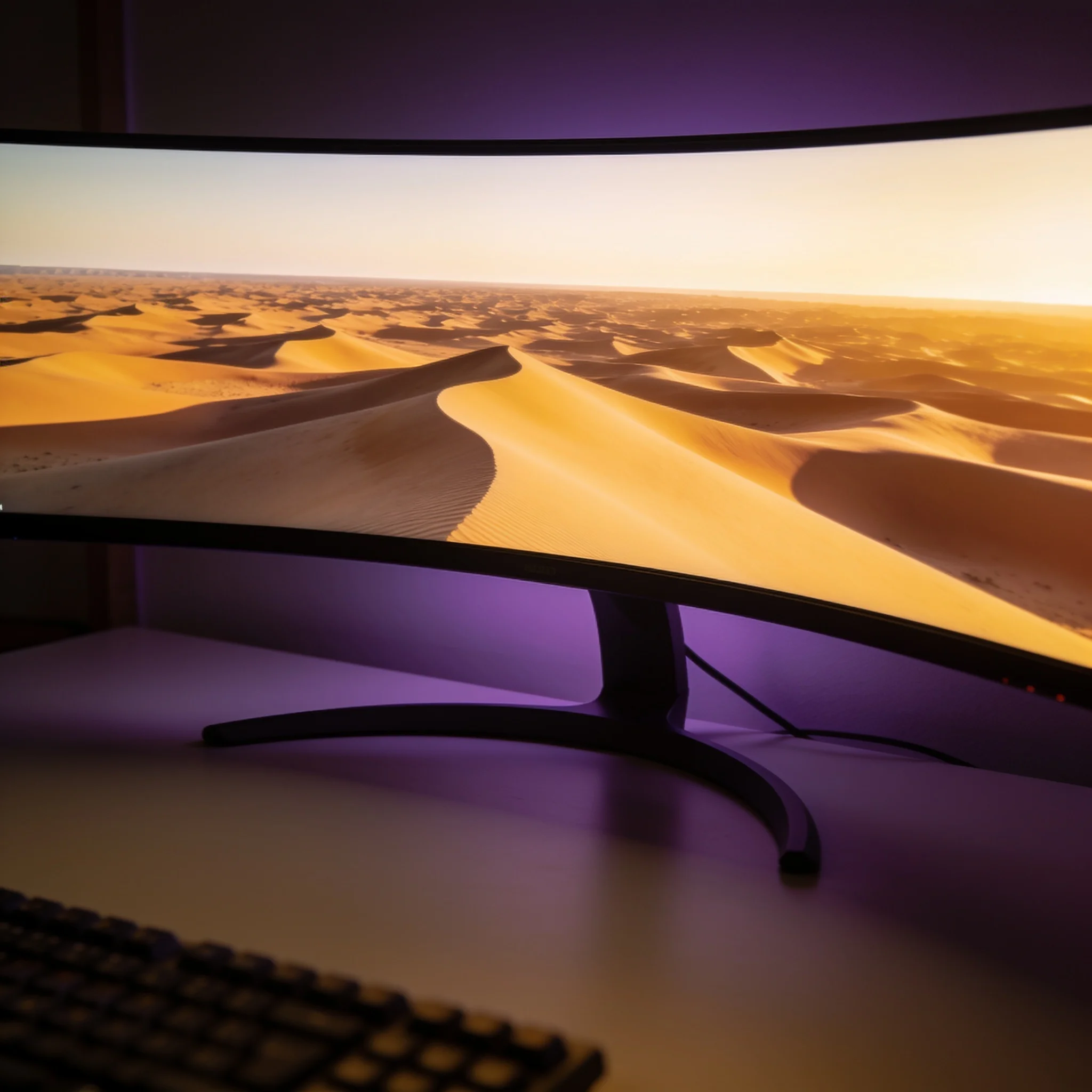
Desktop and Ultrawide Monitors
Widescreen and 21:9 renders for a monitor, a multi-monitor span, or a laptop. Wide formats suit landscapes, architecture and long horizontal gradients that a phone crop would destroy.
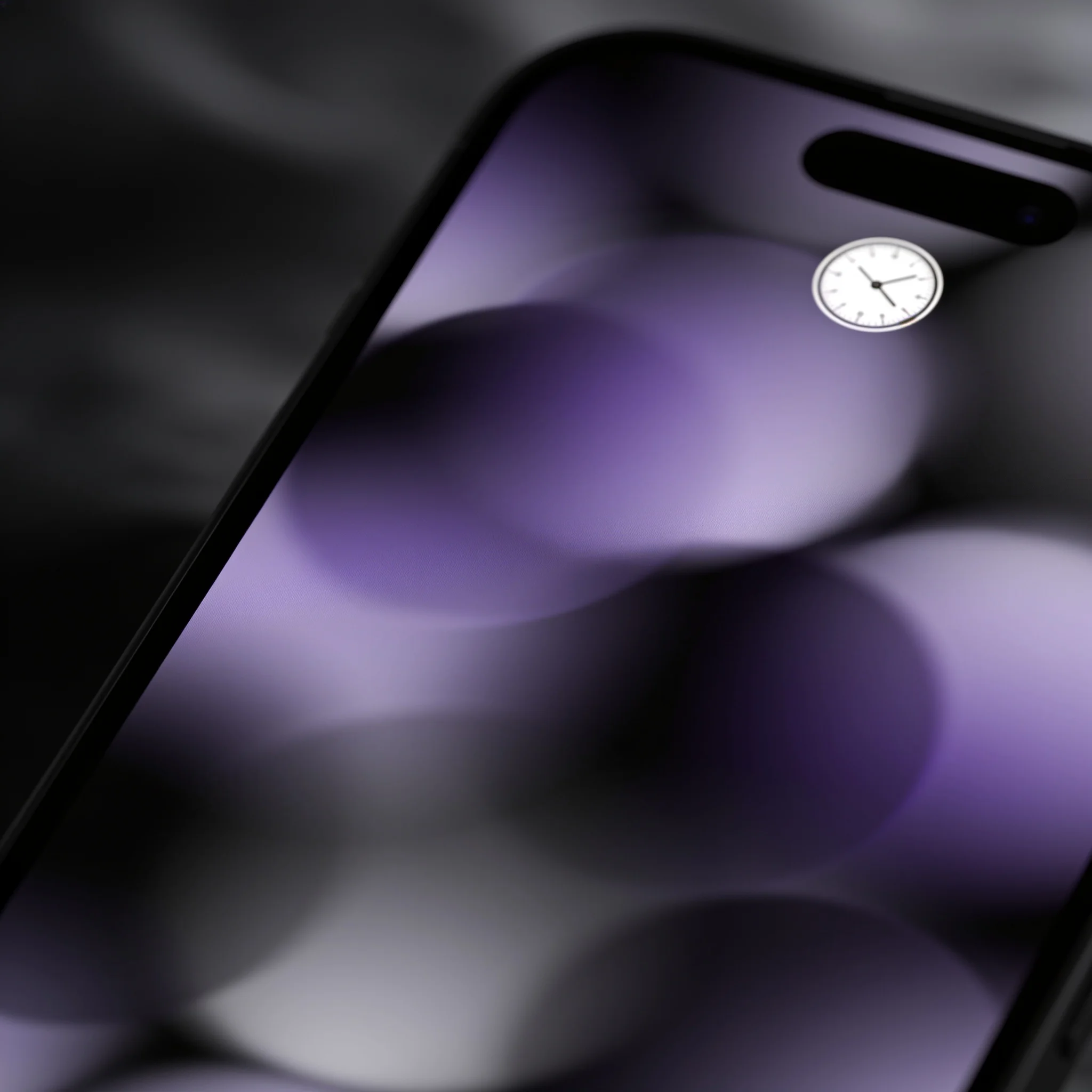
Icon-Safe Abstract Backgrounds
Minimal gradients, soft grain and low-contrast geometry that keeps a home screen legible. Ask for a clean center and a textured border, and the app grid stops competing with the image.
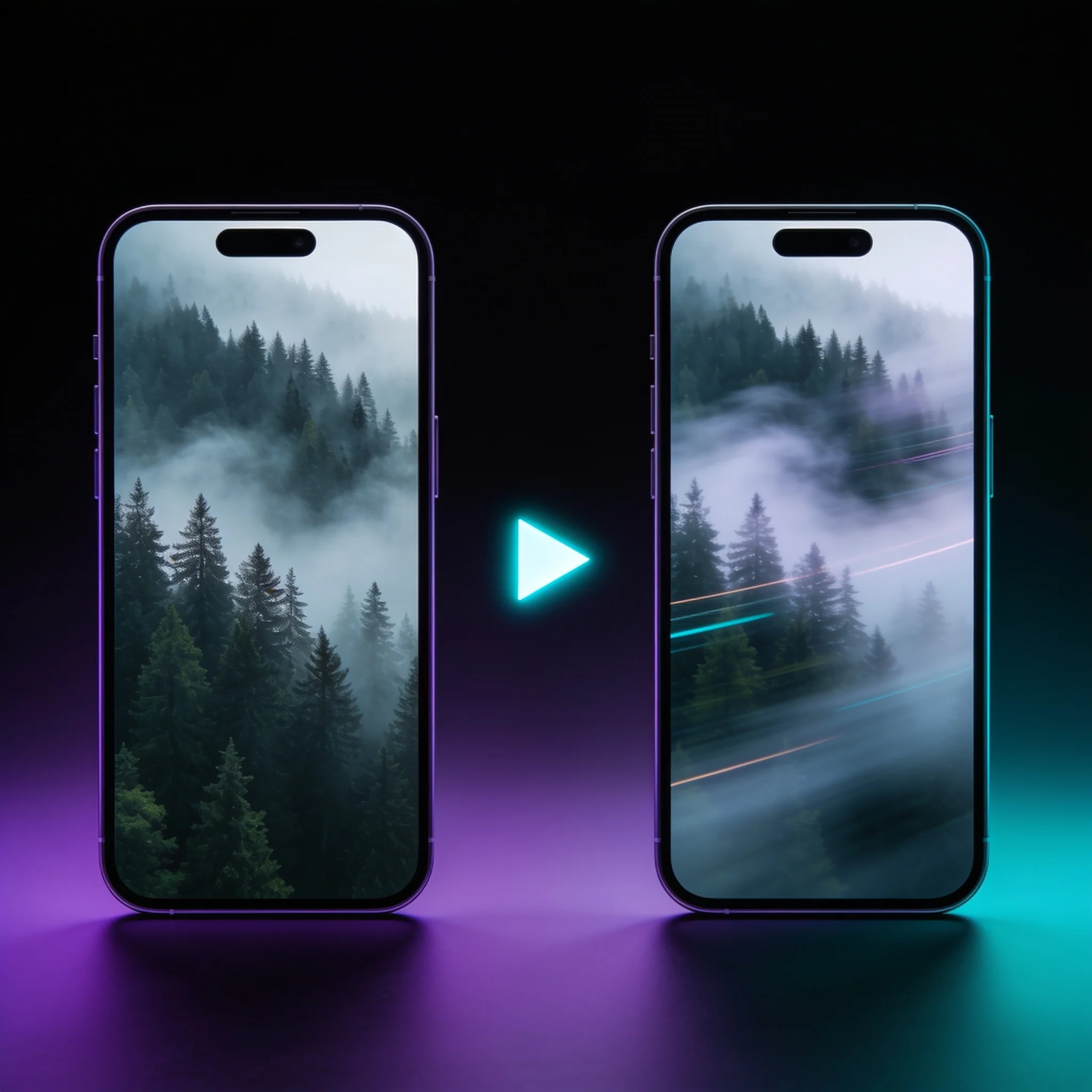
Animated Live Wallpapers
Turn a finished background into a 4-second loop of drifting fog, falling rain or moving water. Video lock screens are supported on recent Android and iOS releases, and the clip stays small enough to store locally.
How DreamUtopia Compares to Other AI Wallpaper Makers
We tested our wallpaper workflow side by side with four well-known AI wallpaper tools in September 2026. These are the differences that showed up repeatedly.
| Feature | DreamUtopia | Typical AI Wallpaper Makers |
|---|---|---|
| Free generations without an account | 10 including animated clips | Often 1 render, or an email wall |
| Choose your exact aspect ratio before rendering | 9:16, 16:9, 16:10, 1:1, 21:9 | Fixed square or a post-render crop |
| Use your own photo as the source | Text, photo, or both together | Text only on most tools |
| Legible text inside the image | Renders cleanly by default | Letters usually scramble |
| Re-rolls while you decide | Free and unlimited | Each attempt uses a credit |
| Animate the wallpaper into a live clip | 4-second loop in about 60 seconds | Static images only |
Tips That Produce a Wallpaper You Keep
After reviewing more than 2,000 wallpaper generations in beta, the same handful of habits kept separating backgrounds people kept from ones they deleted a day later.
Name the composition, not just the subject
'A mountain' gives a mountain in the middle of the frame. 'A mountain range along the bottom third with clear sky above' gives you a wallpaper with somewhere to put your icons. Composition words do the heavy lifting.
Reserve the middle if you use a full icon grid
Ask for a quiet center and busy edges. A wallpaper that is equally detailed across the whole frame looks striking on its own and unreadable underneath 20 app icons.
Keep the palette to two or three colors
Tight palettes read as intentional. Ask for 'deep teal, charcoal and a single warm highlight' and the result tends to look designed. Prompts listing six colors come back muddy.
Match brightness to where the wallpaper lives
A dark render suits OLED phones and saves battery on lock screens. Bright, high-key scenes look better on a desktop monitor that already runs cooler than a phone panel. Say which device it is for.
Generate at the final ratio, never crop afterward
Cropping a square render down to a 9:16 phone shape throws away most of the pixels and cuts through the subject. Rendering at 9:16 from the start keeps detail from edge to edge.
Re-roll before you edit
If the scene is wrong, a free re-roll beats an editing session. Reach for edits once the composition is right and you only want the color or contrast shifted.
Common Questions About AI Wallpapers
By the DreamUtopia Team · Last updated October 10, 2026
Is the AI wallpaper generator free?
▼
What resolution and aspect ratio can I generate?
▼
Can I use my own photo as the wallpaper?
▼
What file format do I get, and how do I set it?
▼
What is the difference between an AI wallpaper maker and a normal image generator?
▼
Can I use the wallpaper commercially?
▼
On which devices can I use an animated wallpaper?
▼
Your Next Wallpaper Is One Sentence Away
Describe a scene, pick your screen size, and download a background nobody else has. Free generations, no account needed.