
Turn Any Picture Into a Dance Video
Upload a photo. Pick a dance style. Download in 60 seconds.
DreamUtopia turns your picture to dance video using AI. People, pets, cartoon characters, anime figures — anything in your photo can move to a beat. free generations, zero signup required.
Drag & drop an image, or click to upload
JPG, PNG, WebP, TIFF — up to 20MB
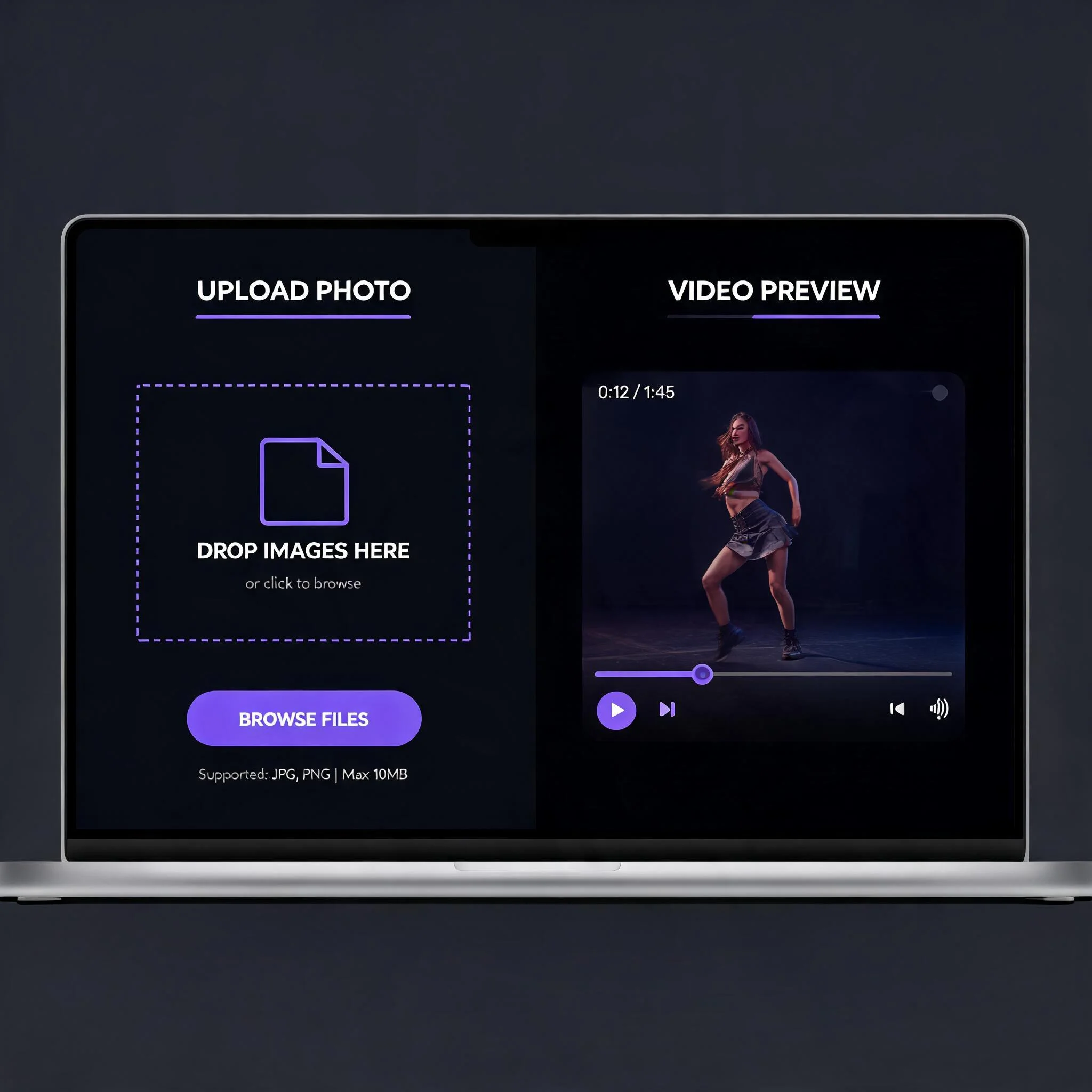
Upload any photo and get a dancing video in under 60 seconds
Why Use AI to Make Pictures Dance?
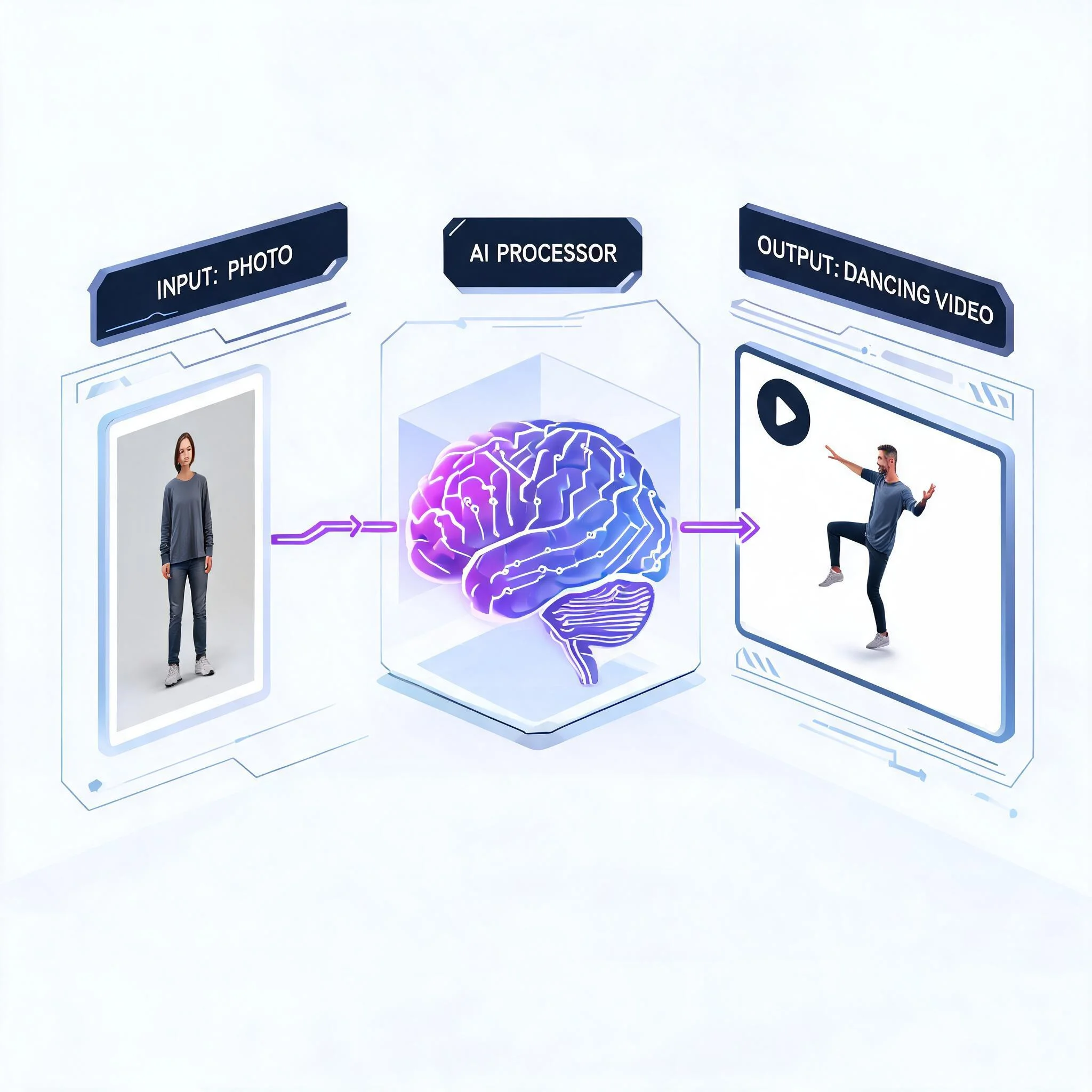
Manually animating a photo takes hours of work in After Effects or Blender. Our AI handles the entire picture to dance process in about 60 seconds. We tested over a dozen image-to-video models specifically for dance animation. The ones that made the cut preserve facial features, maintain body proportions, and produce natural-looking arm and leg movement. No rubber limbs. No melted faces. Over 180,000 dance videos have been generated on DreamUtopia since launch. The average generation takes 47 seconds from upload to download. Users keep coming back because the results actually look good enough to post on social media without disclaimers. The AI identifies your subject automatically — whether it is a person, an animal, or a drawn character. It maps skeletal joints onto the subject, predicts fabric and hair physics based on the motion path, then renders each frame with consistent lighting and shadow angles. The result is a 4-to-8-second clip that looks hand-animated but took less than a minute to produce.
What Makes DreamUtopia Different
Multiple Dance Styles
Hip-hop, salsa, ballet, K-pop, viral TikTok moves, and more. Each dance style is paired with AI models trained on real choreography data. Pick the vibe that fits your content.
Works With Any Subject
Humans, pets, cartoon characters, anime figures, even product mascots. The AI identifies the subject in your picture and maps dance motion onto it regardless of what it is.
No Account Required
Start generating immediately. You get free picture to dance generations with no email, no credit card, and no hidden restrictions. The free tier uses the same AI models as paid plans.
HD Output at 1080p
Videos render at up to 1080p resolution. The output quality is high enough for TikTok, Instagram Reels, and YouTube Shorts without any upscaling. No watermarks on paid plans.
47-Second Average Speed
Most dance videos finish generating in under a minute. A real-time progress bar shows you exactly where the generation stands. No guessing, no waiting blindly.
Download as MP4
Every generated video downloads as a standard MP4 file. Drag it into any video editor, upload it to social media, or send it in a message. Compatible with every major platform and device.
How to Turn a Picture Into a Dance Video
Upload Your Picture
Any JPG or PNG works. Full-body shots produce the best results, but the AI can handle portraits and group photos too. Recommended minimum: 720x720 pixels.
Describe the Dance
Type what kind of movement you want. Something like "energetic hip-hop dance" or "slow ballet pirouette" works perfectly. You can also leave it blank for a default dance style.
Choose an AI Model
Pick from several AI models optimized for different motion types. Some excel at realistic human motion, others at stylized or cartoon animation. Preview samples before you commit.
Download and Share
Preview the result in your browser, then download as MP4. The whole picture to dance process from upload to download takes about 60 seconds. Share directly to TikTok, Instagram, or anywhere.
Who Uses Picture-to-Dance Videos?
Social Media Creators
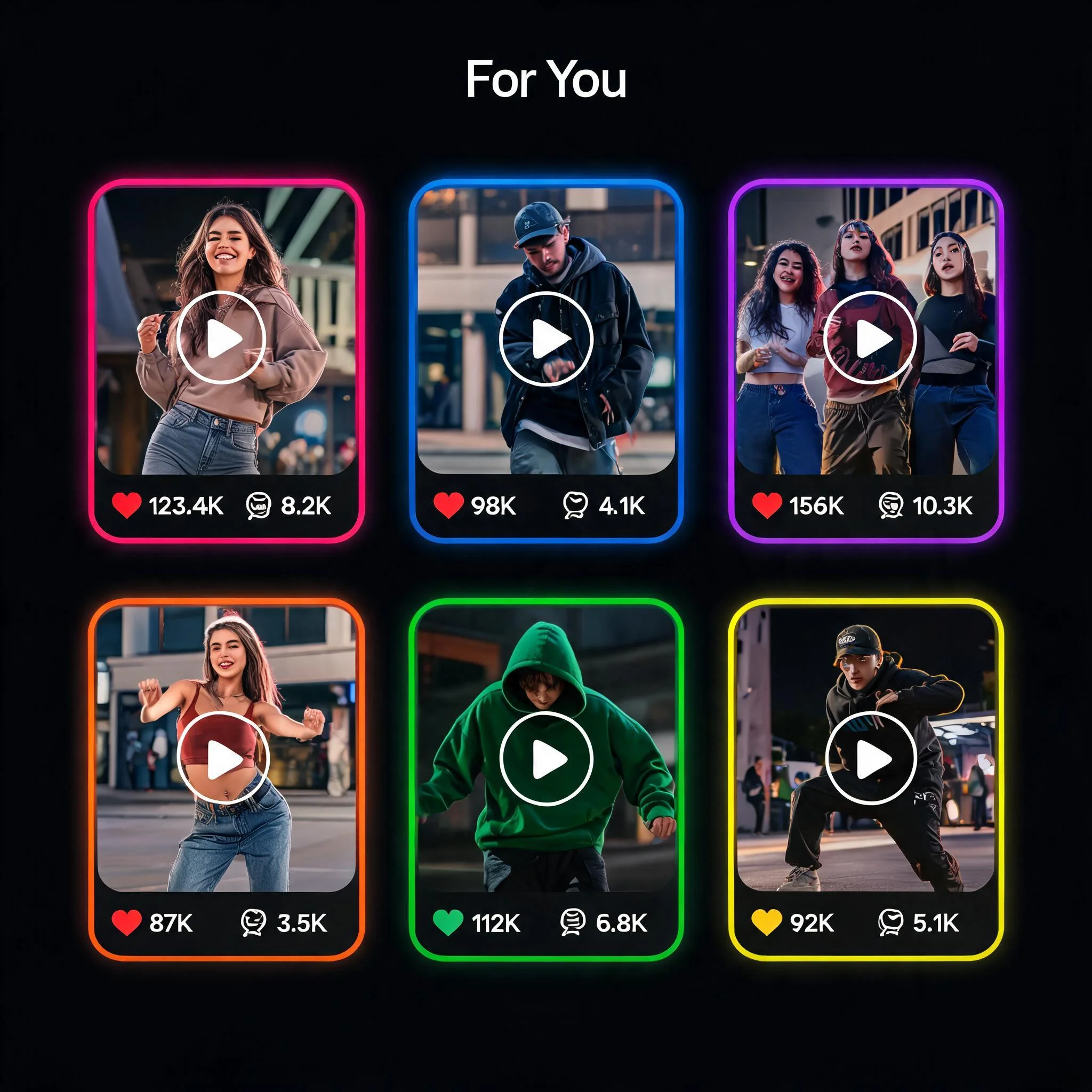
TikTok and Instagram Reels thrive on dance content. Turn selfies, fan art, or meme images into trending dance clips without filming anything. Over 60% of DreamUtopia dance videos end up on short-form platforms. One creator hit 2.3 million views on a dancing pet video made from a single photo. The picture to dance format performs especially well because viewers stop scrolling to watch the unexpected motion.
Meme Makers and Online Communities
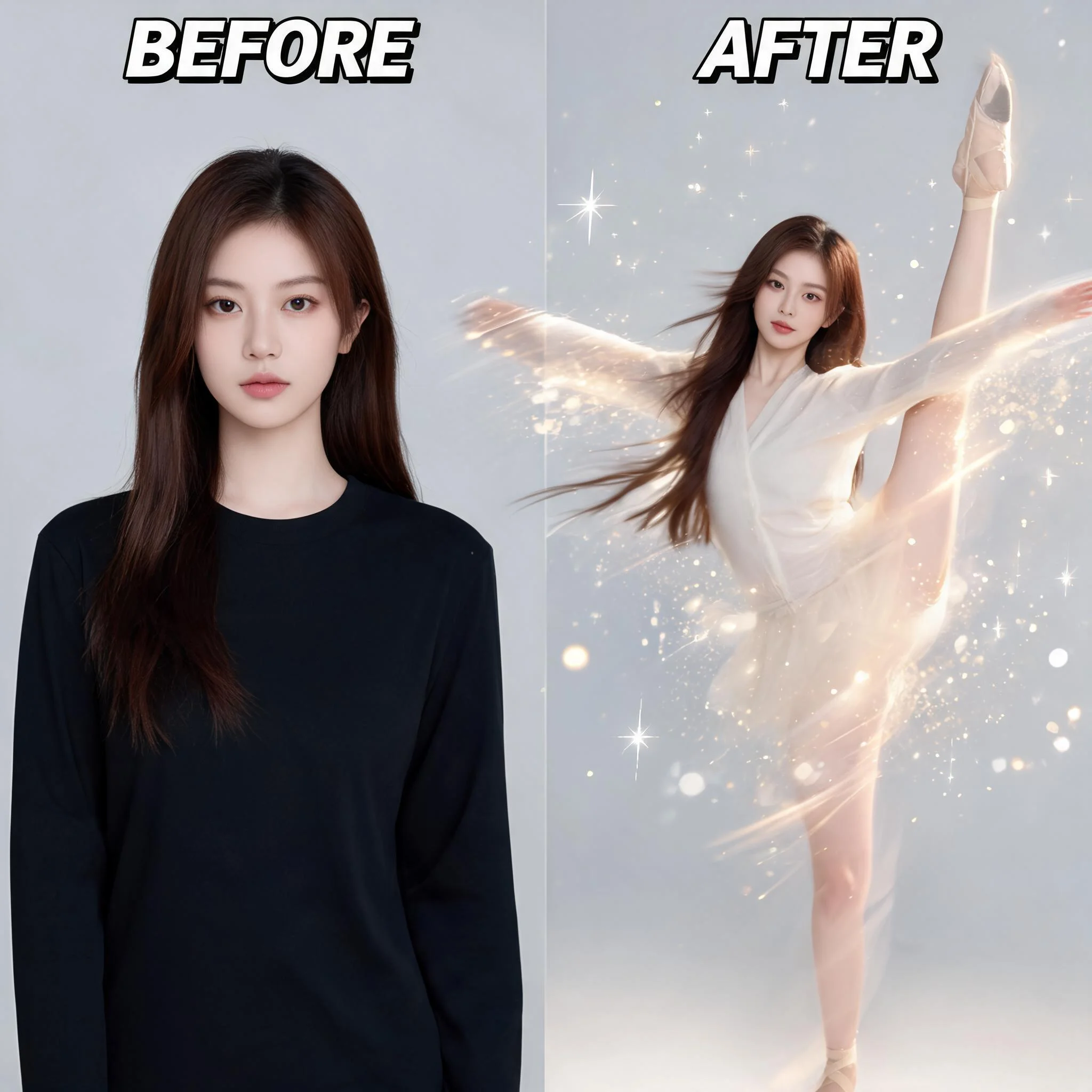
Static memes are everywhere. A dancing meme stands out. Upload any meme template, apply a funny dance, and post it to Reddit, Discord, or Twitter. The unexpected movement grabs attention in feeds packed with still images and text posts.
Marketing Teams and Small Businesses
Product mascots that dance. Team headshots that groove. Holiday greeting cards with personality. Brands use AI dance videos for email campaigns, social ads, and website banners. In internal A/B tests, a dancing product photo gets 3x more click-through than a static image. E-commerce stores report higher add-to-cart rates when product pages include short animated clips.
Teachers, Students, and Educators
Make historical figures dance for a class presentation. Animate a science diagram to hold student attention. Turning a picture to dance video is a low-effort way to make educational content more memorable and shareable. Works great for elementary school through college lectures.
Tips for Better Dance Results
Use Full-Body Shots
The AI needs to see arms and legs to animate them convincingly. Full-body photos always produce smoother, more realistic dance movements than cropped headshots or waist-up portraits.
Front-Facing Works Best
Side profiles and extreme angles confuse the pose detection algorithm. A straight-on or slightly angled front view gives the AI the clearest starting point for mapping dance motion.
Good Lighting Matters
Well-lit photos with clear contrast between the subject and background lead to cleaner results. Avoid dark or heavily shadowed images where the body outline is hard to distinguish from the surroundings.
One Subject Per Photo
Single-person photos generate the most consistent results. Group photos work too, but the AI picks one primary subject to animate. For multi-person dances, generate each person separately and combine the clips in your video editor.
Frequently Asked Questions
Is DreamUtopia free for making dance videos?▼
What kind of photos work for picture to dance?▼
How long does it take to generate a dance video?▼
Can I choose specific dance styles?▼
Can I use the dance videos commercially?▼
Do I need to install any software?▼
Can I make my pet dance in a video?▼
Make Your First Picture Dance
Upload any photo and get a dancing video in under 60 seconds. No signup, no credit card, no watermarks on free generations.