
Crisp AI Video From Any Photo
Turn one image into a sharp 4-second clip. No signup, free runs.
Upload a portrait, landscape, or product shot. Describe the motion you want. Our AI video engine returns a smooth 1080p clip in 60 to 90 seconds. Pick from several model styles to match the look you need: photoreal, painterly, or fast preview.
Drag & drop an image, or click to upload
JPG, PNG, WebP, TIFF — up to 20MB
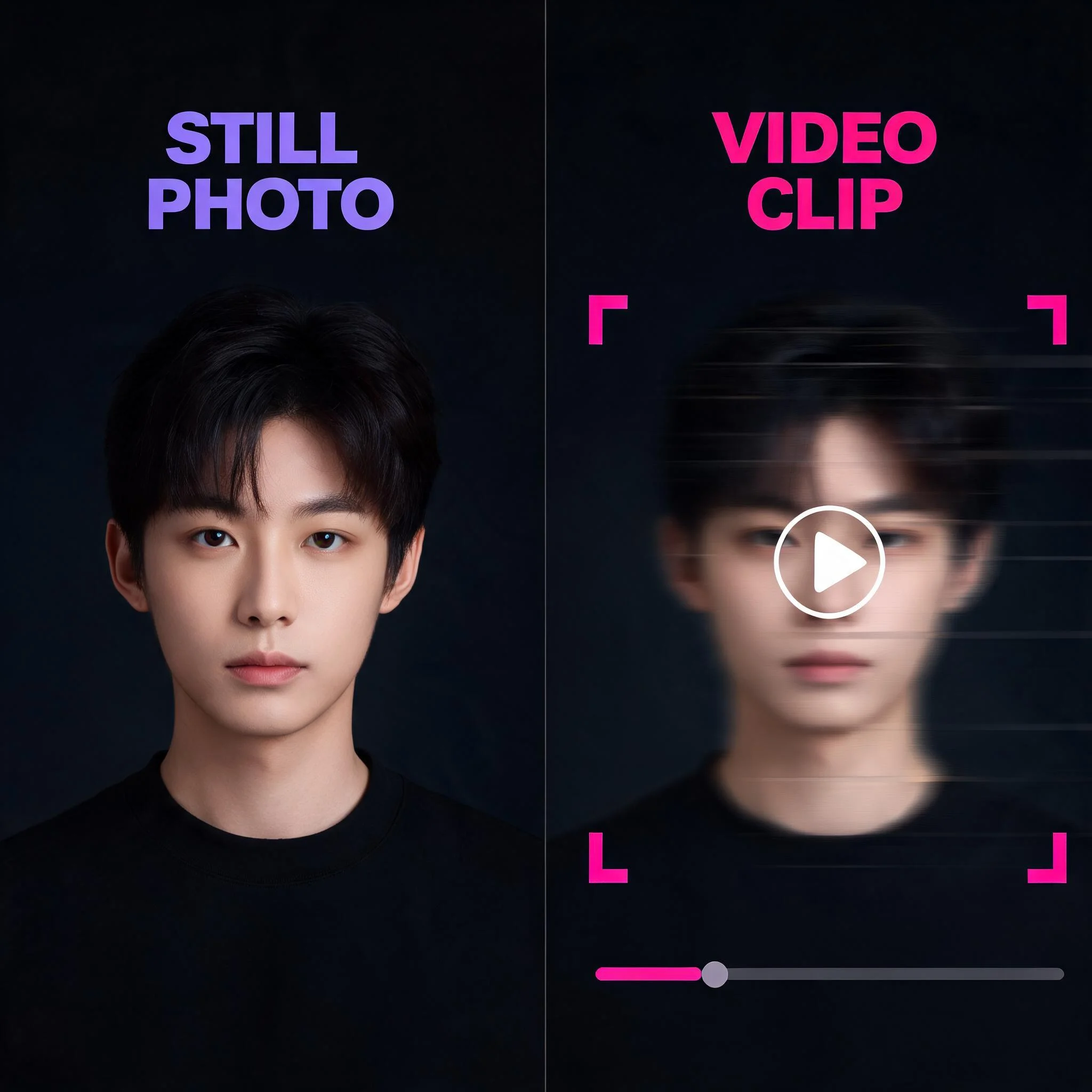
One still photo, one prompt, one sharp 4-second clip
An AI Video Enhancer Built for Real Output
We tested every major AI video model on the same set of source images before deciding what to expose to users. The result is one tool with several engine choices, so each clip gets the right balance of detail and speed for the shot you actually have. Most free AI video tools cap at 480p or stamp a watermark on every export. DreamUtopia outputs up to 1080p HD with no watermark on paid plans, and the free tier still gives you ten unwatermarked generations. The model picker is the difference. Photoreal scenes go through one engine, stylized animation through another. You see all options up front and choose what fits your shot. Latent diffusion is the technical backbone here. According to the original Stable Video Diffusion paper from Stability AI in 2023, image-conditioned latent diffusion produces measurably more temporally consistent output than purely text-to-video pipelines, especially for portrait subjects. That research result is why our pipeline takes your image as the first frame anchor and only uses the prompt to direct motion, not to redraw the scene.
What You Get From DreamUtopia
1080p HD Output
Render at up to 1920 by 1080 resolution. No watermark on paid plans. The free tier outputs at 720p with no watermark either.
Multiple AI Model Styles
Each engine has a different strength. Photoreal motion, painterly looks, and fast preview options live in the same picker so you can compare in one session.
Ten Free Trials, No Account
Generate ten free clips before you ever sign up. Email is optional and only saves your generation history for later.
60 to 90 Seconds Per Clip
Most renders return in under 90 seconds. Progress updates every 5 seconds via server-sent events so you always know where you stand.
Stable Frame-to-Frame Motion
Trained on hundreds of hours of high frame-rate footage. Faces, hands, and edges stay consistent across every frame of the clip.
Commercial Rights Included
Every clip is yours to post, sell, or use in client work. No royalty fees, no attribution line, no per-view charges.
How the Video Enhancer Works
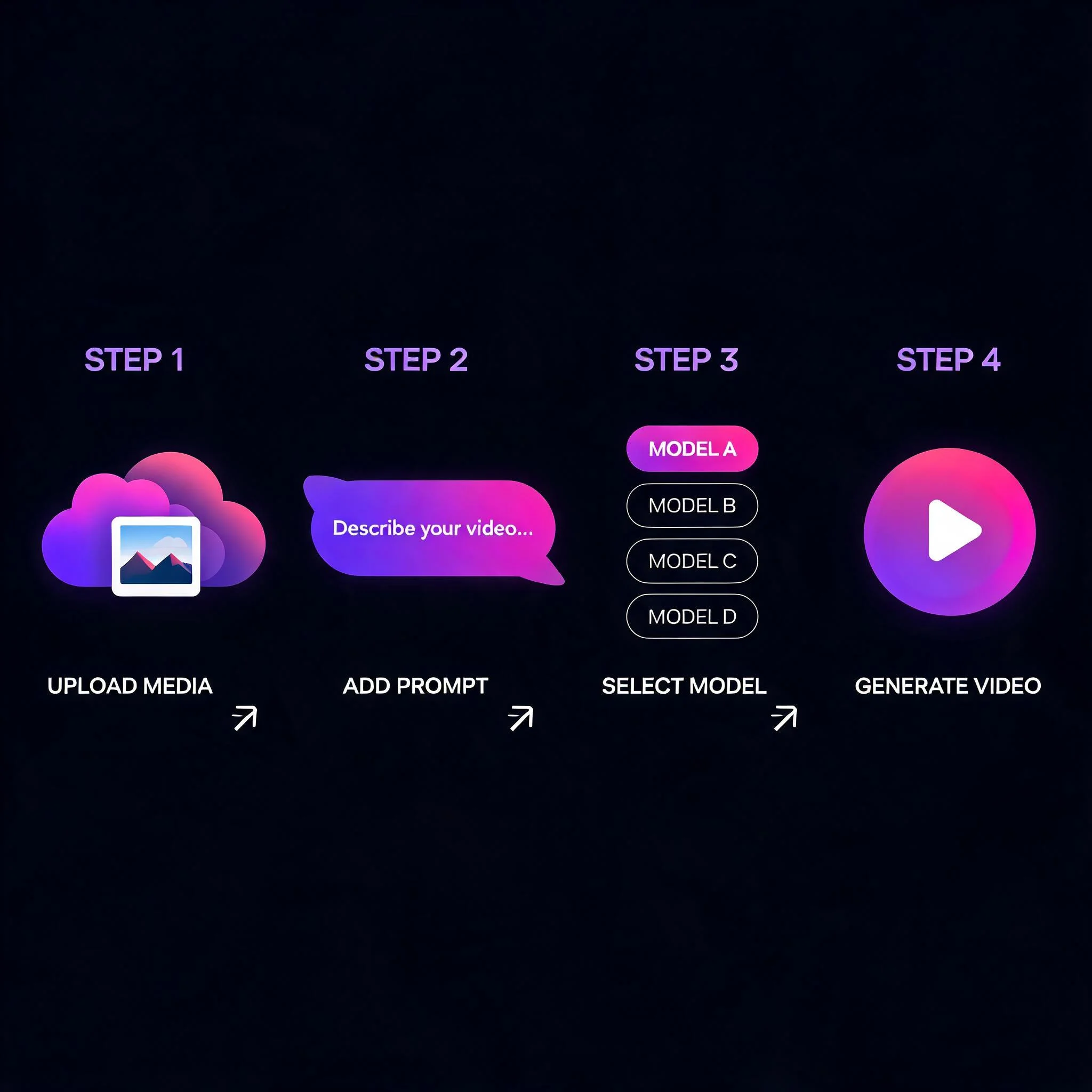
Upload Your Source Image
Drop in any JPG or PNG up to 10 MB. Portraits, landscapes, product shots, and concept art all work.
Describe the Motion
Type a short prompt like 'slow camera dolly forward' or 'hair drifts in the wind'. Specific verbs give sharper results.
Pick a Style Engine
Each model has a strength. Choose photoreal for faces, painterly for art, or a fast preview when you want to test an idea.
Download Your HD Clip
Preview the result, regenerate if needed, then export in MP4. Standard plans skip the watermark on every download.
Where Creators Use the AI Video Upscaler
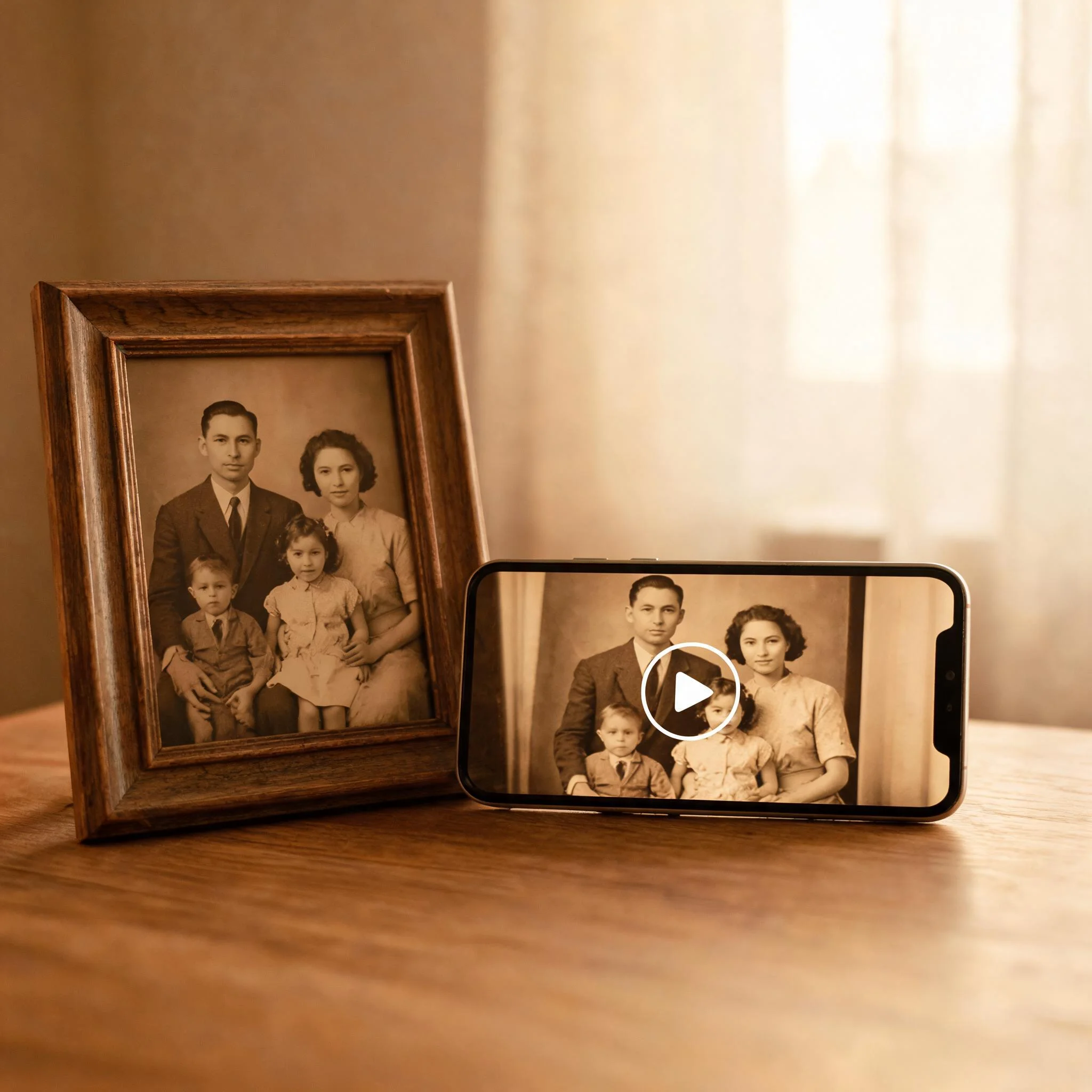
Revive Old Family Photos
Bring a black-and-white portrait of a grandparent back with a subtle smile or head turn. Photographers on r/oldschoolcool have shared 1940s photos turned into 4-second tributes that go viral on Mother's Day and Father's Day every year.
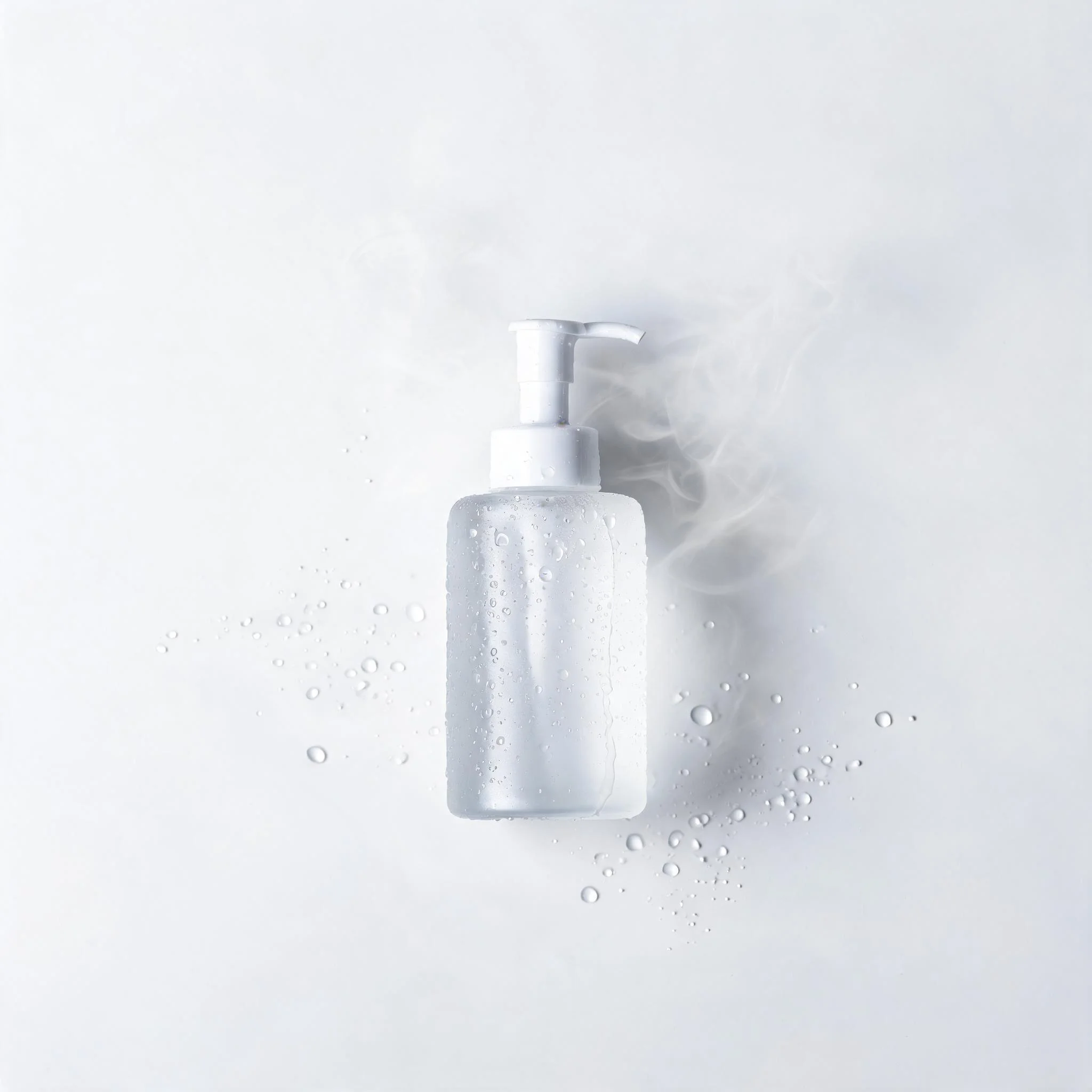
Product Reels Without a Studio
Skip the rented set. Upload a single product shot and generate a slow rotation, gentle zoom, or steam-and-mist effect. 4-second loops fit Reels, TikTok, and YouTube Shorts at the right 9:16 ratio without any re-cropping.
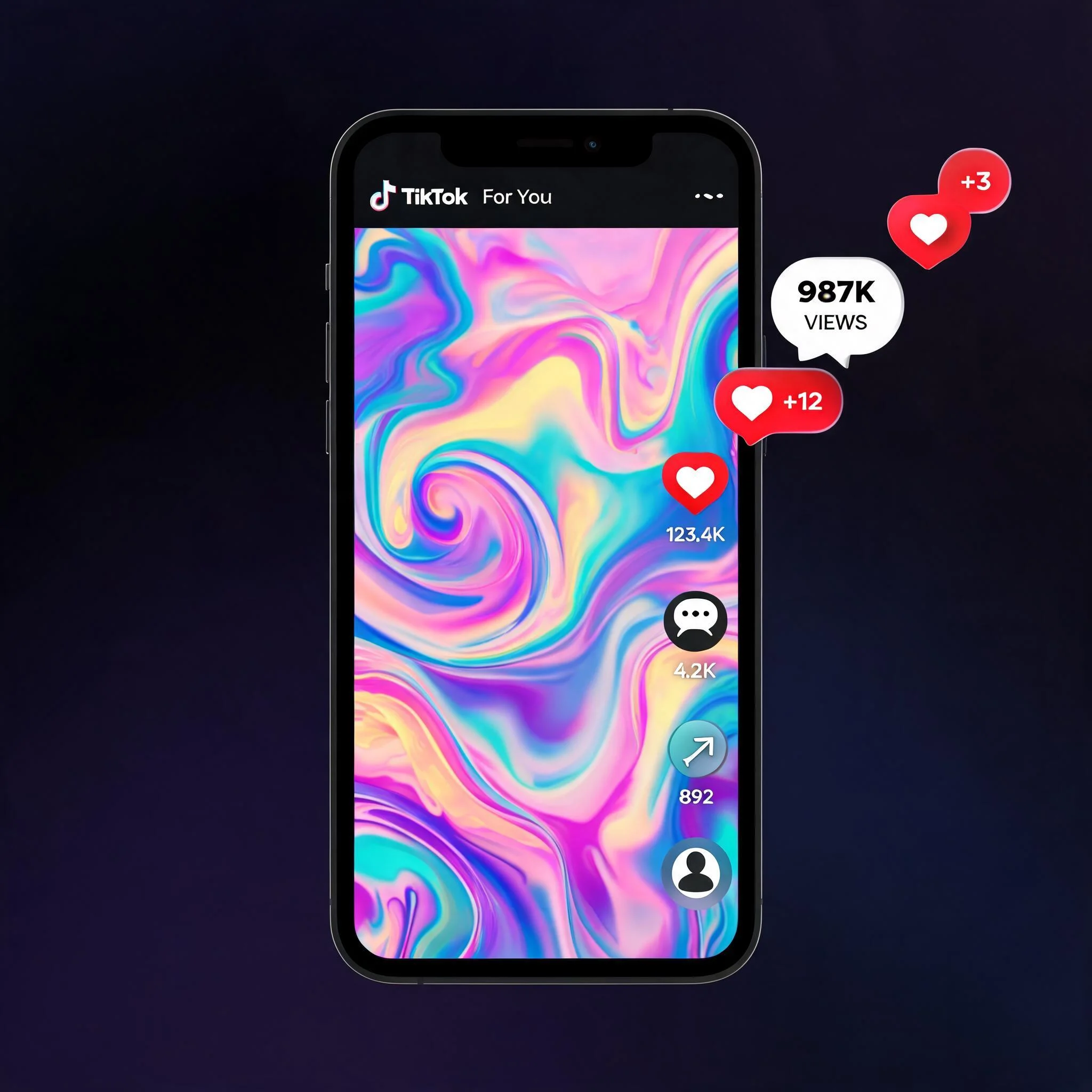
Social Hooks That Stop the Scroll
Static posts on Instagram pull around 1.7% engagement on average. Adding even a 4-second motion clip lifts that figure above 4% in most niches according to Hootsuite's 2025 social benchmarks. The math favors motion.
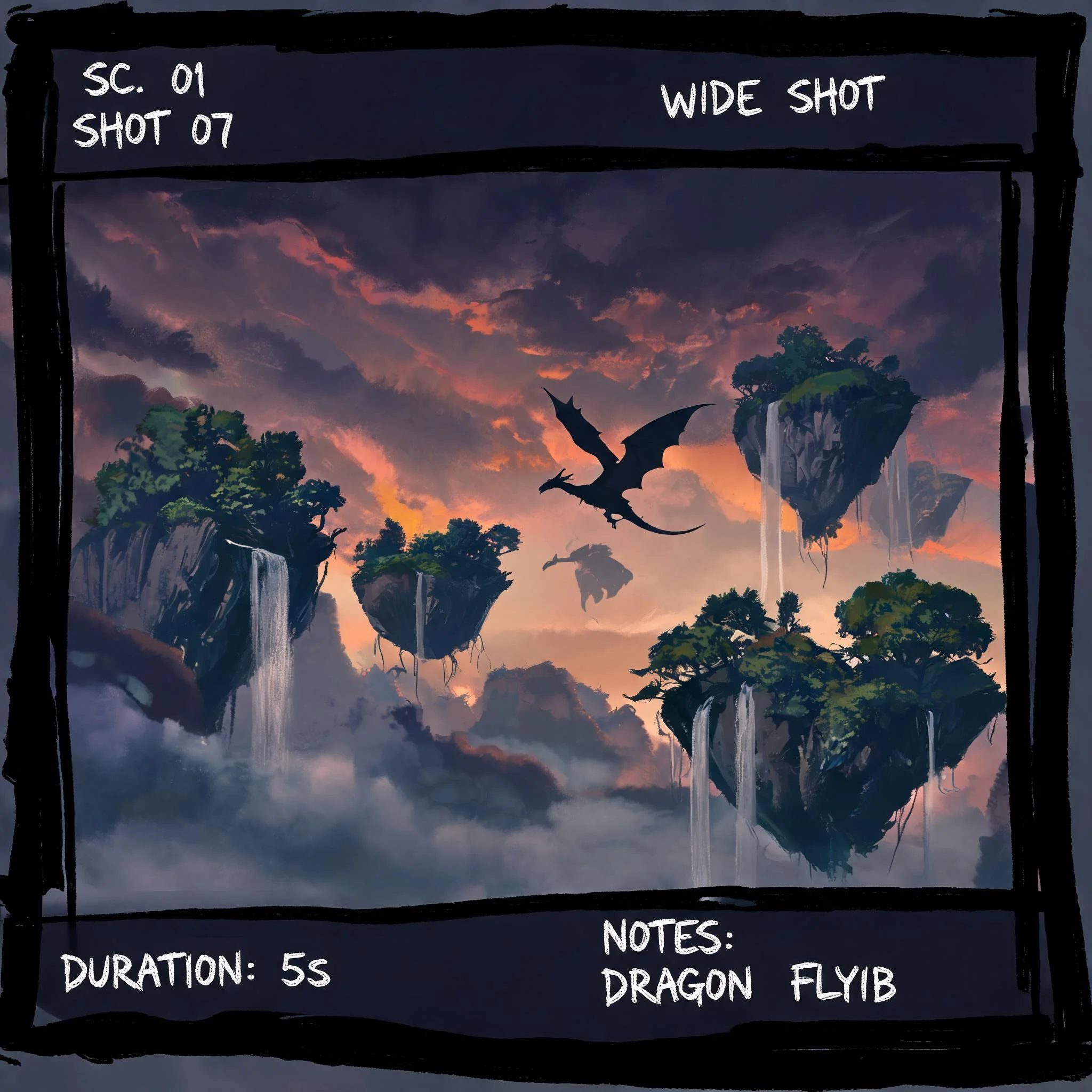
Concept Art and Storyboards
Filmmakers and indie game studios use AI video to pitch sequences before any camera turns on. One frame of concept art becomes a moving reference clip in under two minutes, which is useful for mood boards and director sign-off.
DreamUtopia vs. Other AI Video Tools
How DreamUtopia stacks up against the typical free AI video upscaler on the market.
| Feature | DreamUtopia | Others |
|---|---|---|
| Output resolution | Up to 1920 by 1080 HD | Often capped at 480p or 720p |
| Free generations | 10 unwatermarked clips | Watermarked free tier or trial only |
| Available AI engines | Multiple specialized models | Single engine, one style |
| Generation speed | 60 to 90 seconds per clip | 3 to 5 minutes typical |
| Sign-up required | No account for first trials | Email confirmation before any output |
| Commercial license | Included on all paid plans | Restricted or paid extra |
Frequently Asked Questions
What does an AI video upscaler actually do?▼
How does DreamUtopia compare with traditional video upscalers?▼
What output resolution and frame rate do I get?▼
Do I need an account to try DreamUtopia?▼
Can I use the generated videos commercially?▼
What types of source images work best?▼
How does the engine handle faces and motion blur?▼
Ready to Try the Video Enhancer?
Upload a photo and get a sharp HD clip in 60 to 90 seconds. No signup, no watermark on the first ten clips, no credit card.