
Turn Anime Art Into Moving Scenes
Upload any anime image. Get a video back in 60 seconds.
Your anime illustrations deserve motion. This anime AI generator reads your artwork, understands the composition, and creates a short animated clip that matches the original style. It works with cel-shaded art, digital paintings, manga panels, and hand-drawn sketches. Upload once. Download a video.
Drag & drop an image, or click to upload
JPG, PNG, WebP, TIFF — up to 20MB
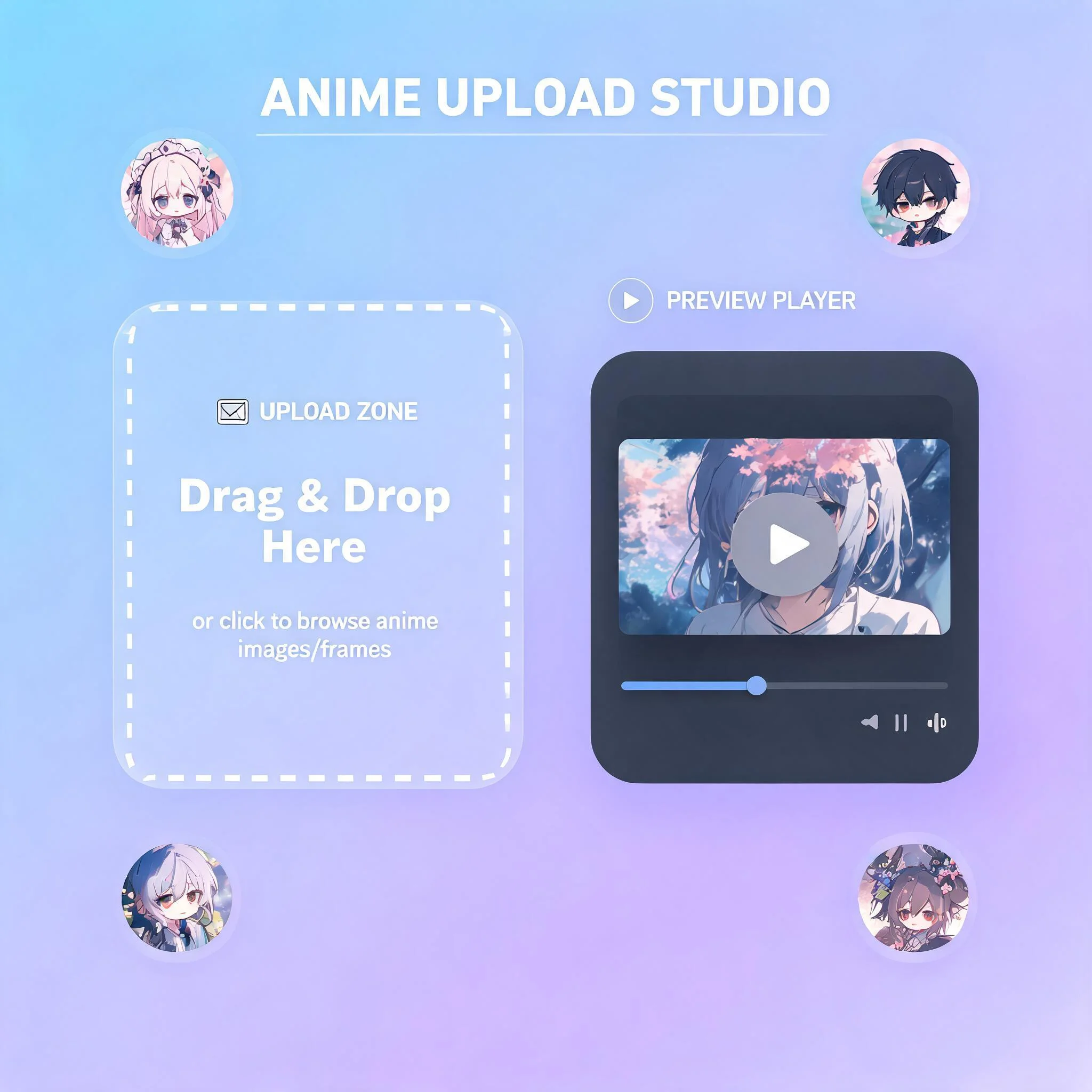
Upload an anime illustration and preview the animated result in the same window
Why Your Anime Art Needs Motion
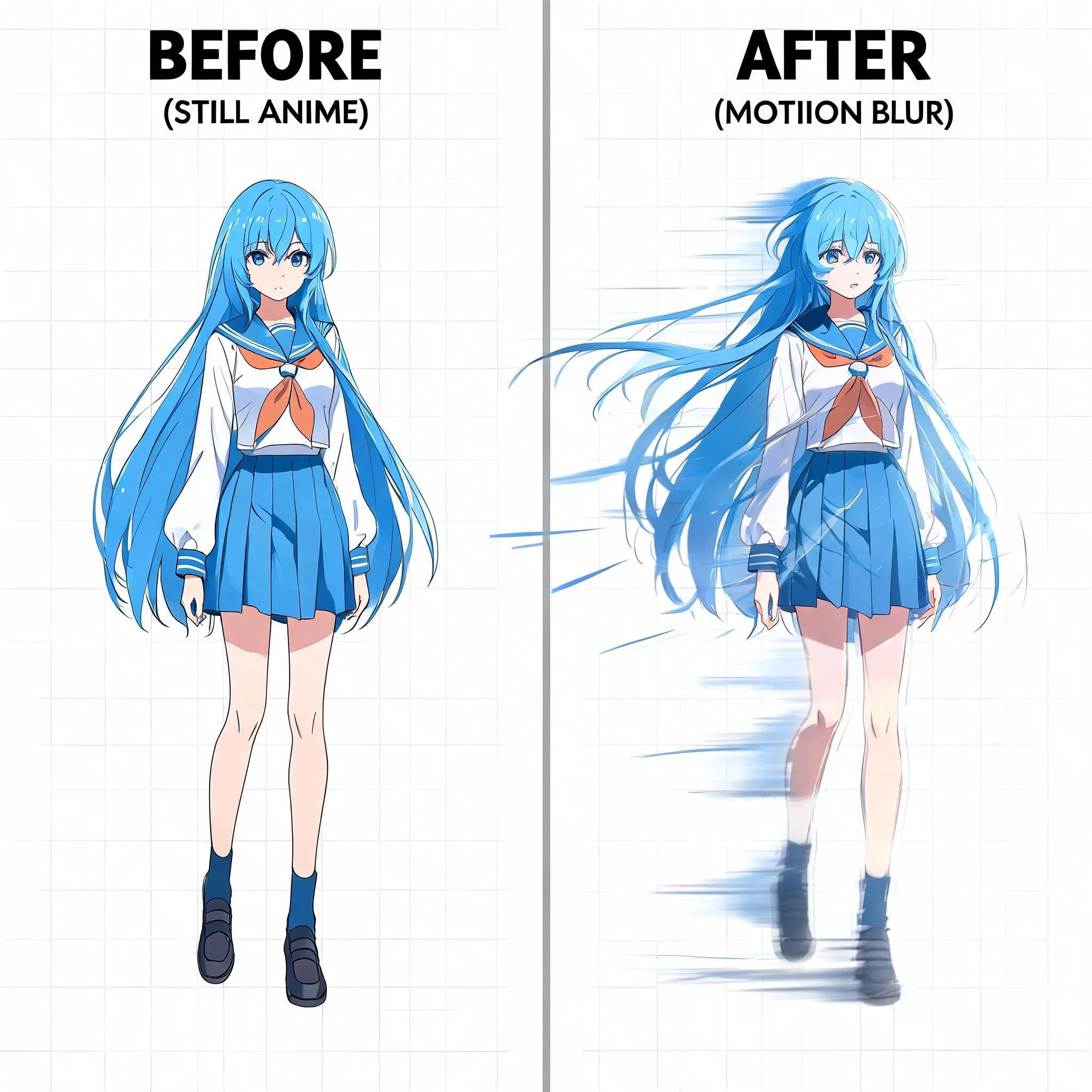
You spend hours on a character illustration. The colors are right. The pose is dynamic. The lighting tells a story. Then it sits on a screen, frozen. Static images get scrolled past on social feeds. Animated content earns 2.7x more engagement than still images on Instagram, according to a 2024 Hootsuite study. We built this anime AI generator because we wanted our own art to move. We tested over a dozen AI video models across 400+ anime images before selecting the ones that handle anime styles best. Cel-shaded characters, flat color palettes, detailed painted backgrounds, chibi proportions: each visual style needs different motion handling. Our system picks the right approach automatically. The result is anime art that comes alive with natural motion. Hair sways. Capes billow. Background elements shift in parallax. No morphing artifacts, no style drift between frames, no uncanny in-betweens that break the illusion. Every anime AI generator on the market focuses on creating static images from text. DreamUtopia takes the opposite approach. You already have the image you want. We add the motion that brings it to life.
What Makes This Anime AI Generator Different
Multiple Animation Models
Several AI engines trained on different visual styles. One handles photorealistic anime well. Another excels at flat cel-shading. A third specializes in stylized motion. Pick the model that matches your art.
Free Generations
No account required for your first 10 anime videos. Drop an image, add a motion prompt, and download the result. We only ask for an email once you want to save your generation history.
1080p HD Output
Export at full HD resolution. Output files play anywhere in standard MP4 format. Compatible with TikTok, Instagram, Twitter, YouTube, and Discord. No watermarks on paid plans.
Under 90 Seconds Per Video
Most anime clips render in 40 to 80 seconds. Real-time progress tracking shows you each stage from upload through processing, frame generation, and final render.
Style-Aware Processing
The AI detects whether your image is cel-shaded, digitally painted, or pencil-sketched and adjusts motion intensity accordingly. Soft watercolors get gentle drift. Action scenes with bold lines get sharper movement.
Custom Motion Prompts
Tell the AI exactly what to animate. Write 'hair blowing left in wind' or 'camera zooms into character eyes' or 'background clouds scrolling right.' You control the motion direction, speed, and focus area.
Three Steps to Animated Anime
Upload Your Anime Art
Drag any anime image into the generator. JPG, PNG, or WebP formats accepted. Works with illustrations, manga panels, fan art, AI-generated anime images, and character sheets. Recommended resolution is 720p or higher for best output quality.
Write a Motion Prompt
Describe how the scene should move. Be specific about it: 'character's eyes blink slowly while cherry blossoms fall in foreground' gives better results than just 'make it move.' Our prompt suggestions help if you're not sure what to write.
Choose a Model and Generate
Each model handles anime differently. Preview the style thumbnails to pick the best match for your art. Hit generate and track progress in real time. Download the final video or share it directly to your social accounts.
Who Uses This Anime AI Generator
Social Media Creators
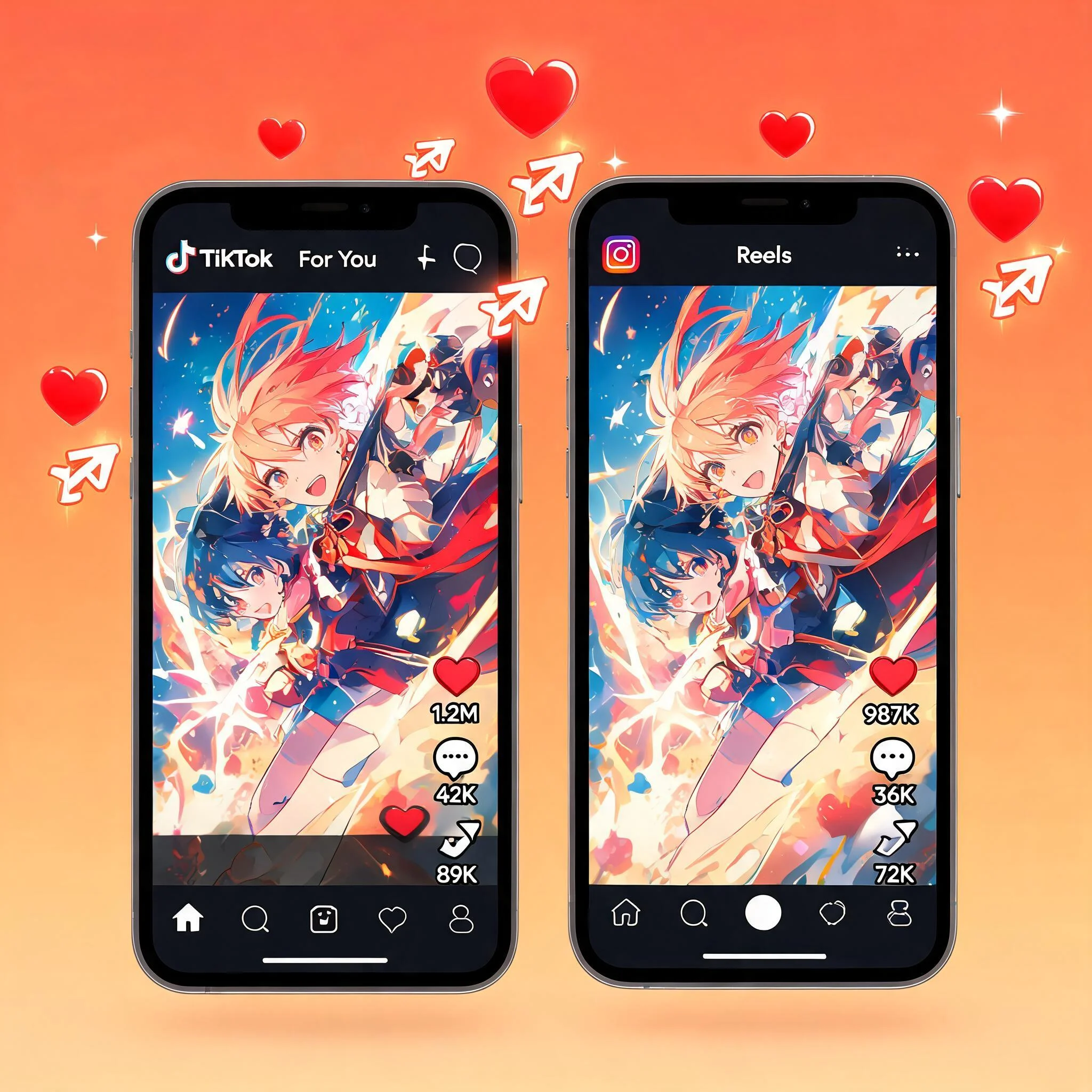
Anime content performs exceptionally well on TikTok and Instagram Reels. A still fan art post might get a few hundred likes. The same art animated as a 4-second looping video regularly hits 10x that engagement. Upload your best illustrations and turn them into scroll-stopping short videos that drive followers to your art accounts.
Fan Art Communities
Bring your favorite characters to life. Upload fan art of any character and add motion that matches their personality. A stoic warrior gets subtle wind effects. A bubbly character gets energetic bouncing movement. Post the animated versions to DeviantArt, ArtStation, or your community Discord to stand out from static submissions.
VTuber and Streamer Assets
Need animated intros, scene transitions, or background loops for your stream? Upload your channel art and create custom animated assets. No need to hire an animator. One VTuber in our community generates all their scene transitions this way: 12 unique animations from existing character art, produced in under 20 minutes total.
Game Dev Prototyping
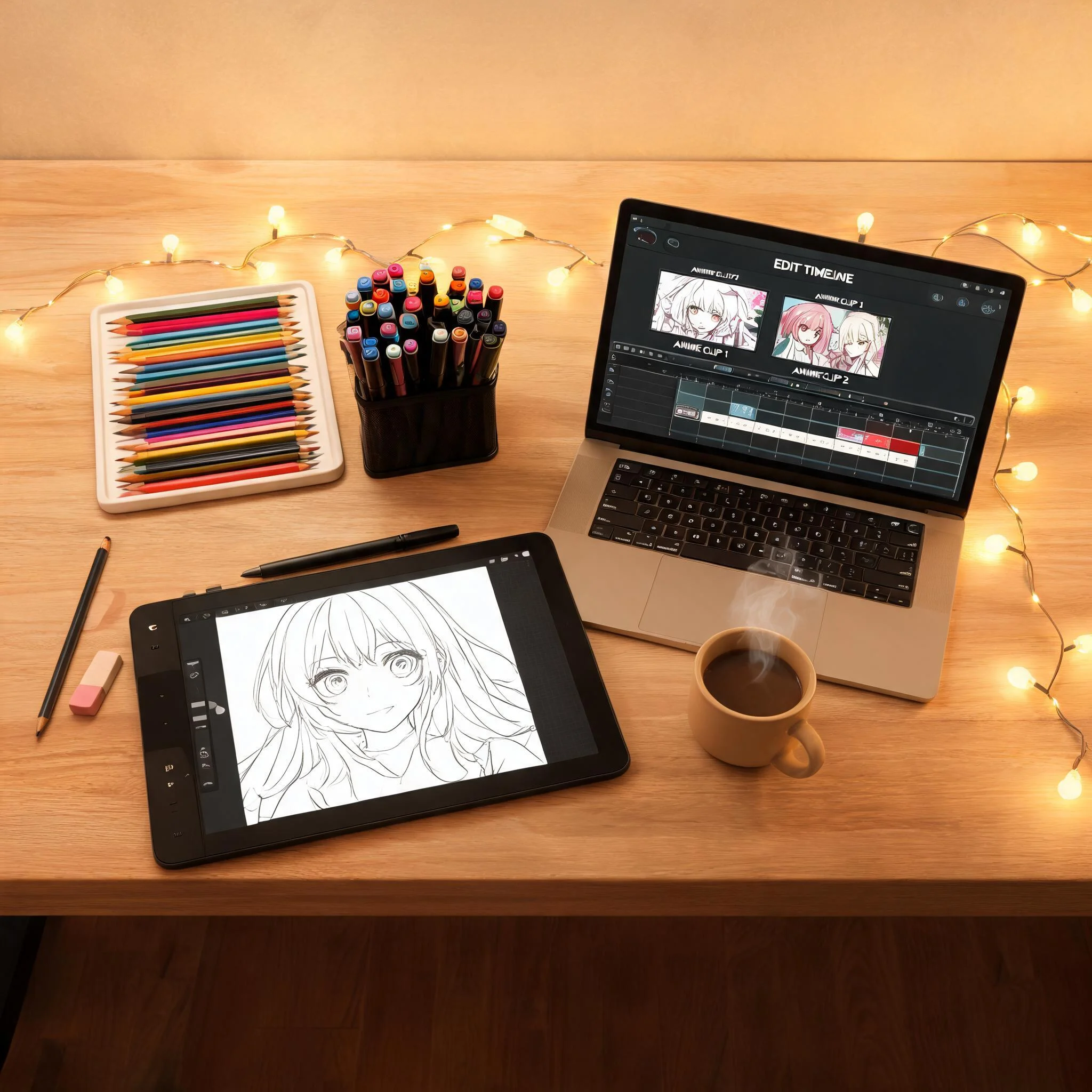
Test how character concepts look in motion before investing in full sprite animation. Upload concept art, generate a quick motion test, and evaluate whether the design holds up when animated. This saves hours of manual animation work during the early concept phase of character design. It also helps communicate motion intent to your animation team.
Anime Styles That Work Best
Cel-Shaded / Studio Anime
Classic anime studio look with hard shadows, clean lines, and vivid flat colors. This style gets the cleanest animation results because the AI clearly distinguishes character edges from background layers. Think Demon Slayer or Jujutsu Kaisen aesthetics.
Digital Painting / Semi-Realistic
Softer blending, detailed lighting, sometimes approaching painterly quality. Works well with subtle motion like hair movement, cloth physics, and atmospheric effects. The AI preserves the gradient detail without flattening it into hard edges.
Chibi and Stylized
Exaggerated proportions with large eyes and small bodies. The AI adapts motion scale to match the style. Chibi characters get bouncier, more exaggerated movement that fits the aesthetic rather than applying realistic physics that would look wrong.
Manga / Line Art
Black-and-white or limited-palette manga panels. Motion is applied to specific elements like speech effects, background speed lines, or character hair while maintaining the static panel feel. Great for animating manga page previews or comic panels for social media.
Common Questions About the Anime AI Generator
What anime image formats does the generator accept?▼
Can I upload AI-generated anime images?▼
How long are the generated anime videos?▼
Do I own the videos I generate?▼
Is there a watermark on free generations?▼
What motion prompts work best for anime art?▼
Can I use manga panels or black-and-white images?▼
Your Anime Art Is Waiting to Move
Upload an anime image and see it animated in under 90 seconds. No account needed during your free trials.