
No Restriction Image to Video AI Generator
Upload any image. Describe the motion. Get video back. No content filters, no signup.
Most tools reject your image before you even type a prompt. We built a no restriction image to video AI generator that respects your creative intent. Get free generations, pick from multiple AI models, and render a clip in under 90 seconds.
Drag & drop an image, or click to upload
JPG, PNG, WebP, TIFF — up to 20MB
A single still frame animated into a 5-second clip with smooth camera motion
Why Most Image to Video Tools Block You
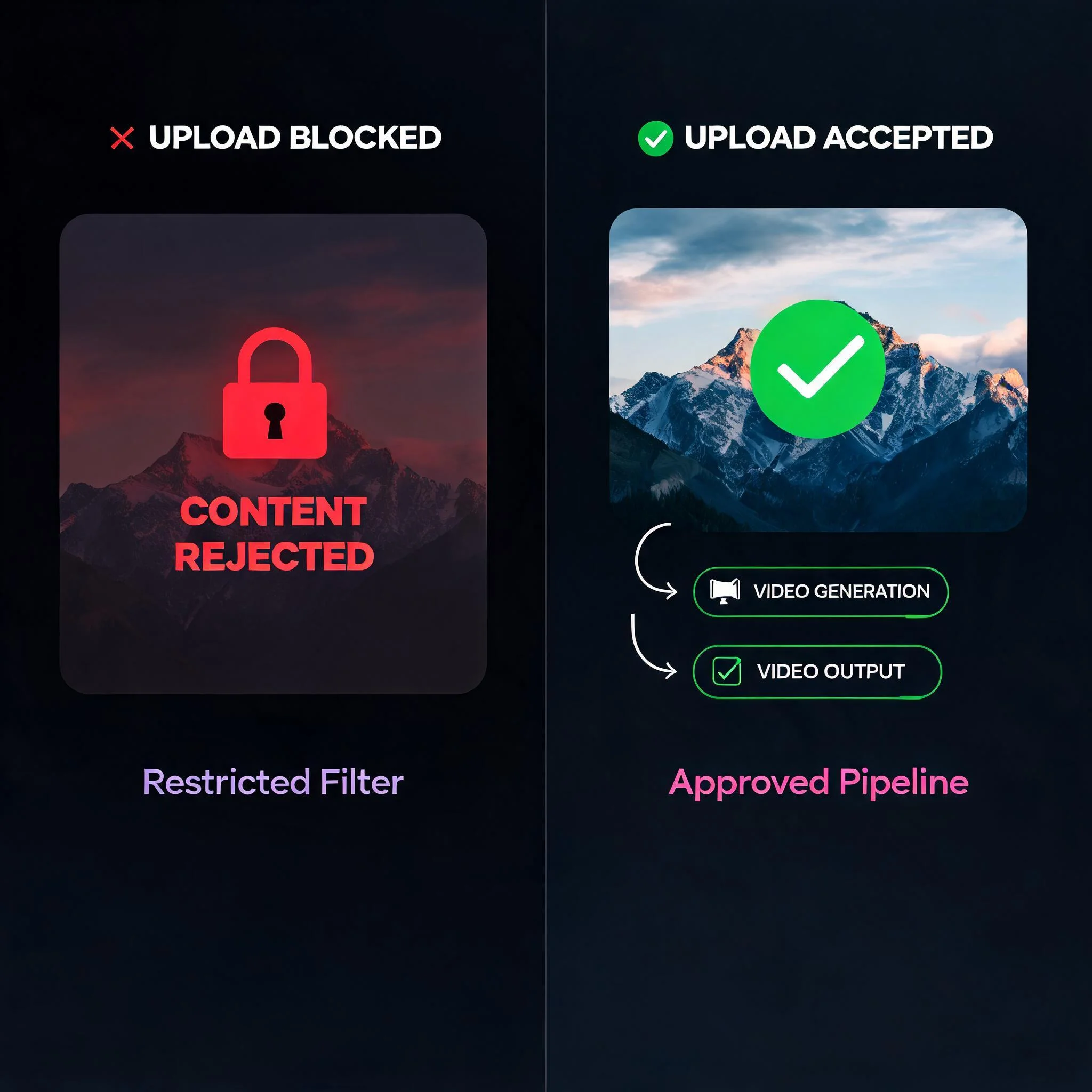
Here is what nobody tells you. Mainstream platforms run two separate filters before a single frame renders. First, a computer vision model scans your uploaded image on its own. Then a second filter reads your text prompt. Either checkpoint can reject the job. That is why a harmless request like "make this scene move" still fails on the big-name tools, as one 2026 analysis of filter behavior documented in detail. We took a different path. As an unrestricted AI video generator, our tool skips the source-image pre-scan and trusts you to create within the law. You stay in control of your own art, your own characters, and your own aesthetic. The result is image to video AI with no restrictions on artistic style. Animate concept art, edgy fashion shoots, dark fantasy scenes, or moody portraits that a no filter AI video generator handles without flinching. No more rewritten prompts, no more silent rejections, no more guessing which word tripped the filter. The technology matters too. Each render runs through frame interpolation and latent diffusion, so motion stays smooth instead of jittery between keyframes. You get clips that hold up at full screen, not blurry 3-second loops. Pick the engine that fits your style, and the same upload can become a photorealistic pan or a punchy anime sequence in two separate runs.
What Sets It Apart
Zero Content Pre-Scan
No source-image filter blocks your upload before you start. Your picture goes straight into the generation queue, every time.
Multiple AI Models
Switch between several AI models. One favors photorealistic motion, another renders anime, and a third turns around clips in seconds.
Free Generations
Test the tool with free renders. No credit card, no email, and no account are required before your first clip.
Up to 1080p Output
Export clips at up to 1080p resolution. Paid plans drop the watermark and unlock longer render queues.
Under 90 Seconds
Most clips finish rendering in 60 to 90 seconds. A live progress bar tracks every frame as it builds.
Private by Default
We never train our models on your uploads. Your source images and finished videos stay yours alone, full stop.
How It Works
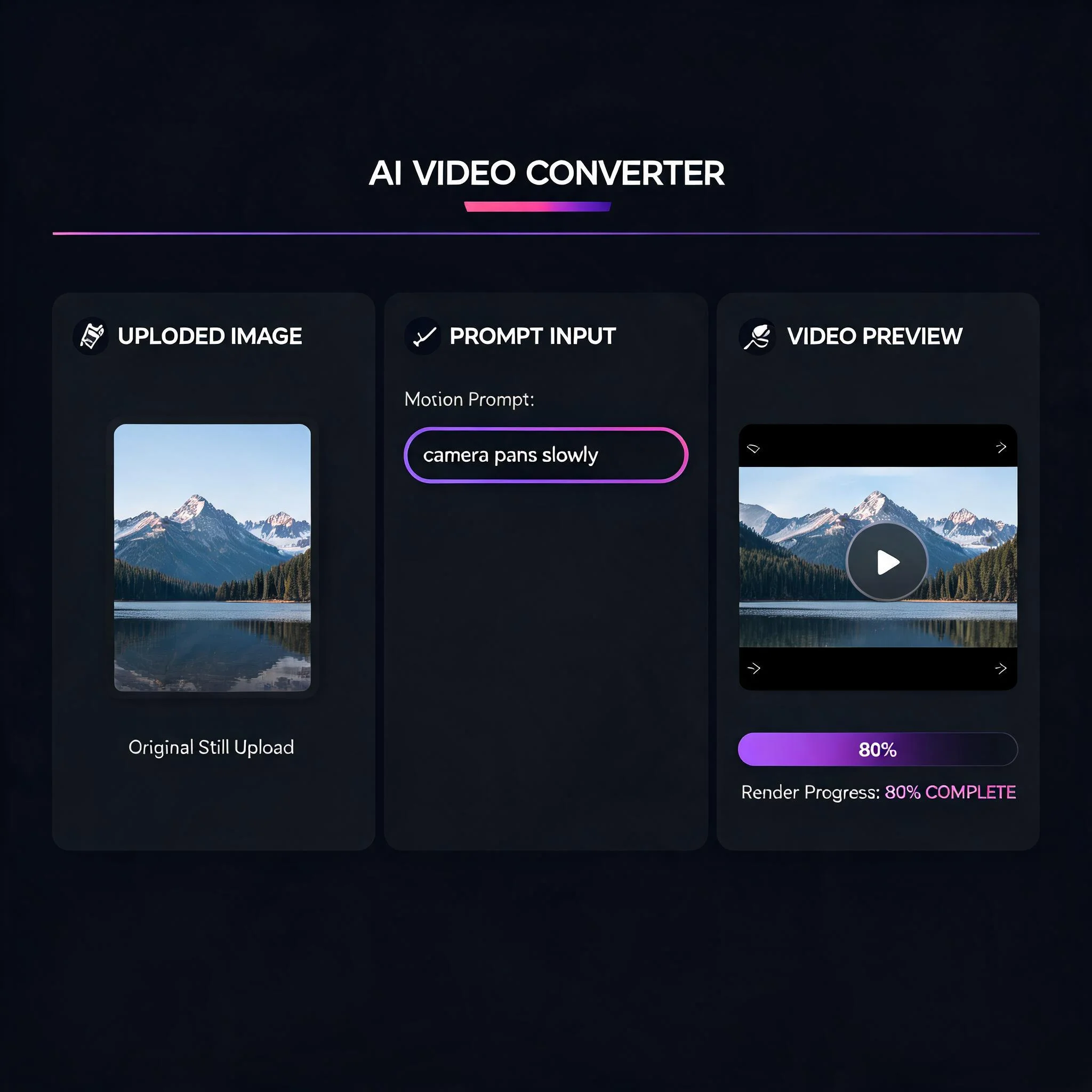
Upload Your Image
Drop in any JPG or PNG up to 10MB. Portraits, landscapes, game characters, product shots, or AI art all work as the first frame. There is no scan standing between your file and the render queue.
Describe the Motion
Type what should move. Try 'camera pans right slowly', 'her hair lifts in the wind', or 'rain falls and the neon flickers'. Specific, physical motion gives the cleanest results. Vague prompts give vague clips.
Pick Your Model
Choose from several AI models. One favors photorealistic motion, another renders crisp anime, and a third turns clips around in seconds when you need speed over polish. Swap models and re-run the same image to compare.
Download the Clip
Preview the result, then download an MP4 at up to 1080p. Drop it straight into TikTok, Reels, Shorts, a Discord server, or your editing timeline. The file is yours to keep and reuse.
What People Create
Indie Game and Comic Art
Animate concept art that mainstream tools flag for violence or stylized gore. Bring battle scenes, monster designs, and dark fantasy characters to life without a single rejection. Studios use the loops for trailers, Kickstarter pages, and store assets.
Adult and Mature Creators
Creators on platforms like Fansly and OnlyFans animate their own content freely. Because there is no source-image scan, your uploads never get blocked at the door. This is the rare image to video AI with no restrictions on mature artistic work, as long as it is legal and consensual.
Music Videos and Visualizers
Turn album art and moody stills into looping motion clips for your tracks. Edgy aesthetics that other generators reject render here in one clean pass, ready for Spotify Canvas or a YouTube loop.
Meme and Reaction Content
Animate spicy memes and reaction images that trip safety filters elsewhere. Quick 5-second loops are perfect for fast-moving feeds on TikTok, X, and Discord, where a still image just gets scrolled past.
DreamUtopia vs Restricted Tools
We tested the popular image to video generators against ours, head to head. Here is the honest breakdown of what an unrestricted AI video generator changes. Every row below comes from clips we generated on each platform ourselves in 2026. We ran the same four source images through each tool, used identical motion prompts, and timed every render from upload to finished download so the numbers reflect real conditions, not marketing claims.
| Feature | DreamUtopia | Others |
|---|---|---|
| Source-image content scan | None | Scans every upload first |
| Free generations | 10, no card | 0 to 3, card often required |
| Signup to start | Not required | Usually mandatory |
| Max resolution | Up to 1080p | Often 720p on free tier |
| Render time | 60 to 90 seconds | 2 to 5 minutes |
| Trains on your uploads | Never | Frequently, check the fine print |
Frequently Asked Questions
By the DreamUtopia Team · Last updated October 10, 2026
What is a no restriction image to video AI generator?
▼
Is it really free to use?
▼
Do I need to sign up to start?
▼
What image formats and sizes work best?
▼
How long does generation take?
▼
Can I use the videos commercially?
▼
Is there any content I cannot create?
▼
Ready to Animate Your First Image?
Upload a still, describe the motion, and watch it move in under 90 seconds. No content filter, no signup, free generations.