
The Best AI Image Generator Is One You Can Test First
3 free generations. No account. Output from 1K to 4K.
Twenty roundups will tell you which tool wins, and almost none of them let you check that claim against your own prompt. DreamUtopia renders your first still in seconds, at resolutions from 1K to 4K, so you judge the actual output instead of a reviewer's hand-picked screenshot.
Drag & drop an image, or click to upload
JPG, PNG, WebP, TIFF — up to 20MB
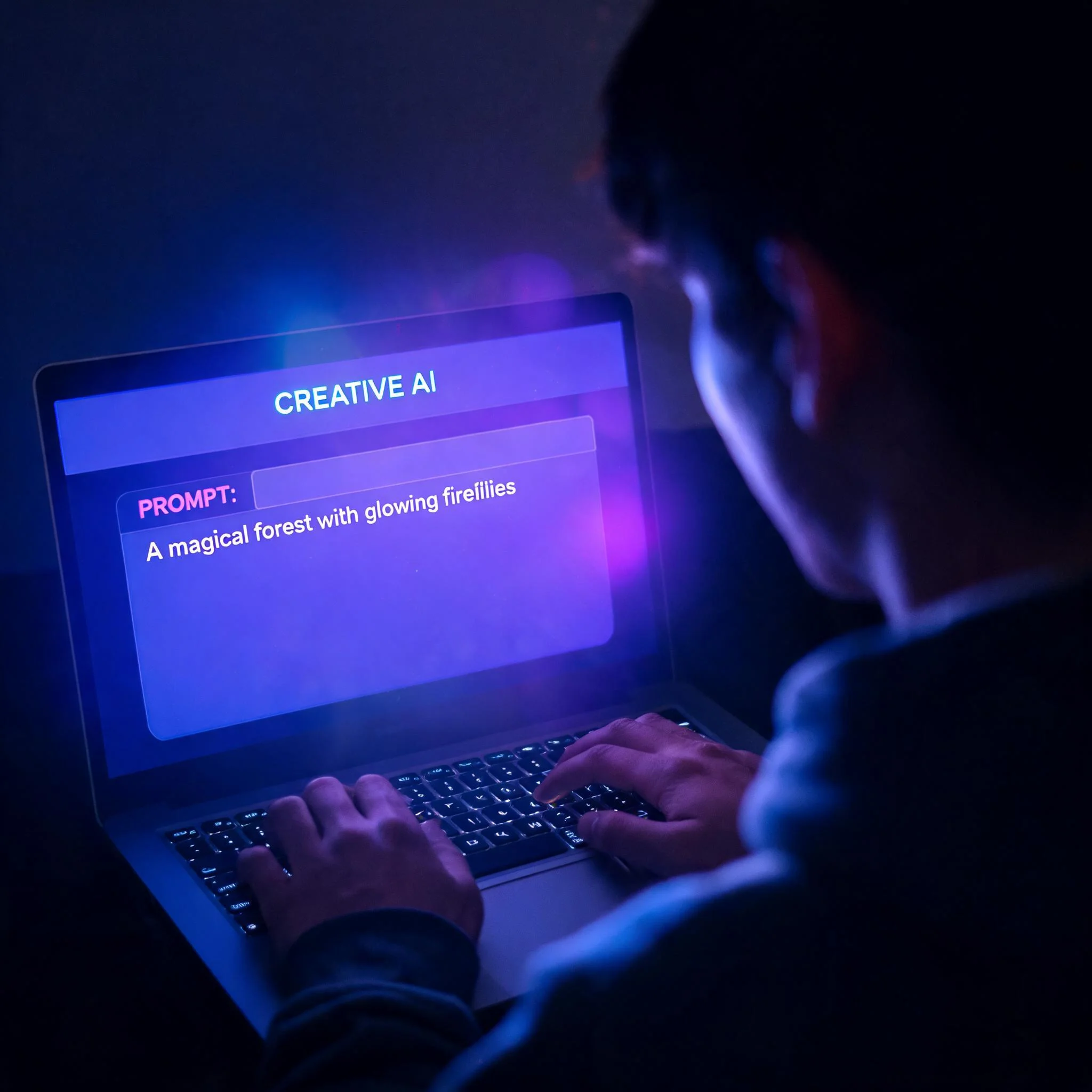
Prompts up to 100 words, three modes, and a result you can download in seconds
Most AI Image Generator Rankings Measure the Wrong Thing
Search that phrase and you get twenty lists. Each names eight tools, ranks them, and moves on. The rankings rarely agree with each other, and the sample images are almost always the best of fifty attempts. Here is the problem with that approach. A generator that produces one beautiful hero image out of forty tries is not a great generator, it is a slot machine with an attractive interface. The tool worth paying for lands usable output on your third attempt, at the size your project actually needs, without a recurring subscription you forget to cancel. We built DreamUtopia around that specific test. Two image tiers cover the range. Lite returns files between 1K and 2K for 1 credit, while Pro returns 2K to 4K for 2 credits. Both accept reference images, 1 to 3 on Lite and up to 14 on Pro, which is how you keep a character or a product looking like itself across an entire set. What follows is the checklist we would want if we were shopping for this ourselves. Run your own prompt through it and see what the engine hands back.
Six Specs That Decide Which Generator Wins
Output Size You Can Crop
Lite renders 1K to 2K. Pro renders 2K to 4K. That gap decides whether your file survives a crop, a print run, or a first frame in a video. It is also the spec most roundups leave out.
Reference Images for Consistency
Upload 1 to 3 references on Lite or up to 14 on Pro. Blend mode merges several at once, so a product line or a recurring character stays recognisable from image to image.
Three Modes, One Interface
Text to image AI from a written prompt. Image to image when you want to restyle something you already have. Blend when two or three sources need combining into a single frame. Same panel, one dropdown.
Seconds Instead of Minutes
Stills come back fast while you watch a live progress bar, and the finished image appears inline under the generator rather than hiding behind a queue page or a notification email.
Free Before You Commit
You get 3 trial generations with no account, and that same pool covers images and video, so you can spend all three on stills if that is what you need. No credit card gets requested at any point during the trial.
Runs in Nine Languages
The interface ships in nine languages, including English, German, Japanese, Korean and Simplified Chinese. Write your prompt in whichever one you think in.
How to Test Any Generator in Under Five Minutes
Write a Prompt With a Subject and a Light Source
Vague prompts flatter every engine equally, so they prove nothing. Name the subject, the lens and where the light comes from. The prompt box on this page holds up to 100 words.
Pick a Tier and a Size
Start on Lite at 1K. It costs 1 credit and it finishes fast. Move up to Pro at 2K or 4K once you need detail that survives cropping.
Add References If You Need Consistency
Drop in up to 3 references on Lite or 14 on Pro. Use image-to-image to restyle a single source, or blend mode to merge several into one frame.
Judge the Third Try, Not the First
Anyone can get lucky once, so repeat the prompt with a single variable changed and watch how the engine responds. That behaviour pattern tells you considerably more than any published leaderboard.
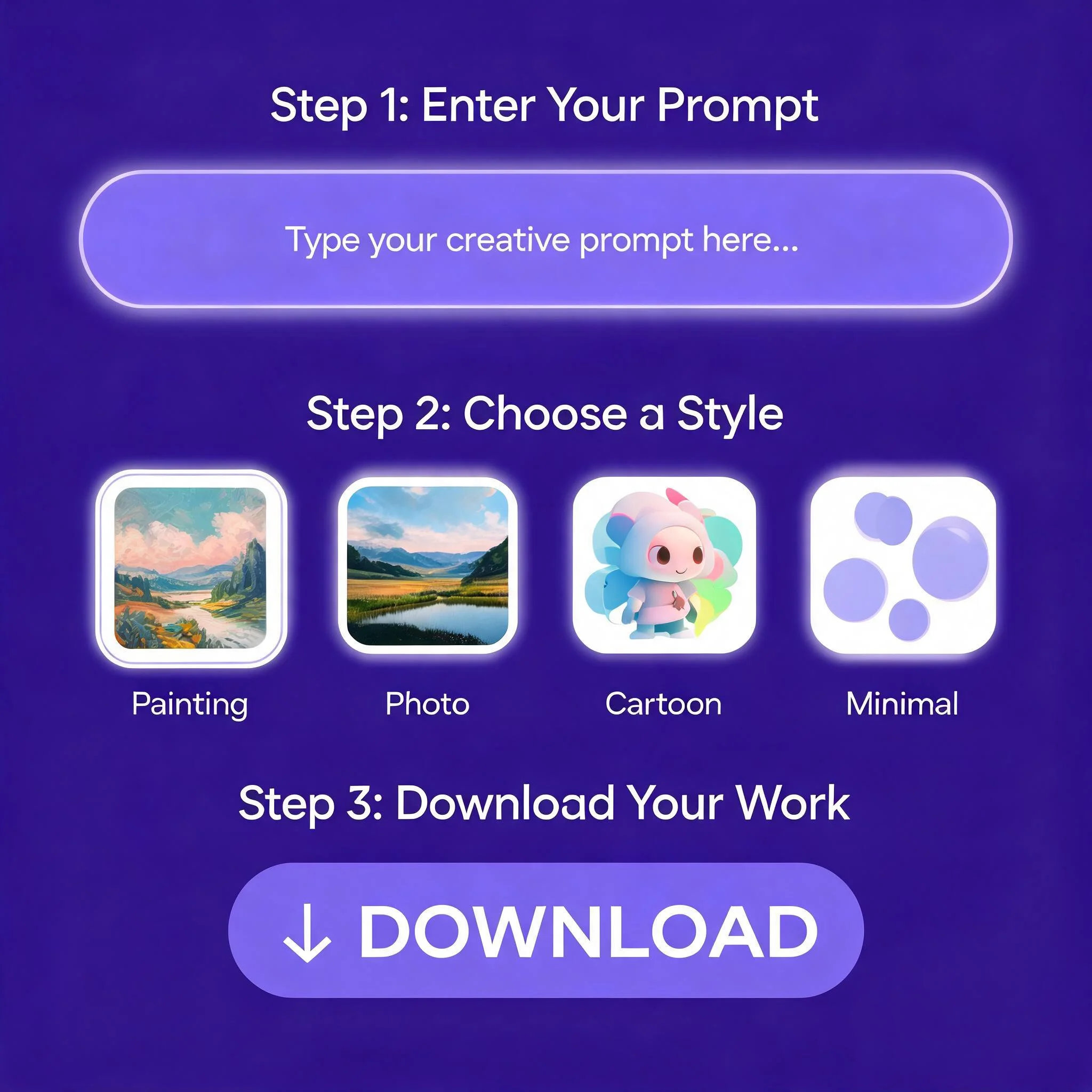
Prompt, pick a size, download. Three steps from blank page to finished image
Who Gets the Most Out of DreamUtopia
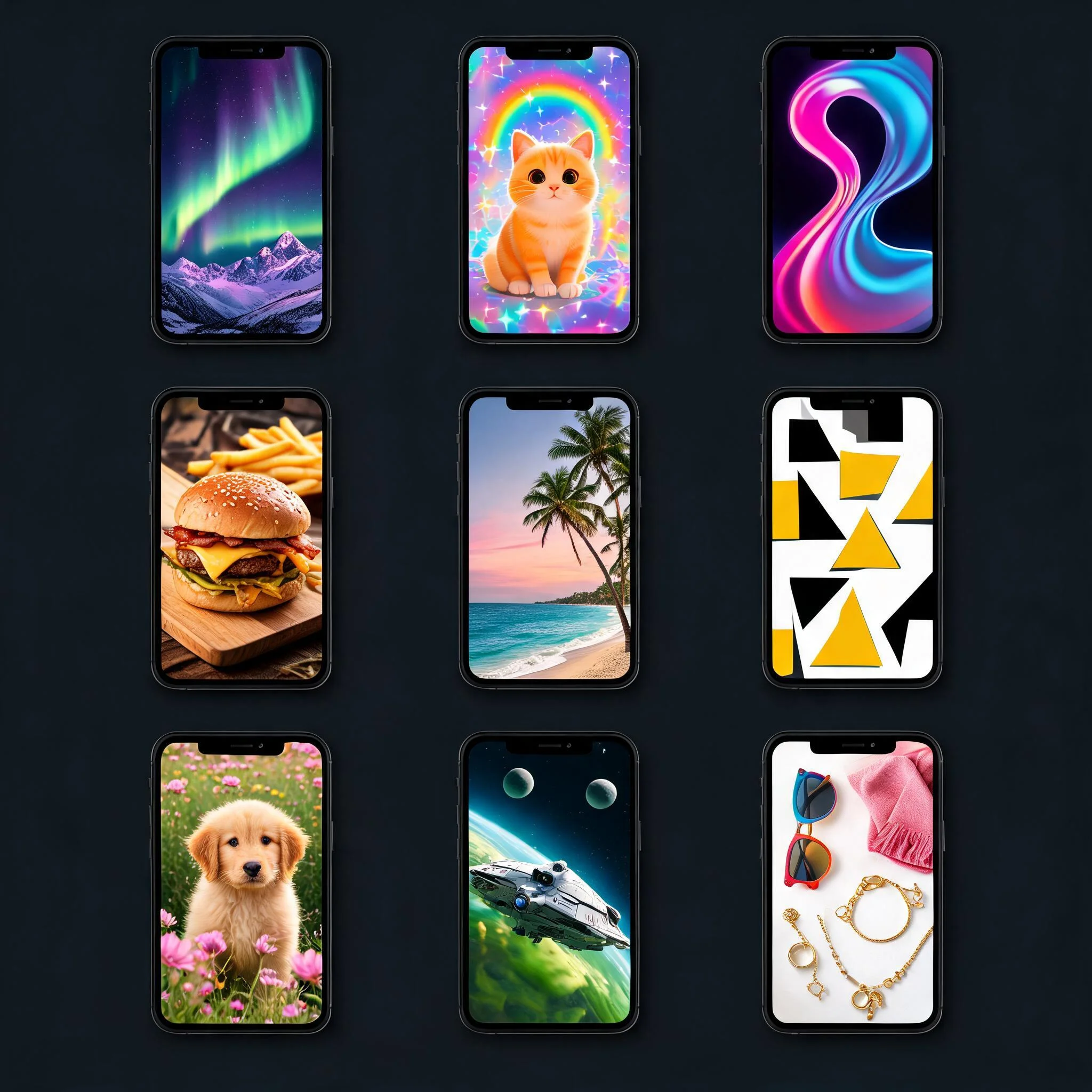
Social Media Managers
A week of vertical posts in one sitting. Blend mode holds the palette steady while the subjects change, so a feed reads as one campaign rather than nine unrelated pictures.
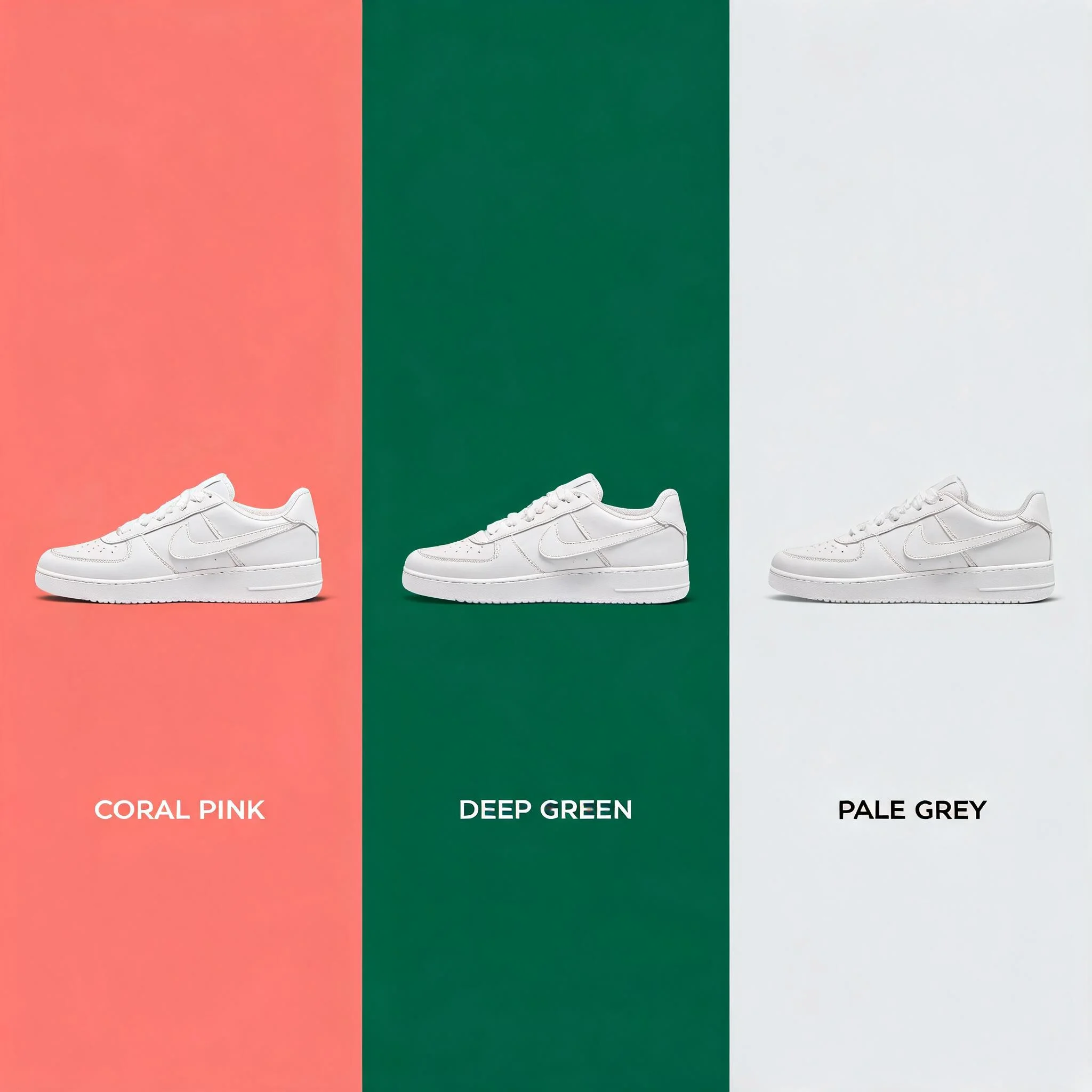
Small Online Shops
Product shots on five different backdrops without booking a studio. Upload one photo as a reference, describe the new setting, and the item keeps its shape and label.
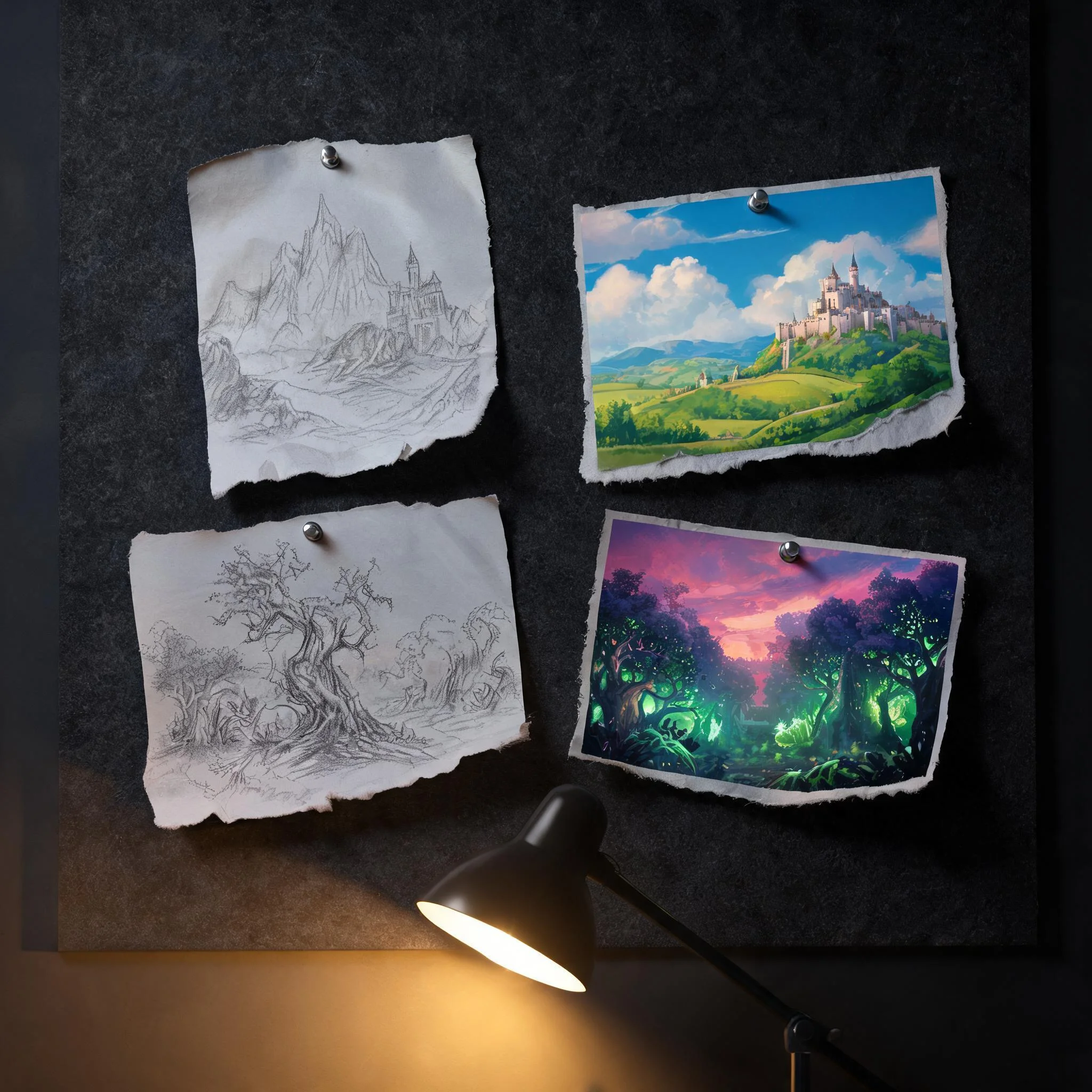
Illustrators and Worldbuilders
Rough out forty thumbnails before committing to a final render. Reference images carry a character's proportions from the first sketch through to the finished plate, which matters for any AI art generator used on a long project.
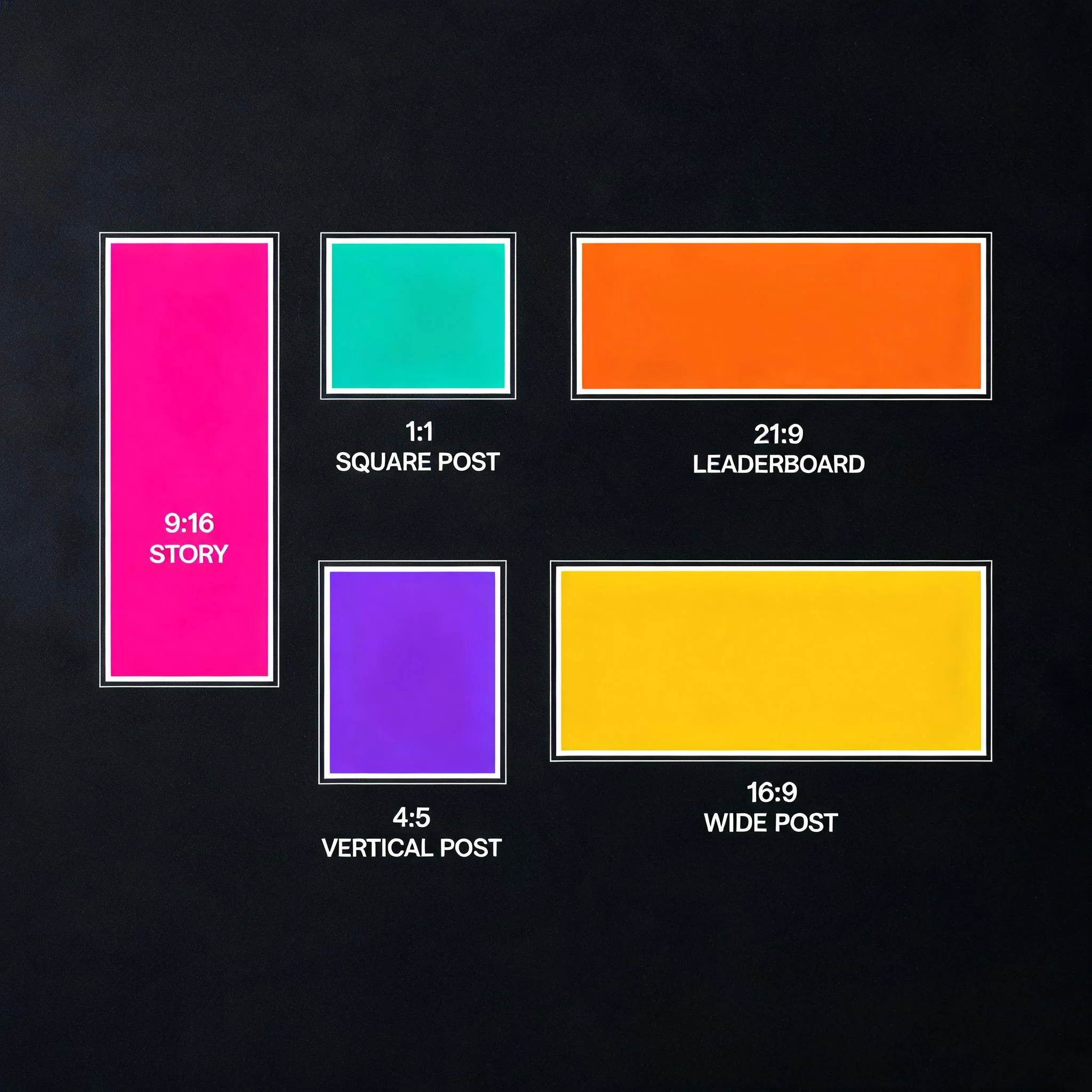
Marketers and Ad Teams
One idea, six aspect ratios. Generate at 2K, then crop down to story and square sizes without the softness that comes from stretching a small file.
DreamUtopia Scored on Its Own Checklist
We applied the same six specs to ourselves. The numbers below come from our product, and you can verify every one of them from this page in about two minutes.
| Feature | DreamUtopia | Typical AI Image Tools |
|---|---|---|
| Free trial without an account | 3 generations, pooled across image and video | Often 1 to 3, frequently email gated |
| Maximum output size | 4K on the Pro tier | Frequently capped at 1K on free plans |
| Reference images | Up to 14 on Pro, 1 to 3 on Lite | Usually 1 to 4, rarely more |
| Blend several sources | Built in, same interface | Separate tool, or missing |
| Turn the still into video | One click, 4 to 8 second clip | Rarely offered at all |
| Cost per image at entry tier | 1 credit on Lite, 2 on Pro | Subscription that renews whether you use it or not |
Four Habits From Our Own Testing
After running thousands of generations through the engine, a few patterns stood out. None of them are secrets, and each one changes your output more than switching tools does.
Name the Lens, Not the Adjective
The words 'shot on 85mm at f/1.8' reshape an image more than 'beautiful' ever will. Adjectives describe your reaction. Camera language describes the picture.
Generate Three, Keep One
Treat the first pass as a rough sketch and change only a single variable each time, because by the third render you know exactly which words the engine actually listens to.
Match Resolution to Destination
1K covers a feed post. Spend the extra credit on 4K only when the image gets cropped hard, printed, or used as the first frame of a video.
Save the Prompt, Not Just the File
Your history keeps every generation, but a prompt you wrote down is worth considerably more than an image you downloaded, since reusing it carries the same style across an entire project.
Questions People Ask Before They Switch
What is the best AI image generator right now?▼
Is DreamUtopia free to try?▼
Can I generate an image from a photo I already have?▼
What resolution are the finished images?▼
Do I need to know how to write prompts?▼
Can I turn a generated image into a video?▼
What happens after my free generations run out?▼
Test the Claim in the Next Sixty Seconds
Write a prompt, choose a size, and see what comes back. 3 free generations, no account, no card.