
Anime Opening Shots, Animated From Your Own Art
A real opening is built from short, deliberate shots, and each one has to hold the character's face steady while the camera moves. This tool animates one frame at a time, so you can turn character art into the push-ins, tilts and orbits that make an OP feel like an OP, with the motion coherence confined to a single scene instead of an entire sequence. Render the shots here, then cut them to your track in the editor you already use.
Start with a real example
These are the prompts paired with this page’s examples. Open the generator, choose an example, then adjust one detail at a time.
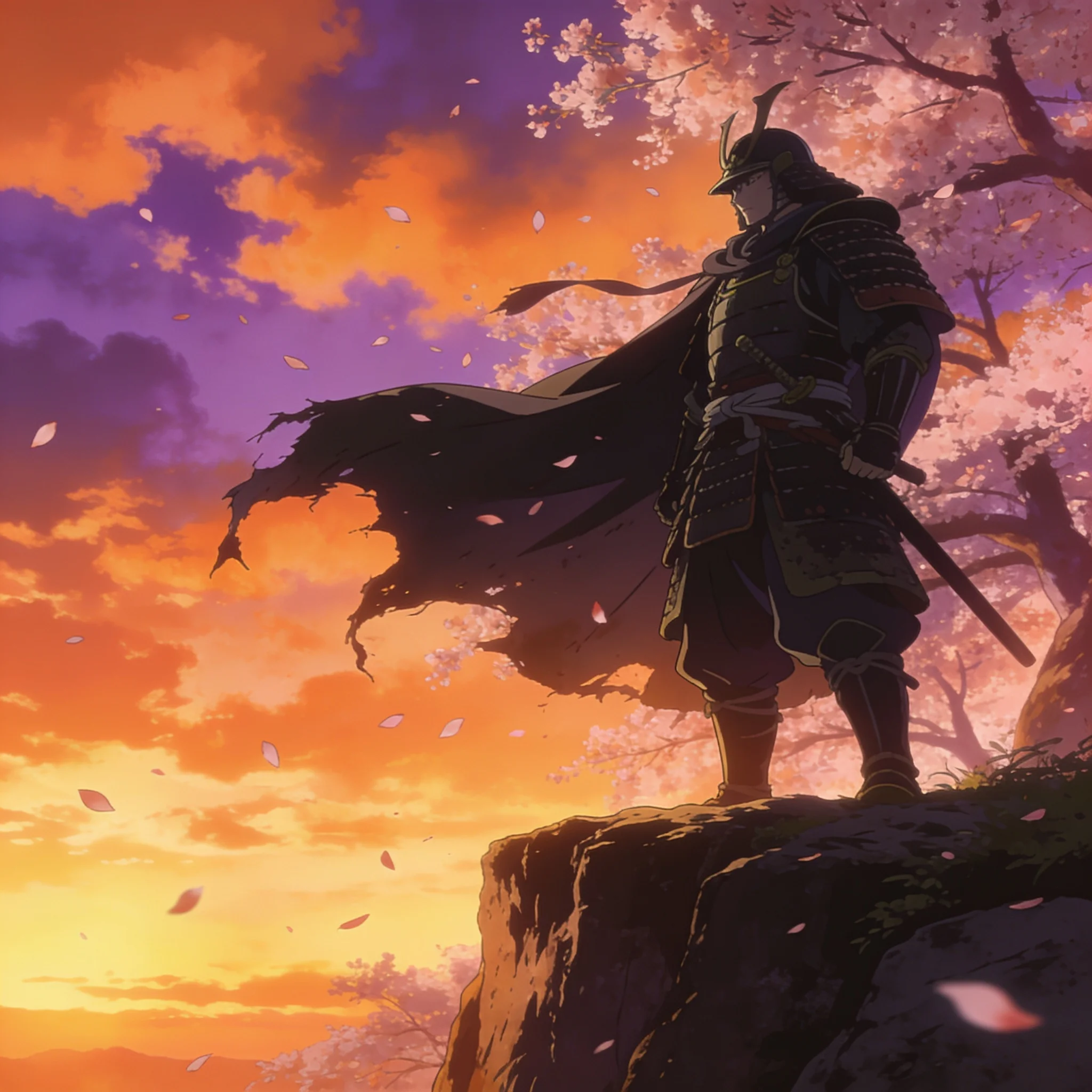
Example prompt 01
Slow dolly-in toward the samurai, cherry blossom petals spiral across the frame, the cloak flutters in the wind, clouds drift across the sunset sky
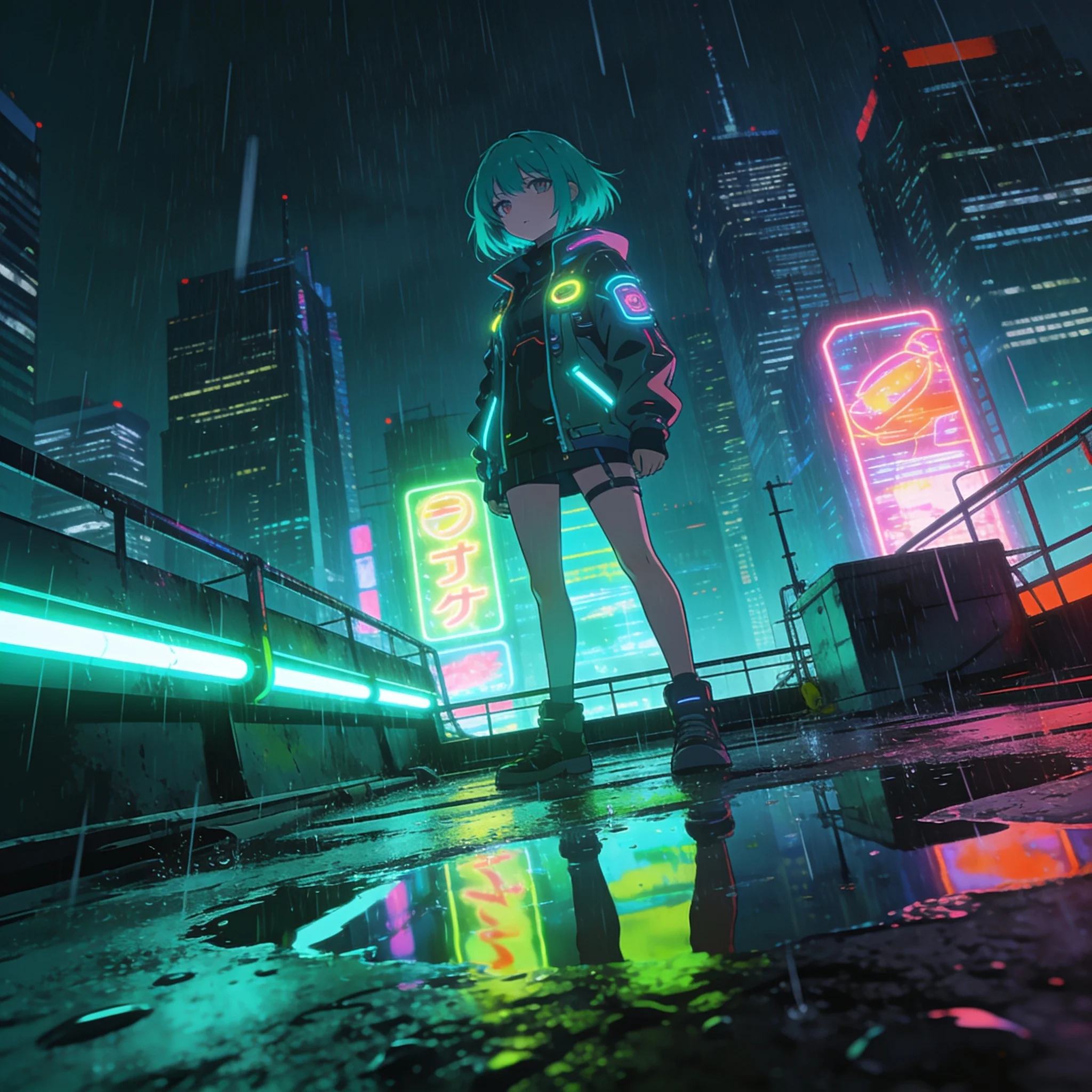
Example prompt 02
Slow push-in, rain streaks across the frame, neon reflections ripple in the puddles, her hair and jacket sway in the wind, distant holograms flicker
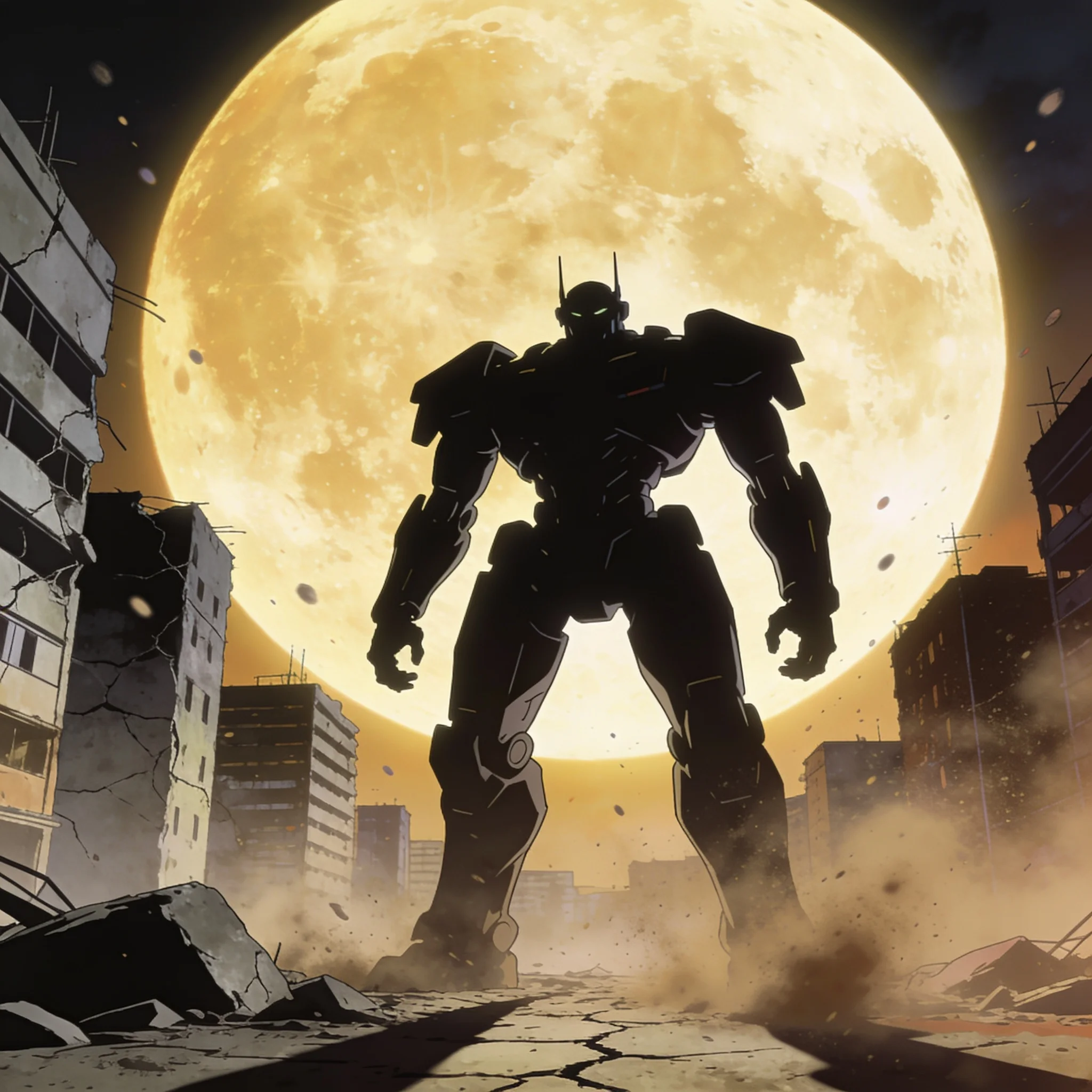
Example prompt 03
Camera slowly tilts upward along the mecha, dust and debris float in the air, thin clouds drift past the moon, distant lights flicker on the horizon
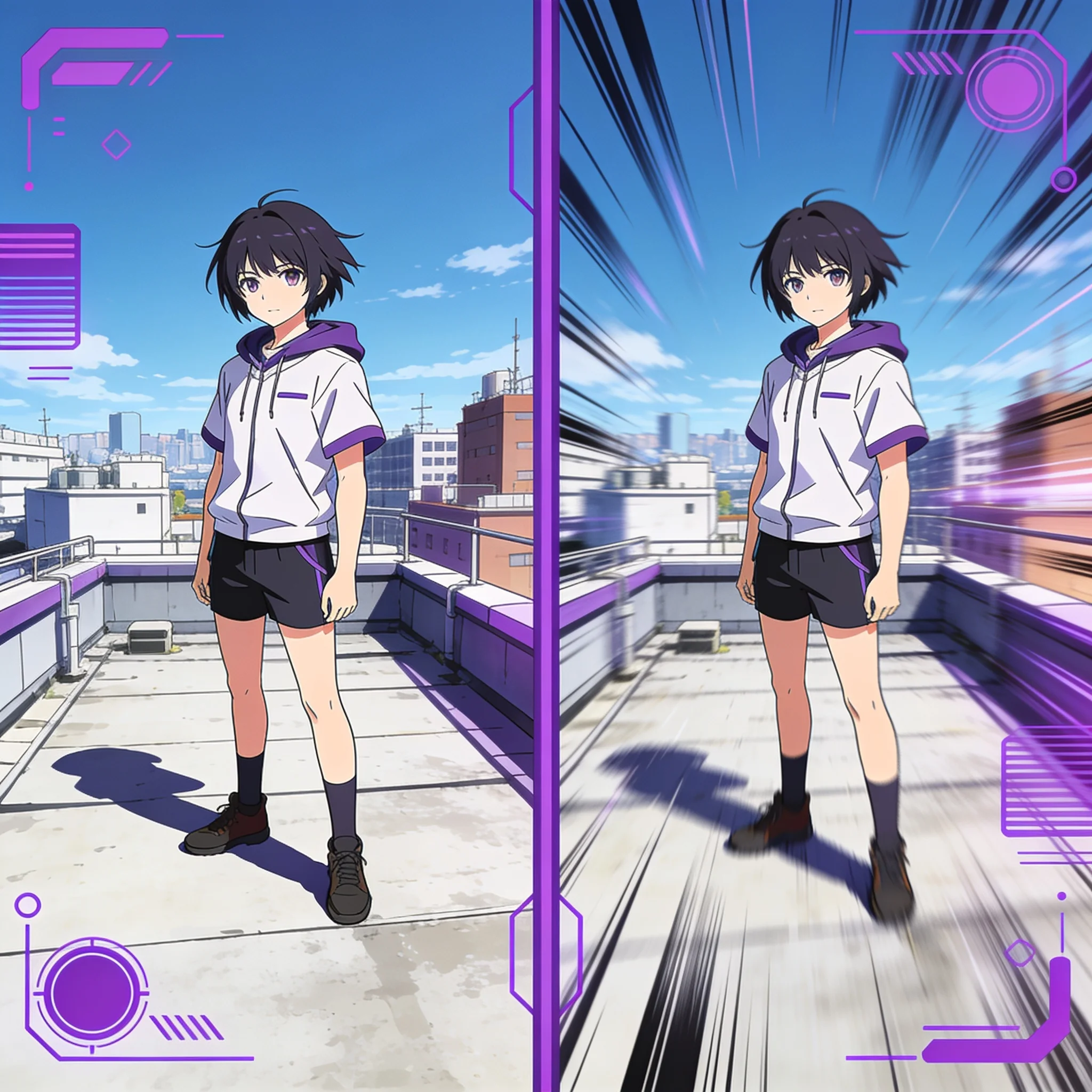
One source frame becomes one opening shot; the cut supplies the rhythm
Why Build an Anime Opening Shot by Shot?
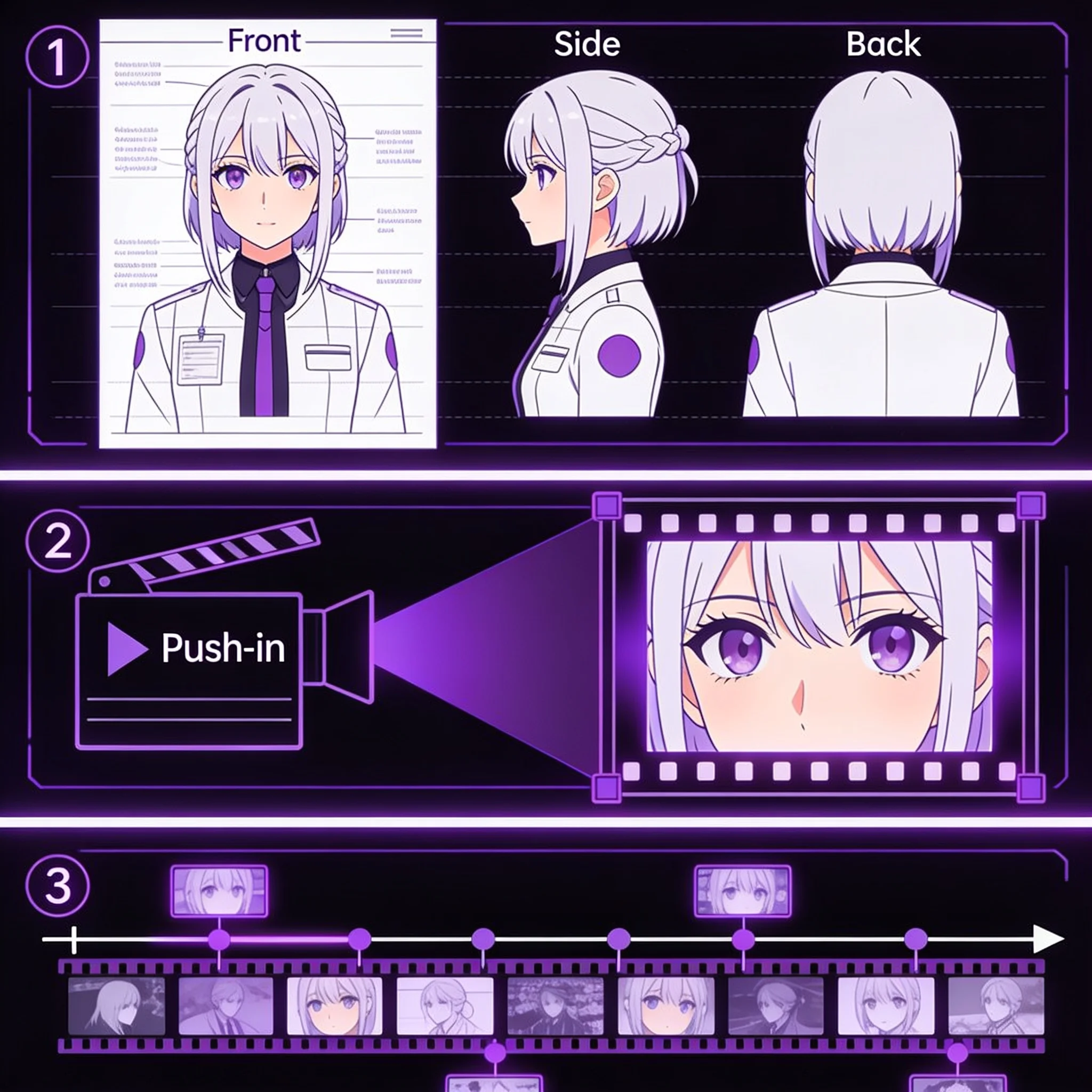
A real anime opening is not one long render. It is a cut of short shots. A face, a rooftop, a blade, a title card, each on screen for a second or two. That structure is why tools promising a complete 90-second intro in one click usually return something closer to a slideshow with music over it. Our anime opening video generator handles one reliable piece of that workflow. You bring an anime-style frame, describe a single camera move, and get a short clip that feels like it belongs in an OP. Build eight or ten of those shots, then cut them against the beat. The model only has to solve motion inside one frame, which is a much easier problem than inventing a whole sequence, and the resulting clip keeps the line work closer to the source art. The result is honest about the format. We do not generate title typography, licensed music or a beat-synced timeline. We give you moving footage in an anime style, at the length an opening shot actually needs. If you have edited a fan video before, you already know the rest of the job, and a shot-based anime opening video generator fits that editing habit better than a one-click intro builder that hands you a finished sequence you cannot control.
What an Anime Opening Video Generator Gives You
Anime-Ready Source Frames
Start from a key visual you generated here or upload your own character art. Clean cel shading and strong silhouettes animate better than busy, photoreal frames. JPG, PNG and WebP all work.
One Move, Rendered Well
Describe a push-in, a tilt, an orbit or a slow pan. One clear instruction per clip keeps the character's face and line work stable, which matters when the same face appears in six shots.
Shots Sized for an OP
Clips run 5 to 10 seconds, close to the length of a real opening cut. Trim them shorter in your editor rather than fighting a long render that drifts off-model.
Vertical, Square and Widescreen
Render 9:16 for Shorts and TikTok, 1:1 for feed posts, or 16:9 for YouTube. Choose the frame before you animate, because the crop changes how the scene is composed.
Up to 1080p Export
Export at 480p, 720p or 1080p depending on the plan and the final screen. A phone edit needs less than a channel intro that will be watched on a monitor.
Free Trial, No Account
Trial generations run without a signup, so you can test a camera move and inspect the result before creating an account or buying credits.
How It Works
Plan the Shot List
Write the six to twelve beats you want in the opening: the hero reveal, the rival stare, the city at night, the weapon close-up. Each beat becomes one image and one clip.
Prepare the Frame
Generate or upload a finished anime still for that beat. Keep one clear subject, leave room around the head, and avoid heavy text or watermarks. The frame you provide is the first frame of the shot.
Describe the Move
Name the camera and the atmosphere in one sentence, such as 'slow push-in, cherry petals drift past, clouds move behind the character'. Then render and preview.
Download and Cut
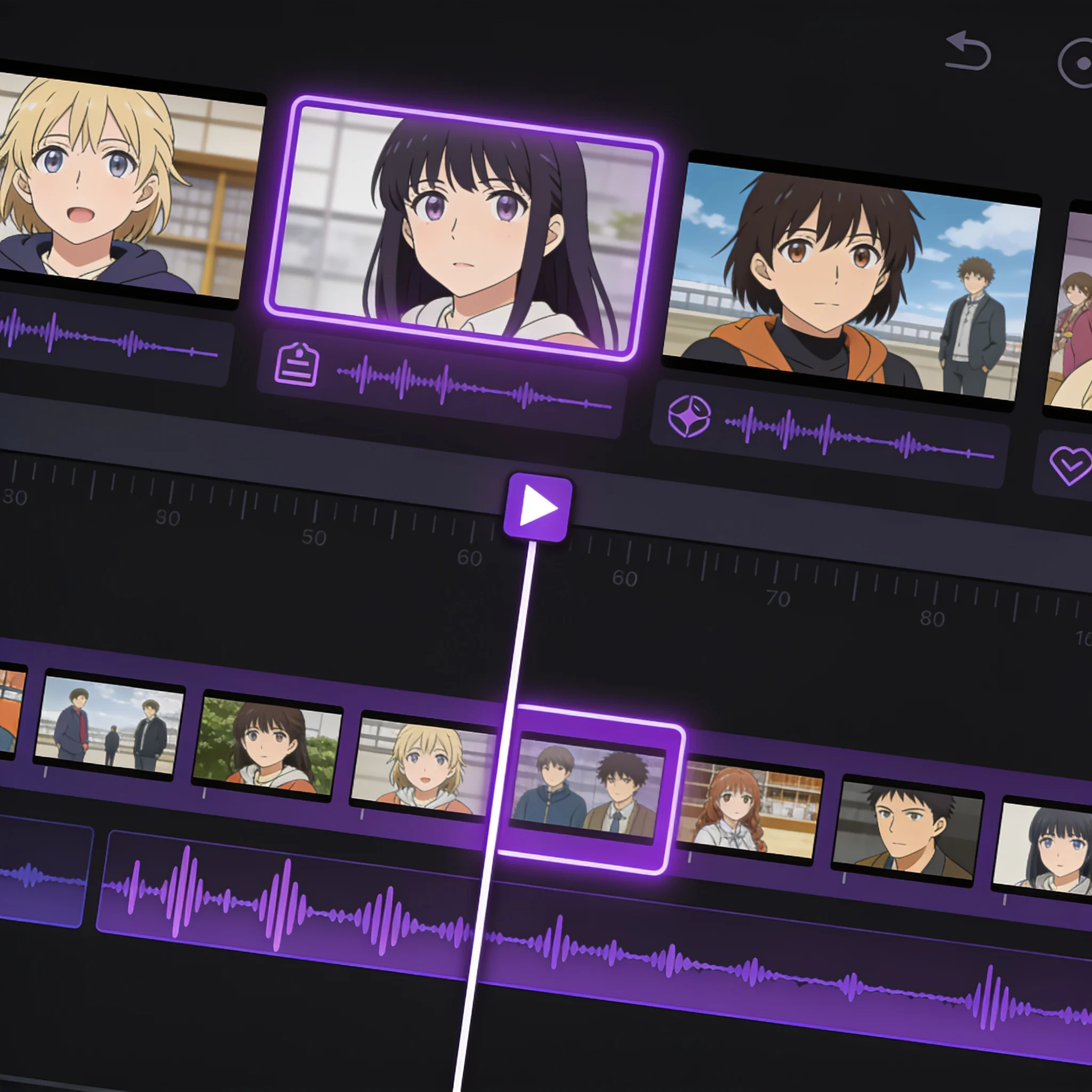
Save the clips that hold up. Drop them into your editor, trim each shot to the beat, and add titles and music there. The tool supplies footage, not the final sequence.
What People Build With It
YouTube and Stream Intros
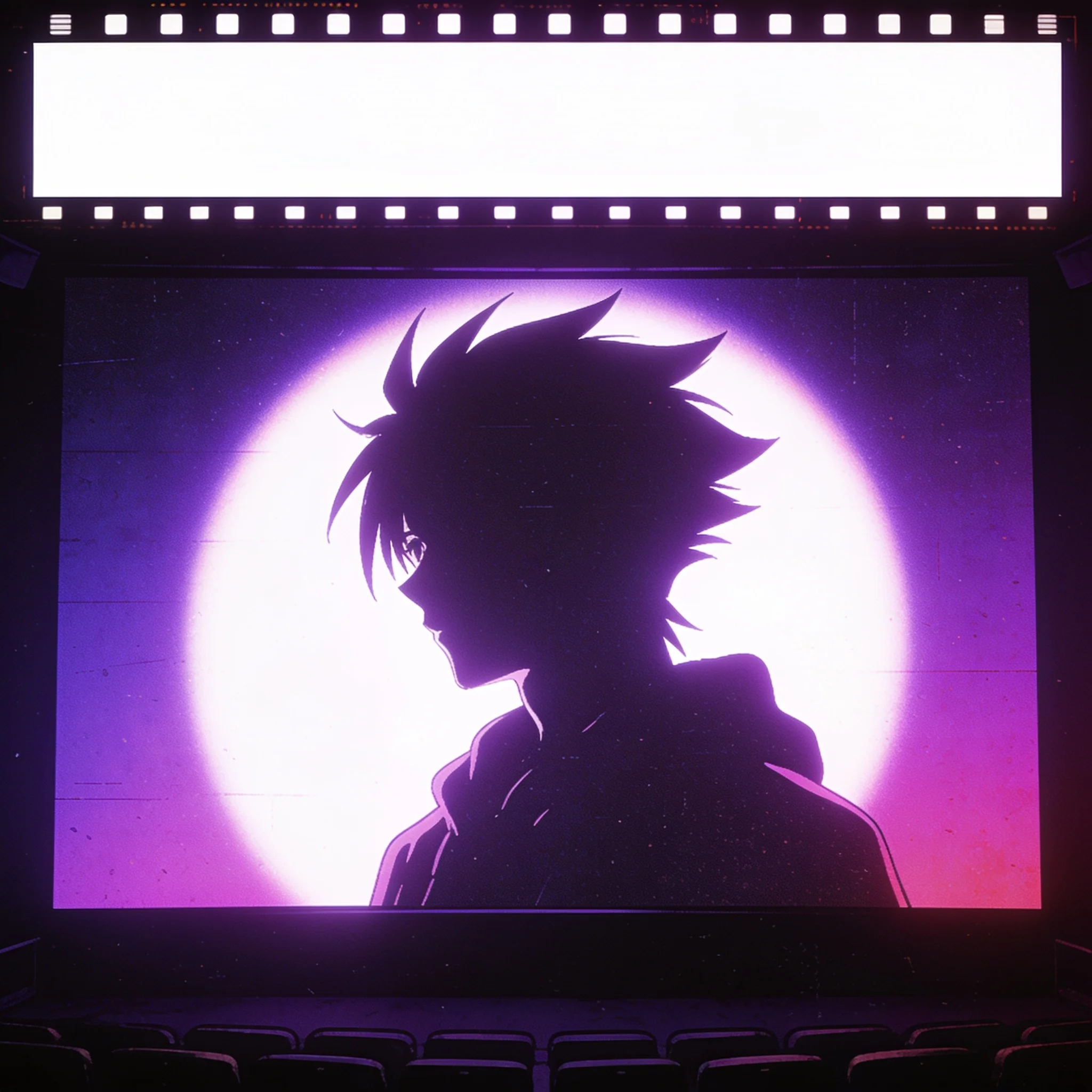
A channel intro only needs a handful of strong shots. An anime opening video generator replaces the stock footage hunt with shots of your own character. Render a hero push-in, a logo-adjacent establishing shot and a moody city pan, then cut them into a ten-second opener that repeats every episode.
Fan Edits and AMV Sequences
Beat-synced edits live or die on shot variety. Generate alternate angles of the same character, then choose the take whose motion lands on the snare instead of forcing a still image to carry the moment.
Vertical Social Openers
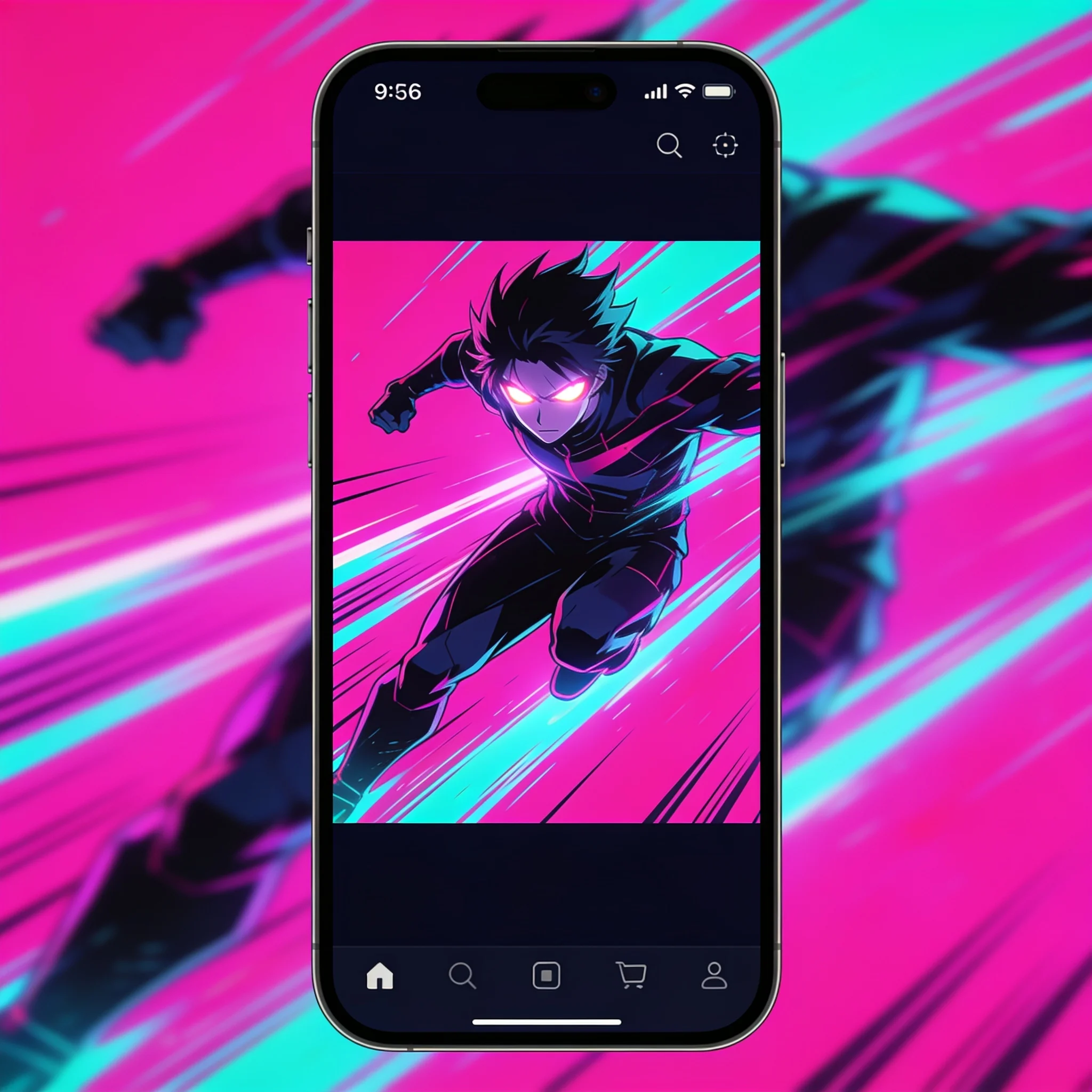
Shorts, Reels and TikTok reward a fast hook. Render a 9:16 shot with a hard push-in for the first second, then let the rest of the clip carry the reveal. Vertical composition changes the framing, so set it first.
Parody and Comedy Openings
Comedy depends on timing and contrast. A dramatic tilt over an absurd character reads funnier than a static joke image. Render the serious camera move, then let the subject break the tone.
Explore related tools
Choose the tool that matches your next step.
Prompt Tips for Better Opening Shots
A good anime opening video generator rewards short, concrete motion prompts over long descriptions, because every extra clause gives the model another variable to reinterpret. Change one variable per render and keep the rest fixed, so you can tell which instruction actually moved the result.
Start With a Clean Key Visual
One subject, clean edges, a simple background. Busy frames give the model more detail to reinterpret, and small inconsistencies become obvious once the camera starts moving.
Commit to One Camera Move
A push-in plus an orbit plus a pan asks the model to solve too much in a few seconds. Pick the move that fits the beat, then let the cut provide the energy.
Match Clip Length to the Beat
Render at the longest useful length, then trim in the editor. A 5 second shot that lands on the downbeat beats a 10 second shot that has to be cut mid-motion.
Repeat the Character Sheet
Reuse the same reference art and prompt skeleton across shots. Faces, hair color and costume details stay closer when the source frame is consistent, even though each render is a separate take.
Build Your First Opening Shot
Upload an anime frame, describe a camera move, and render a clip in about a minute. No signup and no credit card to start.