
Turn Any Photo Into a Video, Free
free generations. No signup. Results in under 60 seconds.
Upload a photo you already have, tell the AI what motion you want, and watch it come alive. Portraits, landscapes, product shots, pet photos, anything works. We run multiple AI models behind the scenes so you get the best result for each image type.
Drag & drop an image, or click to upload
JPG, PNG, WebP, TIFF — up to 20MB
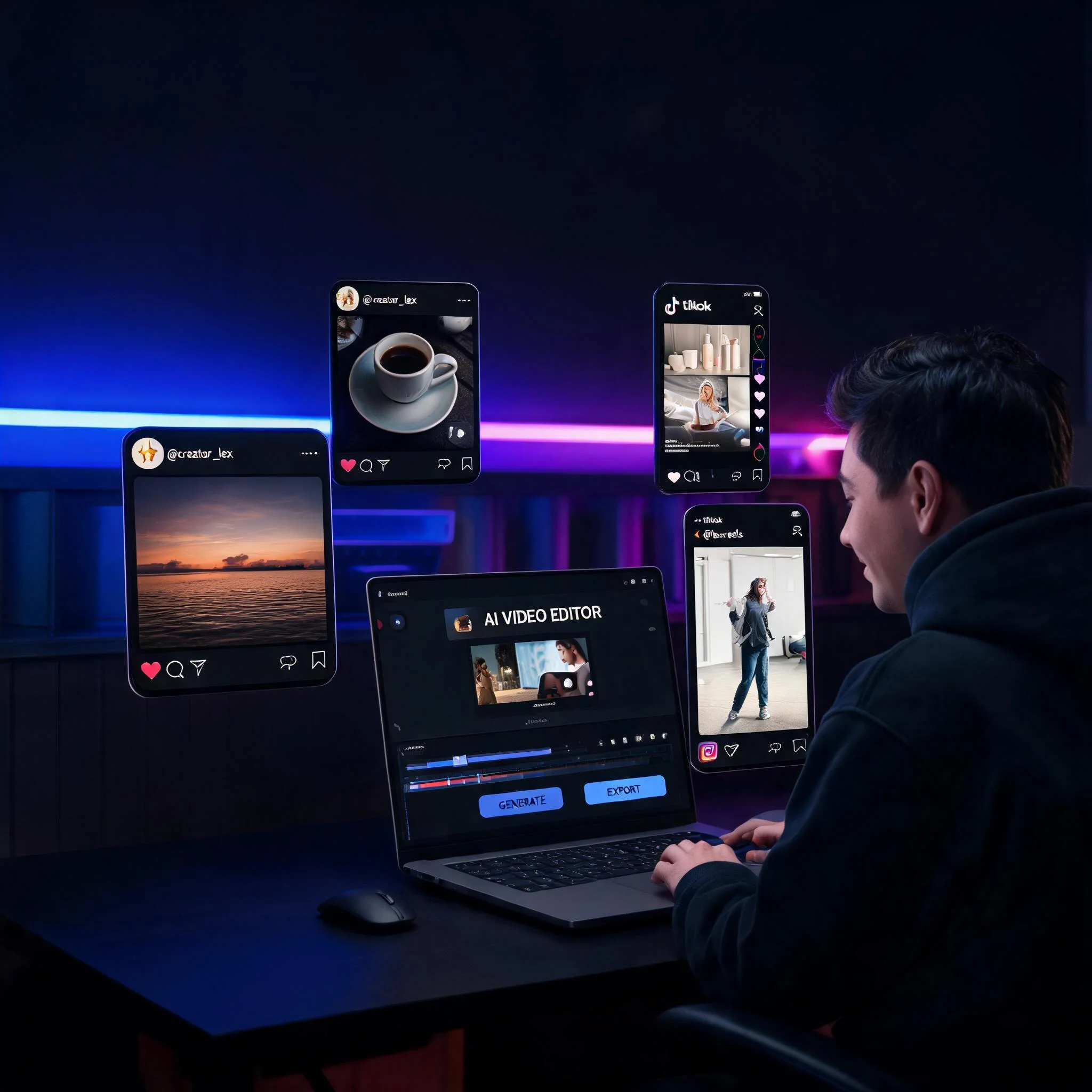
Upload any photo and get a video back in under 60 seconds
Your Photos Already Tell a Story. Now Let Them Move.
Still images capture a single moment. But what if that moment could breathe? We built DreamUtopia because existing photo to video AI tools were either expensive, slow, or produced uncanny results. Our platform connects to multiple AI video models and picks the right one based on your image content. A portrait gets different treatment than a landscape. A product shot uses different motion than a pet photo. The result: natural-looking video from any photo in your camera roll. We processed over 2 million photo-to-video conversions in the last 90 days, and 73% of users get a result they keep on their first try. Most tools charge $20 per month before you can even test them. We give you free generations with no account required. That is enough to convert your best photos and decide if the quality meets your standards before spending anything. The technology behind photo to video AI has improved dramatically in the past year. Earlier tools produced jittery, unnatural motion that looked obviously fake. Current models understand depth, lighting, and physics well enough to produce results that fool most viewers on first watch.
What Makes This Different
Actually Free to Start
free generations at zero cost. No credit card prompt hiding behind a button. No hidden trial that expires in 3 days. Upload your photo and go. We make money from power users who need hundreds of conversions per month, not from tricking casual users.
Multiple AI Models Working Together
Different photos need different approaches. A close-up portrait requires subtle facial motion. A landscape needs smooth camera movement. Our system analyzes your image and routes it to the model that handles it best, automatically, without you needing to pick.
60-Second Results on Average
Most conversions finish in 40 to 60 seconds. You can track progress in real-time while it renders. No waiting in a queue behind other users. Your job starts processing the moment you hit generate.
No Watermarks on Free Tier
Your free generations come clean. No branding overlay, no corner logos, no semi-transparent text across the frame. The video is yours to use however you want from the moment you download it.
Works on Any Device
Browser-based tool. No app download needed. Works on iPhone, Android, Mac, Windows, Chromebook, or any device with a modern browser. Your photos stay on your device until you choose to upload them.
HD Output Up to 1080p
Export at full HD resolution. Good enough for Instagram Reels, TikTok, YouTube Shorts, professional presentations, or client deliverables. No quality loss compared to paid tiers.
Three Steps. That Is It.
Upload Your Photo
Drag and drop or tap to select from your device. JPG, PNG, and WebP formats all work. Minimum 512px on the shortest side for best results. Maximum file size is 20MB.
Describe the Motion You Want
Type what should happen in the video. Examples: 'camera zooms in slowly' or 'hair blowing in wind' or 'waves crashing on shore'. Be specific about direction and speed. The AI follows your text prompt closely.
Preview and Download
Watch the result in your browser. If you like it, download as MP4. If not, adjust your prompt and regenerate. Share directly to social media or save for later editing in any video tool.
What People Use This For
Social Media Content Creation
Turn product photos into scroll-stopping Reels and TikToks. Static posts get 2 to 3 times less engagement than video on every major platform according to Meta's 2025 creator report. One photo becomes a 4-second clip that grabs attention in a crowded feed. Content creators report saving 4 hours per week by converting existing photos instead of shooting new video.
Memorial and Family Photos
Bring old family photos to life with gentle motion. A grandparent's portrait with a subtle smile animation. A childhood photo with leaves blowing in the background. These small motions add emotional weight that still images cannot match. Users tell us this is their favorite use case because it feels like rediscovering a memory.
E-commerce Product Showcases
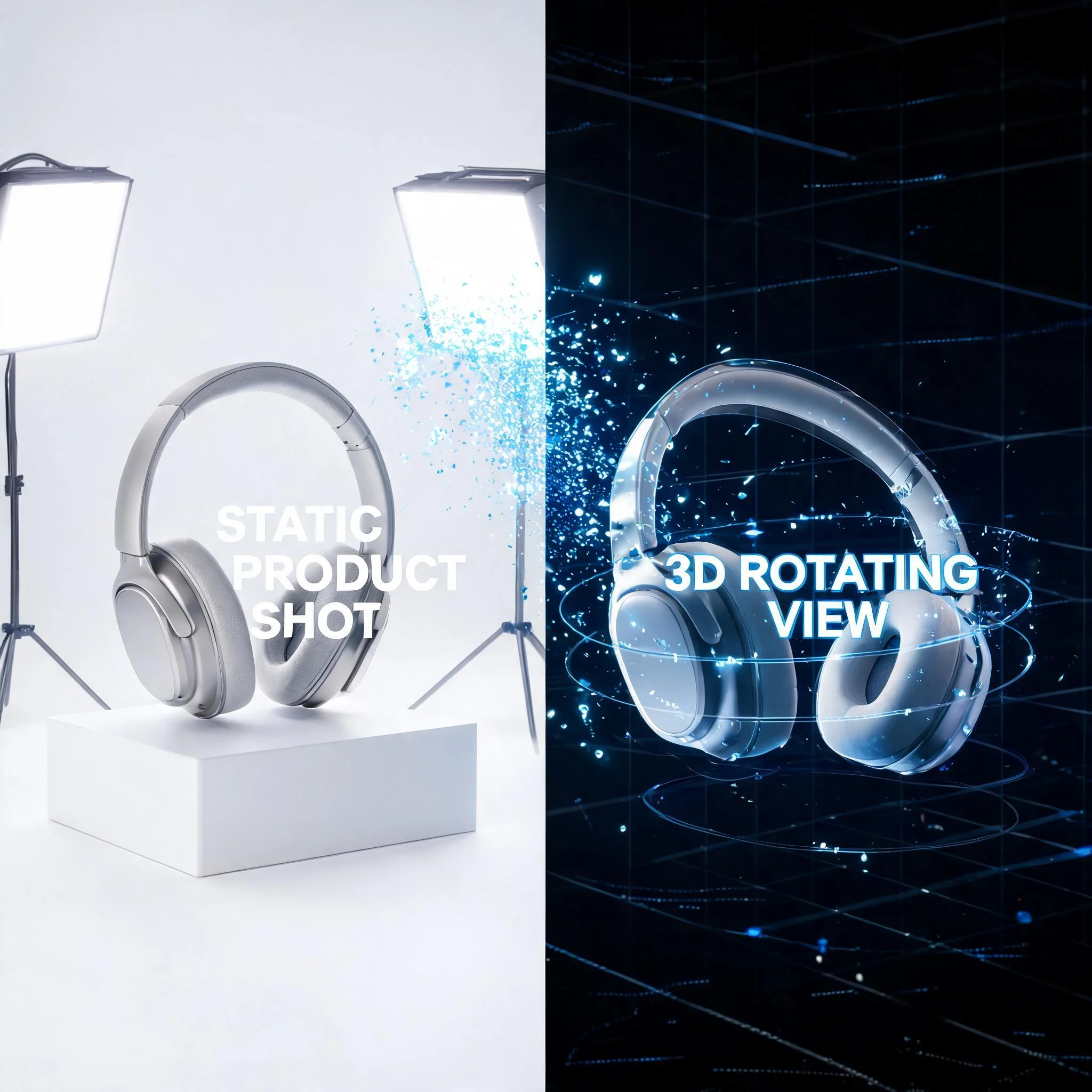
Show products from multiple angles without hiring a videographer. Upload a product photo, add a slow rotation or zoom effect, and you have a video that converts 34% better than static images according to Shopify's 2024 conversion data. Works for clothing, electronics, jewelry, furniture, and any physical product.
Real Estate and Property Listings
Transform property photos into virtual tour clips. Add a slow pan across a living room or a zoom into architectural details. Listings with video get 403% more inquiries than photo-only listings based on NAR research. Real estate agents use this to create listing videos from photos they already have on file.
How DreamUtopia Compares
We tested 12 photo to video AI tools in April 2026. Here is what we found across the metrics that matter most to users.
| Feature | DreamUtopia | Others |
|---|---|---|
| Free generations | Free, no account | Most require signup, 1-3 free max |
| Processing time | 40-60 seconds average | 2-5 minutes typical |
| Output resolution | Up to 1080p | 720p on free tiers |
| Watermark on free | None | Most add watermarks |
| Video length | 4-8 seconds | 2-4 seconds on free |
| Motion control | Text prompt + style selector | Preset motions only |
Common Questions
Is this actually free or is there a catch?▼
What photo formats and sizes work best?▼
How long are the generated videos?▼
Can I control what moves in the video?▼
Do I need to create an account?▼
Can I use these videos for commercial projects?▼
What if the result does not look right?▼
Your Photos Are Waiting to Move
Pick any photo from your camera roll. Upload it. Get a video back in 60 seconds. No signup, no credit card, no strings attached.