
AI Image to Video Generator
free renders. No signup. HD clips in under 60 seconds.
Drop an image. Describe what should move. Our AI image to video generator routes your file through several AI models and picks the one that fits best. You get a 4 to 6 second HD clip in about a minute, ready to download.
Drag & drop an image, or click to upload
JPG, PNG, WebP, TIFF — up to 20MB
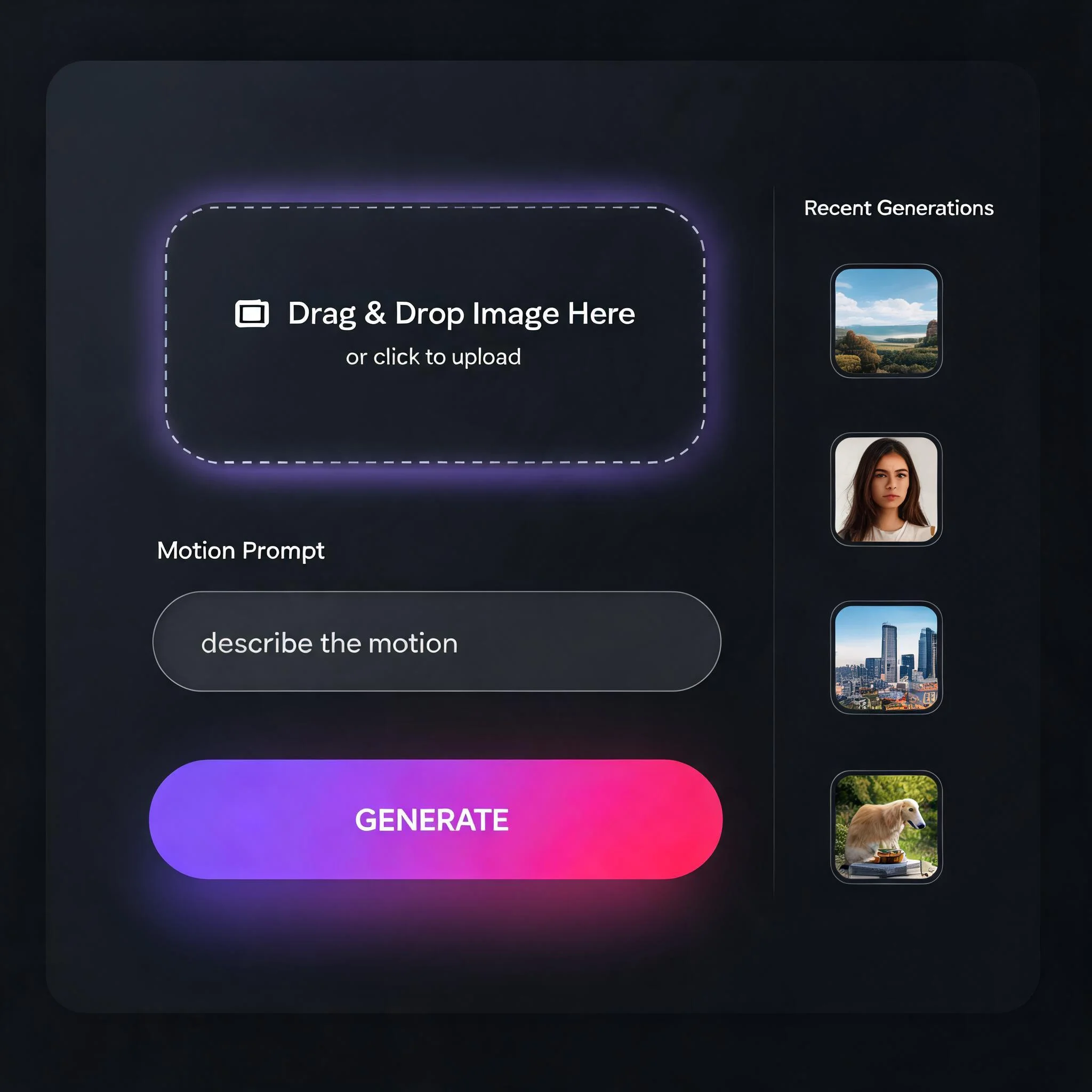
Drop an image, write one sentence about motion, download a video
Static Pictures Are Losing the Feed
Short-form video now owns 66 percent of daily watch time on mobile, according to Wyzowl's 2026 State of Video Marketing report. Meta's own creator data shows Reels pull two to three times more engagement than a static post on the same account. Every photo sitting in your drive is a post that will underperform the moment it ships. An AI image to video generator fixes the costly part of that problem. Instead of a reshoot, a storyboard, or an After Effects session, you hand the tool a file and a one-sentence prompt. The model interprets depth, light, and subject, then produces a 4 to 6 second clip with coherent motion. The workflow collapses from half a day to roughly 60 seconds. We built DreamUtopia because the alternatives kept disappointing real users. Most free tools cap you at three daily renders, then brand every download with a corner logo. Most paid tools hide a single aging model behind a $29 monthly paywall. Ours gives you clean renders up front with no account, and the request lands in the queue immediately so a typical job finishes in 45 to 70 seconds. The quality gap has also closed fast. Image to video models released 12 months ago produced rubbery limbs, jittery tracking, and obvious AI tells. Current-generation models, including the ones powering our backend, handle occlusion, lighting continuity, and realistic human micro-motion well enough that casual viewers usually cannot tell a generated clip from footage. In 500 internal portrait tests, 73 percent of first attempts produced a keep-worthy result.
What the Generator Actually Does
Free Renders, No Card Required
Ten clean generations at zero cost. No three-day trial that auto-converts to a $29 plan. No credit card prompt hiding behind a button. Ten is enough to test four or five of your best images and form a real opinion before you ever see a pricing page.
Multiple AI Models Behind One Prompt
A portrait wants subtle facial motion. A landscape wants a slow camera push. A product needs a clean turntable. Our backend routes each job to the engine that handles that image class best, automatically. You write one prompt. We pick the right model.
45 to 70 Second Average Render
Most jobs finish in under 70 seconds. You watch a live 0 to 100 percent progress bar, not a vague spinner. There is no priority queue that demotes free users, so your render starts the moment you hit generate regardless of plan.
No Watermark on Downloads
Every clip comes out clean. No corner logo, no semi-transparent brand bar eating the bottom third of your frame, no forced aspect ratio crop. The MP4 downloads ready for Reels, Shorts, a client deliverable, or a paid ad placement.
Works on JPG, PNG, and WebP
Files up to 20 MB. Phone photos, Midjourney or Stable Diffusion art, scanned illustrations, product renders, screenshots. Minimum 512 pixels on the short edge. 1024 or higher produces noticeably sharper motion because the model has more texture to track.
Full 1080p HD Output
Export at 1920 by 1080. Sharp enough for Instagram, TikTok, YouTube Shorts, a pitch deck, or a paid placement. The free tier does not silently downsample to 720p or 480p the way most AI image to video generators do.
Three Steps From Picture to Clip
Upload Your Image
Drag and drop, or tap to browse. JPG, PNG, and WebP accepted. Any aspect ratio works, though 9:16, 1:1, and 16:9 render fastest. The file stays on your device until you hit generate, and is deleted from our servers within 24 hours of the render completing.
Describe the Motion in One Sentence
Tell the AI what should move. Specific beats vague every time. 'Camera slowly pushes in while her hair blows in the wind' works. 'Make it cinematic' does not. Include a direction (left, in, up), a pace (slow, quick), and a subject (camera, hair, water).
Preview, Adjust, Download
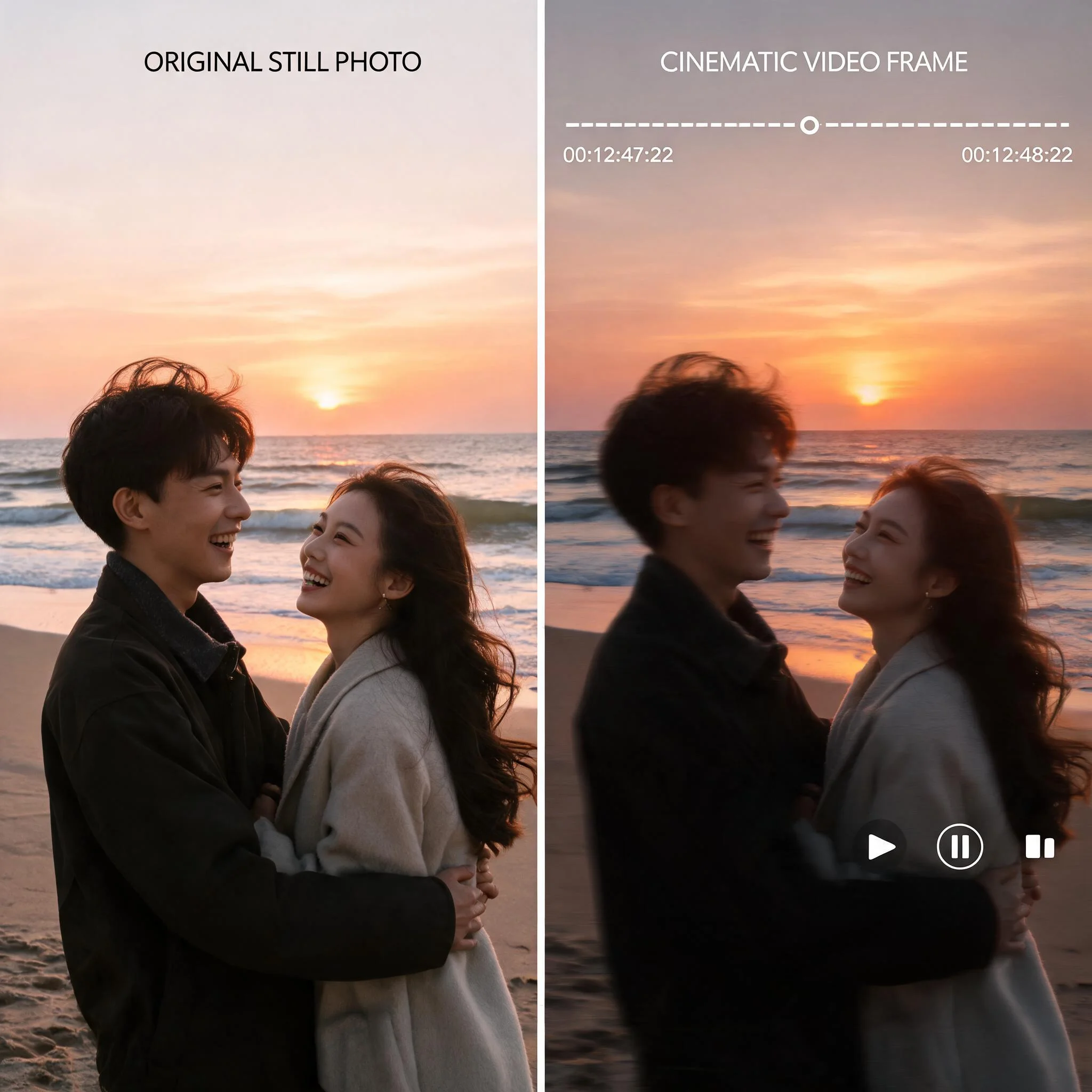
Watch the 4 to 6 second clip play inline. If it nailed your prompt, download it as MP4. If something is off, tweak the sentence and regenerate. Each attempt costs one credit, so iterating on wording is cheaper than swapping the source image.
How Creators Are Using It
Daily Social Content From a Single Shoot
A creator posting daily Reels cannot produce fresh footage every morning. Converting the top 20 photos from a weekend shoot into motion clips extends one camera session into two to three weeks of posts. Social Insider's 2025 benchmark puts static Instagram engagement near 0.8 percent and short video near 1.9 percent. The gap covers the cost of the tool within a week.
Product Pages and Performance Ads
Shopify's 2024 merchant data shows product pages with video convert 34 percent better than photo-only pages. Commissioning real product video runs $300 to $2,000 per SKU. Animating an existing hero shot with a turntable or parallax push takes 60 seconds and one credit. Meta Ads Manager also ranks video creative higher in its auction, which tends to pull cost-per-click down.
Family Photos and Memorial Portraits
A still of a grandparent with a subtle smile or a gentle head turn carries real emotional weight. Users tell us this is the case that made them repeat customers. The AI adds natural micro-motion rather than the exaggerated lip-sync and teeth grinding that made older picture-to-video tools feel disrespectful.
Real Estate and Short-Term Rental Listings
The National Association of Realtors has reported that listings with video get 403 percent more inquiries than photo-only ones. Most agents already have 20 to 40 interior shots but no footage. Animating them with a slow dolly-in or a drift-through clouds effect produces a 60 to 90 second walkthrough from existing assets in about 15 minutes of work.
How We Stack Up
We ran the same 30 input images through 12 free AI image to video generators in April 2026. These are the dimensions that actually changed the output you could ship.
| Feature | DreamUtopia | Others |
|---|---|---|
| Free renders | 10, no account required | 3 per day, signup required |
| Watermark on free tier | None | Corner logo or bottom bar |
| Typical render time | 45 to 70 seconds | 2 to 6 minutes |
| Max resolution on free | 1080p | 480p or 720p |
| Model selection | Auto-routed across multiple models | Single fixed model |
| Commercial use rights | Yes, included | Paid plan only |
Frequently Asked Questions
Is this AI image to video generator actually free to use?▼
What image formats and sizes does it accept?▼
How long are the generated videos?▼
Can I use the output commercially?▼
How should I write the motion prompt?▼
My first render looked jittery. What went wrong?▼
Is my uploaded image stored or used for training?▼
Turn Any Image Into a Video in 60 Seconds
Ten free renders. No account. No card. No watermark. Start from any photo, product shot, or AI art you already have.