
Hotshot AI Free Video Generator Alternative
The tool moved to Grok. We kept it free. free generations, no signup.
Hotshot's standalone video tool went dark after the team joined xAI in March 2025. DreamUtopia is where its fans landed: upload a photo, describe the motion, and get a finished clip in under 90 seconds with no account.
Drag & drop an image, or click to upload
JPG, PNG, WebP, TIFF — up to 20MB
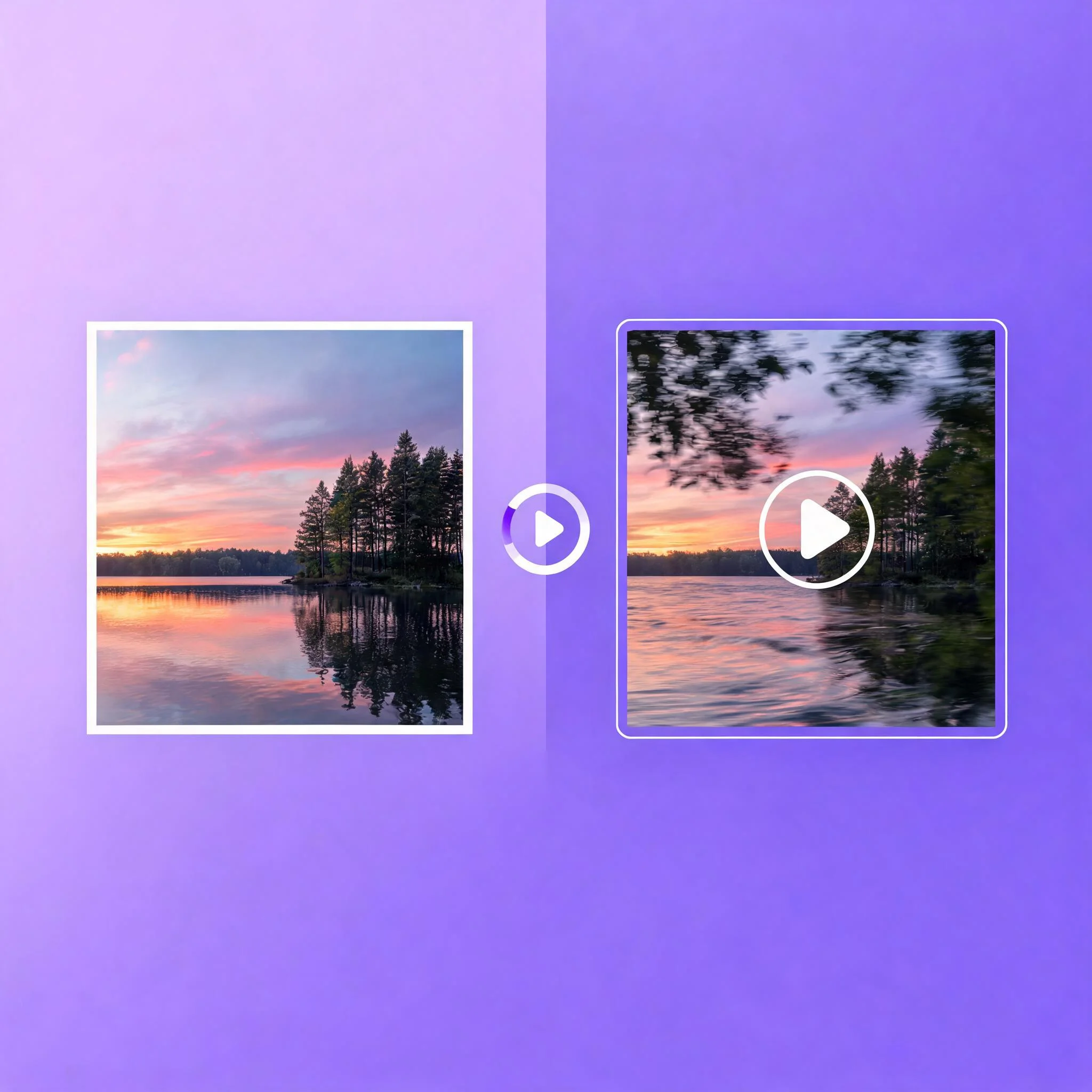
A portrait photo turned into a 4-second clip in under 30 seconds on the fast engine
Where Hotshot Users Went Next
Hotshot built a loyal following with short, sharp text-to-video clips. Then xAI acquired the team in March 2025 and folded the technology into Grok, as The Verge reported. The free public tool people relied on simply stopped being a standalone product. That left a gap. People still wanted a hotshot ai free video generator they could open in a browser, use without a subscription, and trust to return a clip fast. We built DreamUtopia to fill exactly that space. The difference is the starting point. Hotshot leaned text-first, generating motion from a written prompt alone. DreamUtopia is image-first. You upload your own photo, then the AI adds movement on top, so the result keeps your composition, your colors, and your subject instead of inventing a new scene. Our free tier hands you free generations with no email, no card, and no verification wall. According to Wyzowl's 2025 video marketing survey, 91% of businesses now use video, and creators who lost Hotshot needed a replacement that worked the same afternoon, not after a 14-day trial. Under the hood we run multiple AI engines. One clears most jobs in under 30 seconds for quick social drafts. Another trades a little speed for sharper motion and cleaner physics. You switch between them with one click, no separate logins or plugins. The core technology is latent diffusion paired with frame interpolation. The model reads your image, predicts the frames in between, and stitches them into smooth motion. You never touch any of that. You bring an image and one sentence of direction, and the clip lands in your browser ready to download. Free clips render at 720p with no watermark. Input images up to 4K are accepted. Output is a standard MP4 that plays on TikTok, Reels, a client deck, or anywhere else you drop it.
Why It Replaced Hotshot for Free Users
Genuinely Free to Start
Your first 10 clips cost nothing. No email, no card, no trial countdown. The upload box is live the moment the page loads, which is what Hotshot's free users were looking for after the tool moved behind Grok.
Image-First, Not Text-Only
Hotshot generated from text prompts. We start from your photo and add motion on top, so the output matches the image you uploaded instead of a fresh AI scene. You keep control of framing and color.
No Watermark
Free clips download clean. There is no logo stamped across the frame and no banner on the export. Free renders run at 720p, and paid plans add 1080p output plus priority queue slots.
Sub-30-Second Drafts
The fast engine finishes most clips in under 30 seconds. A live progress stream shows image analysis, frame rendering, and final encode, so you never wonder whether a job stalled mid-render.
Multiple Engines, One Page
Run several AI models from a single interface. Pick the fast one for a social draft or a slower one for crisp physics. Because every engine shares the same upload, switching never reprocesses your original photo from scratch.
Runs in Any Browser
Nothing to install and no waitlist. It works on Chrome, Safari, Firefox, and Edge across desktop and mobile. Render a quick clip on your phone or batch several on a laptop.
From Photo to Clip in 4 Steps
Upload Your Image
Drag any JPG or PNG onto the canvas. Portraits, product shots, landscapes, and AI art all work. The box accepts files up to 4K and scales smaller ones automatically.
Describe the Motion
Tell the AI what should move. Write "camera pushes in while the smoke curls upward" for tight control, or just "gentle motion" for a fast draft. Short prompts still produce natural movement.
Choose an Engine
The selector lists each engine with its typical render time. Pick the fast one for a draft in under 30 seconds, or a slower one when you need detailed physics. Trying two on the same image shows which fits your shot best.
Download Clean MP4
Preview in the browser, then download. The file is a standard MP4 with no watermark on any tier. Post it straight to TikTok, Reels, or a client review.

What Creators Make With It
Social Clips on a Deadline
Need a Reel before a trend fades? A still product photo becomes a moving clip in well under a minute. Batch three variations and pick the strongest before the moment passes, the same speed Hotshot fans were used to.
Ad Drafts for Fast Sign-Off
Marketers test motion ideas without booking a shoot. Turn a hero image into a 4-second teaser, share it for approval, then iterate that afternoon. Wyzowl reports 89% of people want more video from brands they follow.

Product Videos for Shops
Small stores animate product stills to lift engagement, because a rotating sneaker or a steaming cup holds attention far longer than a flat photo on a crowded feed. Independent sellers use the fast engine to produce a week of listing clips in one sitting, keeping a storefront active without a videographer.
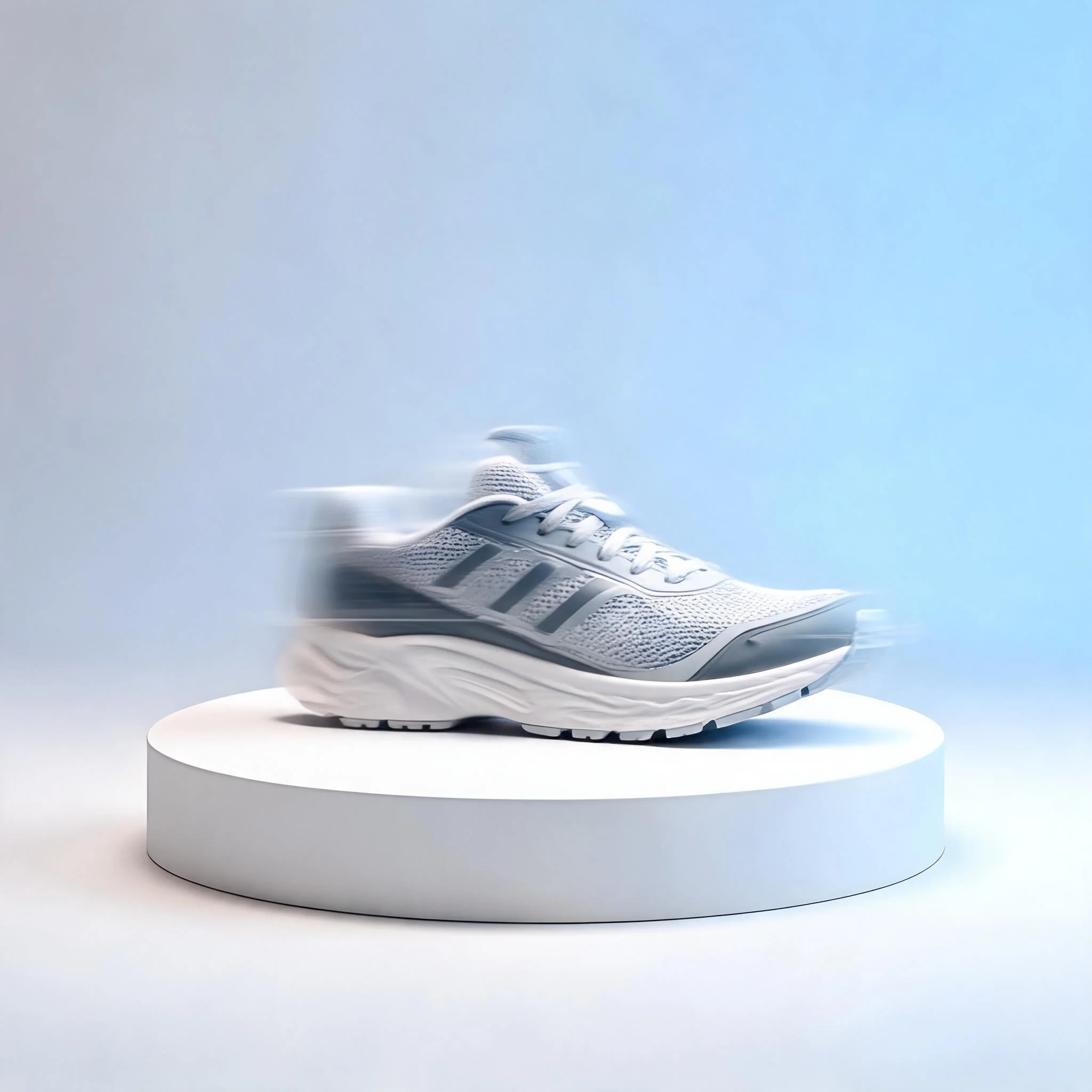
Personal Photos That Move
Bring a travel snapshot or a pet portrait to life for a story post. The fast engine keeps the original framing intact and adds just enough motion to feel alive, so the memory still looks like the moment you captured rather than a synthetic reinterpretation that drifts from the real scene.
Frequently Asked Questions
What happened to the Hotshot AI video generator?▼
Is this Hotshot alternative actually free?▼
How is DreamUtopia different from Hotshot?▼
Do I need to sign up before generating?▼
Will my free videos have a watermark?▼
What image formats and sizes work?▼
Can I use the videos commercially?▼
Make Your First Clip in Seconds
Upload an image, describe the motion, and download a finished video in under a minute. No signup, no watermark, free generations waiting.