
Kiss AI: Turn Two Photos Into a Kiss Video, Free
The tool reads two faces and animates a smooth four-second kiss with realistic lip motion and natural lighting. Drop in one or two photos, write a short prompt describing the moment, and download a finished MP4 in about a minute. Free and unpaid outputs carry a watermark; paid outputs have no watermark.
Start with a real example
These are the prompts paired with this page’s examples. Open the generator, choose an example, then adjust one detail at a time.
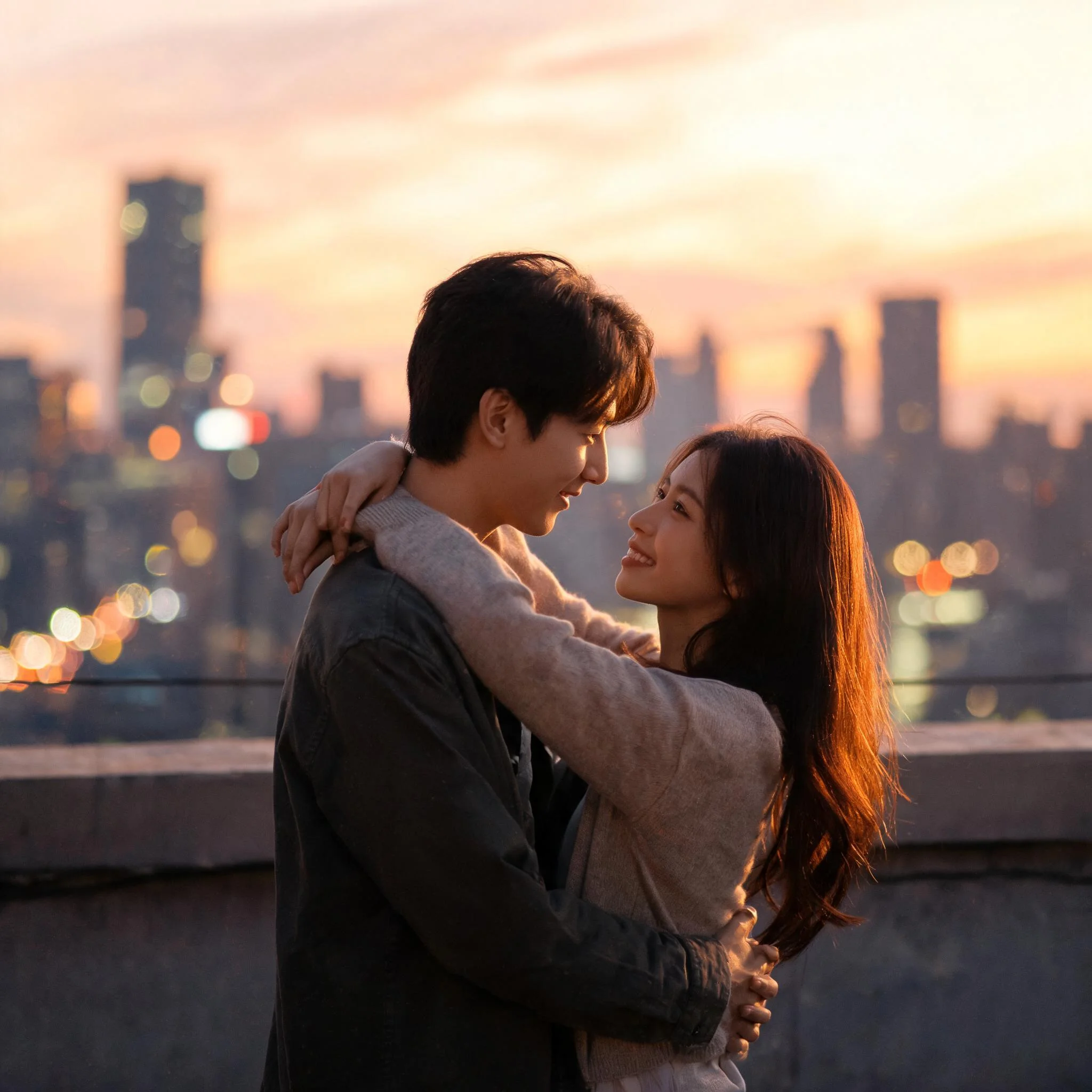
Example prompt 01
The couple slowly leans in, eyes closing, lips meeting in a soft tender kiss, the camera gently pushes forward as warm golden bokeh flickers behind them
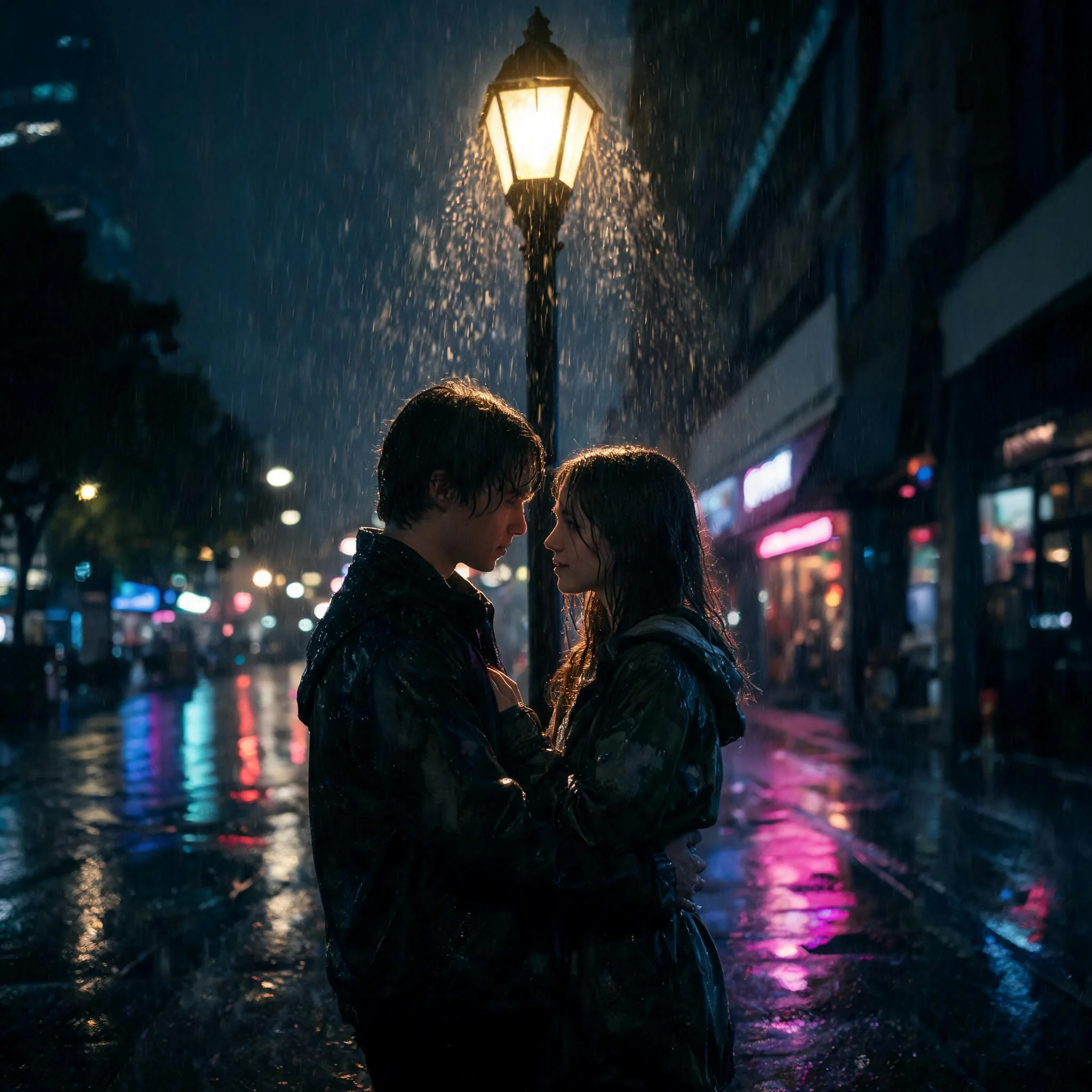
Example prompt 02
Rain falls softly on a city street at night, the couple pauses under a glowing streetlamp and shares a slow kiss, reflections shimmer on the wet pavement
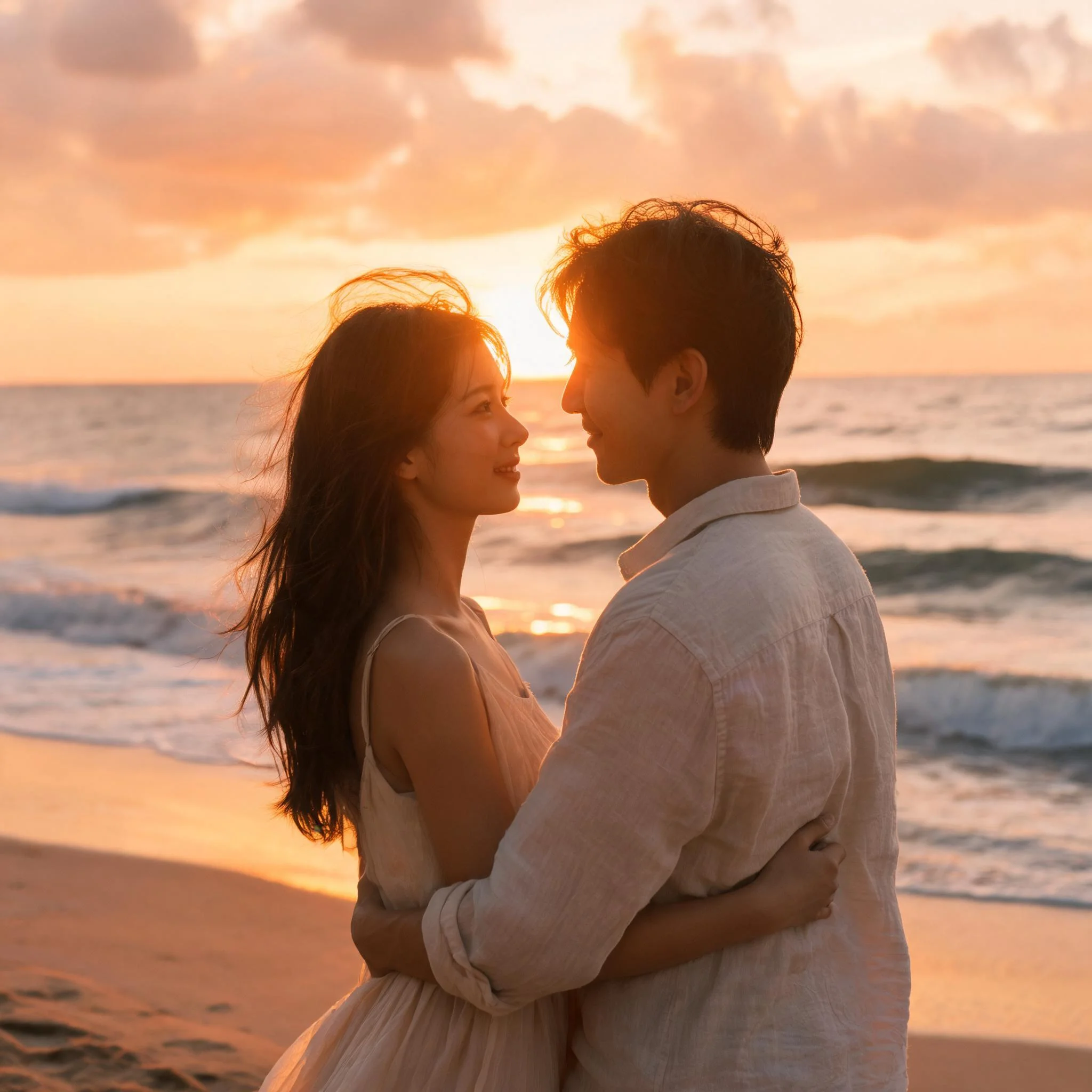
Example prompt 03
On a sunlit beach at golden hour, two people turn toward each other, smile, and lean into a gentle kiss as the camera slowly orbits and waves roll behind them
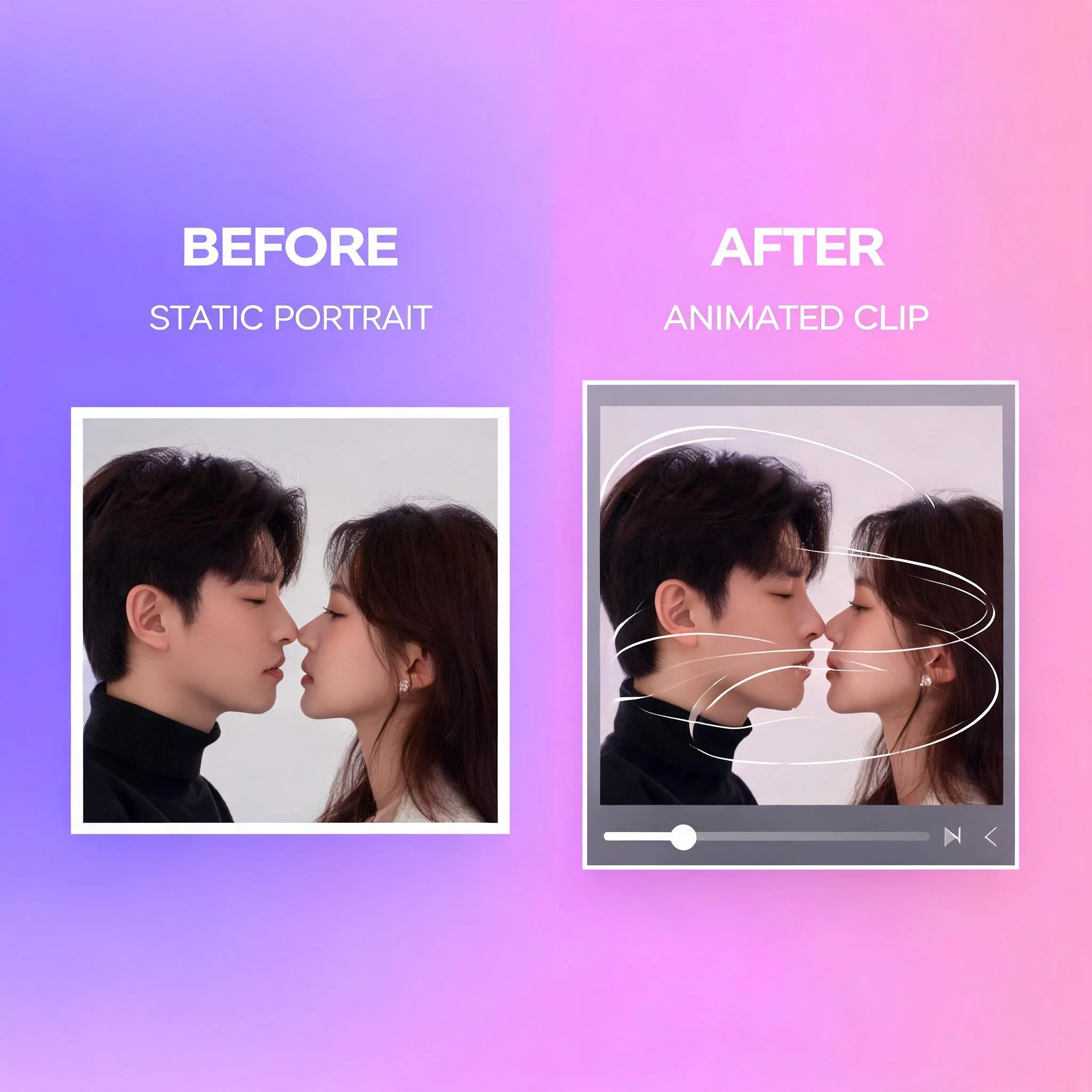
Two photos and one prompt become a four-second romantic kiss clip
What Is Kiss AI?
Kiss AI is a free tool that turns a still photo into a short kiss video. A single photo freezes one second, but a kiss clip shows the whole moment: the lean-in, the eye contact, and the soft second when lips finally meet. We built this generator so anyone can create that result without filming, editing, or awkward retakes. The tool runs entirely in your browser, so you drop in two faces, write a short prompt, and hit generate. Most clips render in 45 to 70 seconds and download as an MP4 that is ready for TikTok, Instagram Reels, or a private message to someone you love. Because the entire AI kissing pipeline runs on our servers rather than your device, an older laptop or a mid-range phone produces exactly the same quality as a high-end workstation, and nothing slows down or overheats while a clip renders. The generator also remembers the style you picked last time, so creating a second or third variation of the same couple takes only a single click rather than a full re-setup. Free and unpaid outputs carry a watermark; paid outputs have no watermark. Open the page on a laptop or phone, drop in your photos, and the round trip from upload to download takes about a minute and a half. Keep the prompt clear and focused on the result you want.
What You Get for Free
Free Generations
Every new visitor gets free kiss video tries. No credit card. No email. Sign up later only when you want to keep going.
Paid output without watermarks
Free and unpaid outputs carry a watermark; paid outputs have no watermark.
Realistic Lip and Face Motion
The engine tracks face landmarks and synthesizes motion to keep eyes, jawlines, and lips consistent across the four-second clip.
Multiple Kiss Styles
Pick soft and tender, playful peck, slow-motion cinematic, or anime romantic. Each style steers the AI toward a different mood.
60-Second Generation
Most clips finish in under a minute. Watch progress live on the same page. No email links, no queue outside the tab.
HD Output, Mobile-Ready
Videos export at up to 1080p and 24 fps for smooth motion. Vertical and square ratios fit Reels and Shorts.
How to Use Kiss AI Free
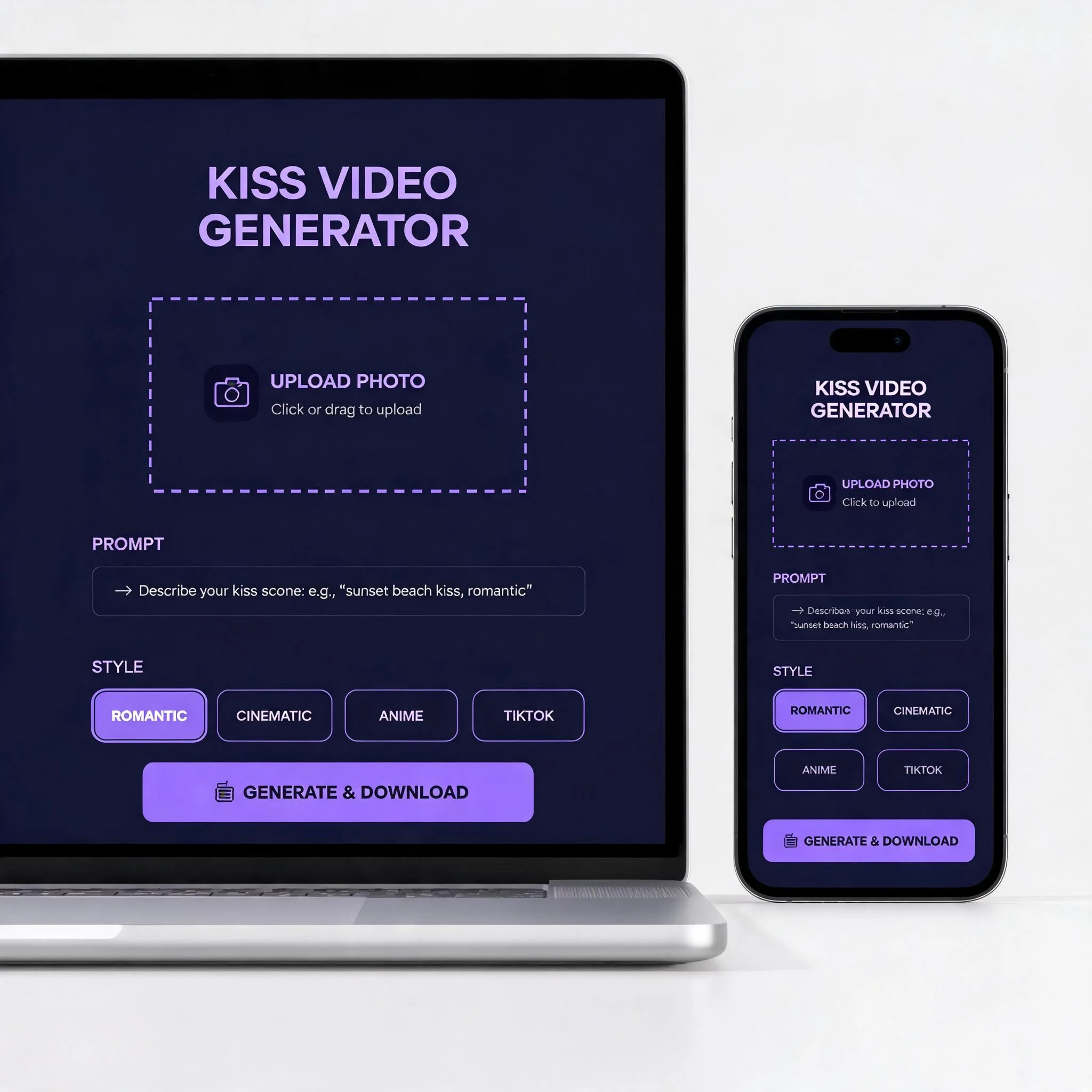
Upload Your Photos
Drop in one full photo of a couple, or two separate portraits. JPG and PNG both work. Aim for at least 720x720 for sharp facial detail.
Describe the Kiss
Write a short prompt like 'gentle kiss under cherry blossoms' or 'playful peck on the cheek'. The engine reads the prompt and matches the motion to the mood you describe.
Pick a Style
Choose realistic, anime, cinematic, or vintage. Each option changes the visual treatment without re-uploading anything.
Download Your Video
Preview the four-second clip in the browser, then download as MP4. Share it to social or save it for a personal moment.
What People Make With Kiss AI
Anniversary and Wedding Reels
Couples turn engagement photos and old date pictures into short kiss clips for anniversary posts. The motion adds emotion a slideshow cannot. Many users stitch three or four clips together with a music track to build a one-minute Reel that earns more saves than a static carousel.
Long-Distance Romantic Moments
When you cannot be in the same room, a small AI kiss video sent over text lands differently than a selfie. It works best when both source photos share similar lighting and head angles. A morning selfie and an evening dinner photo will fight each other; two shots taken the same week look natural together.
Anime and Fan Art Kiss Edits
Anime fans animate ship art and manga panels with the anime preset, which keeps the original line work and adds gentle motion to two characters drawn in still poses. It handles 2D shots, manga screencaps, and even rough sketches with clean output.
Funny Kiss Memes for Friends
Dropping two friends' faces into a kiss clip is a classic prank format that still gets laughs in 2026. Most clips run four seconds, perfect for group-chat reactions and TikTok stitches. Pair the cinematic style with a dramatic song and watch the replies pile up.
Music Video B-Roll for Indie Artists
Independent musicians drop cover art and a single still into the generator, then use the four-second clip as a romantic cutaway in lyric videos and short promos. Testing ten visual ideas before the final edit costs nothing.
Greeting Cards That Actually Move
For birthdays, Valentine's Day, and proposals, people send AI kiss clips as personalized digital greetings instead of flat e-cards. The four-second format autoplays in iMessage and WhatsApp and feels like a tiny custom film made for the recipient.
Explore related tools
Choose the tool that matches your next step.
Make Your First Kiss AI Video, Free
Two photos. One prompt. A four-second romantic clip in under a minute. No signup needed during your free trials.