
AI Portrait Generator Free for Painterly and Studio Art
Describe a portrait in plain words or drop in a clear reference photo to restyle it. Use our AI portrait generator free right in your browser at 2K or 4K across six frame ratios. Free trial renders start immediately with no email wall.
Start with a real example
These are the prompts paired with this page’s examples. Open the generator, choose an example, then adjust one detail at a time.
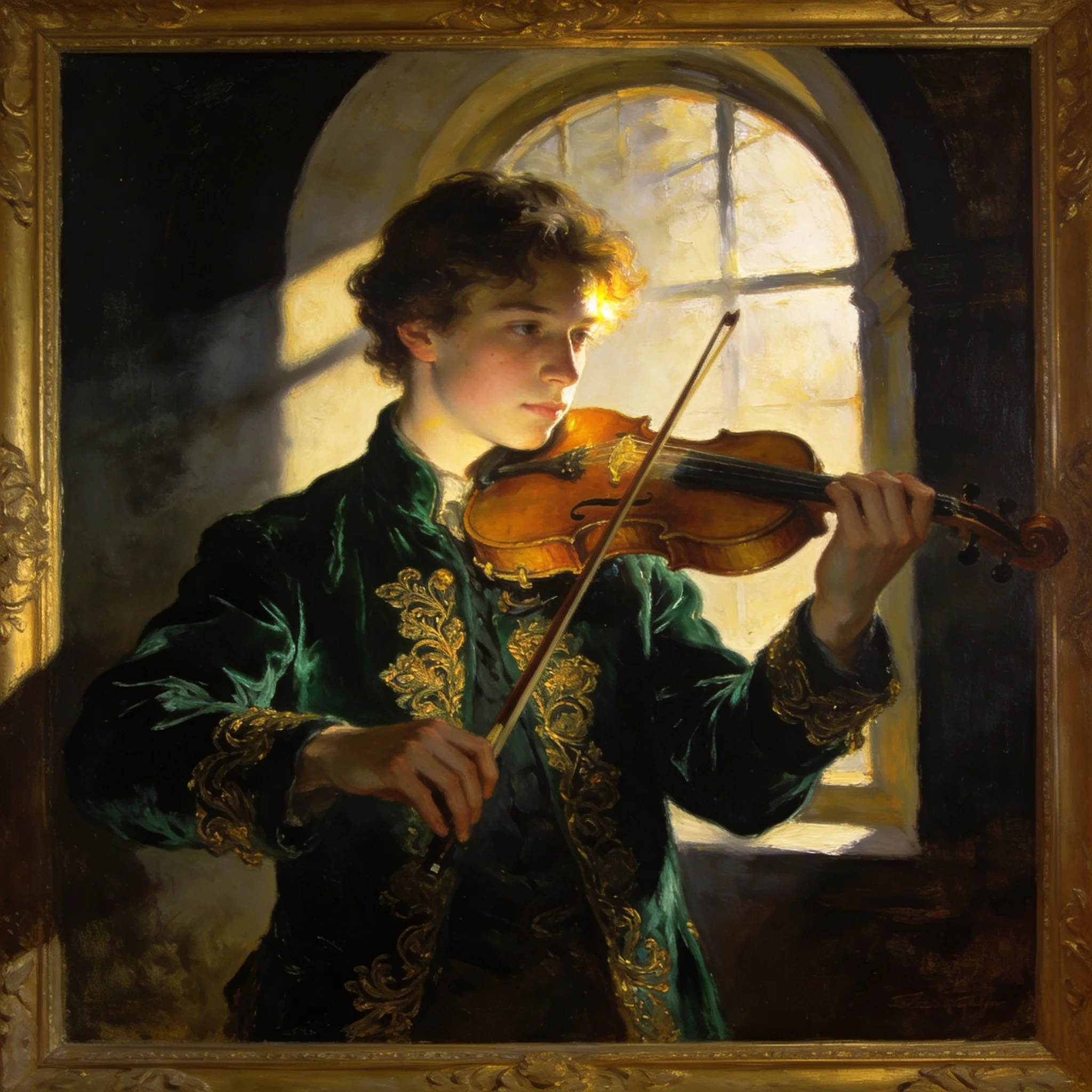
Example prompt 01
Classical Renaissance oil painting portrait of a young violinist in a dark emerald velvet coat holding a wooden violin, warm Rembrandt side light from an arched studio window, rich impasto brushstrokes, fine canvas texture, dramatic chiaroscuro shadows
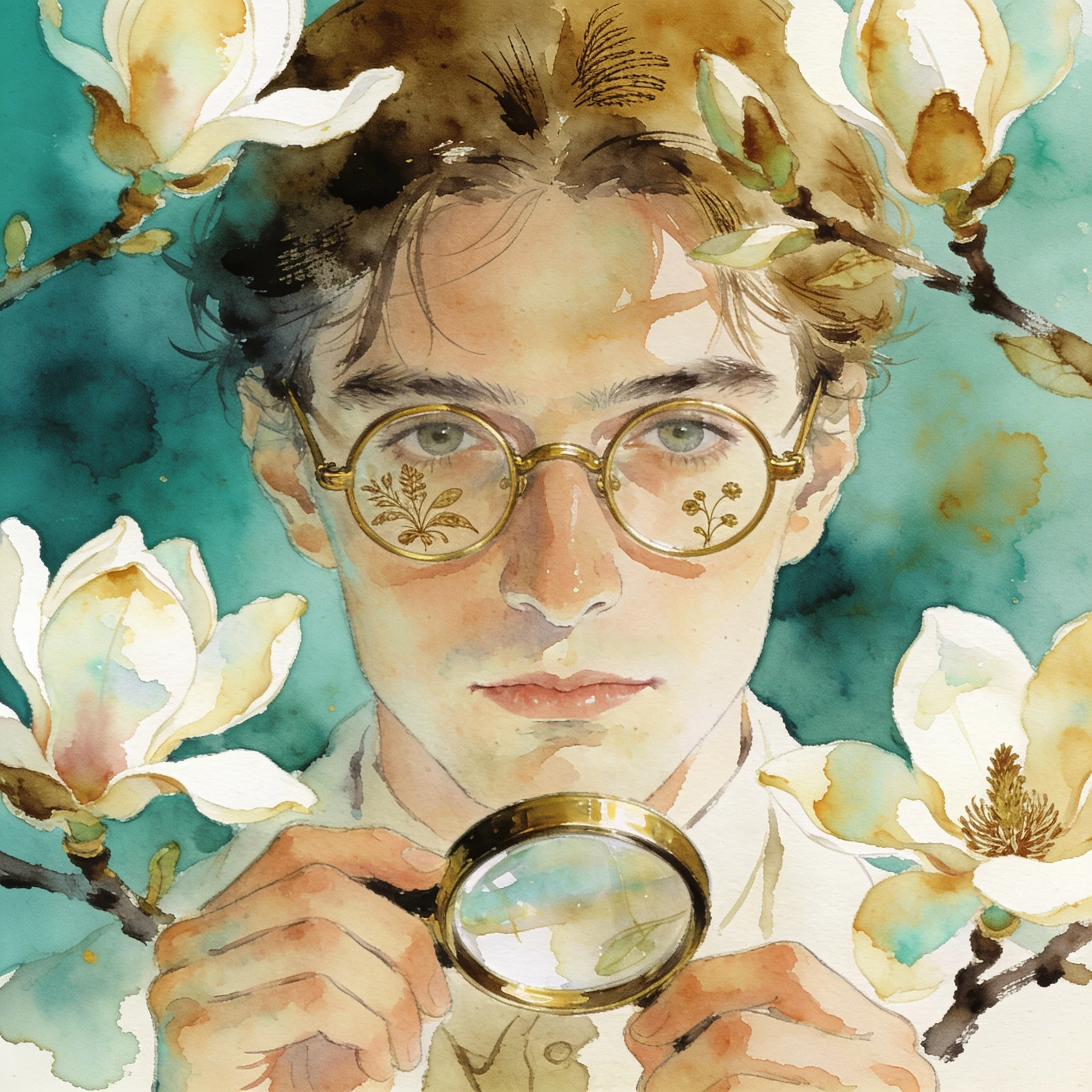
Example prompt 02
Expressive wet-on-wet watercolor and fine sepia ink portrait of a botanist wearing round brass spectacles framed by blooming magnolia branches, delicate pigment blooms on cold-pressed cotton paper, luminous teal and ochre wash
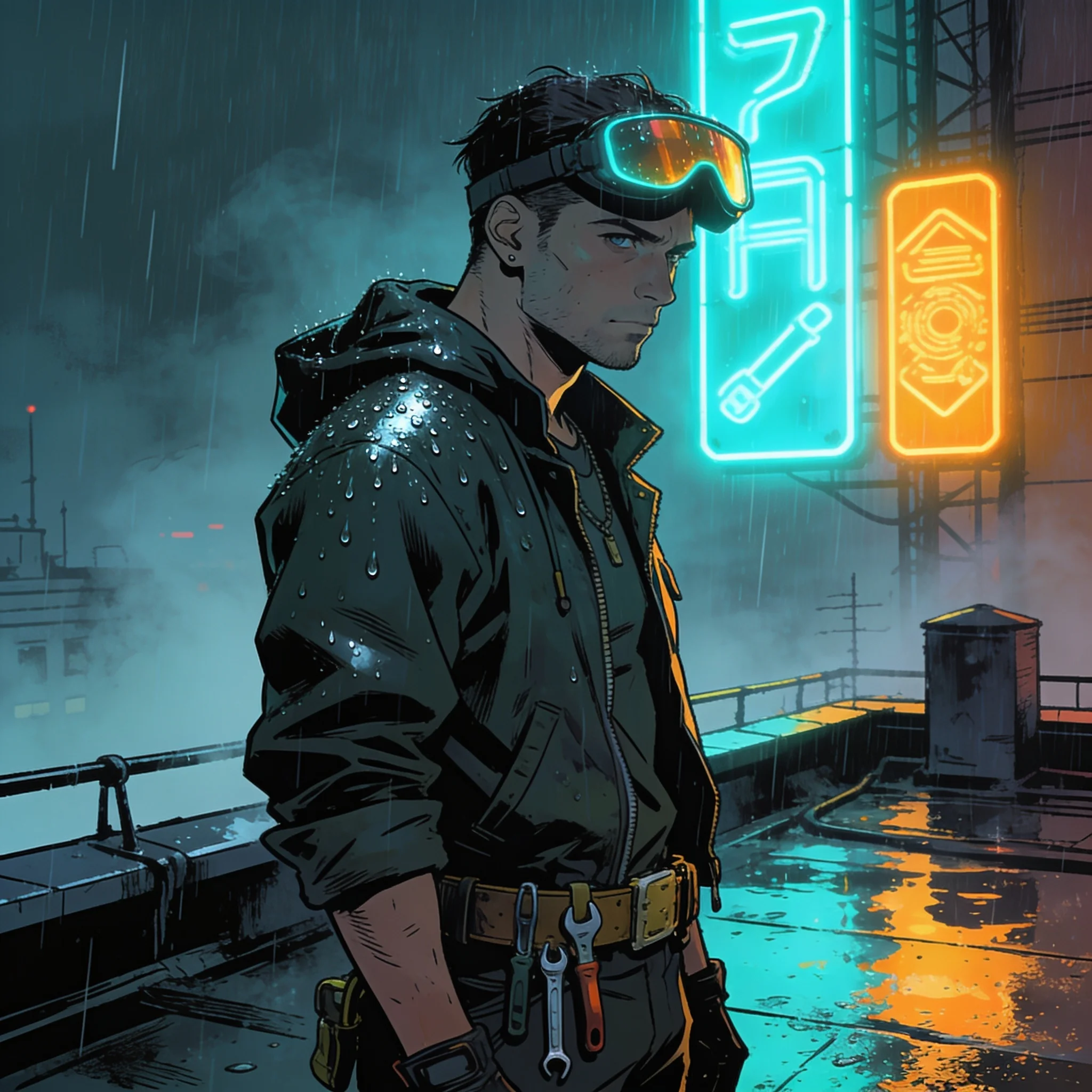
Example prompt 03
Stylized cyberpunk graphic novel portrait of a street mechanic wearing tinted visor goggles under glowing cyan and amber rain-slick rooftop signs, crisp ink contour lines, bold painted highlights, atmospheric mist
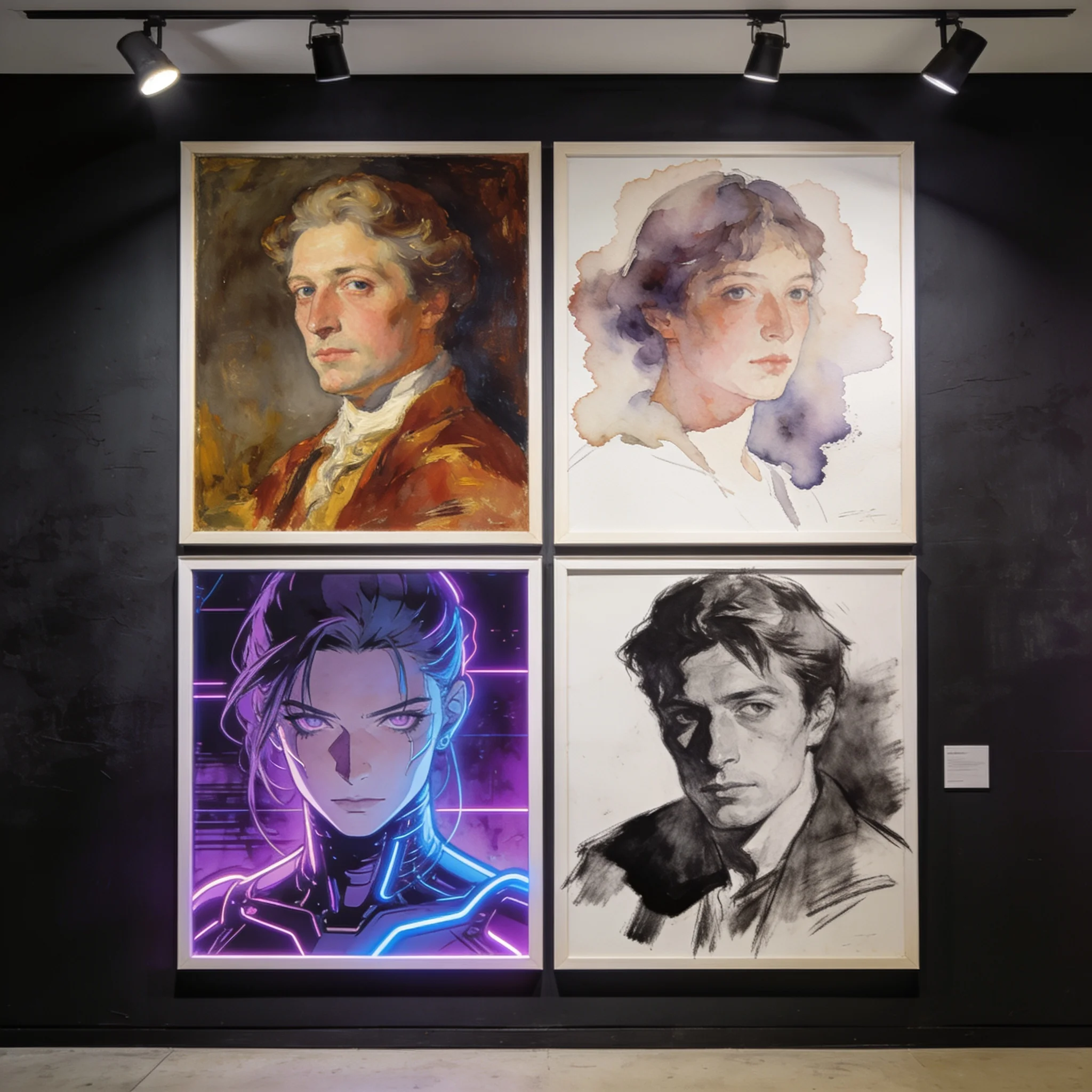
One prompt box shifts cleanly between oil canvas, watercolor wash, graphic novel ink, and charcoal
Artistic Portraits Without Plastic Skin or Paywall Traps
Good portrait art lives in light, texture, and brush weight. Most online tools miss all three. Search for an AI portrait generator free of signup walls and half the tabs lock the download behind a card form, while the other half smear every face into the same waxy airbrushed look. We built DreamUtopia around direct art direction instead of rigid preset filters. Open the box above and write what you actually want to see. Ask for thick palette-knife oil paint under warm side light. Ask for loose watercolor pigment on rough cotton paper. Or ask for crisp 85mm studio framing with soft window shadows. Most stills render in 15 to 25 seconds, and you can compare variations side by side without leaving the tab. Both workflows live in one spot. Leave the upload slot empty for pure text to portrait AI when you are inventing a book character, album cover subject, or vintage study. Add one JPG, PNG, or WebP photo up to 10 MB when you want a photo to portrait AI restyle that keeps your pose, expression, and lighting geometry while changing the medium. We tested more than forty portrait prompts across oil paint, charcoal, ink, Art Nouveau, and editorial photography before writing these notes. Two things made the sharpest difference. Naming a physical medium gave skin and fabric real grain. Naming one clear light direction stopped faces from looking flat. Know the scope up front. DreamUtopia is not a corporate batch app that trains a custom face pack from twenty selfies over an hour. It is a fast browser studio that turns one prompt or one reference photo into 2K or 4K portrait artwork in seconds. Free trial generations run immediately so you can judge brushstroke detail, eyes, and framing yourself.
What You Get in Every Portrait
Text or Reference Photo Input
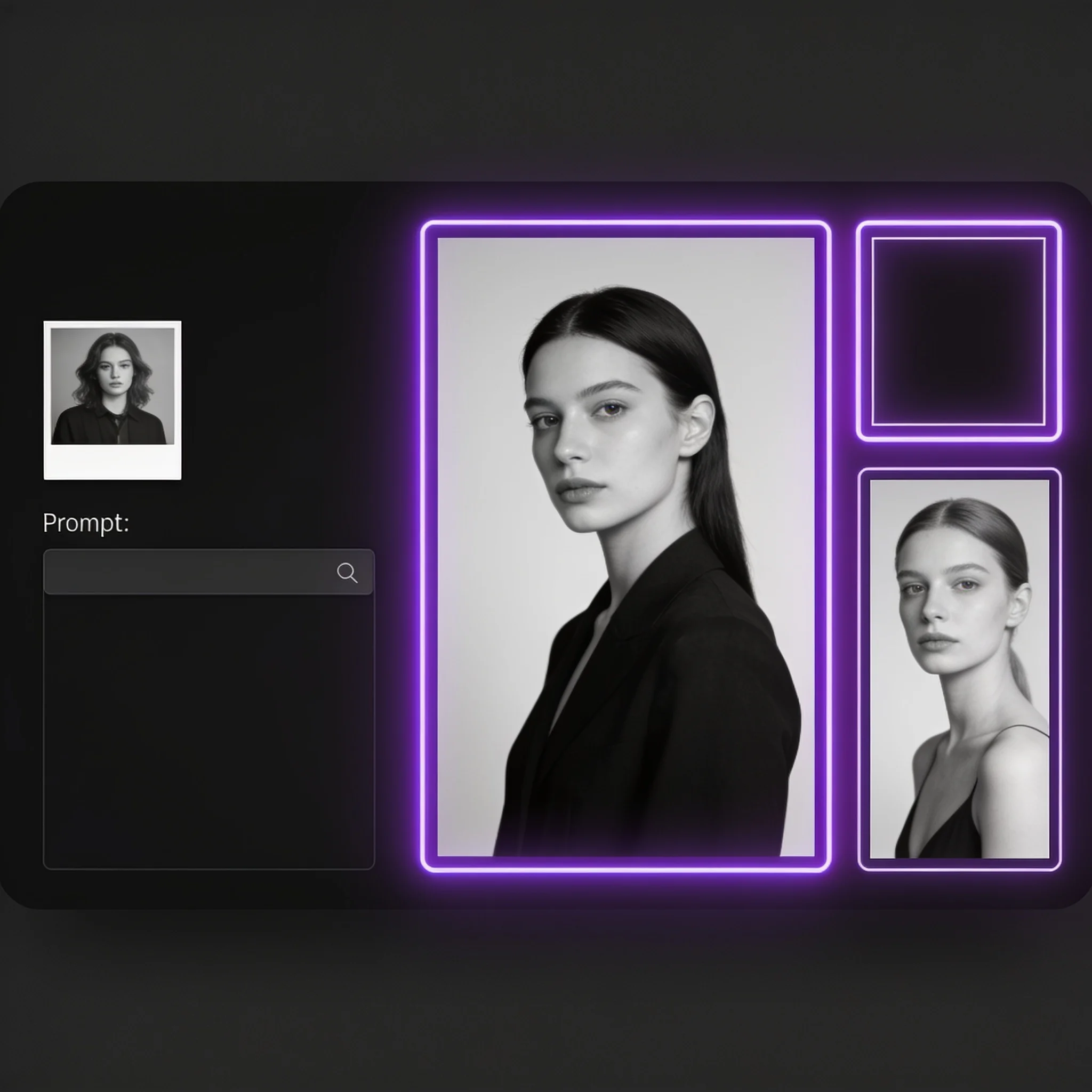
Generate original faces from a short description with text to portrait AI, or attach one reference photo up to 10 MB. Your photo anchors the head angle, pose, and color mood while your prompt shifts the entire piece into oil paint, pastel, or clean studio light.
Print-Ready 2K and 4K Detail
Tiny 512px previews fall apart as soon as you zoom in on eyelashes, fabric weave, or canvas grain. Render fast 2K drafts while exploring styles, then switch to 4K when you want crisp files for framed wall prints, posters, or large profile banners.
Six Native Aspect Ratios
Choose 3:4 or 2:3 for classic vertical frames, 1:1 for square avatars, 4:3 for editorial layouts, 9:16 for phone screens, and 16:9 for widescreen headers. Picking the right shape up front keeps head spacing balanced instead of clipping hair or shoulders later.
Instant Free Trial in Browser
Test the AI portrait generator free on this page with no registration form and no desktop install. Run a few ideas, inspect skin texture and brushwork at full size, and create an account later only if you want saved history or paid credit packs.
Real Artistic Mediums
Our models respond to concrete art terms rather than vague buzzwords. Call for impasto oil strokes, wet-on-wet watercolor blooms, cross-hatched sepia ink, soft charcoal paper, or bold pop-art screenprint. Every medium changes both color handling and surface texture.
Smooth Path to Subtle Motion
A finished still does not have to stay frozen forever. Once a portrait hits the exact expression and palette you want, take that file into Video mode to add drifting dust motes, gentle hair sway, or slow candle flicker in under a minute.
How to Create an AI Portrait in Four Steps
Describe Subject, Medium, and Light
Open the image box above and write one clear sentence in that order. Try 'classical oil portrait of a cellist in a charcoal wool coat, soft north window light, warm umber shadows, three-quarter view.' Concrete nouns beat long lists of quality buzzwords every time.
Attach a Reference Photo (Optional)
Skip this step if you are starting purely from text. For photo to portrait AI restyling, upload one sharp JPG, PNG, or WebP file under 10 MB. Pick a photo with clear eyes, even daylight, and a simple background so the framing transfers cleanly.
Pick Resolution and Frame Ratio
Start at 2K while testing lighting and art styles so you can iterate fast. Set 3:4 or 2:3 for classic head-and-shoulders portraits, 1:1 for square profiles, or 9:16 for vertical stories. Once your favorite prompt clicks, bump to 4K for final detail.
Generate, Refine One Detail, and Save
Hit generate and watch your portrait arrive in 15 to 25 seconds. If the pose works but the color palette feels cold, keep the rest of your prompt untouched and swap only the lighting line. Run one more pass, then download your finished file.
Portrait Styles and Where Creators Use Them
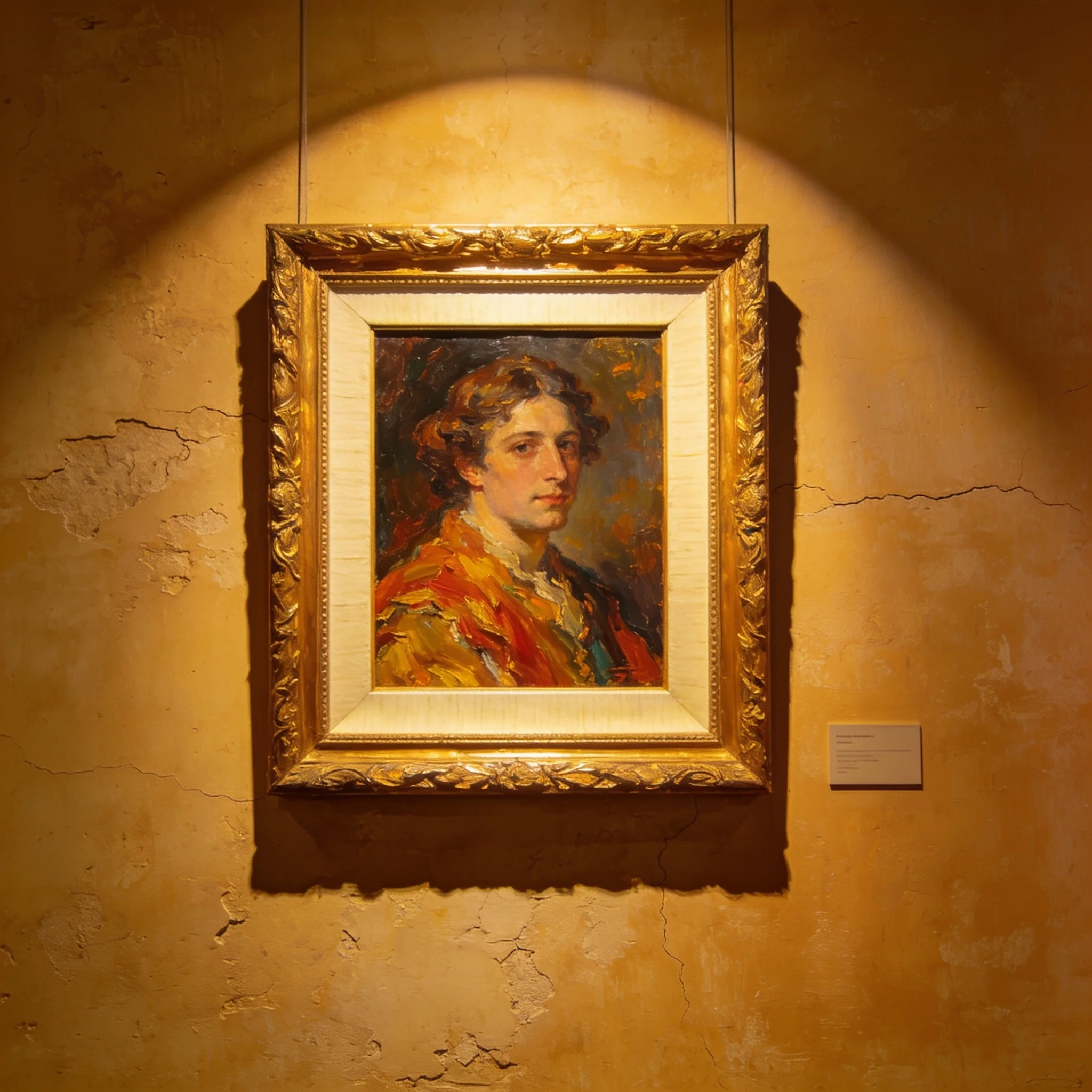
Fine Art Oil and Watercolor Prints
Classical portraiture remains one of the most popular gift and wall-art formats. Upload a family snapshot or pet owner photo and ask for Renaissance impasto oil brushwork, soft linen canvas grain, and warm Rembrandt light. Rendered at 4K in a 3:4 or 2:3 vertical ratio, the output holds crisp detail for framed prints up to 16 by 20 inches.
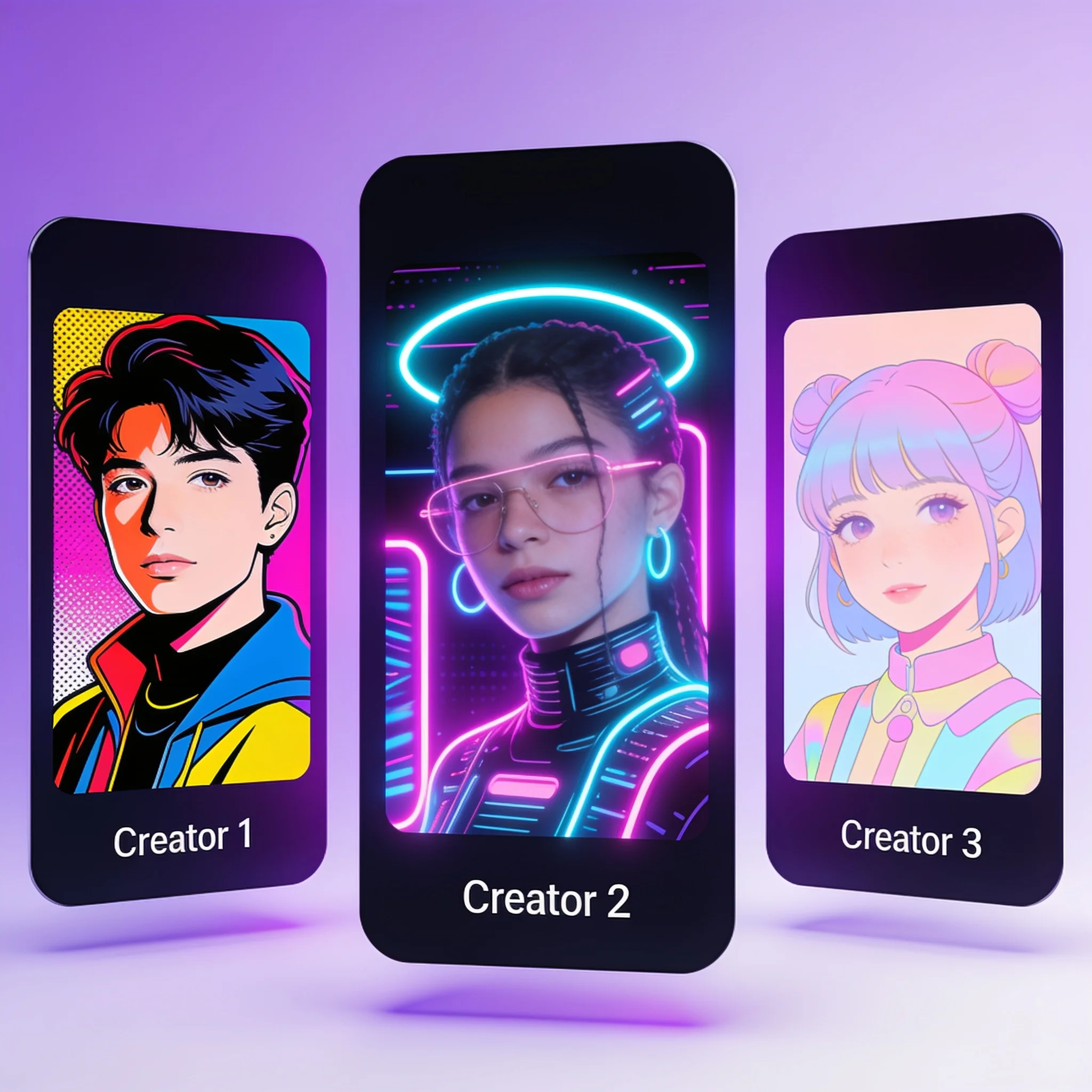
Stylized Creator Avatars and Profiles
Standard phone selfies blend into every social feed within half a second. This AI portrait generator free workflow lets musicians, writers, podcasters, and streamers turn one clean reference shot into bold pop art, moody film noir, or crisp neon graphic novel art. A distinct color palette makes a 48px thumbnail recognizable across X, YouTube, Discord, and Substack.
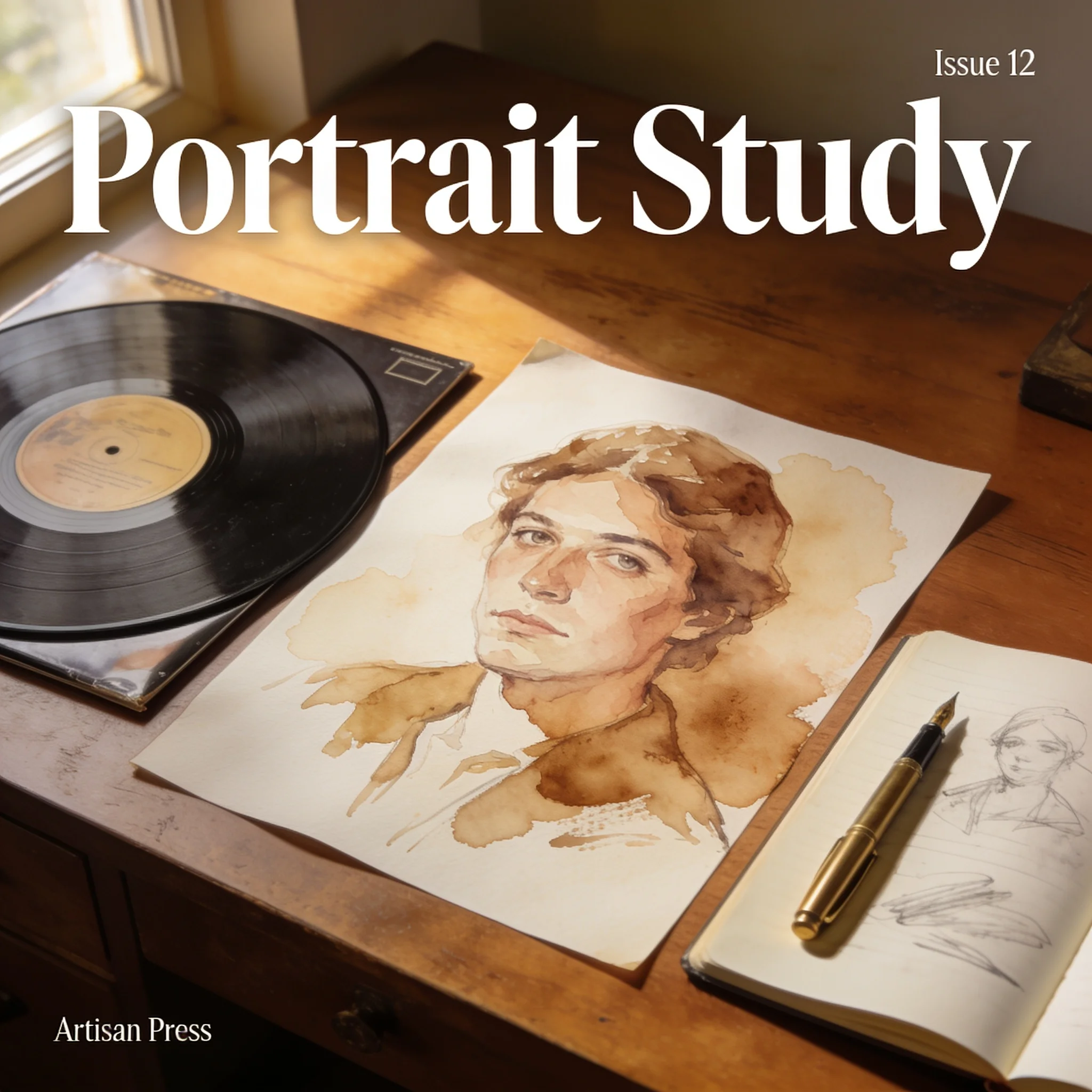
Book Covers, Album Art, and Editorial Posters
Indie authors and small labels rarely have studio budgets for custom painted cover art on every release. Use our ai artistic portrait generator to explore ink washes, gilded Art Nouveau borders, or moody editorial lighting across six quick concepts before locking a final 4K layout. Clean headroom in a 2:3 ratio leaves plenty of space for title type.
Fantasy, Historical, and Tabletop Portraits
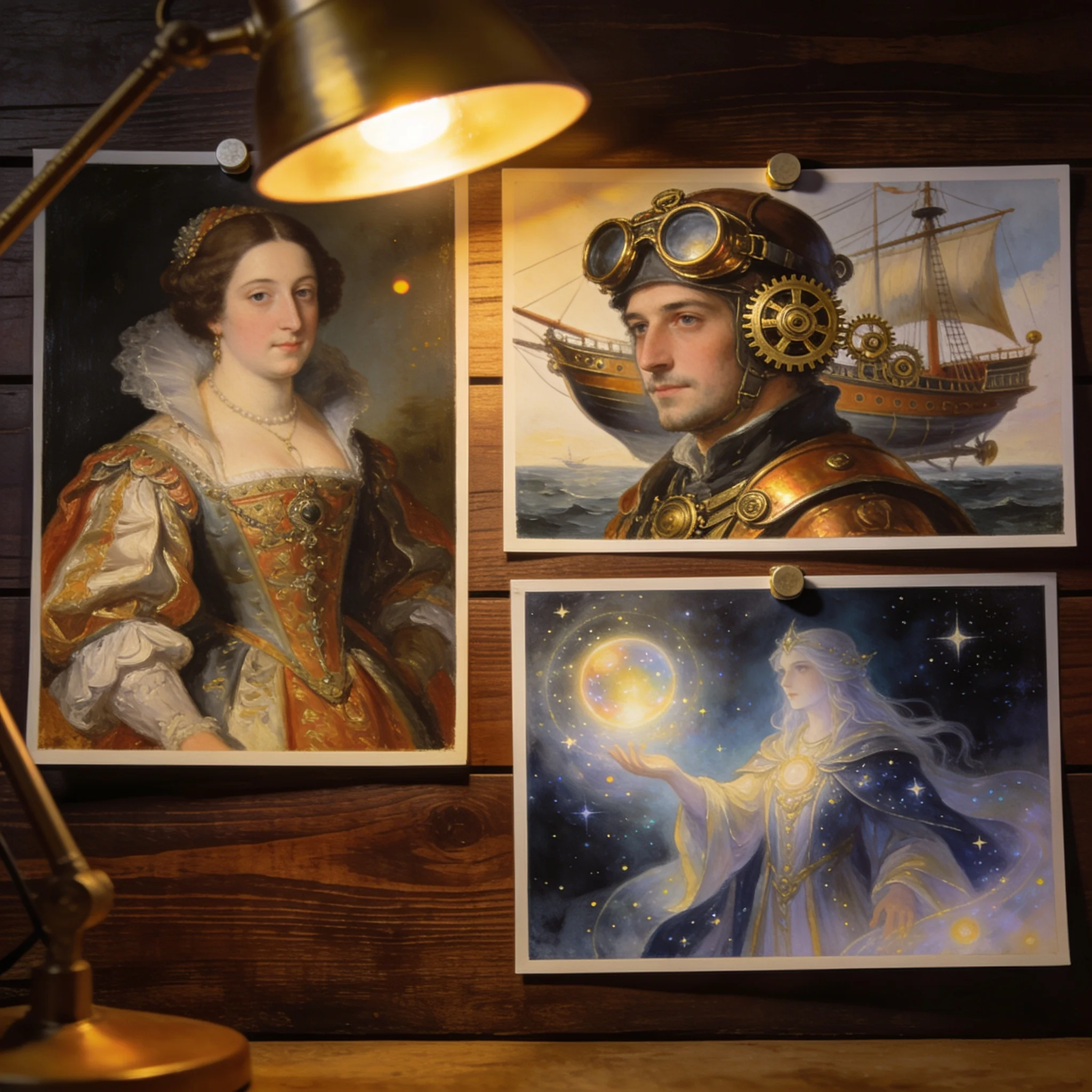
Character sheets, campaign wikis, and historical fiction projects need portraits with real personality instead of generic game armor. Describe period clothing, props like brass spectacles or velvet cloaks, and candlelight or overcast moorland skies. Our online ai portrait maker keeps costumes grounded and readable without needing a custom model setup.
Explore related tools
Choose the tool that matches your next step.
Four Prompt Habits That Prevent Plastic Faces
Across more than forty test renders, almost every uncanny portrait traced back to the same four prompt mistakes. Fix these habits and your outputs immediately read like real artwork.
Name the Surface, Not Just the Style
Typing 'painting portrait' gives the model too much freedom and often produces glossy digital airbrushing. Name the physical surface instead: 'thick oil paint on coarse linen canvas', 'wet watercolor on textured cold-pressed paper', or 'soft charcoal on toned cream rag.' Surface texture anchors every highlight and shadow.
Pick One Directional Light Source
Front-on flat light erases cheekbones and makes portraits look pasted together. Give the face one clear light source, such as afternoon window light from the left, a single warm lamp in a dim studio, or cool overcast porch light. Directional light sculpts the face naturally.
Specify Camera Framing and Lens Feel
Without a framing cue, half your runs crop too tight on the forehead or pull too far back. Add a short framing line like 'head and shoulders three-quarter crop, 85mm portrait lens feel' or 'waist-up studio composition with clean headroom.' That single phrase stabilizes composition across rerolls.
Keep Reference Photos Simple and Sharp
Blurry party crops, heavy sunglasses, and harsh neon club shadows confuse any free ai portrait generator when restyling a photo. Use a sharp, front-lit photo taken near a window with clear eyes and minimal clutter behind your head. Clean input always multiplies output quality.
Render Your First Artistic Portrait in Seconds
Write a short scene or upload one clear photo to create 2K and 4K portraits in oil, watercolor, ink, or studio light. Free trial runs right in your browser.