
How to Buy Crypto & Pay on DreamUtopia
A simple step-by-step guide. Buy crypto with a card or bank transfer, then pay for DreamUtopia credits with USDC on the Polygon network. No experience needed.
Option 1 — The Fastest Way: Pay Directly on DreamUtopia
You don't need a wallet or an exchange account. Buy USDC with your card right inside our payment page — your deposit address is filled in for you automatically.
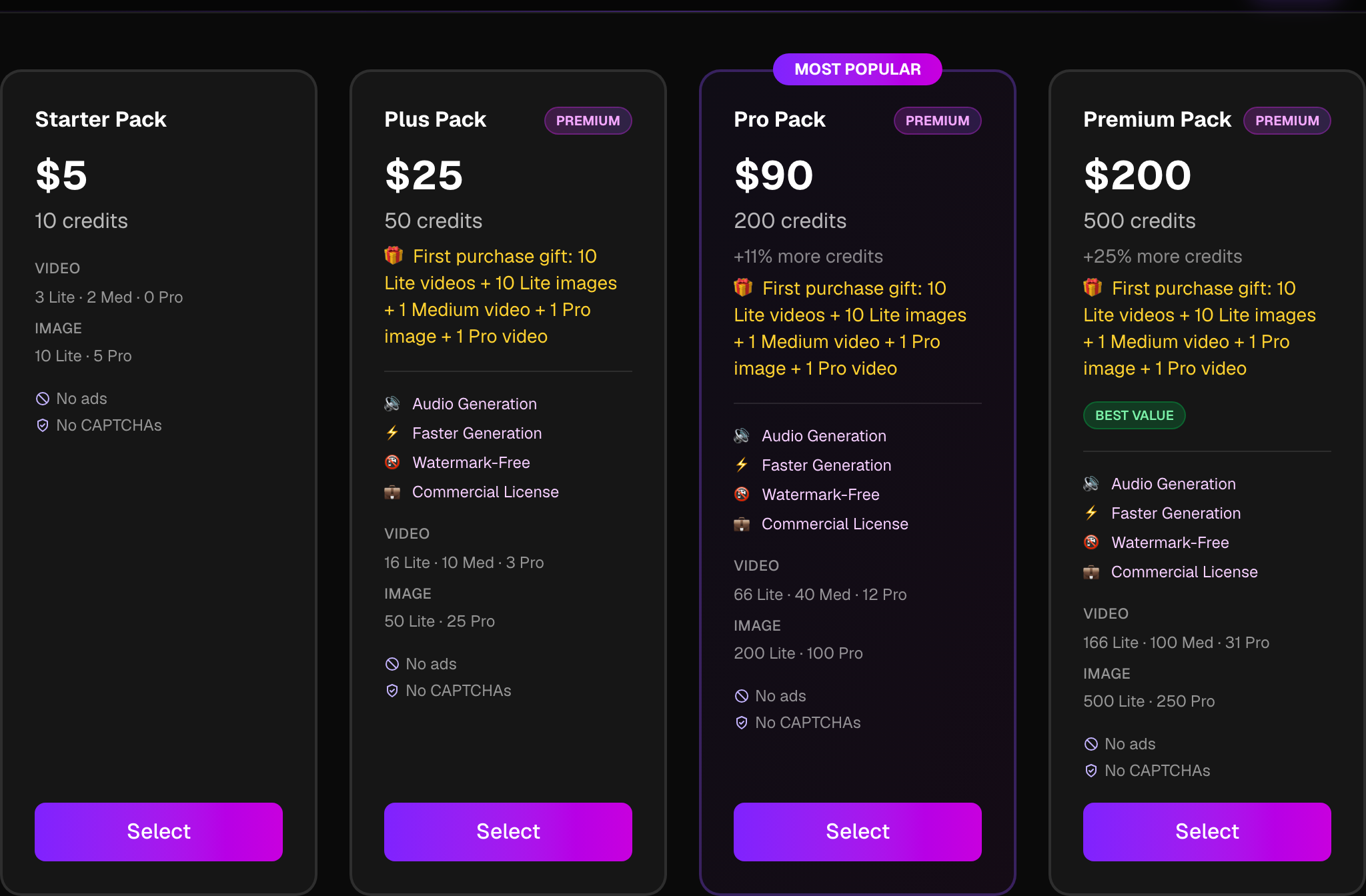
Pick a credit pack
Go to the Pricing page, choose the pack you want and tap Buy.
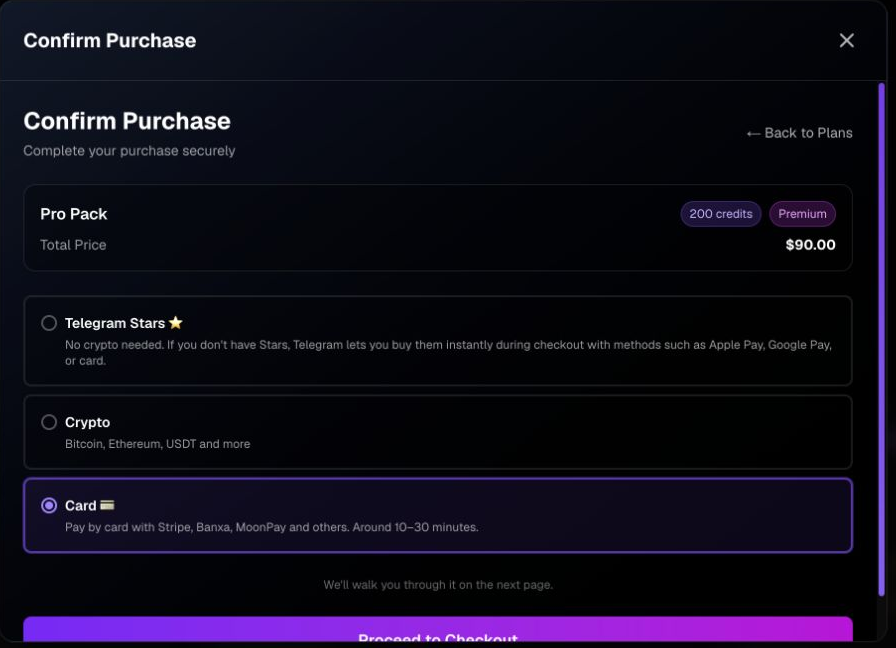
Choose “Card”
In the payment window, select the Card option — this opens our guided payment page that buys USDC on the Polygon network for you.
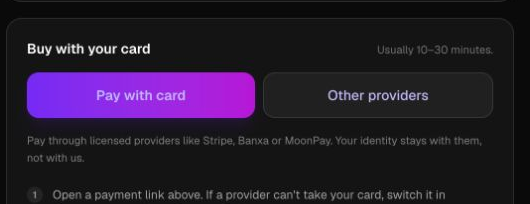
Pick a payment provider
On the payment page, tap “Pay with card” — Onramper opens with your deposit address already filled in. If your card is declined, tap “Other providers” to try Meld.
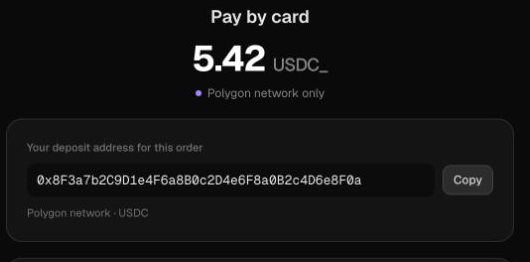
Pay with your card
Your deposit address is already filled in. Check that it says USDC on Polygon and that you'll receive at least the required amount.
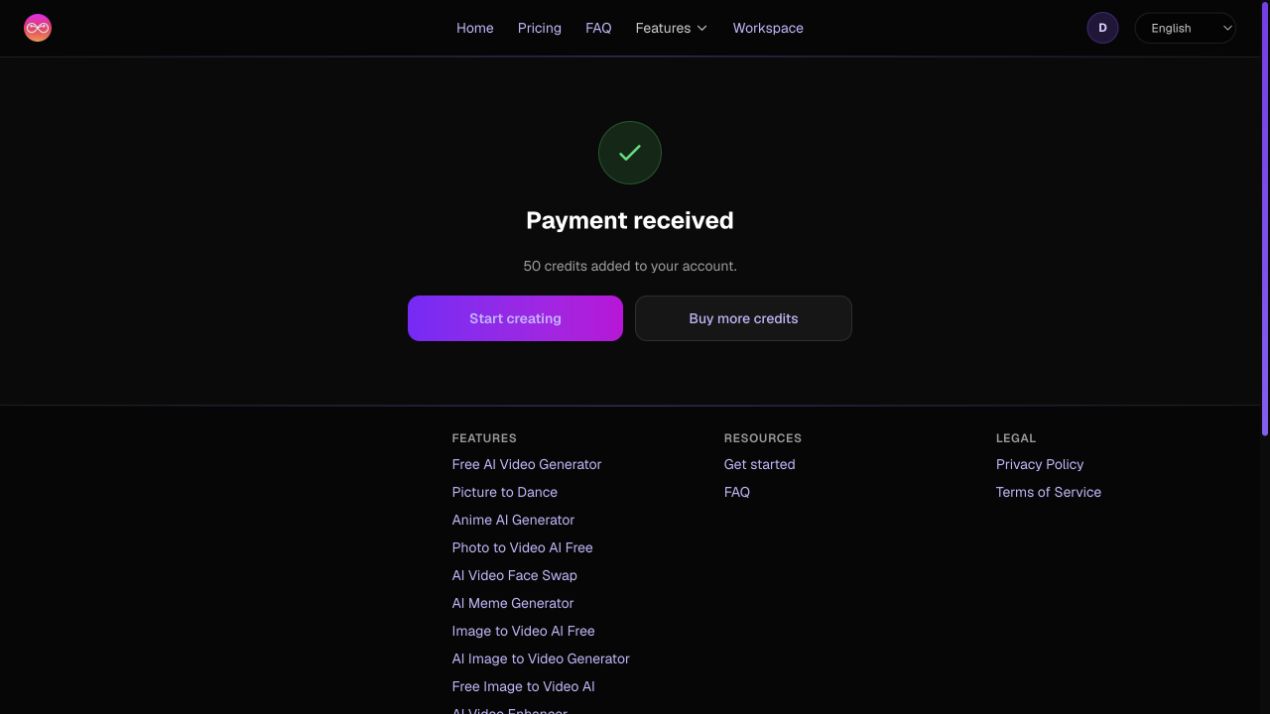
Wait for your credits
Settlement usually takes 10–30 minutes. Keep the page open — it updates on its own. Paying a little more simply adds more credits.
Option 2 — Buy Crypto Anywhere, Then Send It
Prefer to use your own exchange or wallet? Buy USDC wherever you like, then send it to your DreamUtopia deposit address.
Buy USDC
Use one of the provider guides below to buy USDC — a stablecoin worth 1 USD — on the Polygon network.
Get your deposit address
On the Pricing page, choose Card to open your personal USDC deposit address for the order.
Send USDC on Polygon
Send your USDC to that address. Choose the Polygon network (sometimes shown as MATIC) and make sure it says USDC, not USDC.e. Add network fees on top so the full amount arrives.
Wait for your credits
Credits are added automatically once the payment is confirmed — usually within a few minutes.
Never send USDC on another network such as Ethereum or BSC — the funds won't arrive.
How to Buy Crypto: Step-by-Step Guides
All of these providers let you pay with a card or bank transfer. Easiest options come first — pick whichever is available in your country.
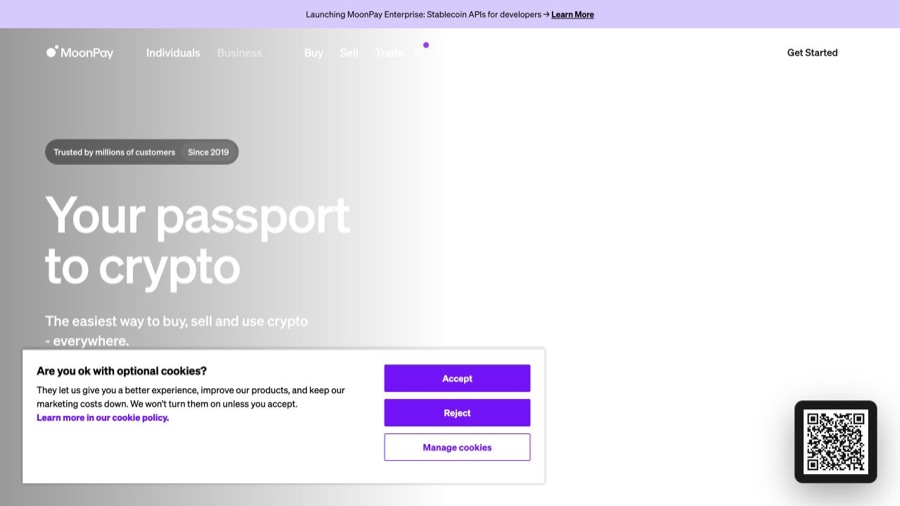
MoonPay
Easiest · No account neededBuy USDC instantly with a card, Apple Pay or Google Pay. No exchange account or prior crypto experience required.
- 1Go to moonpay.com or open the MoonPay app
- 2Choose USDC and enter the amount (minimum around $20)
- 3Enter the wallet address you want to receive USDC
- 4Pick card, Apple Pay or Google Pay and confirm the purchase
- 5Complete identity verification if asked — then send the USDC to your DreamUtopia address
Onramper
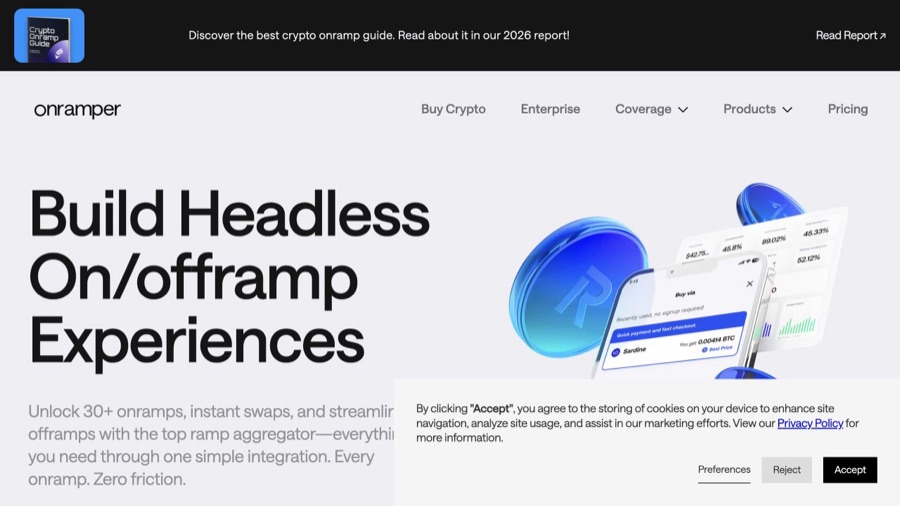
Used by DreamUtopiaThe same provider built into our payment page. It aggregates MoonPay, Stripe, Banxa and more and compares offers for you.
- 1Open the DreamUtopia payment page and choose Card
- 2Onramper opens with your deposit address already filled in
- 3Pick the best offer — providers are compared automatically
- 4Pay with your card; your credits arrive automatically
Ramp
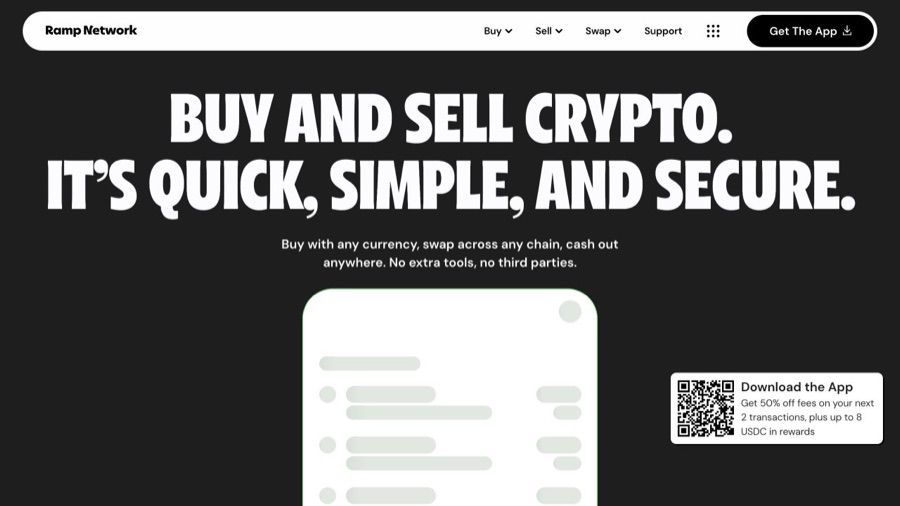
Easiest · no account neededBuy USDC with any card or bank transfer — no account or wallet needed.
Transak
Buy with card · no accountA simple card checkout for USDC on Polygon, available in many countries.

Mercuryo
Buy with card · no accountBuy USDC quickly with a card — a lightweight checkout with no account needed.
Banxa
Inside DreamUtopia paymentsA licensed provider available through Onramper — buy USDC with a card or bank transfer.
Changelly
Instant · card or swapBuy USDC instantly with a card, or swap another crypto for it in minutes.
Uphold
Card & bank · simpleA simple platform for buying USDC with a card or bank transfer.
Coinbase
Beginner-friendly exchangeOne of the most popular exchanges for beginners. Buy USDC with a bank account or card, then send it to DreamUtopia.
- 1Create a Coinbase account and verify your ID
- 2Add a payment method — bank account or card
- 3Tap Buy & Sell, then Buy
- 4Choose USDC and enter the amount
- 5Confirm the purchase, then withdraw the USDC to your DreamUtopia address on Polygon

Binance
World's largest exchangeBuy USDC with a card or bank transfer on one of the largest crypto platforms.
- 1Create a Binance account and complete verification
- 2Open the app or website and tap Buy Crypto
- 3Choose USDC and your payment method — card or bank transfer
- 4Enter the amount and confirm the purchase
- 5Withdraw the USDC to your DreamUtopia address on the Polygon network
Kraken
Trusted exchangeA secure, long-established exchange available in many countries.
- 1Create a Kraken account and verify your identity
- 2Add funds with a card or bank transfer
- 3Buy USDC in the app or on the website
- 4Withdraw the USDC to your DreamUtopia address on Polygon

Crypto.com
Popular mobile appBuy crypto from a well-known mobile app using a card or bank account.
- 1Download the Crypto.com app and create an account
- 2Verify your identity and add a payment method
- 3Tap Buy and choose USDC
- 4Enter the amount and confirm
- 5Send the USDC to your DreamUtopia address on Polygon
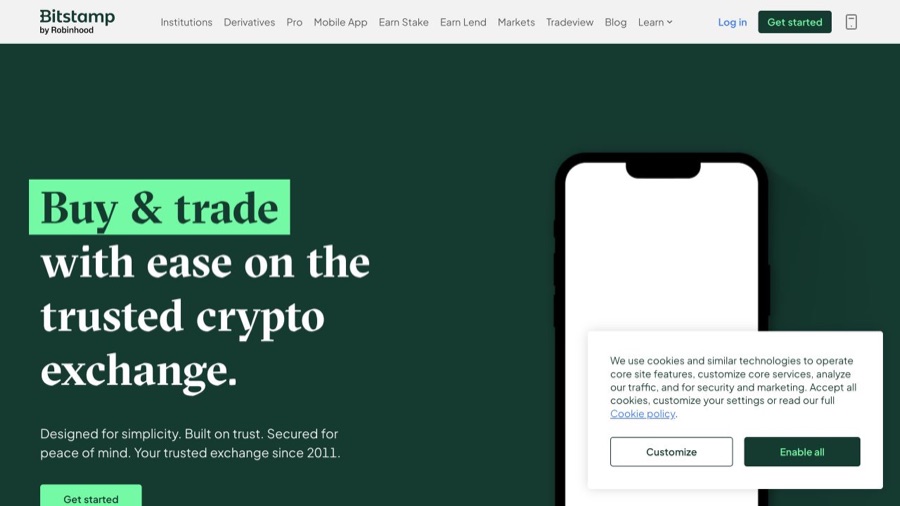
Bitstamp
Long-established exchangeOne of the oldest exchanges, with card and bank purchases.

More ways to buy crypto
These platforms also sell USDC and work well in most countries — most let you pay with a card or bank transfer:
Questions? We've got answers
Which network should I use?▼
USDC or USDC.e — what's the difference?▼
Why do I need to verify my identity?▼
How long does payment take?▼
Do my credits expire?▼
What if I send more or less than the required amount?▼
Sources
The payment details on this page come from the asset and network documentation, not from us:
Ready to top up your credits?
Head to the Pricing page — pay with a card or crypto and start creating in minutes.
Go to Pricing