
AI Image to Video Generator, Free
Animate any photo in under 90 seconds. No signup, free generations.
Upload a picture, type the motion you want, and watch a still frame turn into a short video. Our free AI image to video generator gives you several models to match the look to each project, from gentle camera pans to full scene motion.
Drag & drop an image, or click to upload
JPG, PNG, WebP, TIFF — up to 20MB
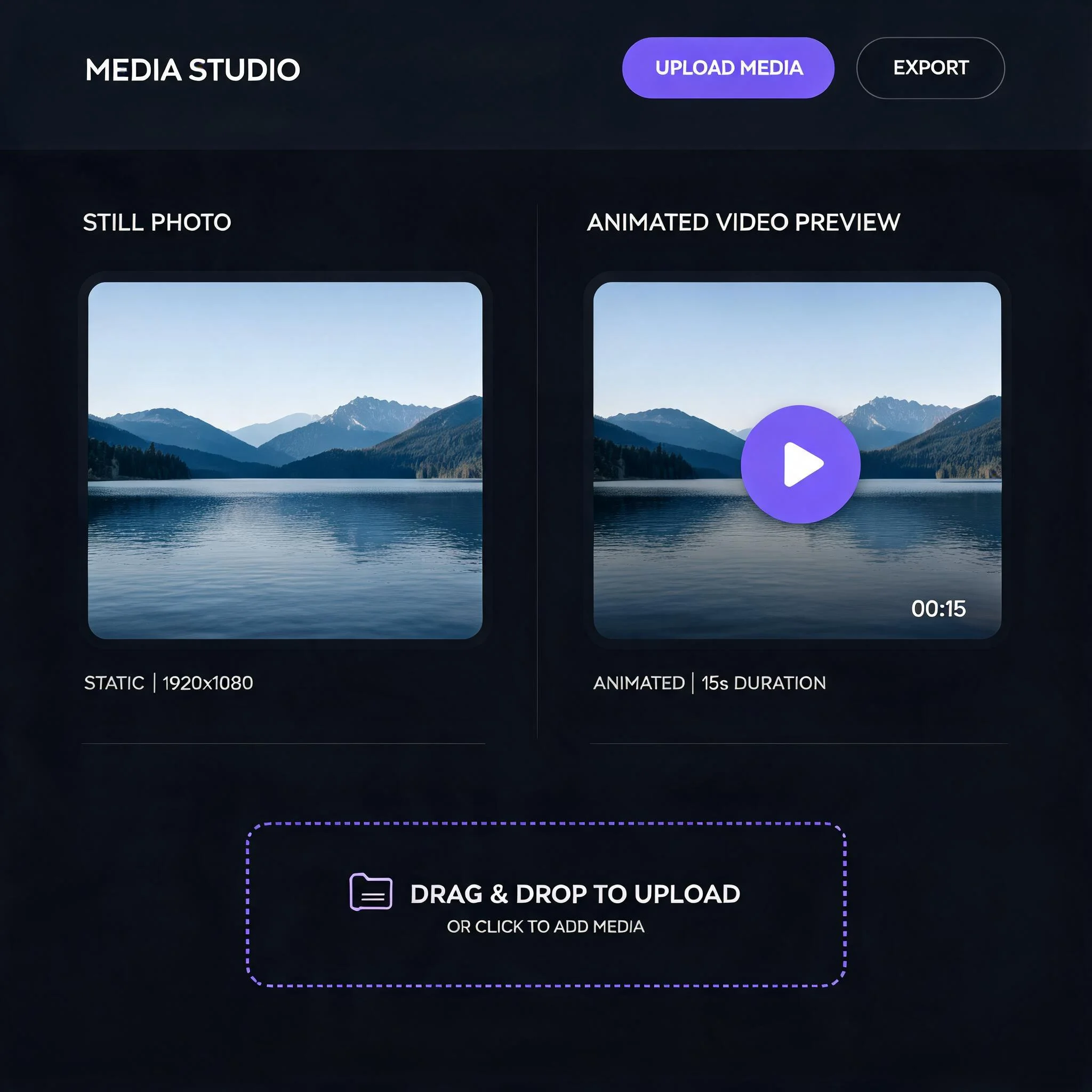
A still photo on the left, the animated video preview on the right
Why We Built a Free AI Image to Video Generator
We tested dozens of motion models on real photos: portraits, product shots, landscapes, pet pictures. Most free tools cap you at one render a day or stamp a watermark across the result. Ours does neither. You get free generations to start, with no account and no card. Each video renders in roughly 60 to 90 seconds. The result is yours to keep, share, or post. We wanted a free AI image to video generator that a creator could actually use for a full afternoon of work, not just one quick demo. The trick to a good clip is the motion prompt. A still photo holds no information about how things should move, so the model guesses unless you tell it. Short, concrete direction works best. 'Camera slowly pushes in, steam rises from the cup' beats a vague 'make it move.' We built the prompt box to reward that kind of specific instruction, and the sample scenes below show the difference clear direction makes.
What the Free AI Image to Video Generator Gives You
Free Generations
Start with free video renders. No email, no card, no trial countdown timer. That is enough to see the motion quality for yourself before you decide.
No Watermark
Free videos export clean. No logo burned into the corner of your clip, so you can post straight to a feed or hand a draft to a client without an awkward watermark.
Multiple AI Models
Several motion models run behind one button. Pick realistic for portraits, artistic for stylized scenes, or fast when you just need a quick draft to check an idea.
Up to 1080p Output
Export sharp HD video up to 1080p. Vertical 9:16, square 1:1, and widescreen 16:9 ratios are all supported, so the clip fits wherever you plan to post it.
60 to 90 Second Renders
Most clips finish in 60 to 90 seconds. A live progress bar shows the render stage, so you are never left guessing whether the job stalled or is still working.
Works in Any Browser
Nothing to install. The generator runs in Chrome, Safari, and Firefox, on desktop or phone. Upload from your camera roll and download the result on the same device.
How to Turn an Image Into Video, Free
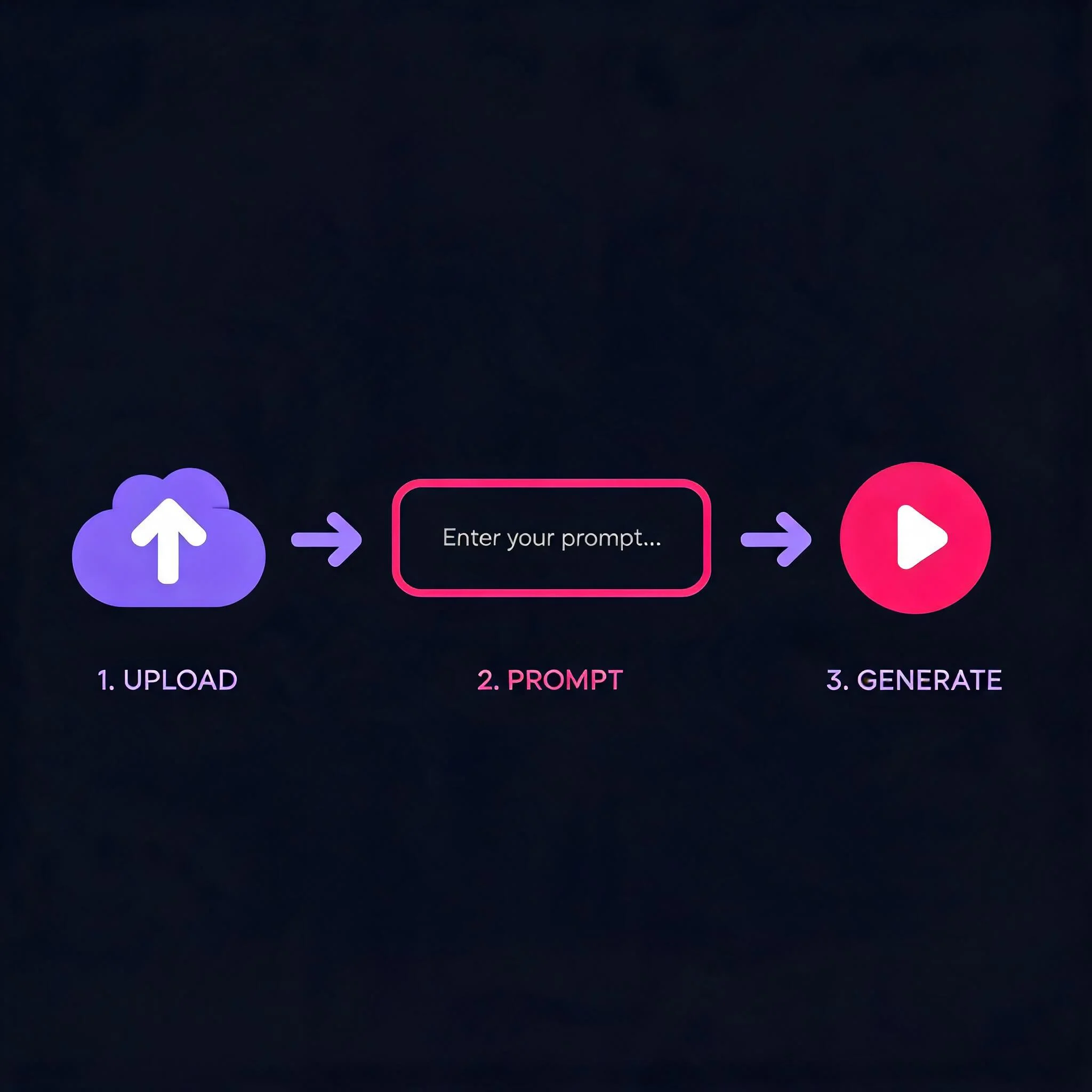
Upload Your Photo
Drop in any JPG, PNG, or WebP. Portraits and landscapes both work well at 720p or higher. A sharp, well-lit source gives the model more detail to animate, so skip heavily compressed screenshots when you can.
Describe the Motion
Type what should move. 'Camera slowly zooms in' or 'leaves drift down' gives the AI clear direction. Keep it concrete and short. The model fills a still photo with motion it has to invent, so the more specific your prompt, the closer the result lands to what you pictured.
Pick a Style
Choose a model that fits your shot. Each handles motion and texture a little differently. One reads faces and subtle expression well, another leans into bold, stylized movement. Run the same photo through two and compare before you spend a render on the final.
Download Your Video
Preview the clip, then save the MP4. Post it straight to social or drop it into your project. The download is clean and watermark-free, so there is no extra editing step before it goes live.
What People Make With It
Social Media Clips
Vertical video pulls more reach than a static post on most feeds. Animate a product shot or a selfie and post it to Reels, Shorts, or TikTok in minutes. A gentle camera move is often enough to stop the scroll, and you keep free renders to test which clip lands best.
Marketing Content
Turn a flat product photo into a moving ad. Small shops use the free tier to test ideas before paying for a full campaign shoot. Animate a single hero image, see how it reads in motion, then decide whether the concept is worth a bigger budget.
Memory Animation
Bring an old family photo to life with a gentle pan and soft motion. A quiet, moving way to revisit a still image. The model adds subtle depth and drift without distorting faces, so the memory stays recognizable while it gains a little life.
Concept Previews
Designers and students animate a mockup or a sketch to show how a scene would feel in motion, without filming anything. A still concept board becomes a short moving preview, which makes a pitch or a class project far easier to follow.
Free AI Image to Video Generator vs Other Free Tools
We compared our free tier against the limits most other no-signup tools impose. Many cap you at a single render a day or drop a watermark on the output, which makes the free tier more of a demo than a working tool. The table below lays out where we differ.
| Feature | DreamUtopia | Others |
|---|---|---|
| Free generations | 10 to start, no account | Often 1 per day |
| Watermark on free tier | None | Usually added |
| Signup required | No | Frequently yes |
| Max resolution | Up to 1080p | Often 480p free |
| Model choice | Several models | Single model |
| Commercial use | Yes, videos are yours | Often restricted |
Free AI Image to Video Generator FAQ
By the DreamUtopia Team · Last updated October 10, 2026
Is the AI image to video generator really free?
▼
Is there a watermark on free videos?
▼
What image formats can I upload?
▼
How long are the generated videos?
▼
Can I use the videos commercially?
▼
How do I make the AI video look natural instead of strange?
▼
What aspect ratios and resolutions can I export?
▼
Make Your First AI Video Free
Upload a photo, describe the motion, and watch it move in under 90 seconds. No signup, no watermark, free tries.